Cloud storage feels almost invisible now. Photos move from phone to cloud, school files sync across devices, and work documents appear wherever you sign in. That convenience is the whole point, but it can also make people careless. When everything feels automatic, it is easy to forget about passwords, sharing links, backup copies, storage limits, and account recovery.
The safest cloud habits are simple, but they matter. CISA recommends strong passwords, multi-factor authentication, limited permissions, updated devices, and careful cloud service choices. It also warns that backups should be protected and tested, not just assumed to work. A few smart habits can decide whether your digital life feels organized or falls apart during one bad login, lost phone, or accidental deletion.
Password habits matter most
Your cloud account may hold photos, tax files, schoolwork, notes, and years of personal memories. A weak password can put all of that at risk.
Use a long, unique password for each major account. Do not reuse the same one across email, cloud storage, shopping, and social apps. One stolen password should not unlock your whole digital life.
Two-factor login helps
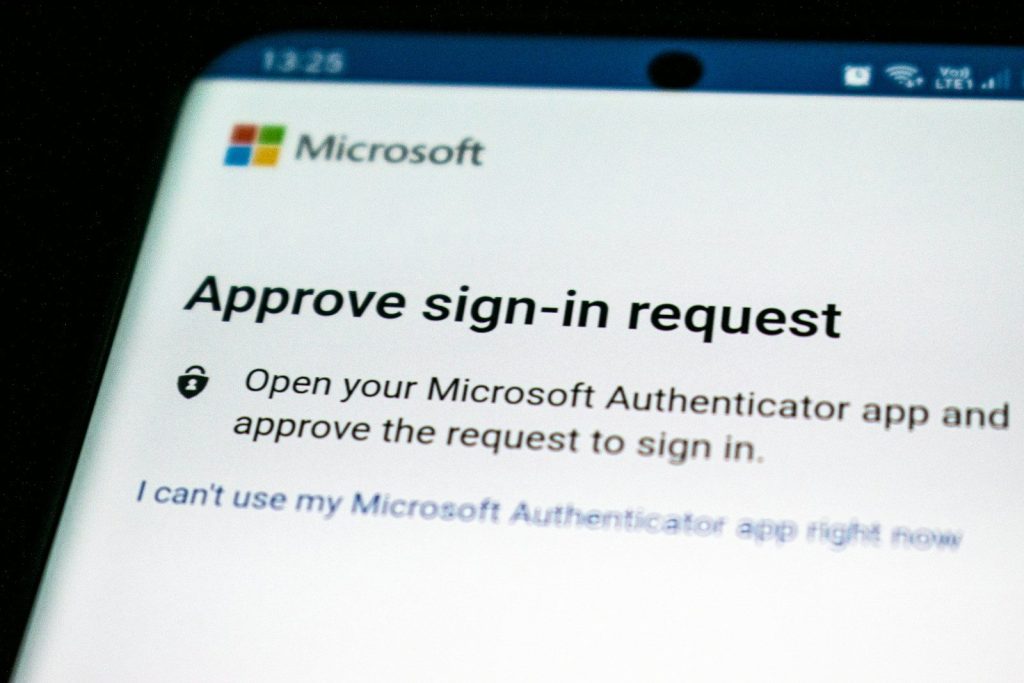
A password alone is not enough protection anymore. Two-factor authentication adds another step, such as a code, app prompt, or security key.
The FTC says two-factor authentication is one of the best ways to protect accounts. It may feel like a small extra step, but it can block many account break-ins before they reach your files.
Sharing links need review

Cloud sharing is useful, but it can get messy fast. A file shared for one project may stay open long after it is needed.
Google Drive lets users stop, limit, or change sharing after a file has been shared. That is a good habit to build. Review shared files often, especially folders with personal, school, or work information.
Backups need backup plans
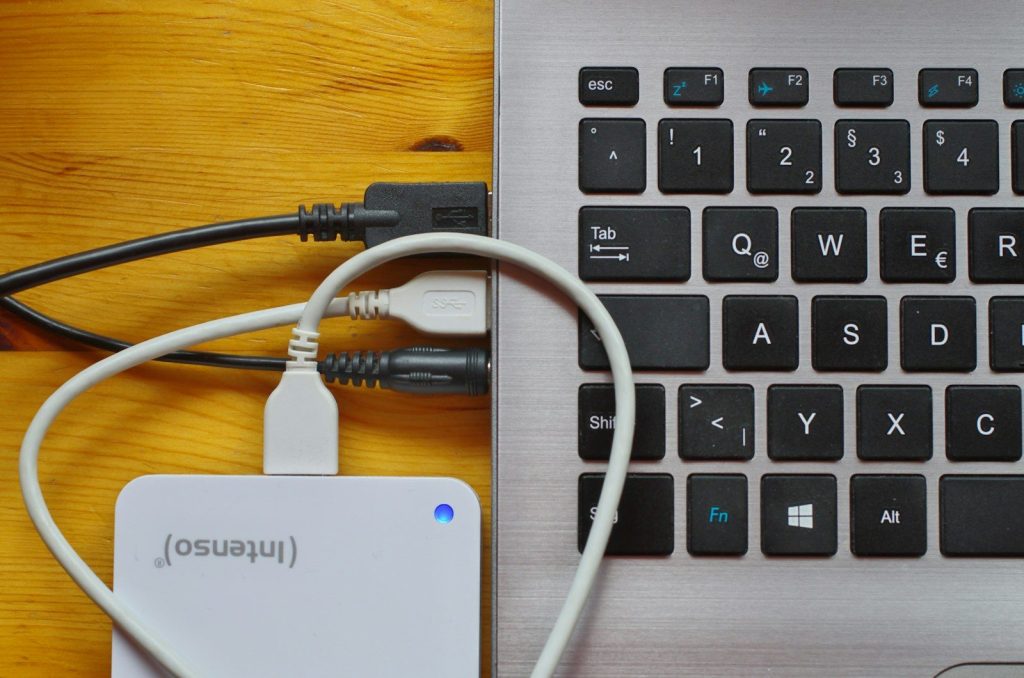
Cloud storage is helpful, but it should not be your only copy of truly important files. Accounts can be locked, files can be deleted, and sync mistakes can spread quickly.
CISA recommends backing up data to an external drive or a properly vetted cloud service, and it also recommends maintaining offline, encrypted backups. One extra copy can save you from a very bad day.
Sync can spread mistakes
Syncing is convenient because changes appear everywhere. Delete a file on one device, and it may disappear from other devices too.
That is why file history and restore options matter. Microsoft says OneDrive can restore files after deletion, corruption, or malware infection in some cases. Still, it is smarter to prevent mistakes than depend on recovery every time.
Storage limits sneak up

Cloud storage fills slowly until it suddenly becomes a problem. Photos, videos, downloads, backups, and shared folders can eat space without much warning.
When storage gets tight, uploads may stop, email may be affected, or phone backups may fail. Make a habit of deleting duplicates, clearing old screenshots, and moving large files you no longer need every day.
Recovery info must stay current
Your backup email, phone number, and recovery codes may seem boring until you lose access. Then they become the only way back in.
Check recovery settings after changing phones, numbers, or email accounts. A strong password will not help if you cannot prove the account is yours when something goes wrong.
Ransomware can reach synced files
Cloud storage does not automatically make files safe from every threat. If harmful software changes synced files on a device, those changes may reach the cloud too.
Microsoft says OneDrive ransomware detection can notify users and guide them through file recovery. That kind of tool helps, but careful downloads, updated software, and separate backups still matter.
Leave a Reply