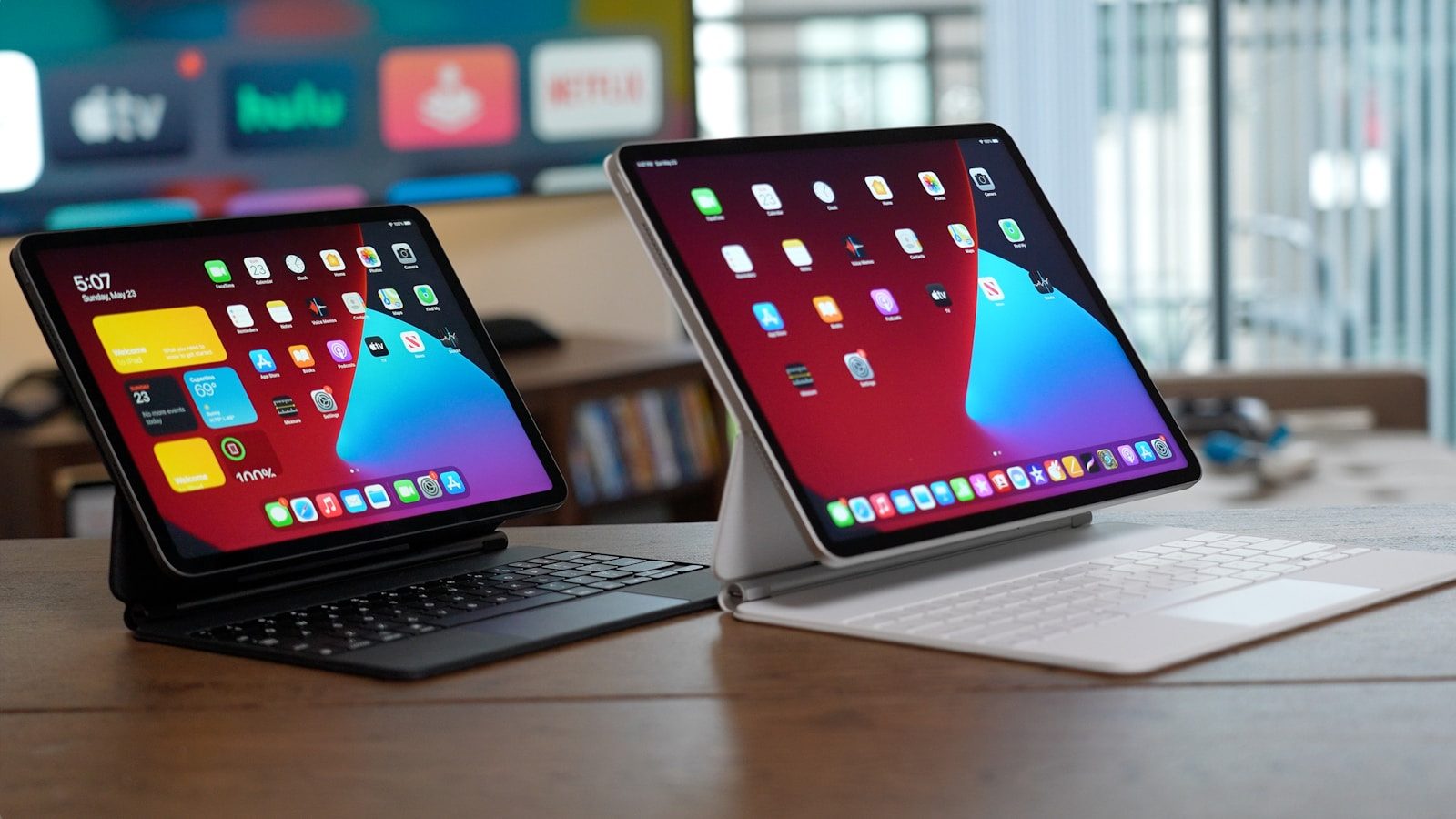
Tablets used to feel like bigger phones with better screens. Now they are turning into serious backup machines for work, school, travel, and home tasks. They still are not perfect laptop replacements for everyone, but they are getting much closer for everyday needs.
The change is coming from several directions at once. iPadOS supports Stage Manager for window-style multitasking on supported iPads, Samsung DeX gives many Galaxy tablets a PC-like workspace, and Android tablet windowing is moving toward resizable desktop-style apps. Add keyboard cases, trackpads, cloud storage, Microsoft 365 apps, video calls, and long battery life, and a tablet can now step in when a laptop is charging, packed away, or left at home.
Keyboards make work easier
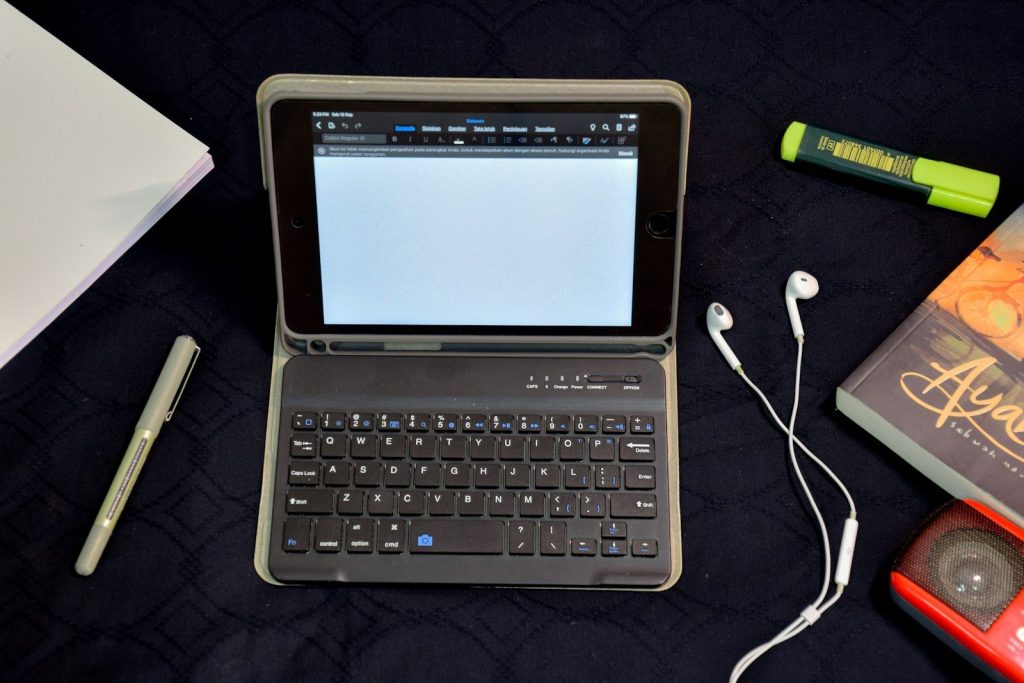
A tablet becomes much more useful when you add a keyboard. Typing emails, notes, school assignments, or quick reports feels faster than tapping on glass for every sentence.
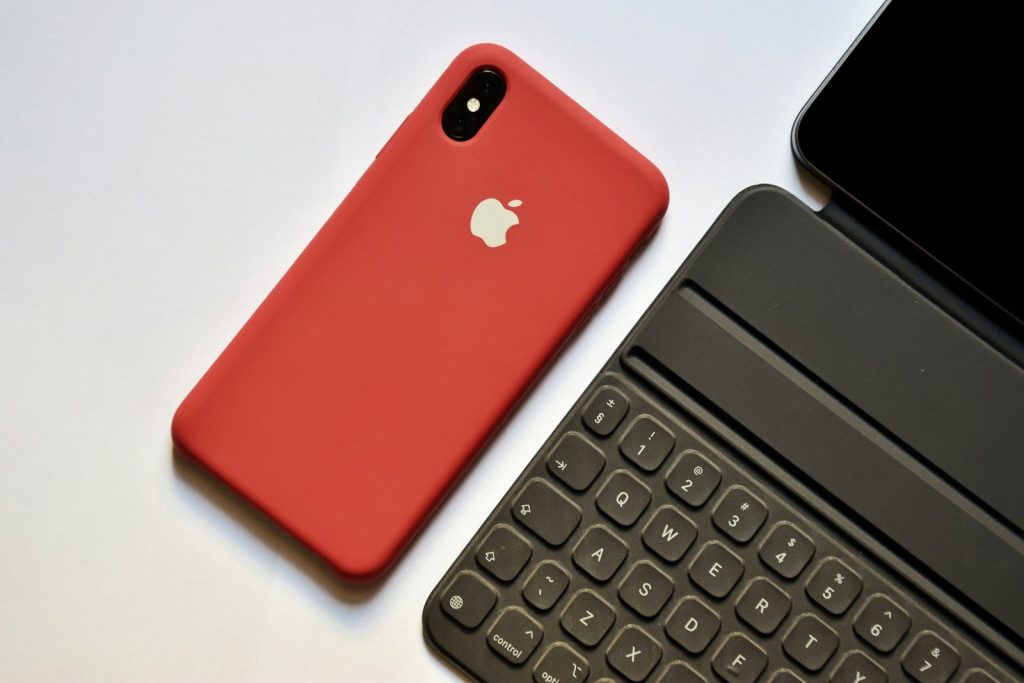
Modern tablet keyboards often add trackpads, function keys, and protective covers. Apple’s Magic Keyboard for iPad, for example, includes a trackpad, pass-through USB-C charging, and front and back protection on supported models.
Multitasking feels more natural
One big reason tablets feel more laptop-like is better multitasking. Instead of switching between full-screen apps all day, many tablets now let users keep more than one app visible.
Apple’s Stage Manager lets supported iPads organize apps and windows in a more flexible workspace. That makes it easier to write while checking notes, reply to messages while reading, or keep a browser nearby during work.
Desktop modes are improving
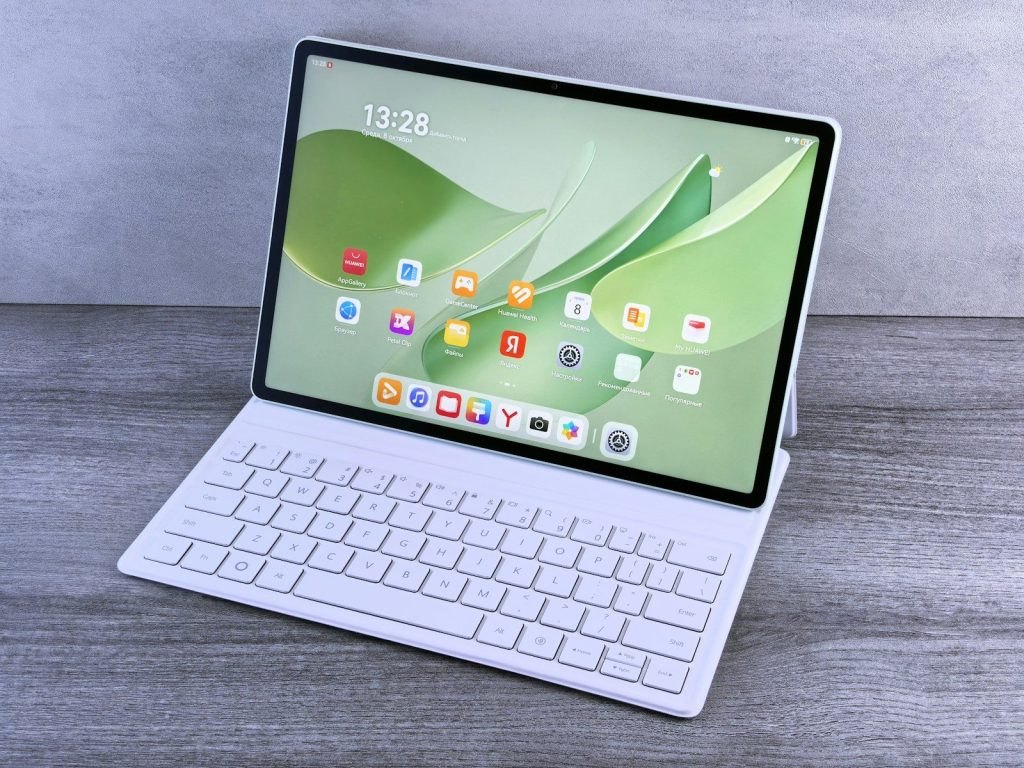
Some tablets now offer desktop-style modes that look and feel closer to a computer. Samsung DeX lets compatible Galaxy phones and tablets use a PC-like workspace with multi-window multitasking.
That is helpful when you want a cleaner setup for writing, browsing, presentations, or basic office tasks. It may not replace a powerful laptop, but it can cover many everyday jobs in a pinch.
External screens add room
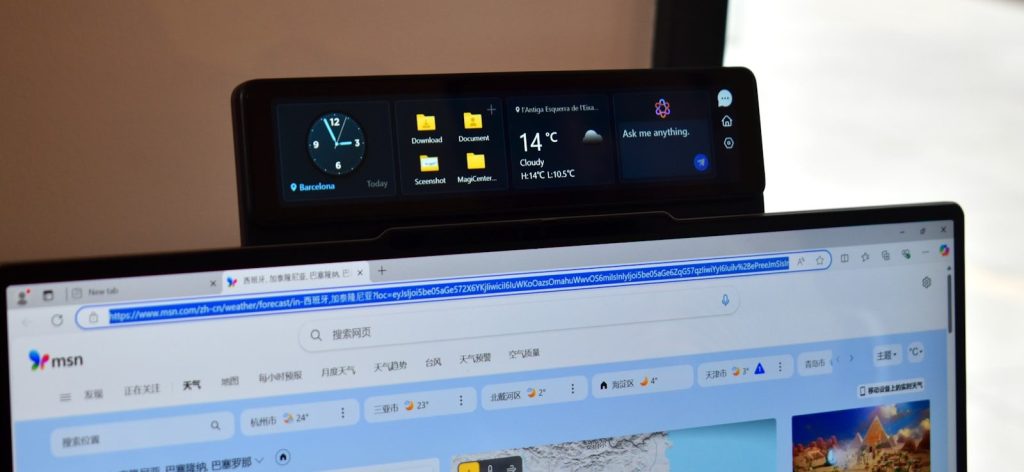
A tablet screen is portable, but it can feel tight for bigger tasks. That changes when a tablet can connect to a monitor or TV for more viewing space.
Samsung says DeX can connect a phone or tablet to a monitor or TV for a larger desktop-mode view. On supported iPads, Stage Manager can also move apps and windows to an external display, depending on the model and software version.
Cloud files travel well
Cloud storage makes a tablet more useful as a laptop backup. If your documents, photos, and downloads are synced, you can pick up work without hunting for a specific computer.
Apple’s Files app can organize files from the device, cloud services, external drives, and file servers. Microsoft OneDrive, Google Drive, Dropbox, and similar services can also help keep work available across devices.
Office apps are ready
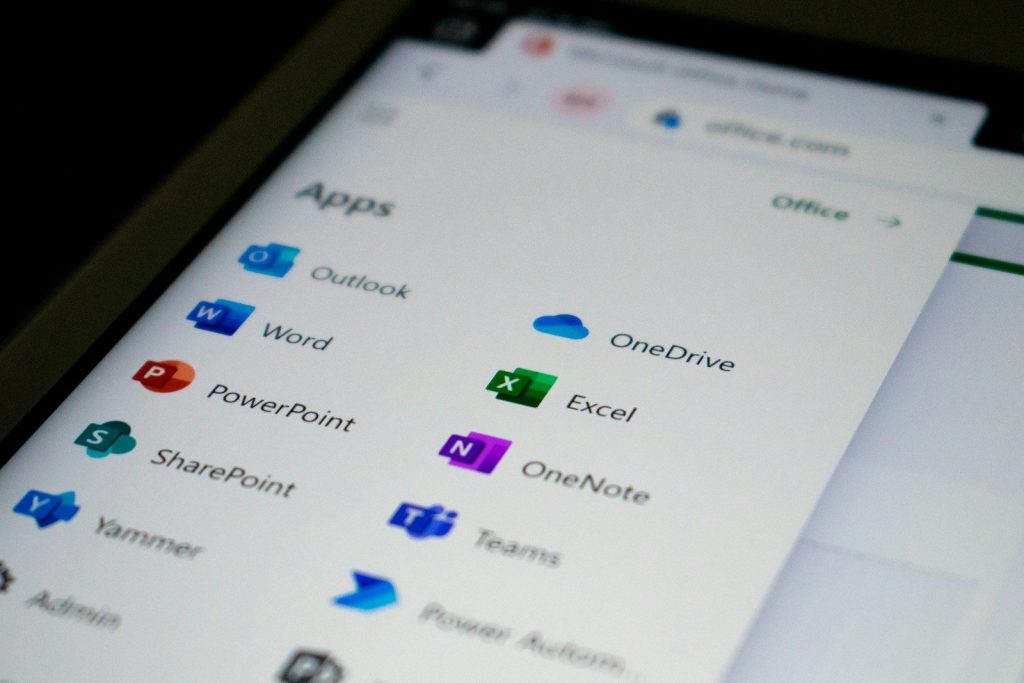
Many common work tasks now happen inside mobile apps. Microsoft says Word, Excel, PowerPoint, and OneDrive have mobile versions for iOS and Android, with extra features for Microsoft 365 subscribers.
That makes tablets better for editing documents, reviewing spreadsheets, reading slides, and sharing files. For many people, those are the exact tasks they need when a laptop is not nearby.
Video calls are simple
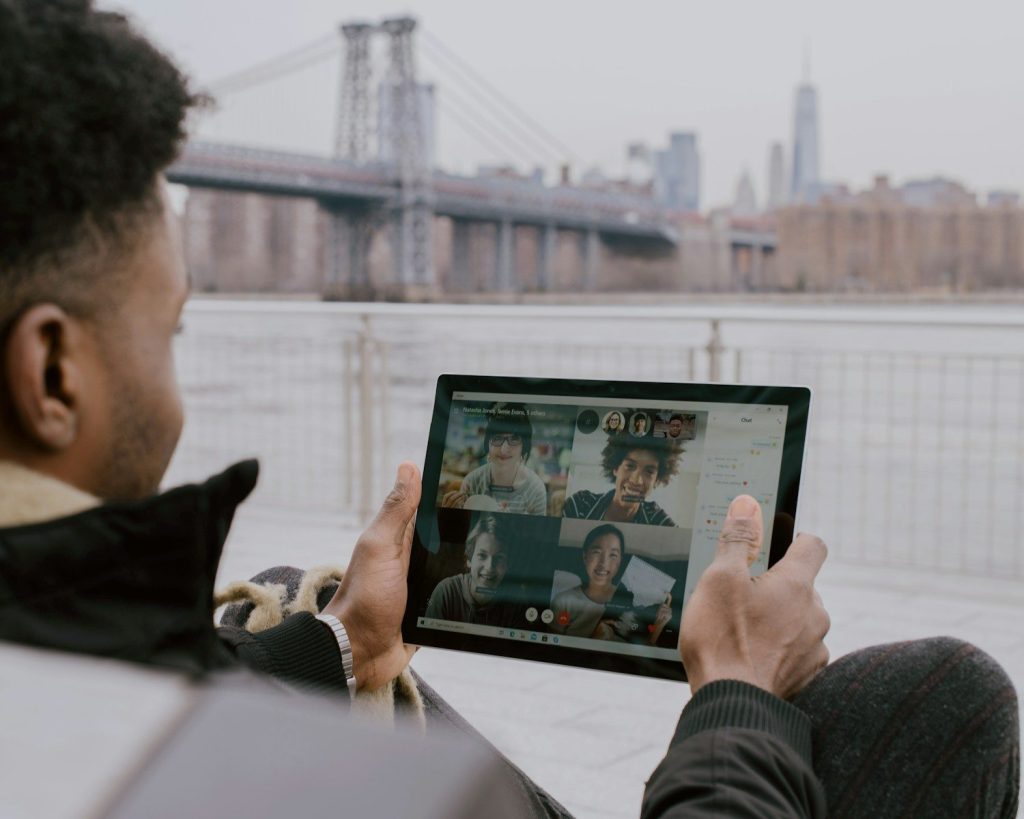
Tablets are often great for meetings because the screen is bigger than a phone but easier to move than a laptop. You can place one on a stand, join a call, and still keep notes nearby.
Front cameras, built-in microphones, and popular meeting apps make tablets easy backup devices for quick calls. They are especially handy at home, in classrooms, or while traveling light.
Battery life helps travelers
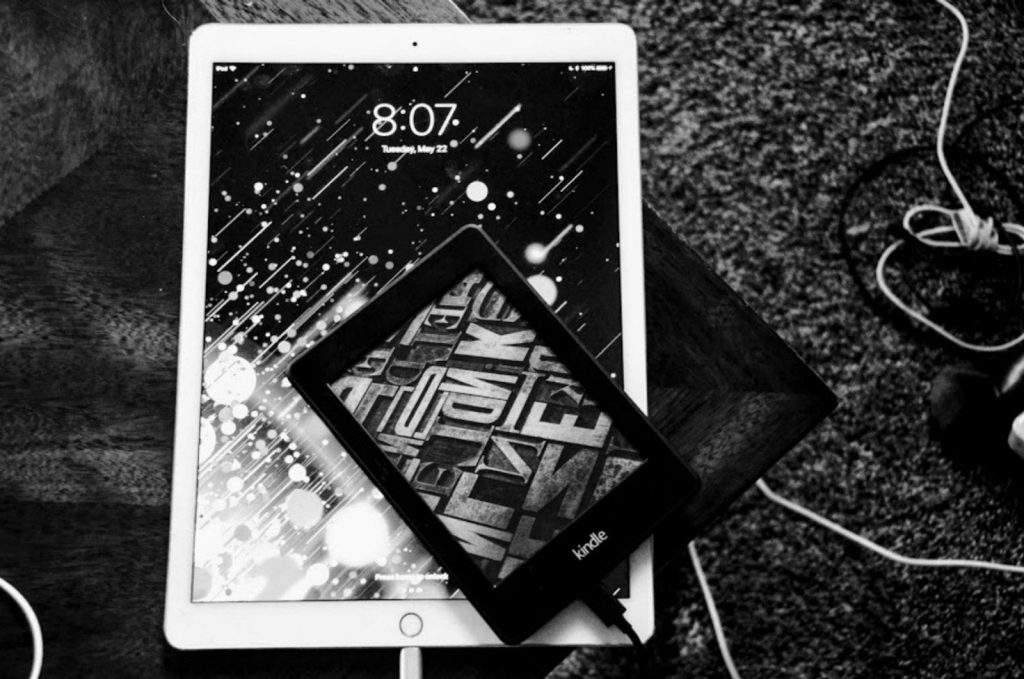
A tablet can be a strong travel backup because it is slim, light, and usually easy to charge with USB-C. That makes it useful in airports, hotels, coffee shops, and shared workspaces.
Even when you still bring a laptop, a tablet can handle reading, email, maps, entertainment, and quick edits. That saves your laptop battery for heavier work later in the day.
Pens help with notes
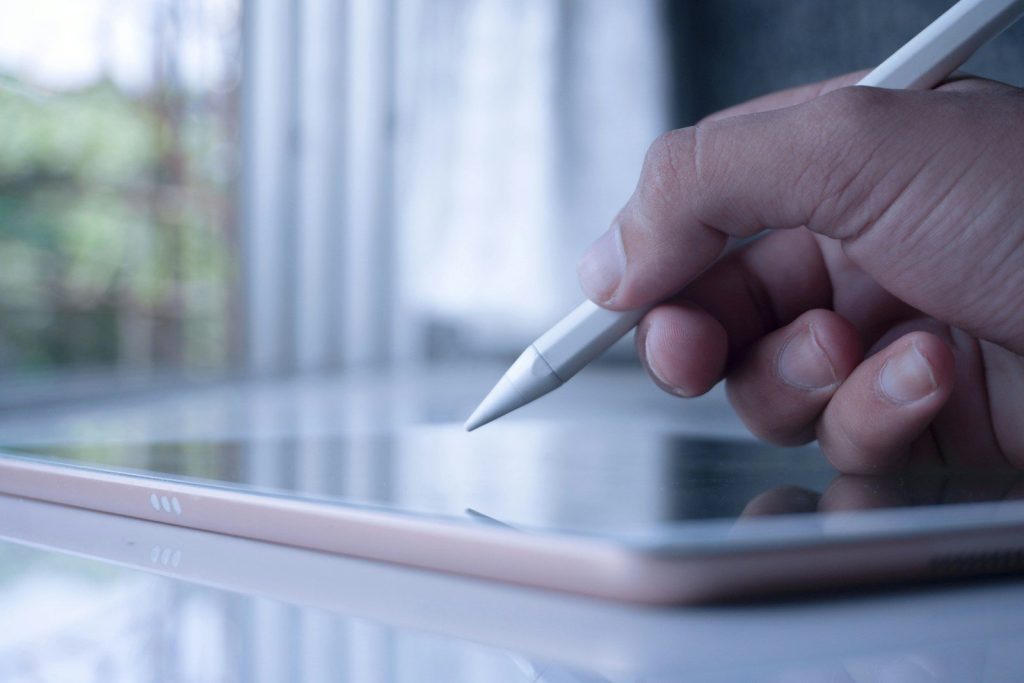
A tablet can do something many laptops do not handle as smoothly: handwriting and sketching. With a stylus, it becomes a notebook, planner, markup tool, and drawing pad.
That is useful for students, designers, teachers, and anyone who reviews documents. You can circle a line, sign a form, sketch an idea, or take handwritten notes without printing anything.
Limits still matter
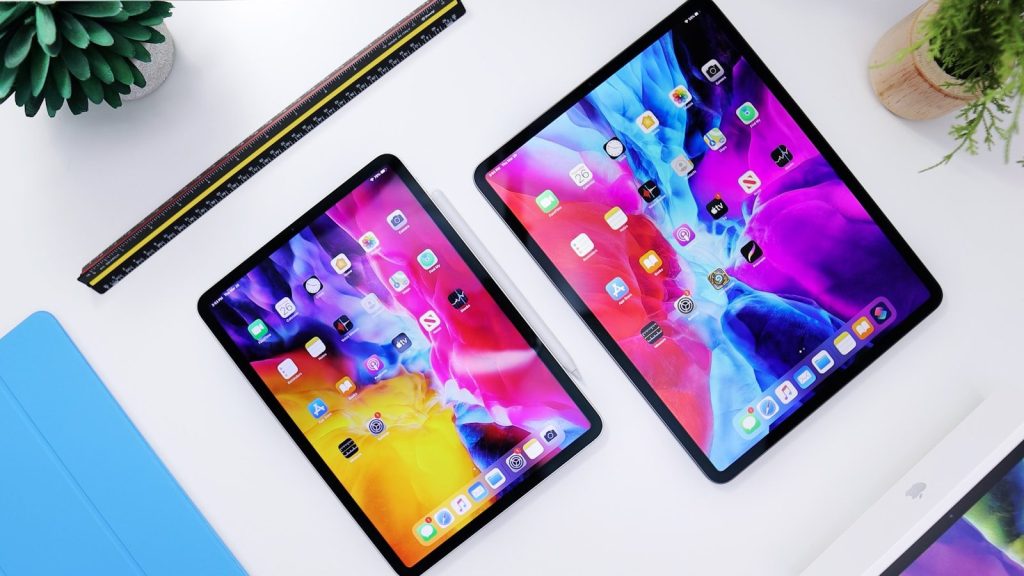
Tablets are better backups, but they still have limits. Some desktop apps may not work the same way, and serious coding, advanced editing, or heavy file management can still feel easier on a laptop.
The best approach is realistic. Use a tablet for everyday work, travel tasks, calls, reading, notes, and quick edits. Keep the laptop for jobs that need full desktop power.
Leave a Reply