Your Mac routine may soon feel a little more personal, a little faster, and a lot more connected to your iPhone. macOS Tahoe brings a new look called Liquid Glass, plus updates that are built around everyday habits like finding files, taking calls, checking live updates, and moving through apps with fewer clicks.
Apple says Tahoe includes its biggest update ever to Spotlight, new Continuity tools, a Phone app for Mac, and expanded Apple Intelligence features. That means the biggest changes are not only about how the Mac looks. They are also about how quickly you can get normal things done, from sending a message to checking a flight or starting a task without opening several apps.
Your desktop may feel cleaner
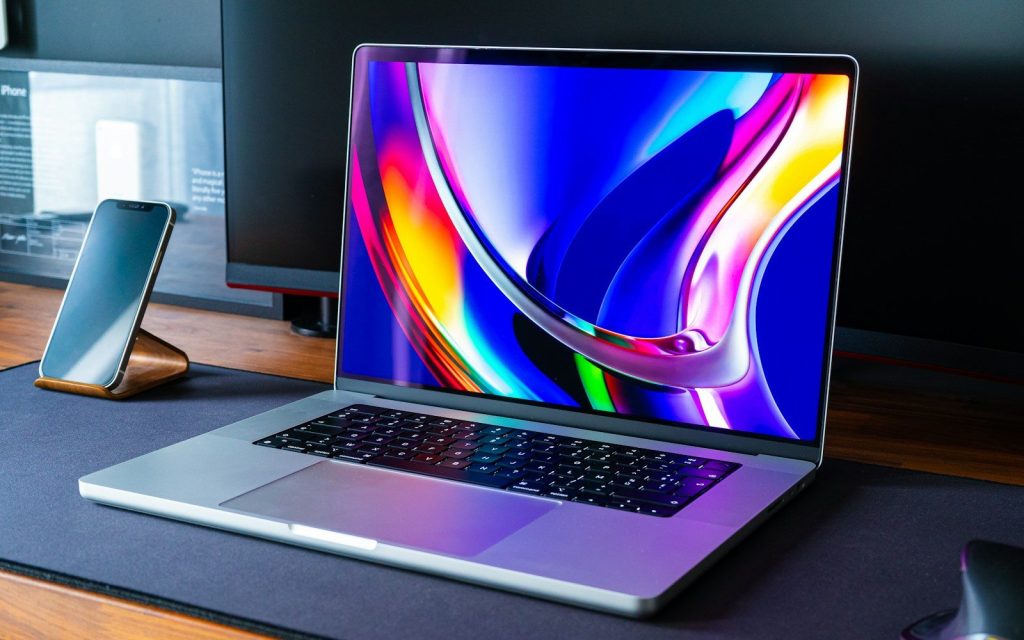
macOS Tahoe introduces Apple’s Liquid Glass design, which gives menus, toolbars, sidebars, and other parts of the system a more transparent, layered look. Apple says the goal is to keep the Mac familiar while helping content stand out more clearly.
That could change simple routines like opening Finder, switching apps, or working in Safari. Instead of feeling like a totally new system, Tahoe seems designed to make the Mac look fresher without forcing users to relearn every basic move.
Spotlight becomes a shortcut hub
Spotlight may become more than a place to search for apps and files. Apple says Tahoe lets users take hundreds of actions directly from Spotlight, such as sending emails, creating notes, and getting to content faster.
That could save time for people who prefer the keyboard. Instead of opening an app, finding the right menu, and clicking through steps, you may be able to start common tasks from one search box.
Phone calls come to Mac

The Phone app arrives on Mac through Continuity, letting users access iPhone call features from their computer. Apple says it includes familiar sections like Recents, Favorites, Contacts, and Voicemail.
For daily routines, that could make the Mac feel more like a communication center. If your iPhone is nearby, you may be able to handle calls while keeping your hands on the keyboard and your work in front of you.
Live updates move up front
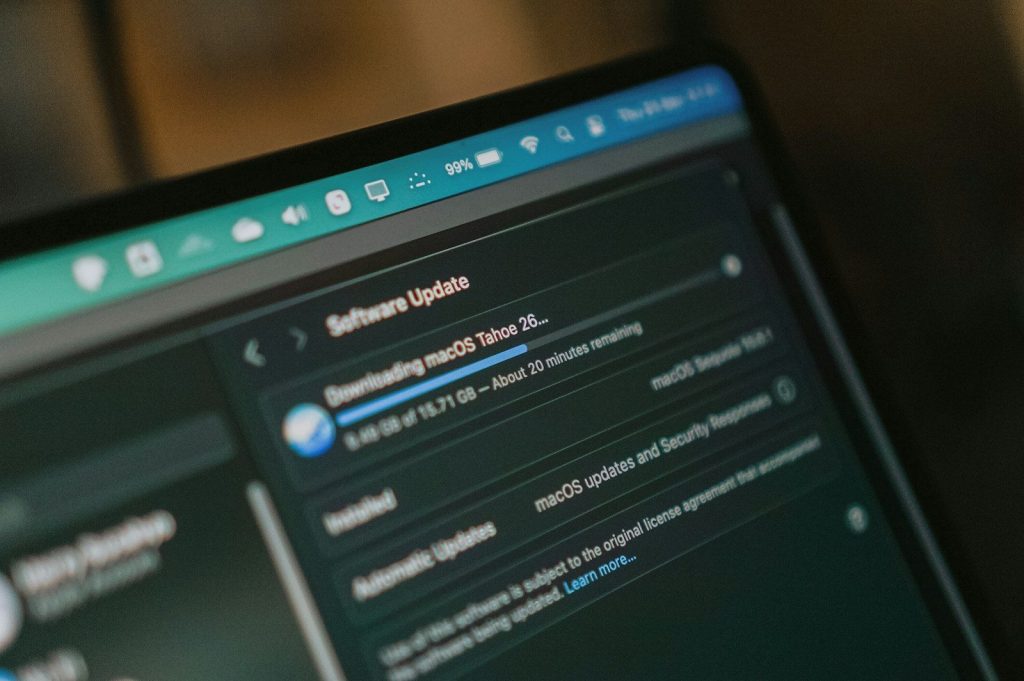
Live Activities from iPhone can now appear in the Mac menu bar. Apple gives examples like a flight, ride, order, or sports score, with more details opening through iPhone Mirroring when clicked.
That could reduce the habit of picking up your phone every few minutes. Instead of switching devices to check something in progress, your Mac can keep small real-time updates visible while you keep working.
Control Center gets personal
Tahoe adds more ways to customize the menu bar and Control Center. Apple says users can choose which controls appear and how they are arranged, including support for some third-party controls.
This can help make quick settings feel less cluttered. If you often adjust Wi-Fi, sound, focus modes, display brightness, or other tools, your most-used controls can sit closer to where you need them.
Folders become easier to spot
macOS Tahoe adds new color options for folders, app icons, and widgets. Apple also says users can change folder colors and add a symbol or emoji to give folders a clearer identity.
That sounds small, but it could help people who manage school files, work projects, family photos, or creative folders. A visual cue can make the right folder easier to find at a glance.
Shortcuts get smarter
Shortcuts become more powerful in Tahoe with intelligent actions and deeper Apple Intelligence support. Apple says users can tap into Apple Intelligence models to help automate more complex tasks.
For everyday use, that could mean less repeating the same steps. A student, office worker, or creator could build routines that organize notes, prepare files, or start a work setup with fewer manual clicks.
Translation feels more built in
Apple Intelligence expands in Tahoe with Live Translation for text and audio. Apple Support says it can translate text in Messages, show live captions in FaceTime, and provide spoken translations during Phone calls.
That could be useful for families, coworkers, students, and travelers who communicate across languages. Instead of jumping between separate tools, translation may feel more connected to the apps people already use.
Journal joins the Mac

Tahoe brings Journal to Mac, giving users another place to write daily entries and collect thoughts. Apple Support lists Journal and Games as new app experiences in macOS Tahoe.
On a Mac, Journal may feel better for longer writing than it does on a phone. A full keyboard, larger screen, and desktop workflow could make it easier to turn small memories into a regular habit.
Games get one home
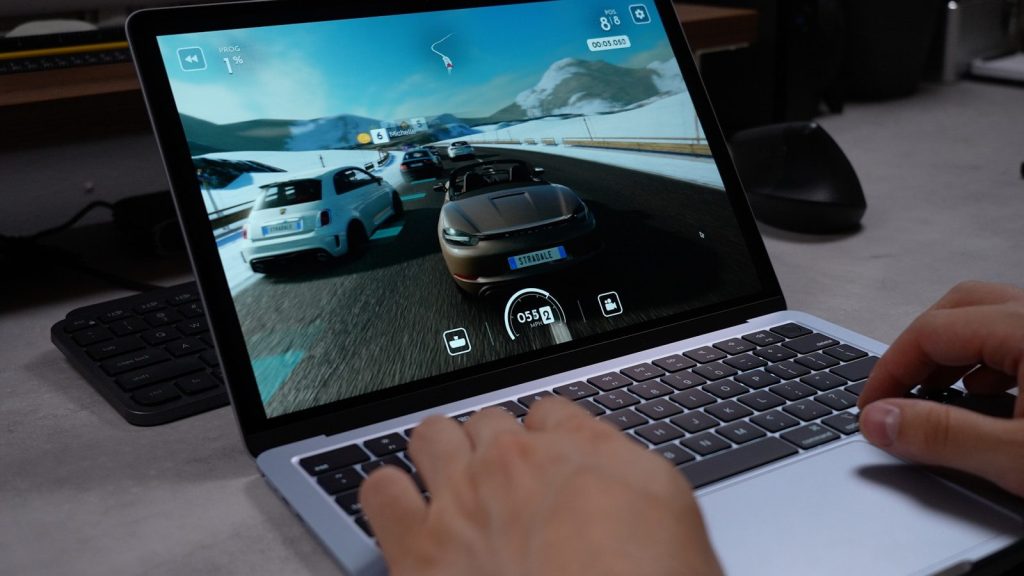
The Games app in macOS Tahoe gives users a place to organize games on the Mac. Apple Support says the app helps users keep their games together in one location.
That could make casual gaming feel less scattered. Instead of hunting through different launchers, folders, or store pages, Mac users may have a simpler starting point when they want a quick break.
Leave a Reply