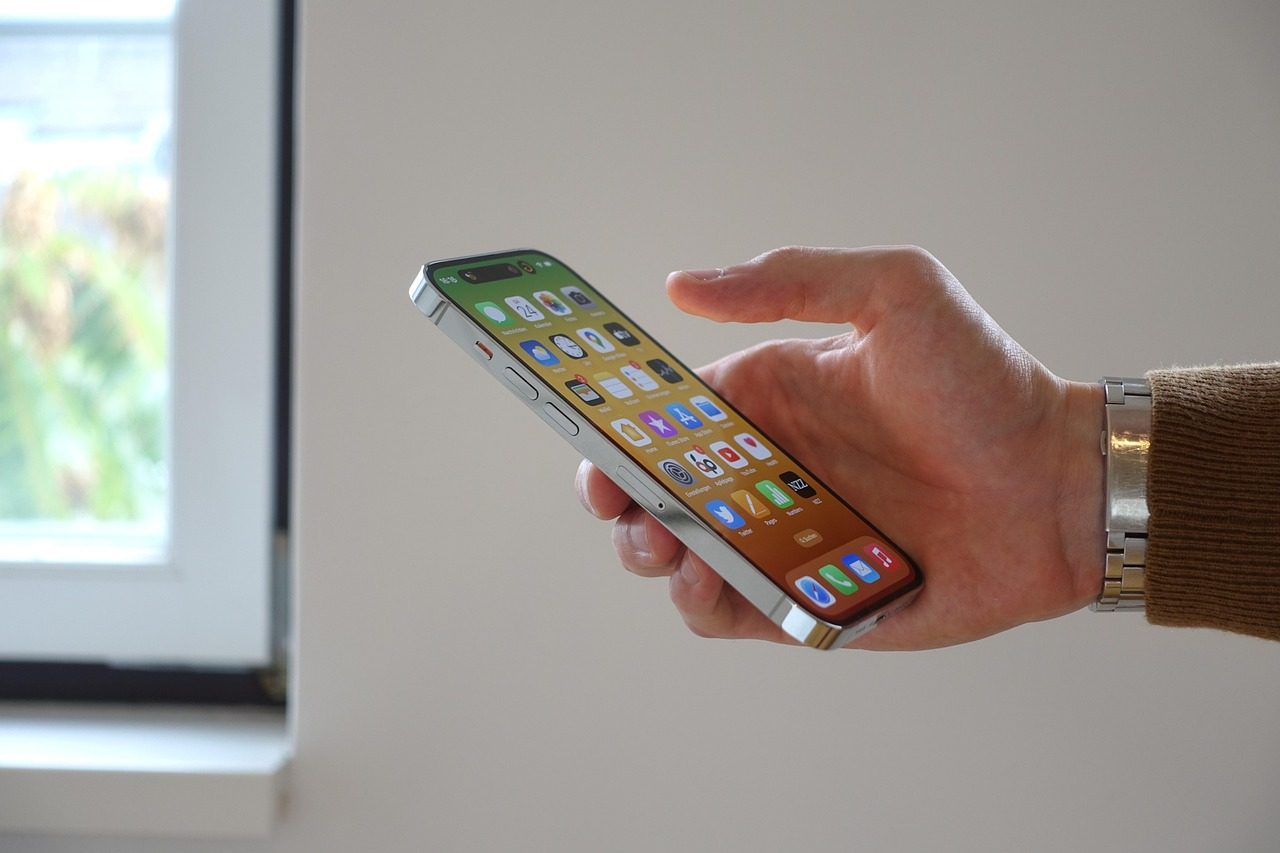
Some iPhone features are flashy, but the most useful ones are often the quiet tools you use without thinking. They save a few taps, help you find information faster, make your screen easier to manage, or turn a small habit into something smoother. Apple keeps adding features that make the iPhone feel less like a device you have to manage and more like a helper that fits into daily routines.
The best part is that many of these tools do not require extra apps. Features like Back Tap, Live Text, widgets, Focus, Control Center shortcuts, and Check In are built into iPhone. Apple’s support pages show how these tools can help with quick actions, text copying, notifications, safety updates, and easier access to common controls.
Back Tap saves extra taps
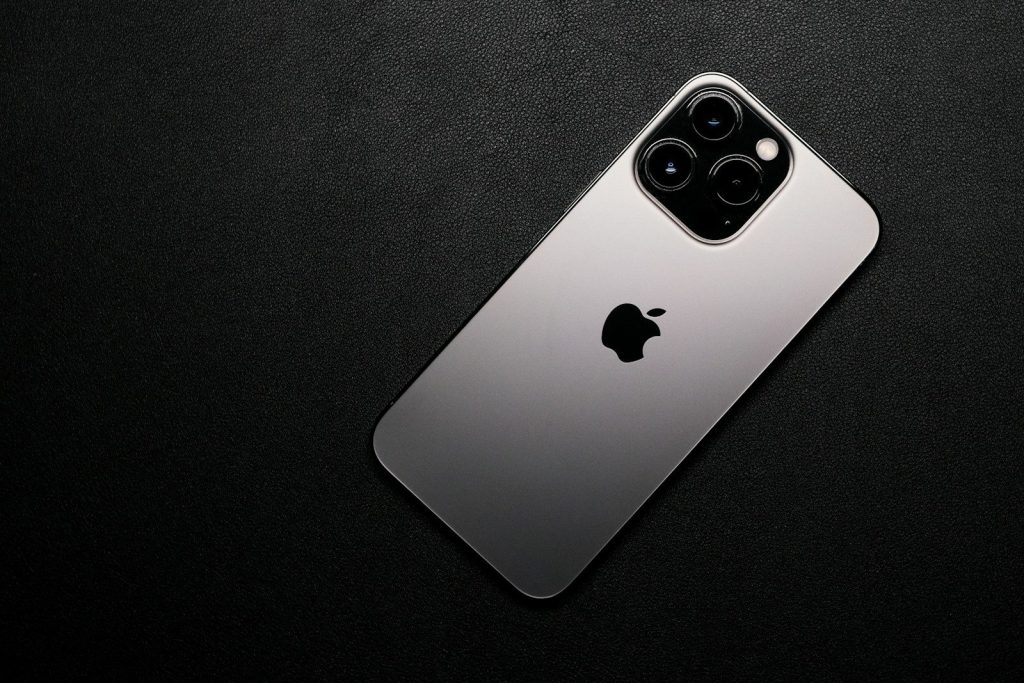
Back Tap lets you double-tap or triple-tap the back of your iPhone to run an action. You can use it for things like opening the camera, taking a screenshot, or launching a shortcut.
It is especially handy because you do not need to hunt through menus. Once it is set up, a quick tap on the back of the phone can handle a small task in seconds.
Live Text grabs words fast
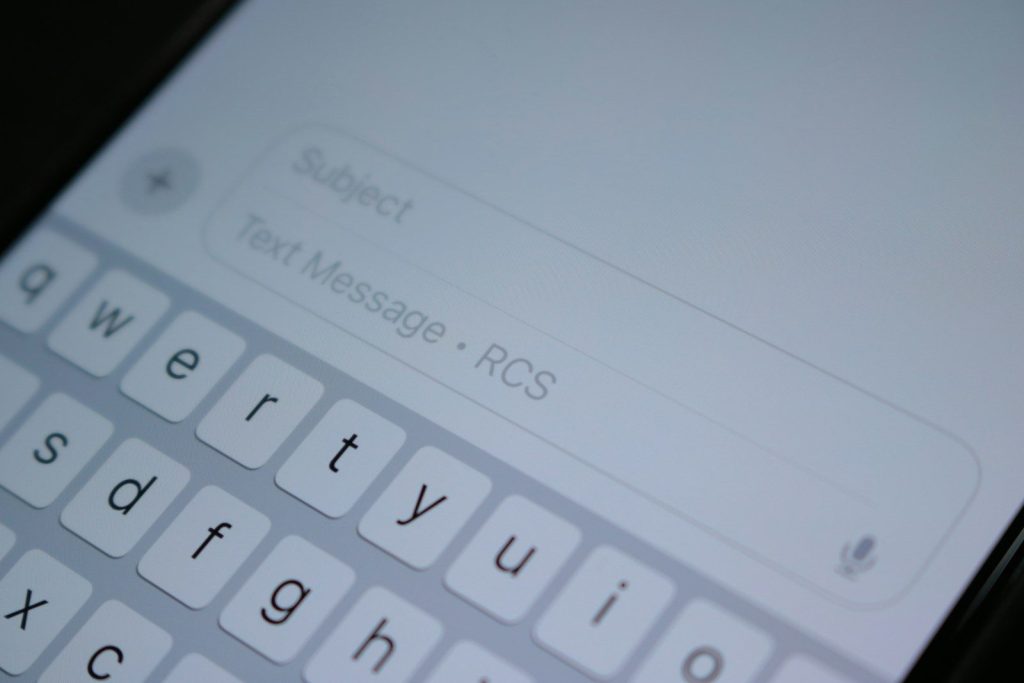
Live Text lets your iPhone camera recognize text in front of you. You can copy text, open a website, call a number, or use text from a photo without typing it by hand.
This is useful for signs, flyers, menus, packages, and notes. Instead of retyping a long code or address, you can let the iPhone pick up the words for you.
Widgets show info quicker
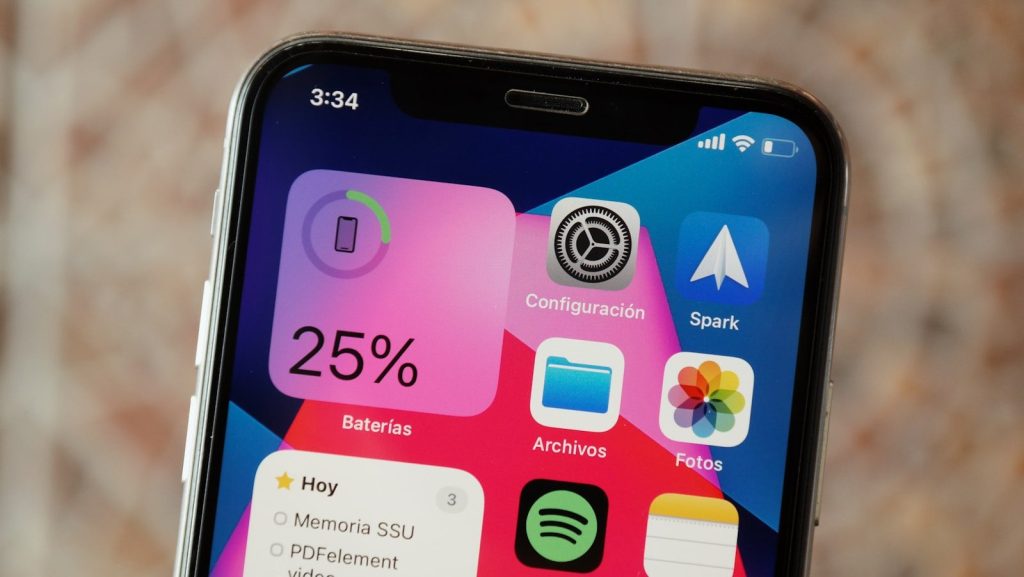
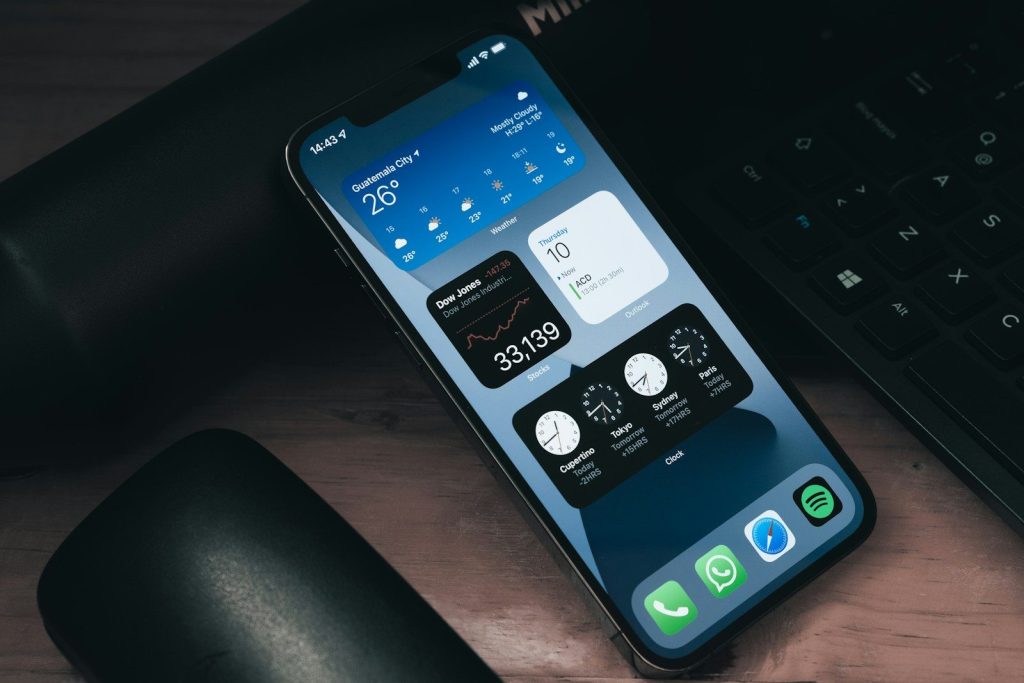
Widgets bring useful information to your Home Screen or Lock Screen. Apple lets users add, edit, and remove widgets so the phone can show details from apps without opening each one.
A calendar widget can show your next event. A weather widget can show the forecast. A reminders widget can keep your to-do list visible before you forget it.
Control Center cuts searching
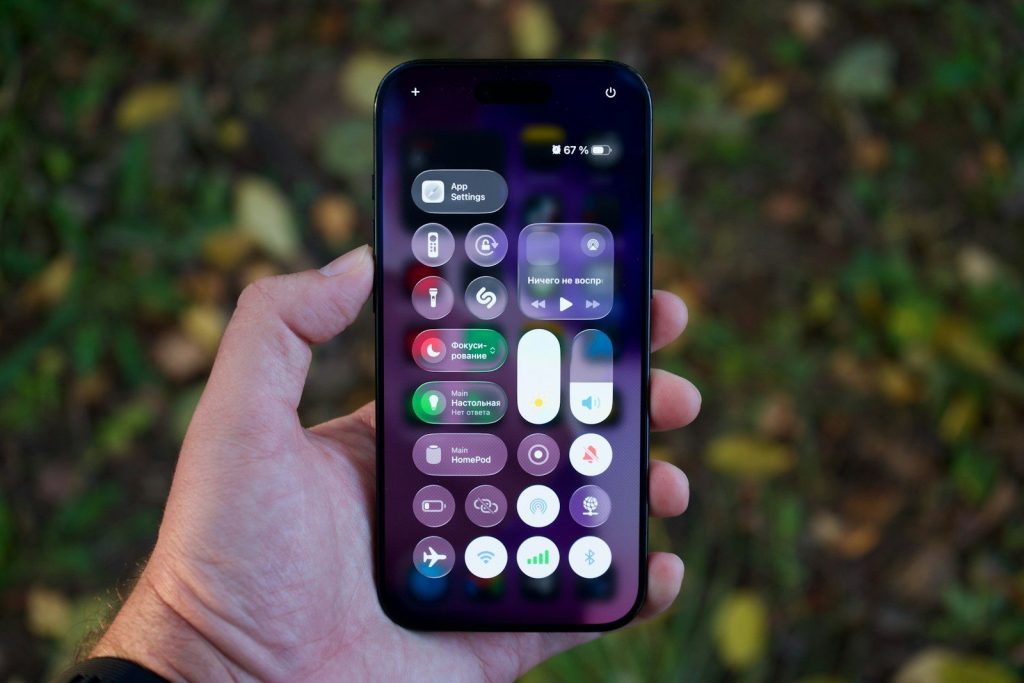
Control Center gives quick access to useful controls like flashlight, brightness, volume, Airplane Mode, and Do Not Disturb. Apple also lets users customize Control Center to fit what they use most.
That makes everyday tasks faster. Instead of opening Settings for basic controls, you can swipe, tap, and move on. It is one of the easiest ways to save time.
Shortcuts handle repeat tasks
Shortcuts can turn several steps into one tap. Apple says users can even run shortcuts from Control Center, making favorite actions easier to reach.
This can help with simple routines, like sending a message, opening directions, starting a playlist, or changing phone settings. It makes the iPhone feel more personal without needing advanced tech skills.
Focus keeps distractions down
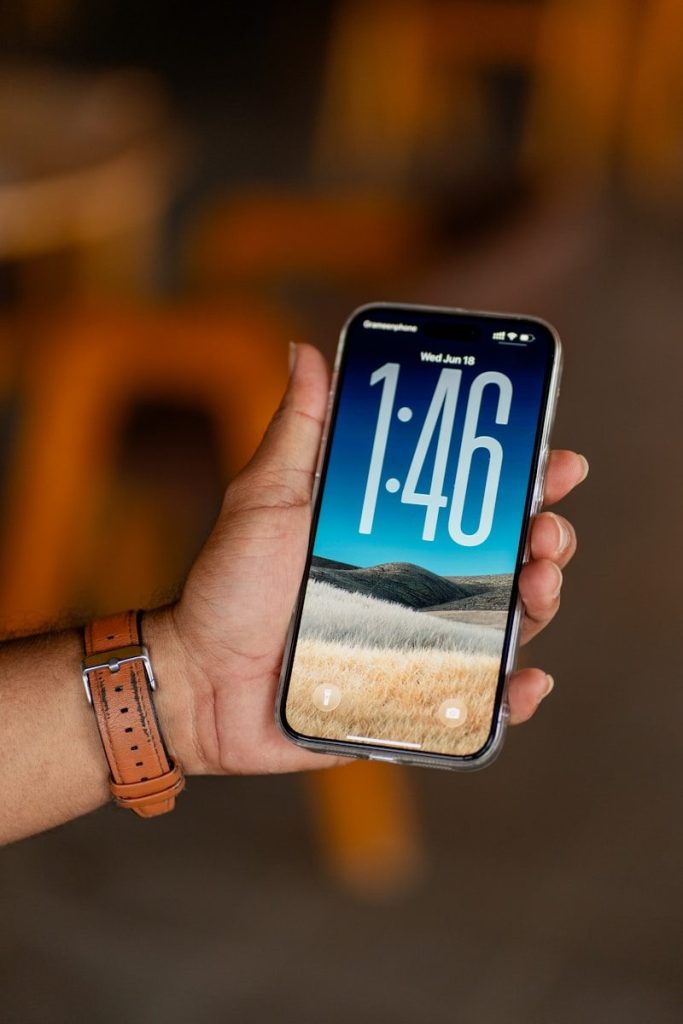
Focus helps control which notifications reach you during certain times. You can use different modes for work, sleep, driving, or personal time, depending on what needs your attention.
This feature makes daily use easier because it reduces noise. Your phone can still be useful without buzzing for everything. That can help when you are working, resting, studying, or spending time with family.
Check In adds peace of mind
Check In in Messages can automatically let a friend know when your iPhone has arrived at a destination. Apple says users can also choose what details are shared if a check-in is not completed.
It is a small feature with a practical purpose. Instead of remembering to text “I’m here,” your iPhone can help send that update for you in supported situations.
Notifications are easier to manage
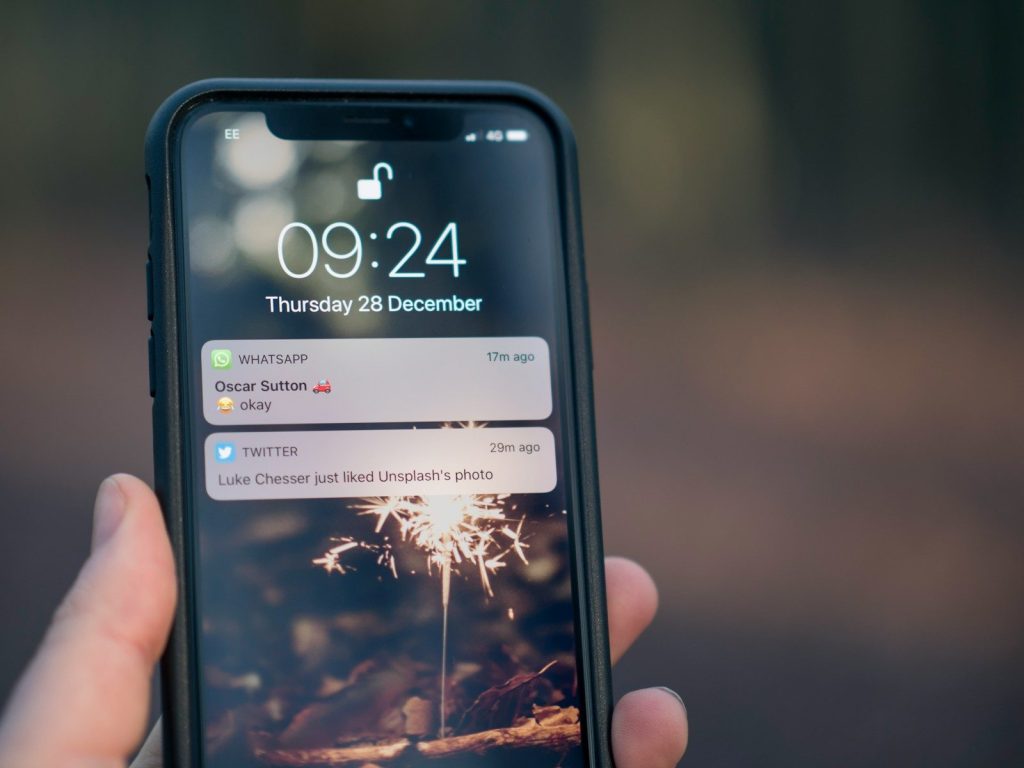
iPhone notifications can appear on the Lock Screen in different views, including expanded list, stacked view, or count view. Apple says users can pinch notifications on the Lock Screen to change the layout.
That helps keep the screen from feeling messy. You can still see what matters, but the phone does not have to look crowded every time you wake it.
Journal helps save moments
The Journal app gives iPhone users a built-in place to record daily thoughts and memories. Apple says entries can include writing, photos, music, drawings, and audio recordings.
It can be useful for quick reflections, travel memories, or small notes about the day. Since it is built into iPhone, it can feel easier than starting from a blank notebook.
Accessibility improves comfort
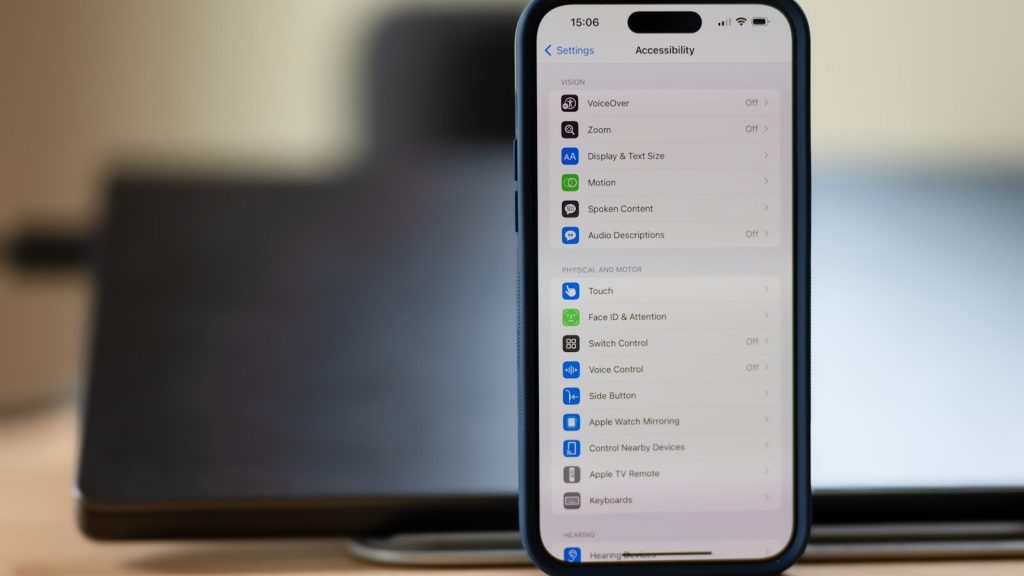
iPhone includes built-in accessibility tools that can make the screen easier to see, hear, and control. Apple lists many vision features that help users adjust how content appears or is spoken on the device.
These tools are not only for one group of users. Larger text, spoken content, display changes, and touch settings can make daily iPhone use more comfortable for many people.
Leave a Reply