New cars can feel packed with screens, menus, sensors, and buttons that sound impressive at the dealership but rarely matter on a normal Tuesday. The best features are the ones that quietly make driving easier, safer, or less annoying. They help in traffic, parking lots, bad weather, school pickup lines, long drives, and quick grocery runs.
Some tech is flashy. Some of it feels like a gimmick. But a few features earn their place because drivers can use them almost every day. From automatic braking to better phone connection, these tools are not just for luxury cars anymore. They can save time, reduce stress, and help drivers feel more aware behind the wheel.
Automatic emergency braking

Automatic emergency braking can help when traffic suddenly stops and your foot is a second too slow. It uses sensors or cameras to watch the road ahead and may apply the brakes if it detects a possible crash.
This feature is becoming a bigger deal in the U.S. NHTSA finalized a rule requiring automatic emergency braking in new cars and light trucks starting in 2029. That makes it one of the most practical safety features to know.
Blind spot alerts
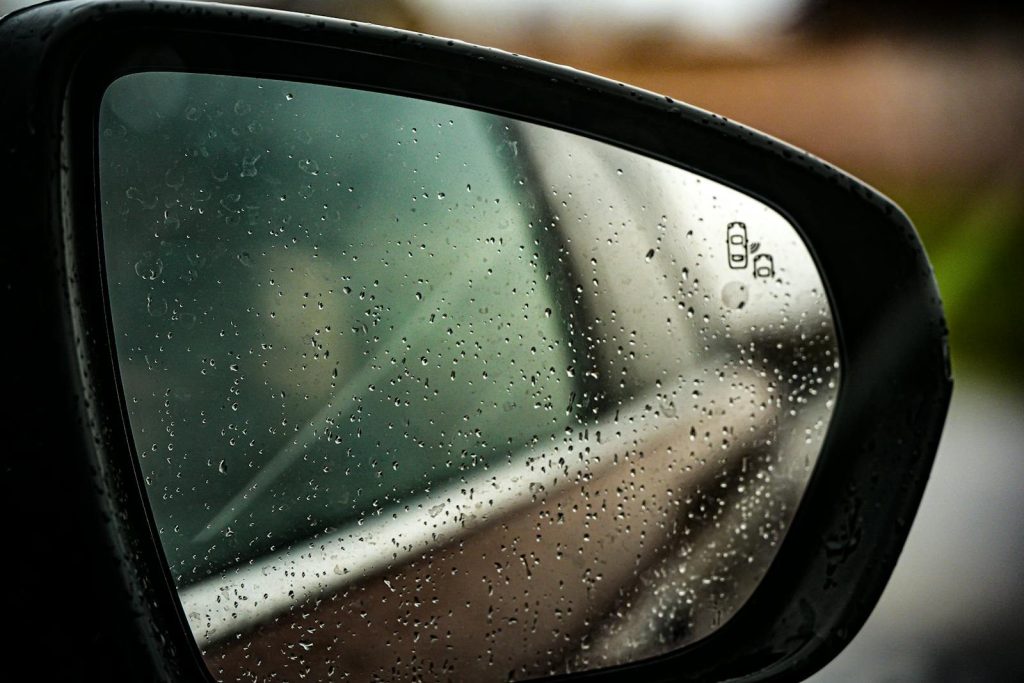
Changing lanes is easier when your car gives you a warning about vehicles you may not see. Blind spot alerts usually use lights in the side mirrors, and some systems add a sound or steering warning.
This is useful because blind spots can hide smaller cars, motorcycles, or fast-moving traffic. IIHS says blind spot detection has been shown to reduce lane-change crashes, which makes it more than a nice extra.
Adaptive cruise control
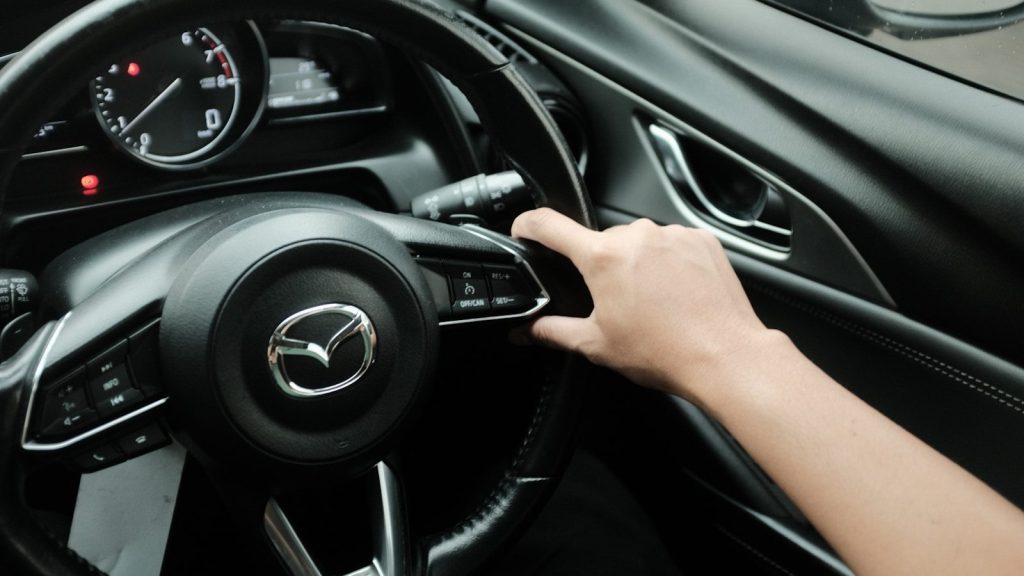
Regular cruise control holds one speed. Adaptive cruise control goes a step further by adjusting your speed to keep distance from the car ahead. On long highway drives, that can make a big difference.
Some newer systems can even work in stop-and-go traffic, slowing down and speeding up with traffic flow. You still have to pay attention, but it can make daily commuting feel less tiring.
Rear cross-traffic alert
Backing out of a parking space can be stressful when large trucks or SUVs block your view. Rear cross-traffic alert watches for vehicles approaching from the side while you reverse.
This feature is especially helpful in crowded parking lots, apartment garages, and shopping centers. IIHS groups rear cross-traffic alert with rear crash prevention technologies, along with parking sensors and rear automatic braking.
360-degree cameras
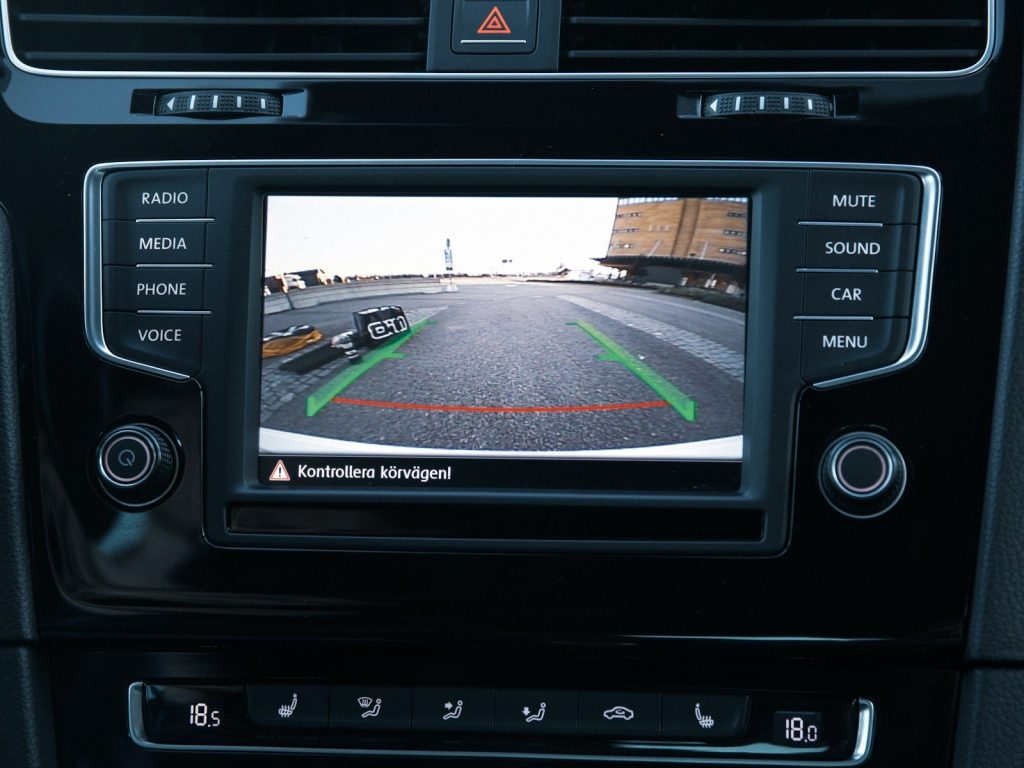
A backup camera is helpful, but a 360-degree camera can feel like having eyes around the whole car. It combines camera views to show a top-down image of the vehicle’s surroundings.
This can make tight parking, narrow driveways, and curbside spots much easier. It is not a replacement for mirrors or checking around the car, but it can help drivers avoid small bumps and scratches.
Lane keeping assist
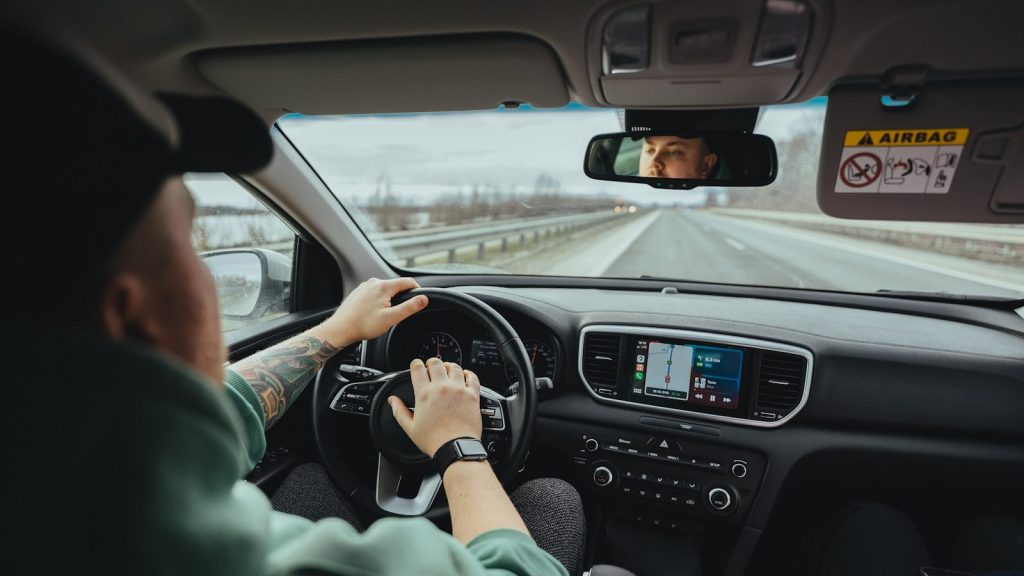
Lane keeping assist can gently help steer the car back if it starts drifting out of its lane. It usually works best on clearly marked roads and highways.
This feature is most useful during long drives, when small moments of distraction can happen. IIHS research has found that lane departure warning and blind spot detection help drivers avoid the types of crashes they are designed to prevent.
Wireless phone connection
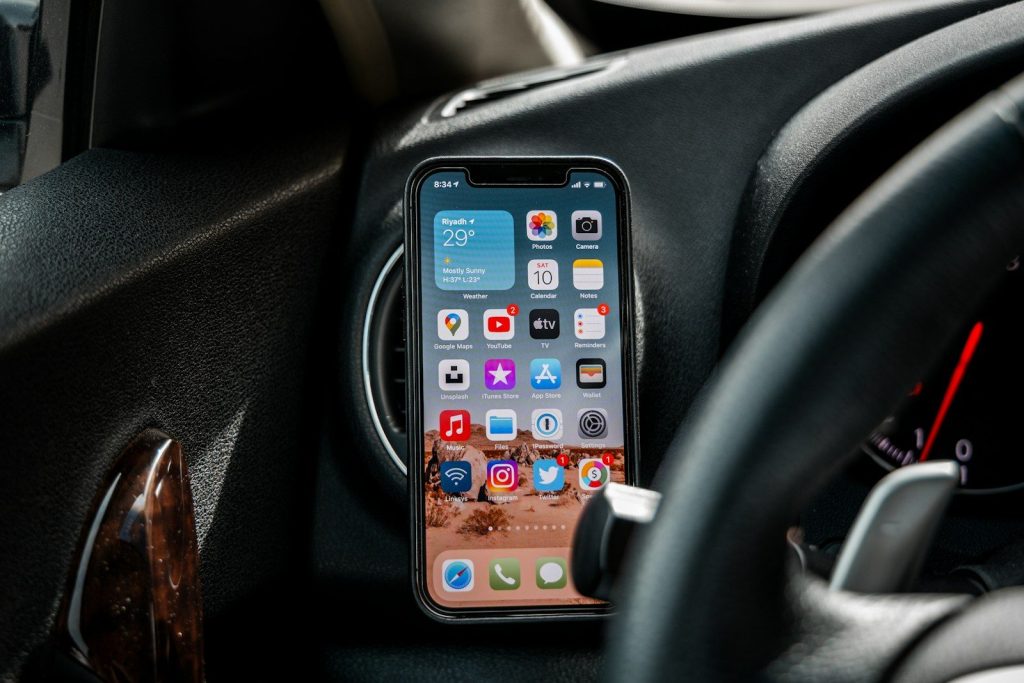
Apple CarPlay and Android Auto can put maps, music, calls, and messages on the car’s screen in a simpler way. Wireless versions make it even easier because you do not need to plug in every time.
For many drivers, this may be the most-used tech feature in the car. It keeps the phone tucked away while still giving quick access to navigation, audio, and voice controls.
Built-in voice controls
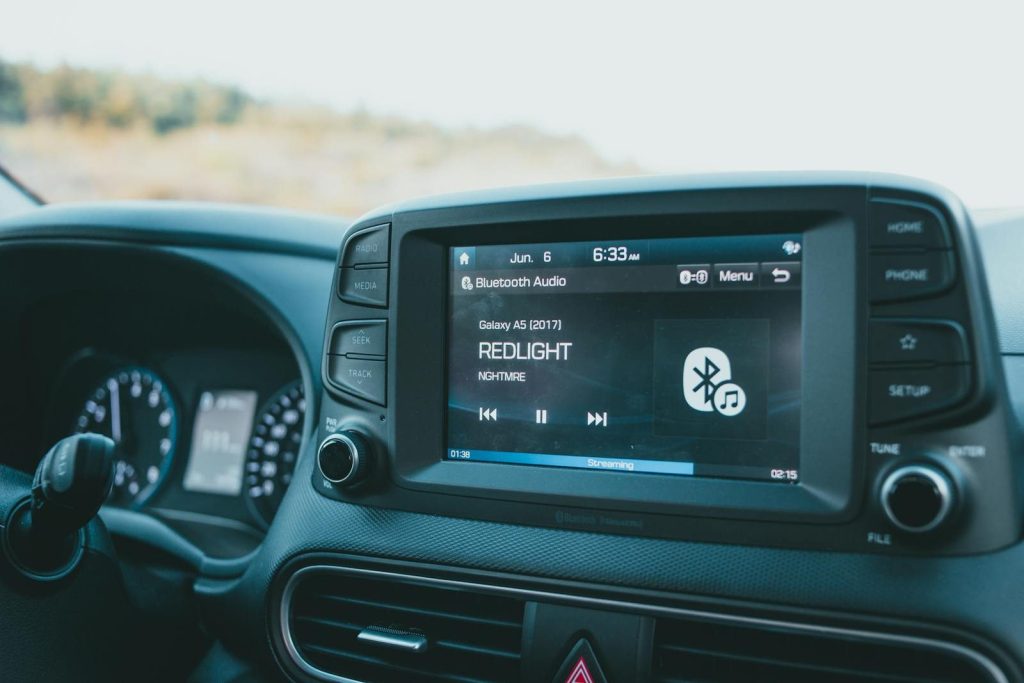
Good voice controls can help drivers change music, call someone, set a destination, or adjust basic settings without hunting through menus. That matters because touchscreens can be distracting.
The best systems understand normal speech and respond quickly. Even when they are not perfect, voice controls can reduce the need to tap through screens while the car is moving.
Remote vehicle apps
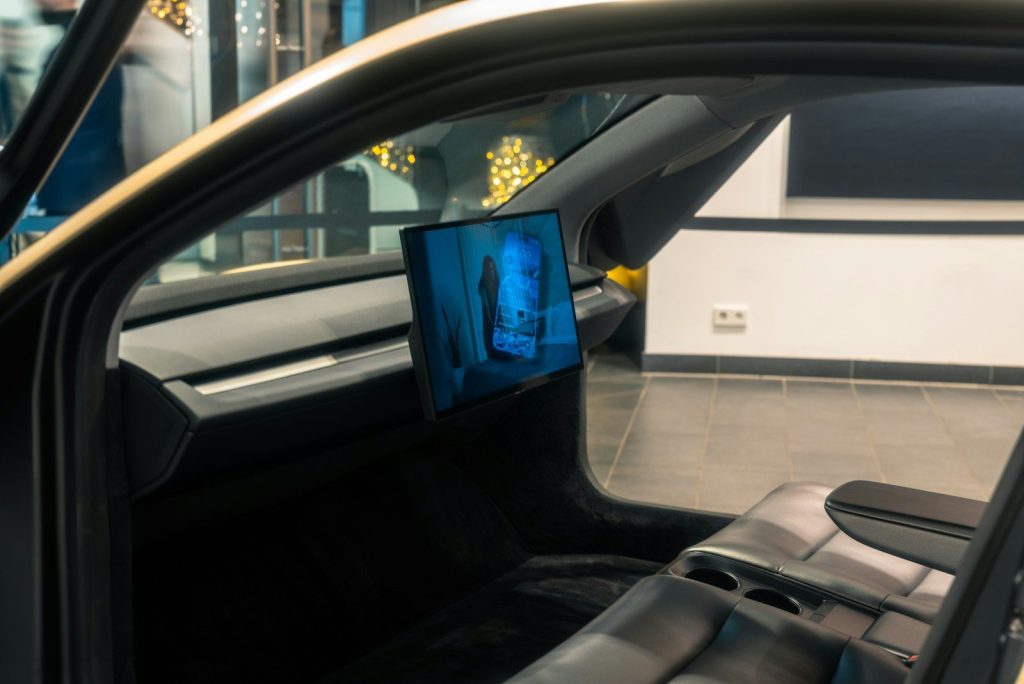
Many newer cars have apps that let drivers lock doors, check fuel or battery level, start climate control, or find where the car is parked. Those small tools can be surprisingly useful.
Remote start is especially handy in very hot or cold weather. A quick app check can also help when you are halfway across a parking lot and suddenly wonder whether you locked the doors.
Tire pressure monitoring
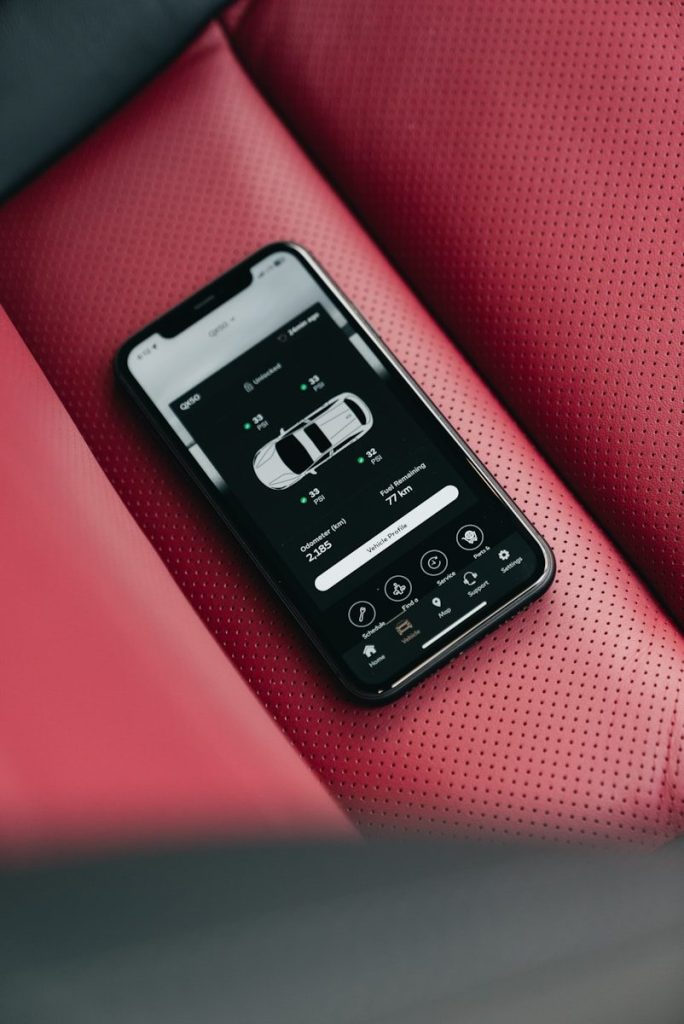
Tire pressure monitoring is not flashy, but it is one of the most useful everyday alerts. It tells you when a tire may be low, which can help prevent poor handling, bad fuel economy, or tire damage.
Drivers may ignore it until the warning light appears, but that little symbol can catch a problem early. It is simple tech, yet it can save time, money, and stress on the road.
Leave a Reply