Charging sounds simple until your phone gets hot, your cable stops working, or your battery dies right when you need it most. Many everyday charging problems do not come from bad luck. They come from small habits that slowly make gadgets less reliable and more frustrating.
The good news is that you do not need to treat every device like fragile lab equipment. A few smarter choices can help your phone, tablet, earbuds, laptop, and power bank charge more safely and last longer.
Using better cables, avoiding heat, keeping chargers dry, and not pushing batteries to extremes can make a real difference. These common charging mistakes are easy to miss, but they are also easy to fix.
Using worn-out cables
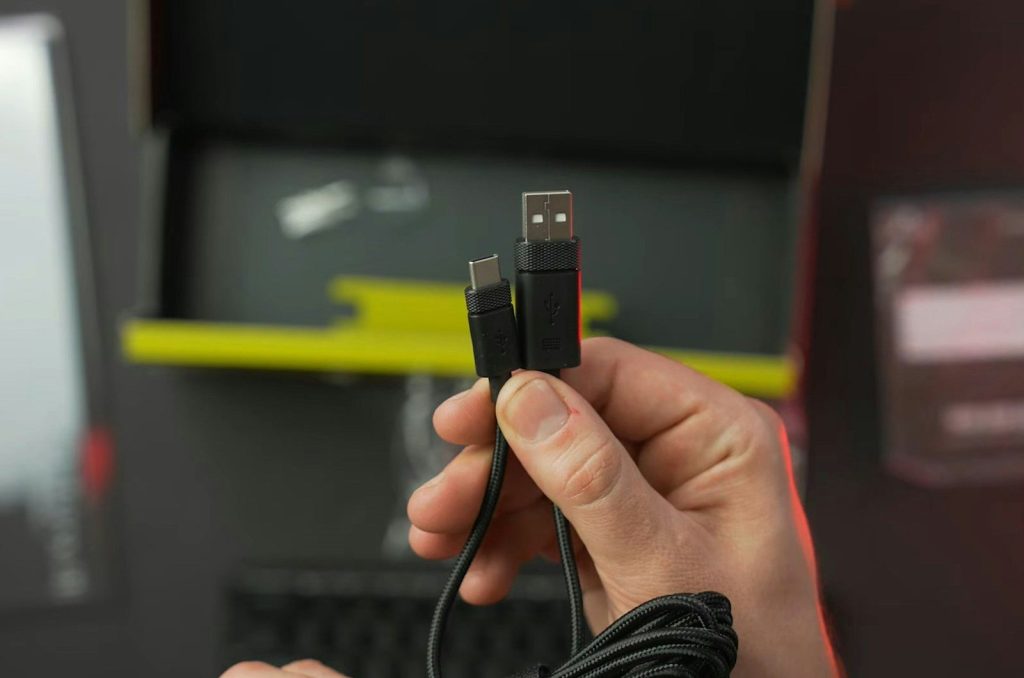
A frayed cable may still charge your phone, but it is not worth the risk. Damaged cords can charge slowly, disconnect often, or make your device heat up.
Replace cables with exposed wires, bent tips, loose plugs, or strange burn marks. Fire Safety Research Institute advises using the charger made for the device and watching for warning signs like heat, smoke, swelling, or odd sounds.
Buying mystery chargers
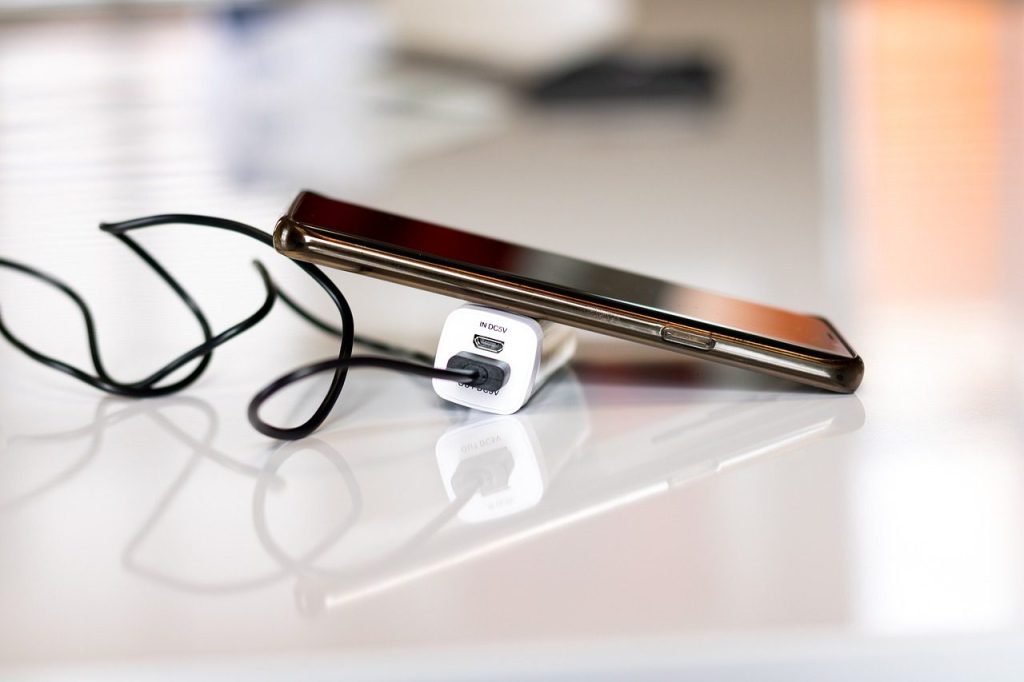
Cheap replacement chargers can seem like an easy fix, especially when your original one disappears. But a poor-quality charger may not work well with your device’s battery system.
Use a charger from the device maker or a trusted certified brand. Samsung advises using official chargers and cables for safety and performance, especially with newer fast-charging phones.
Charging on soft surfaces
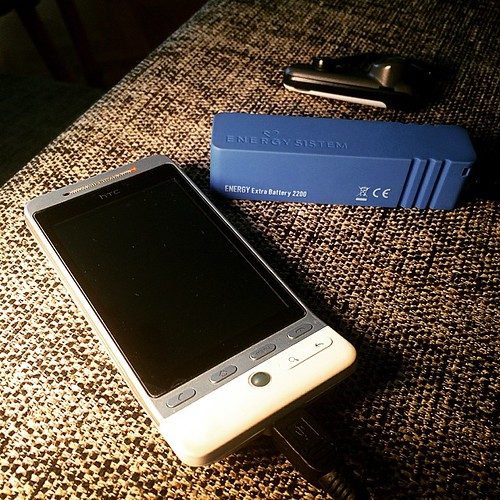
A phone charging on a bed, blanket, or couch may look harmless, but soft surfaces can trap heat. That can make charging slower and put extra stress on the battery.
Use a desk, table, counter, or nightstand instead. Apple says iPhones, cables, power adapters, and wireless chargers should be kept in a well-ventilated area while charging.
Ignoring overheating signs
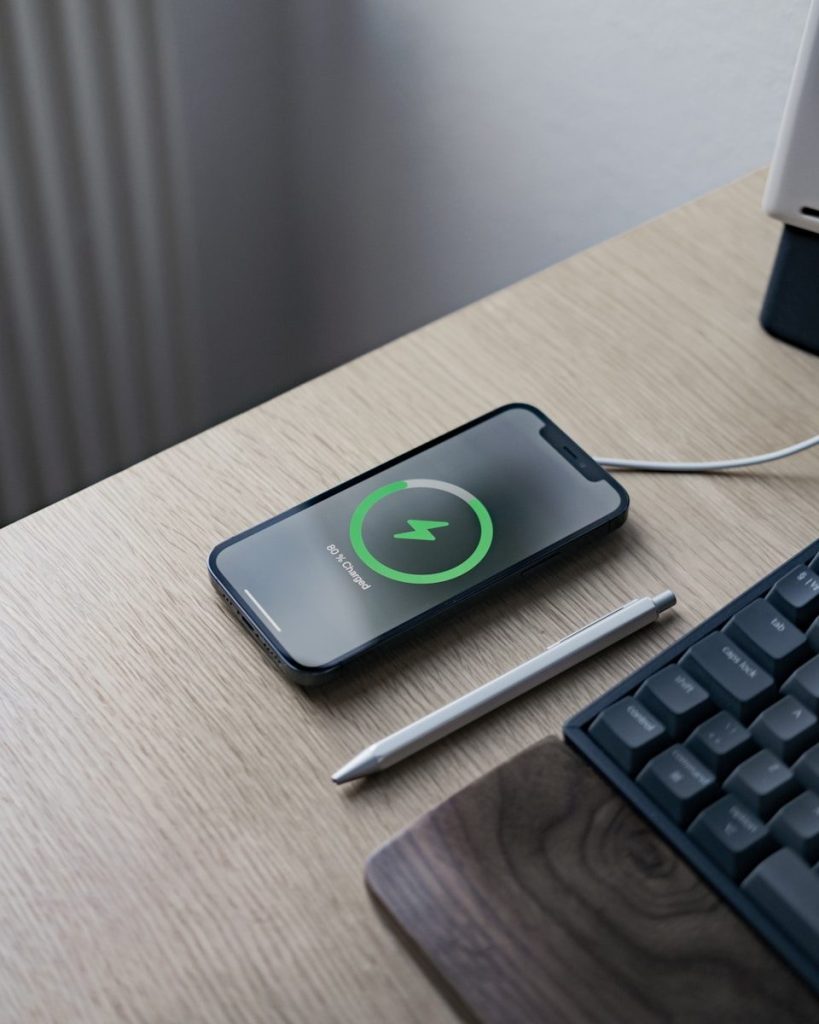
A warm device is common during charging, especially with fast or wireless charging. But if it feels unusually hot, stops charging, or acts strangely, do not ignore it.
Unplug it and let it cool in a safe spot. Samsung notes that if a battery becomes too hot, charging may stop, which is a sign the device is trying to protect itself.
Charging near water
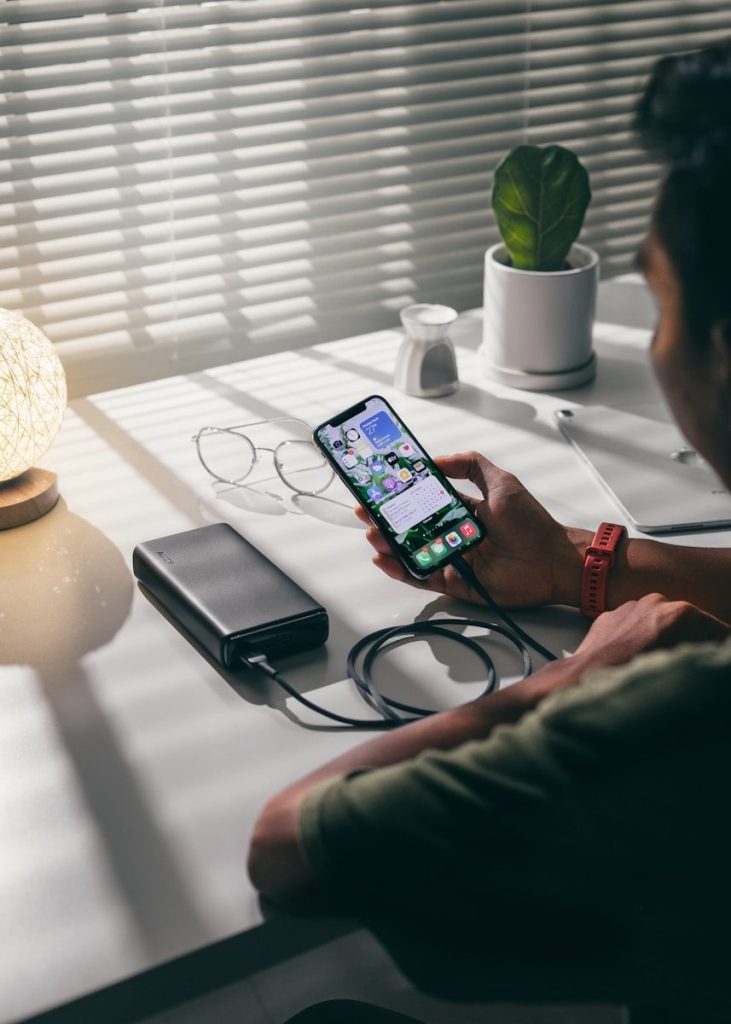
Charging in the bathroom, near a sink, or beside a drink can turn a small accident into a big problem. Water and charging gear do not mix well.
Keep gadgets, cords, and adapters in dry areas. Even if a device is water resistant, the charger, port, and power outlet still need care. A dry charging spot is the safer habit.
Leaving gadgets in heat
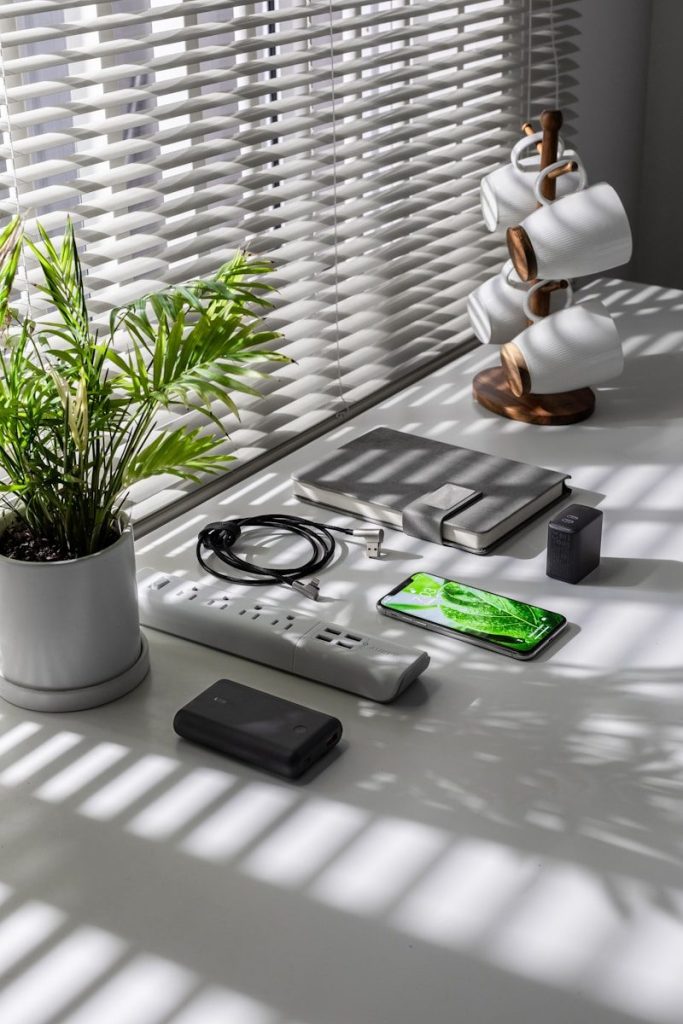
Heat is rough on batteries. A phone charging in direct sunlight, on a hot car seat, or near a heater can become slower, glitchier, and more stressful to use.
Move charging devices away from hot spaces. Apple says iPhone should be used where the ambient temperature is between 32° and 95° Fahrenheit, and high temperatures can harm battery performance.
Always charging to full
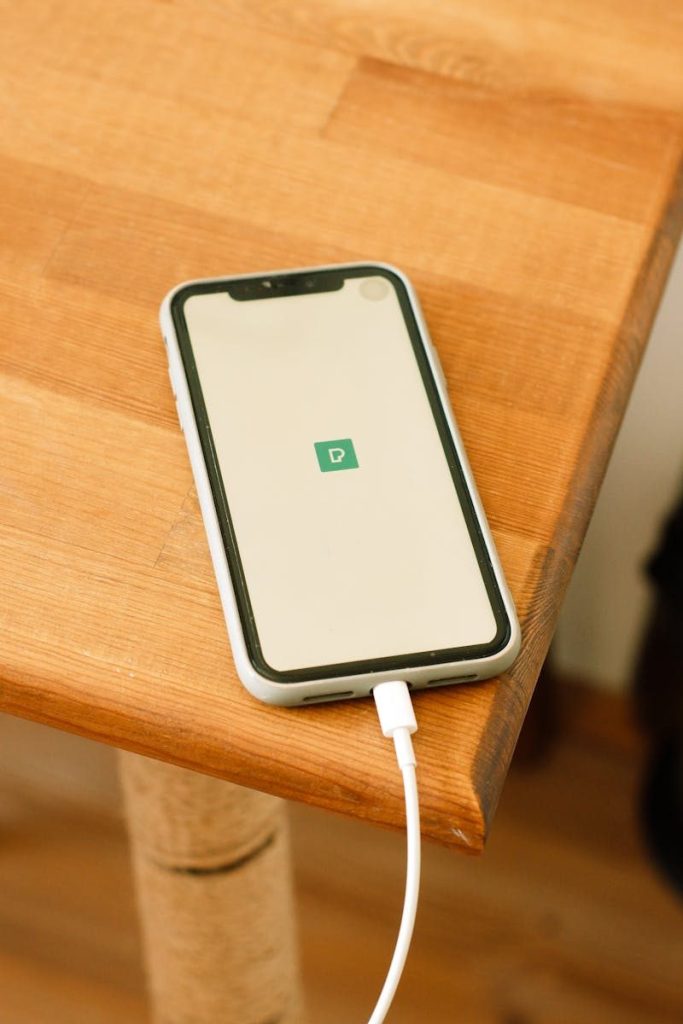
Charging to 100% is not a disaster, but making it your daily habit can add wear over time. Modern batteries usually last longer when they avoid constant high-stress charging.
Many devices now include battery health features that slow or limit charging when needed. For daily use, topping up before the battery gets very low can be more comfortable than chasing a full charge every time.
Draining the battery to zero
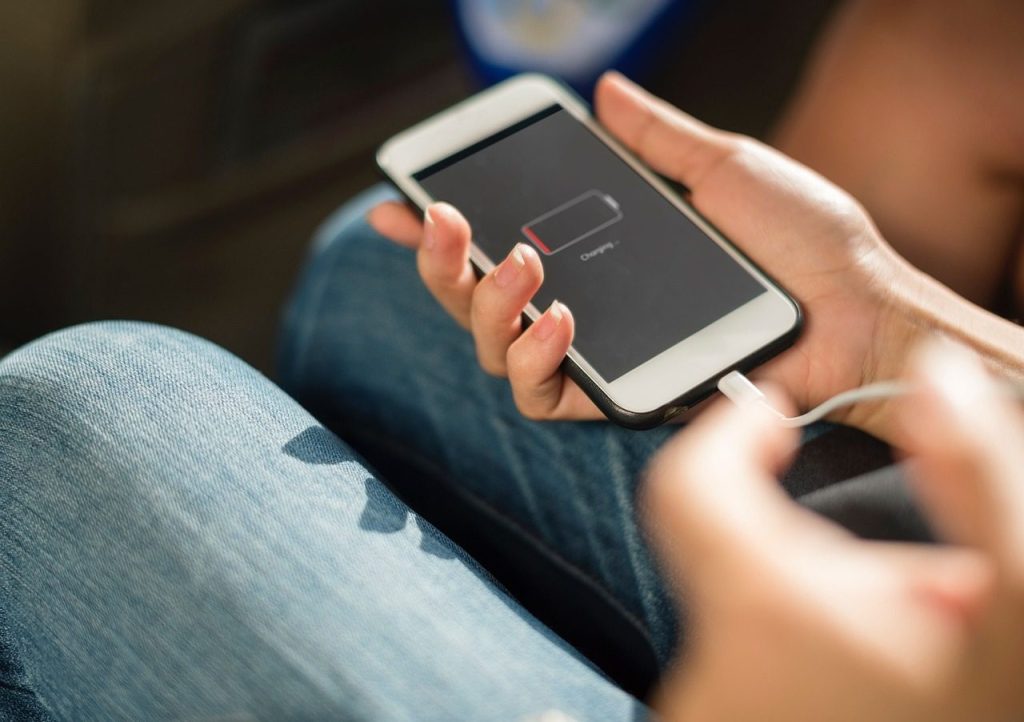
Older battery advice does not always fit today’s gadgets. Many modern phones use lithium-ion batteries, which do not need to be fully drained before every charge.
Waiting until your device dies can be annoying and may add stress over time. A better habit is to charge when it gets low enough to bother you, not when it shuts itself off.
Charging while using too much
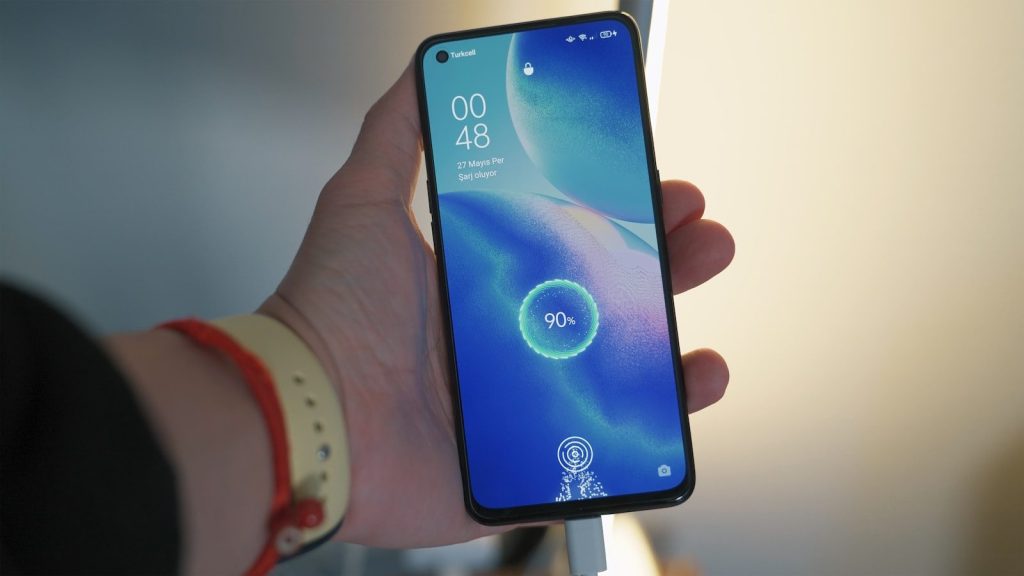
Using a phone for heavy tasks while it charges can make it warmer. Streaming, gaming, video calls, or navigation can all add heat while the battery is already working.
Light use is usually fine, but give the device a break during heavy charging. If it feels hot, pause the task, unplug it, or let it cool before continuing.
Leave a Reply