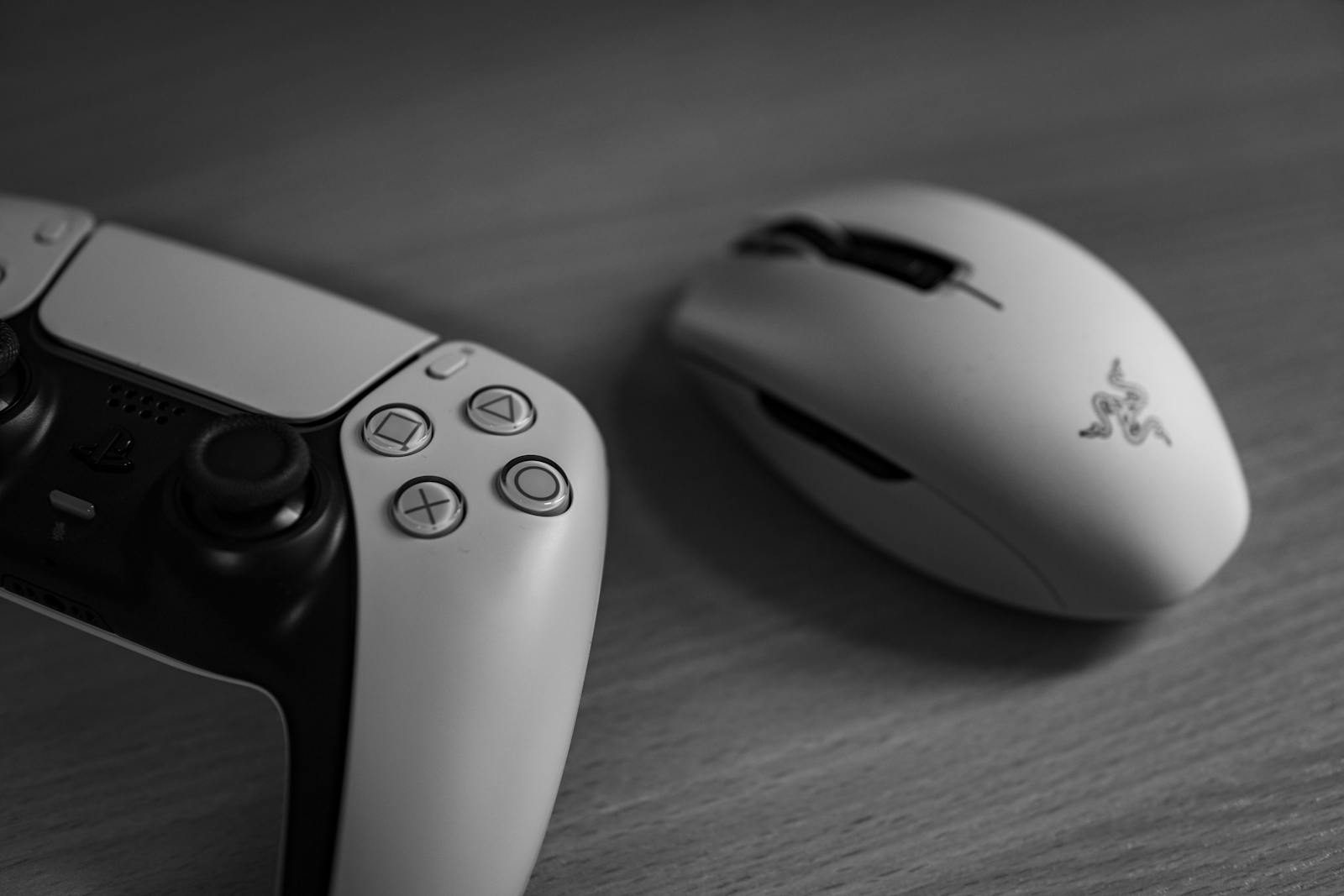
A gaming mouse can look flashy, but the useful parts are not always the bright lights or big numbers on the box. The features that really matter are the ones that change how the mouse feels during play: tracking, weight, shape, click speed, polling rate, wireless connection, button layout, and software control.
Brands like Razer, SteelSeries, Corsair, and Logitech often highlight sensor accuracy, polling rates, lift-off distance, programmable buttons, and lightweight builds because these details can affect aiming, movement, and comfort. Razer says higher polling rates can improve responsiveness, SteelSeries highlights lift-off distance control for precision, and Corsair lists weight, polling rate, and sensor specs across its gaming mice. Those are the features worth understanding before buying.
Sensor accuracy matters
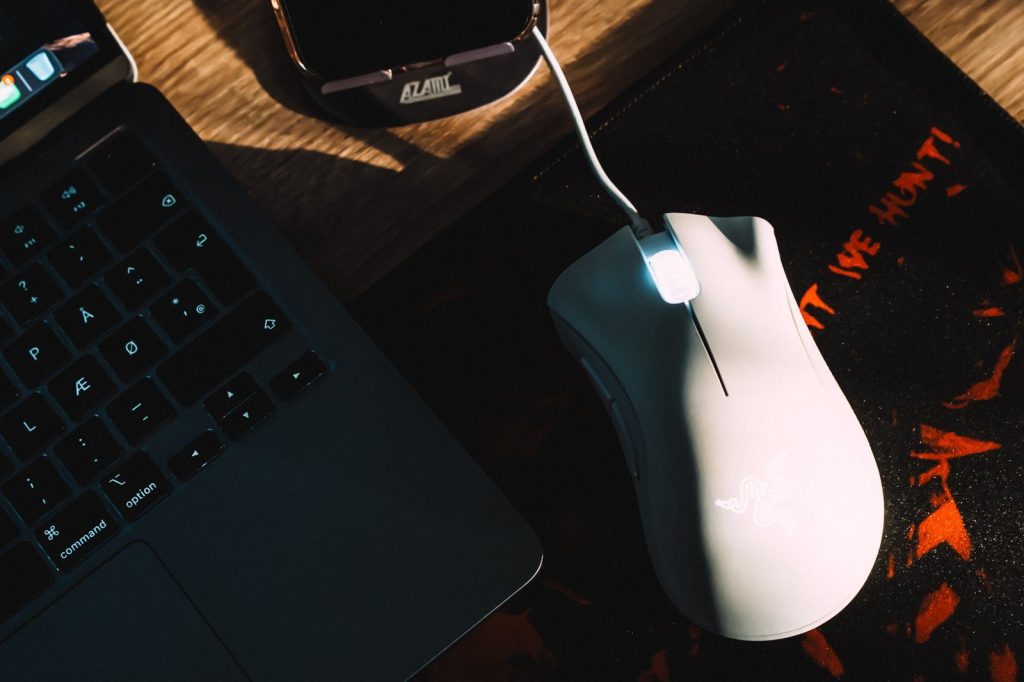
A good gaming mouse should track movement cleanly without skipping, drifting, or feeling uneven. That is why the sensor is more than a marketing line.
SteelSeries describes its TrueMove sensor system as offering true one-to-one tracking, which means hand movement is meant to match screen movement closely. For shooters, strategy games, and fast camera control, that steady tracking can make play feel more reliable.
Polling rate affects response
Polling rate is how often the mouse reports its position to the computer. A higher rate can make movement feel more immediate, especially on fast gaming monitors.
Razer says its HyperPolling technology moved beyond the common 1,000Hz rate to 8,000Hz for faster responsiveness. Not every player needs the highest setting, but for competitive games, lower delay can be a real benefit.
Weight changes control
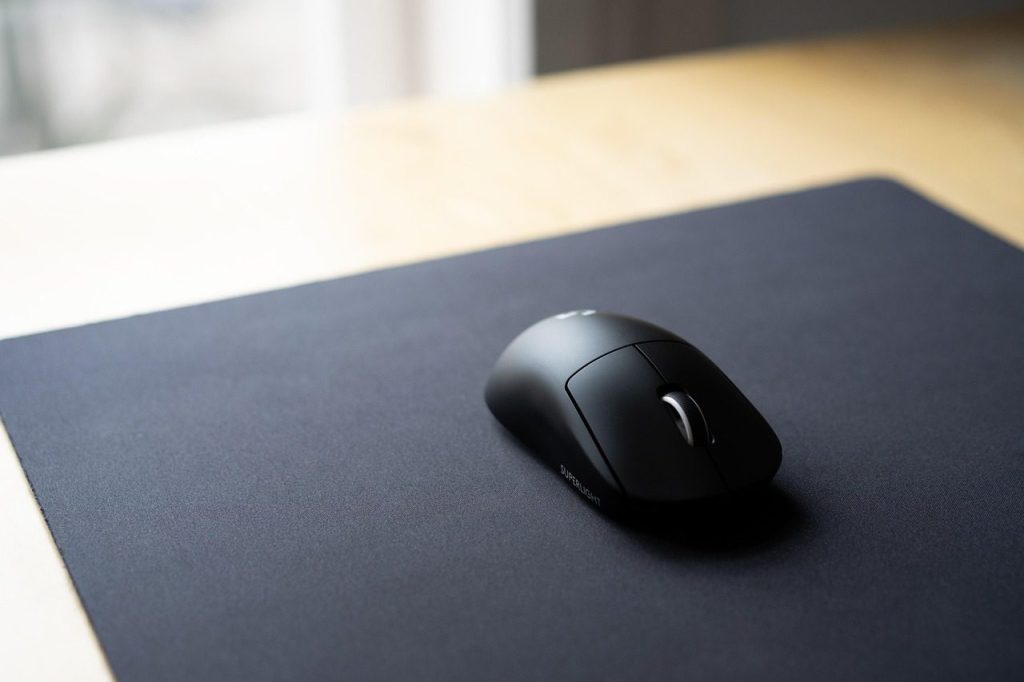
A lighter mouse can be easier to move quickly, especially in games that require wide swipes or fast aim changes. That is why many gaming mice now focus on lower weight.
Corsair lists gaming mice with weights such as 56g and features built around speed and control. A light mouse is not automatically better for everyone, but it can reduce hand strain and help players move faster.
Shape affects comfort
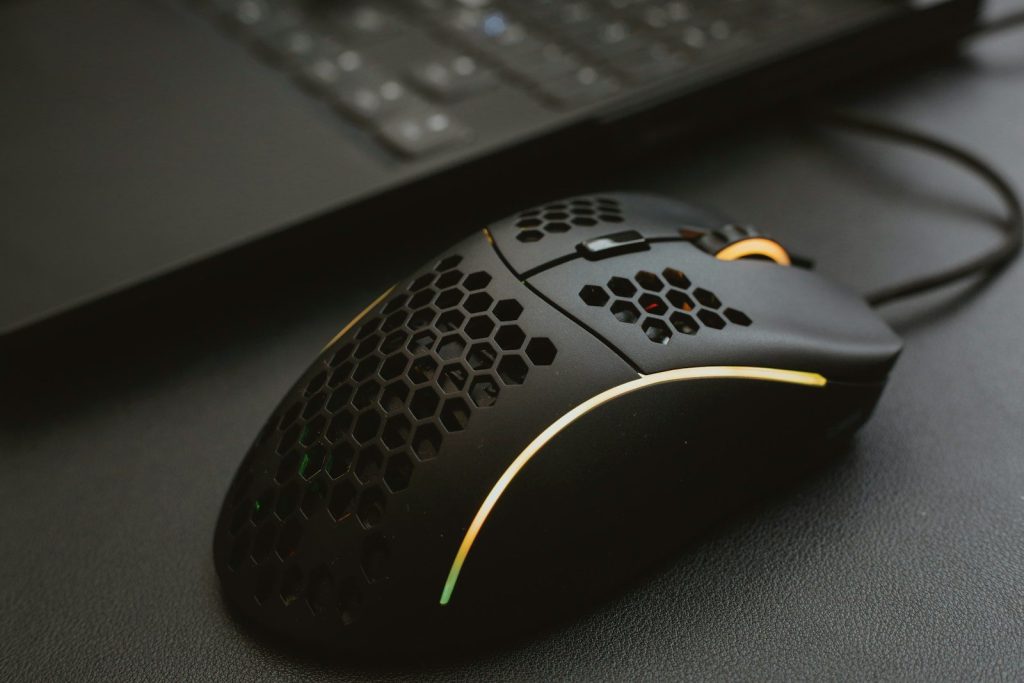
Shape is one of the most important features because hands are not all the same. A mouse that feels great for one player may feel awkward for another.
Grip style also matters. Palm, claw, and fingertip grips need different shapes and heights. A comfortable mouse can help during long sessions because players are less likely to fight the device while trying to focus on the game.
Clicks can feel faster
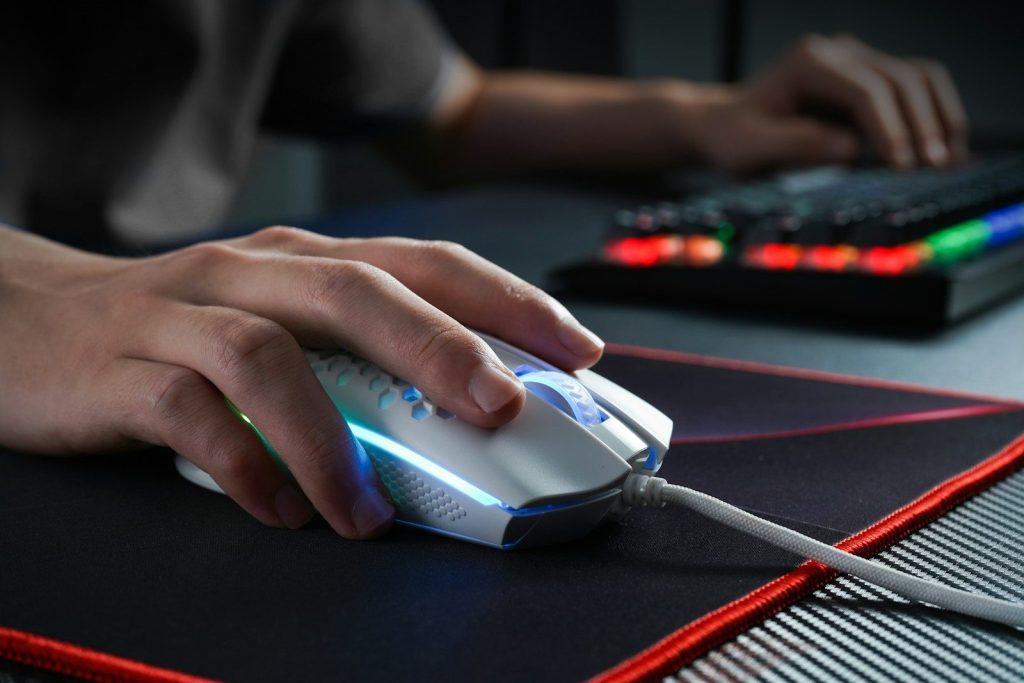
Mouse switches control how clicks feel and respond. In fast games, players want clicks that feel crisp, quick, and dependable.
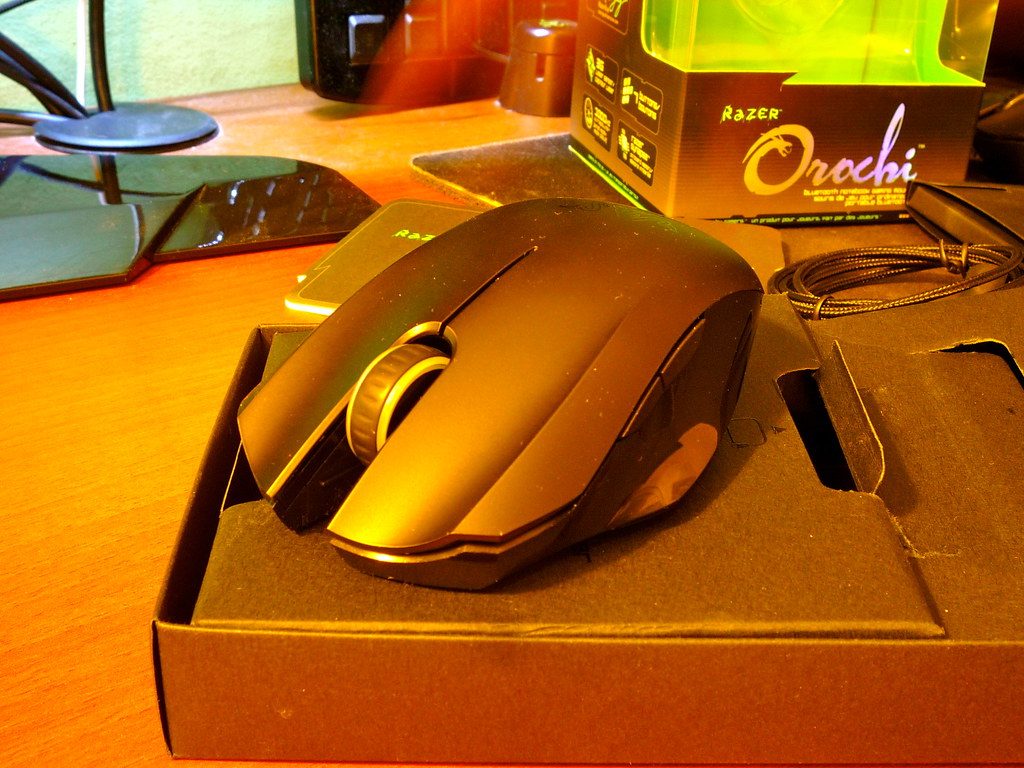
Razer promotes optical mouse switches on some gaming mice, which are designed to register clicks using light instead of traditional metal contact. The point is not just fancy tech. It is about making clicks feel consistent during repeated actions.
Lift-off distance helps aim
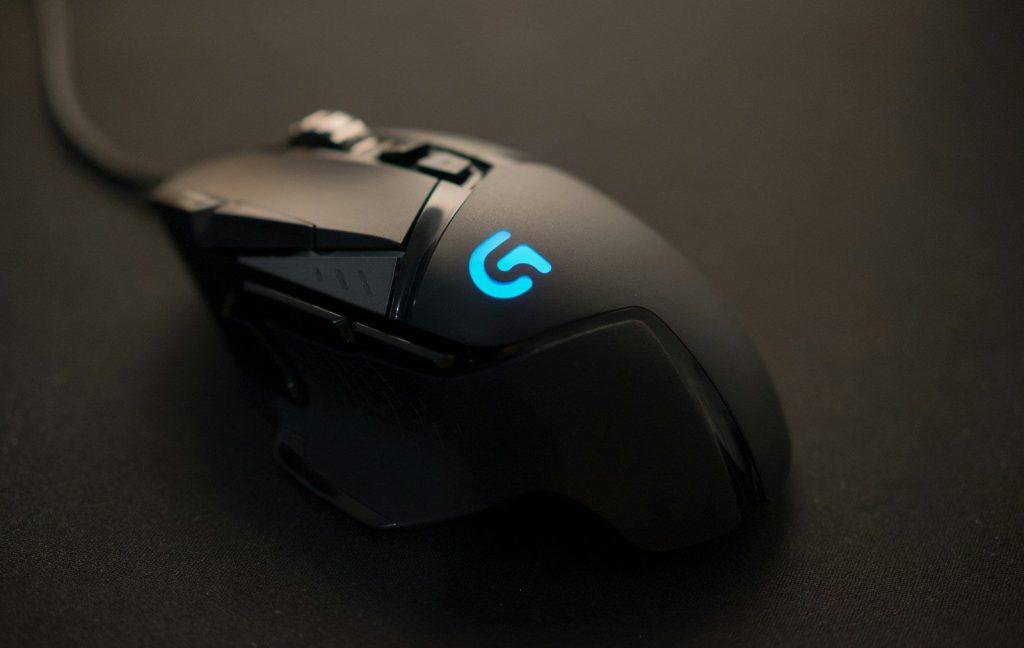
Lift-off distance is the height where the sensor stops tracking when the mouse is lifted. This matters when players pick up the mouse to reset its position.
SteelSeries says its dual-sensor design lets players adjust lift-off distance and control when tracking stops. A lower lift-off distance can help reduce unwanted cursor movement during quick resets, especially in shooters.
Programmable buttons save time
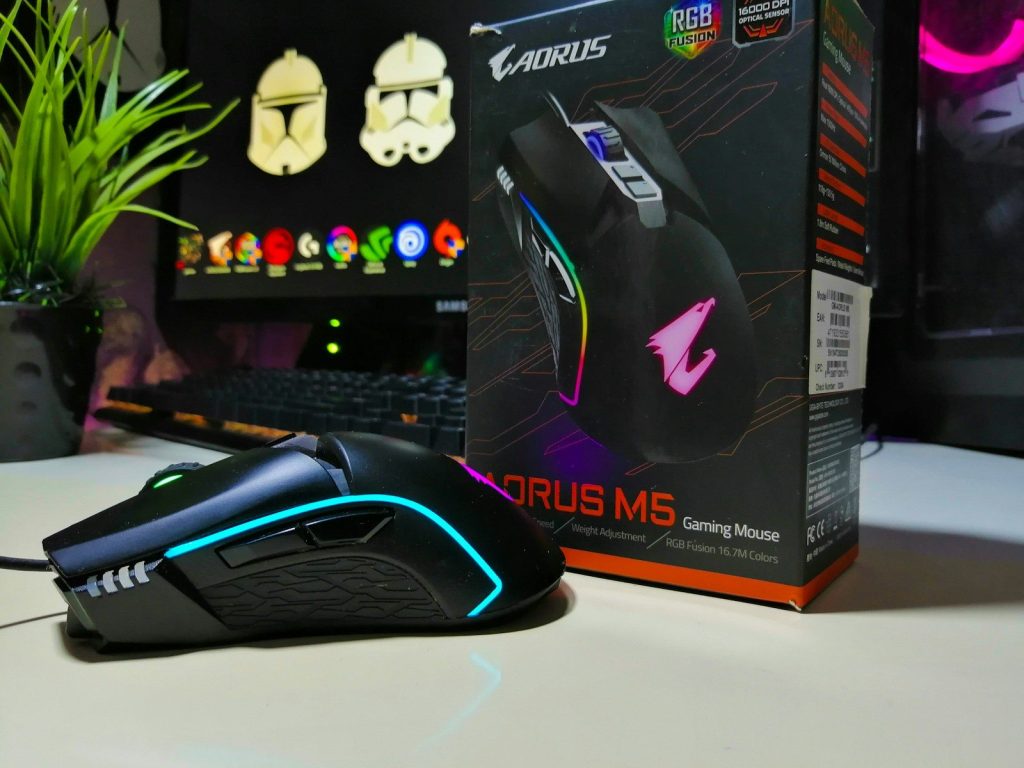
Extra buttons are not only for show. They can help players use abilities, reload, switch tools, push-to-talk, or trigger common actions without reaching across the keyboard.
Corsair’s M55 specs list six programmable buttons, showing how even simpler gaming mice can offer useful control options. The best button layout depends on the game, but smart shortcuts can make play smoother.
Software makes tuning easier
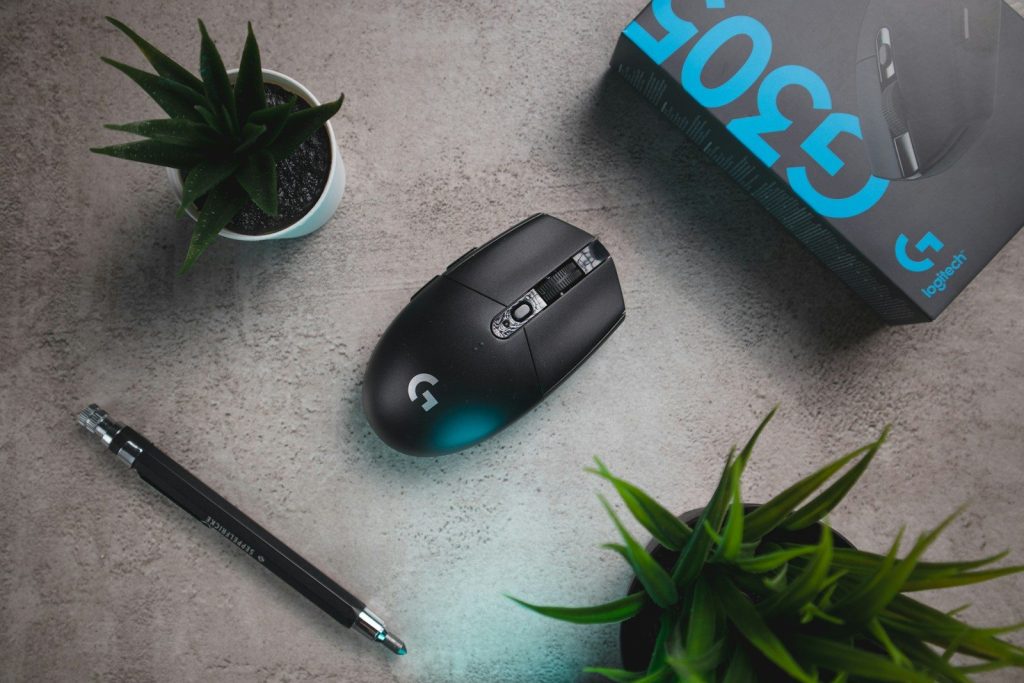
Gaming mouse software can control DPI levels, button mapping, lighting, profiles, and sometimes tracking settings. That makes the mouse easier to match to different games.
This matters because a player may want low sensitivity for shooters and faster movement for browsing or strategy games. Good software turns a mouse from one fixed tool into something more personal and flexible.
Leave a Reply