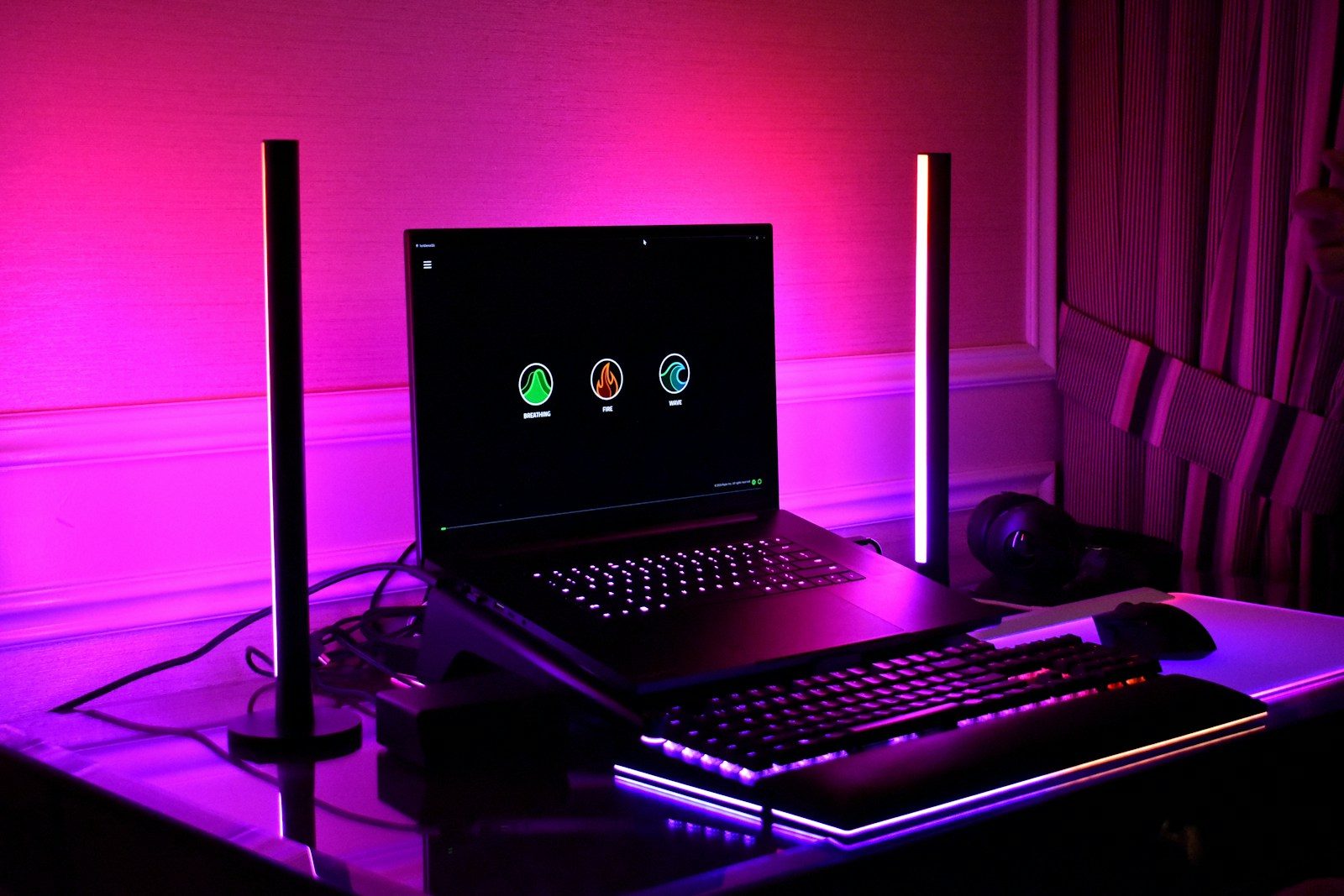
A gaming setup is not only about the console, PC, or screen. The small things around it can change how the whole space feels. A better headset can make the sound clearer. A good chair can make long sessions easier. A larger mouse pad can help movements feel smoother. Even lighting and cable control can make a desk feel cleaner, calmer, and more fun to use.
The best accessories do not need to be flashy or expensive. They should solve simple problems, like poor posture, messy cables, weak audio, glare, or limited desk space. Good workstation guidance often points to comfort, proper screen placement, relaxed arm position, and reduced glare as key parts of a better setup.
A headset changes the mood
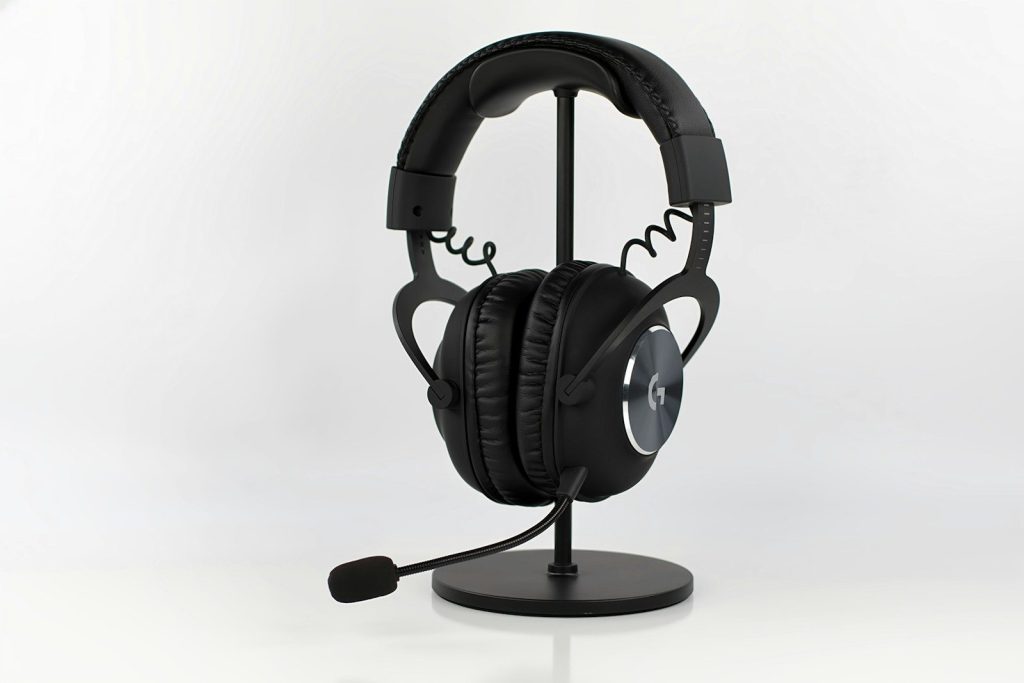
A gaming headset can make a setup feel more focused right away. Clear sound helps players hear small details, while a built-in mic makes online chats easier.
Some headsets also support surround or spatial audio features. These can make sound feel like it is coming from different directions, which adds more depth to games that support it.
A smooth mouse helps control
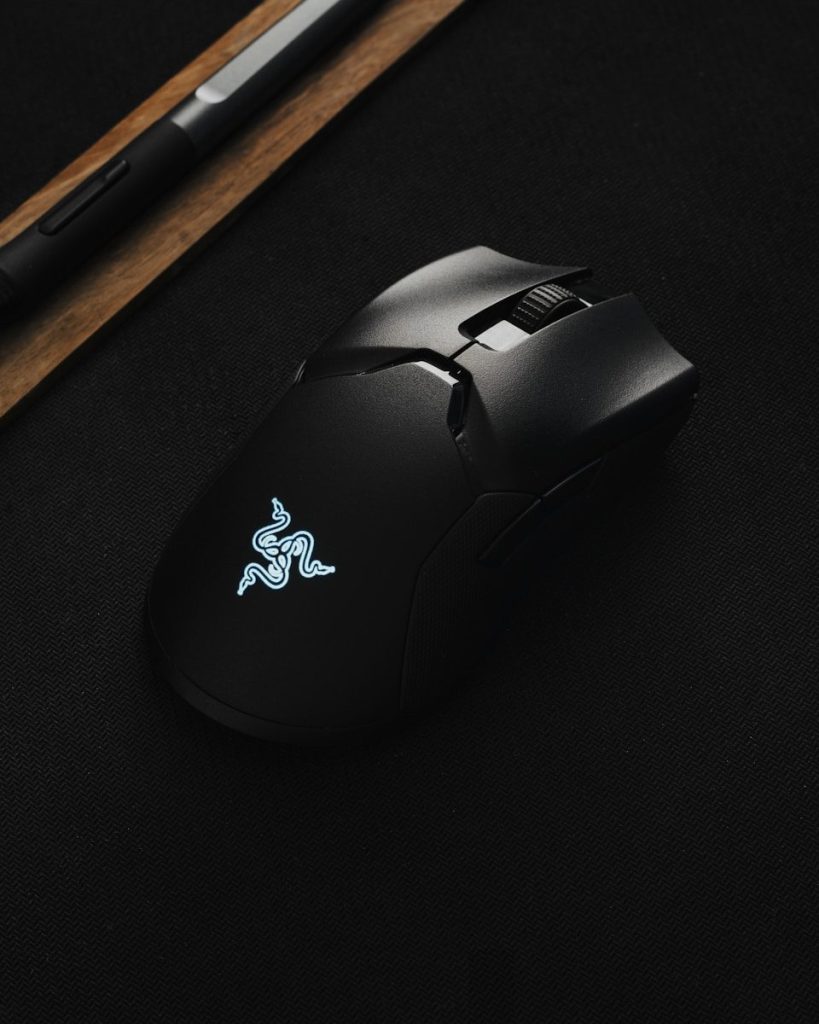
A gaming mouse can make movement feel faster and more precise. Many models are shaped for better grip, with buttons that are easier to reach during play.
The right mouse also depends on comfort. A mouse that feels too small, too heavy, or awkward can make long sessions less enjoyable, even if it has strong features.
A keyboard adds better feel
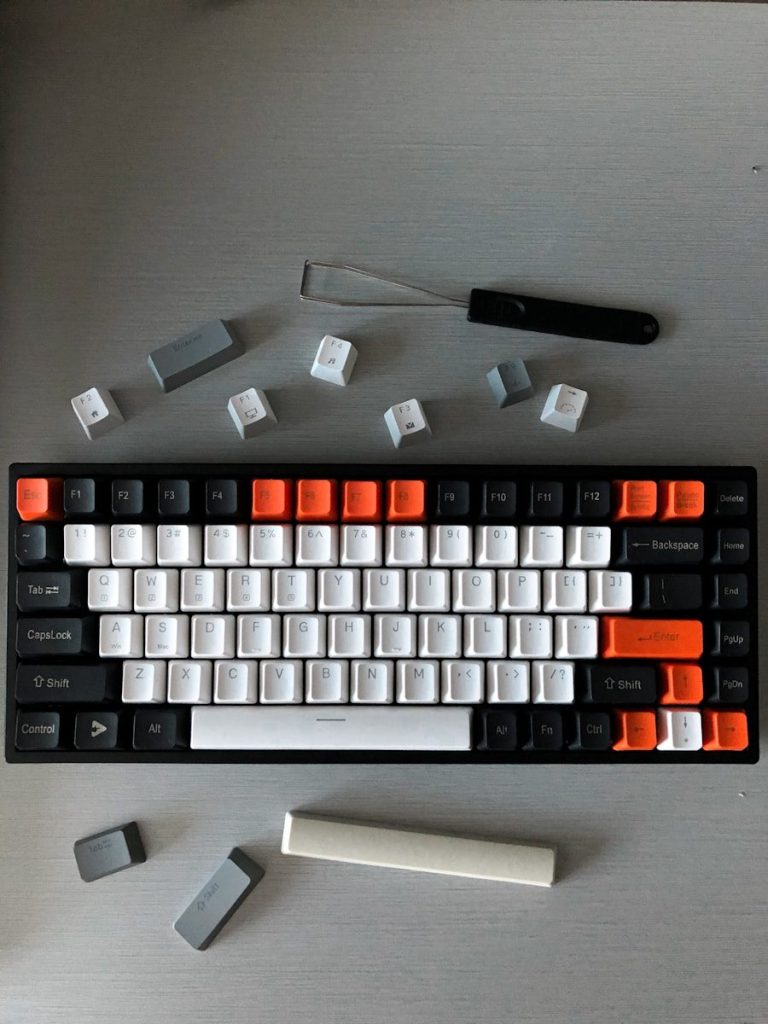
A good keyboard can change the way a setup feels under the hands. Some players like a soft, quiet feel, while others prefer sharper key feedback.
A separate keyboard also helps with desk comfort. It can be placed in front of the player with wrists and forearms in a more natural line, which Mayo Clinic recommends for computer use.
A big mouse pad helps space
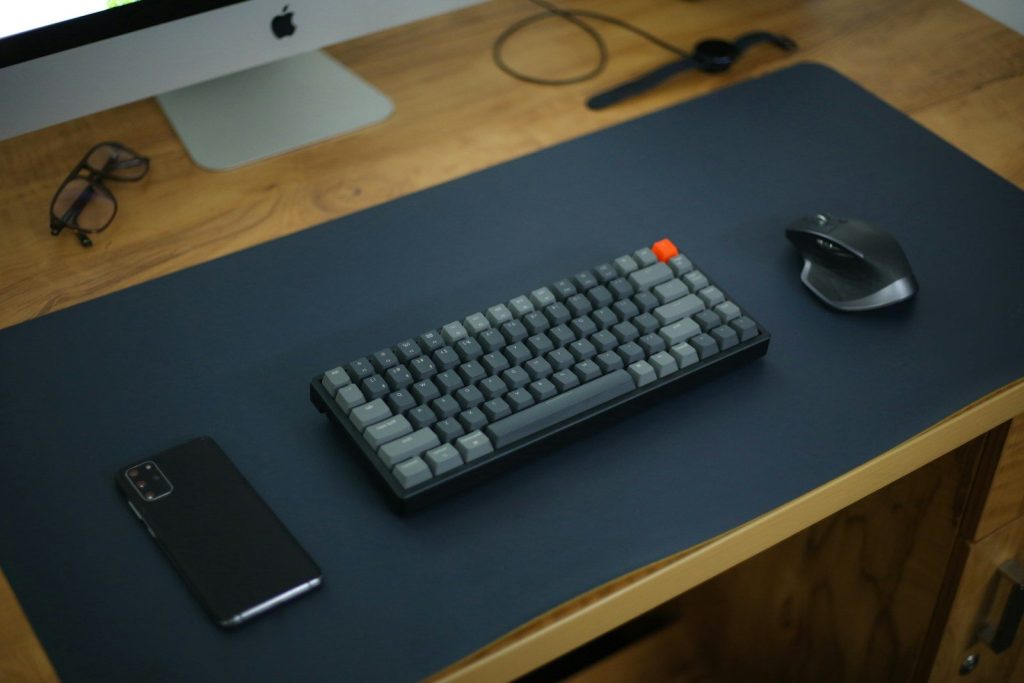
A large mouse pad gives the mouse more room to move. That can help players who use lower sensitivity or need wider hand movement.
It can also make the desk feel more organized. A full-size desk mat creates one clear surface for the keyboard and mouse, instead of making the setup feel scattered.
A monitor stand lifts the screen
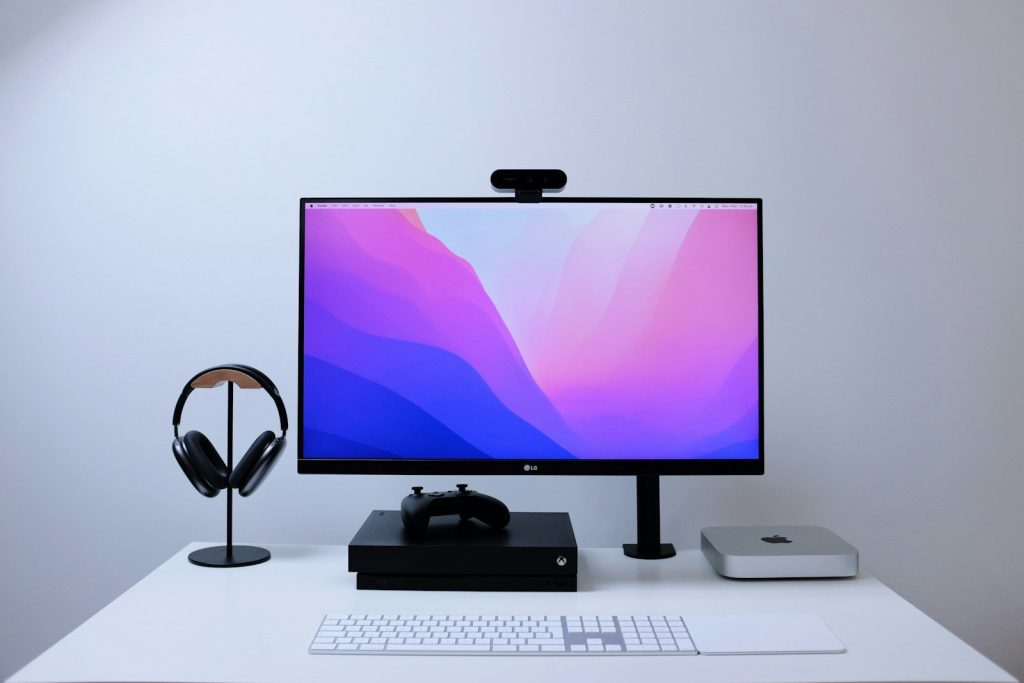
A monitor stand can make the screen easier to view. When the display sits too low, players may lean forward or look down more than they realize.
Raising the screen can help the setup feel more balanced. The American Optometric Association notes that poor viewing distance, glare, lighting, and posture can all contribute to digital eye strain.
Better lighting sets the tone
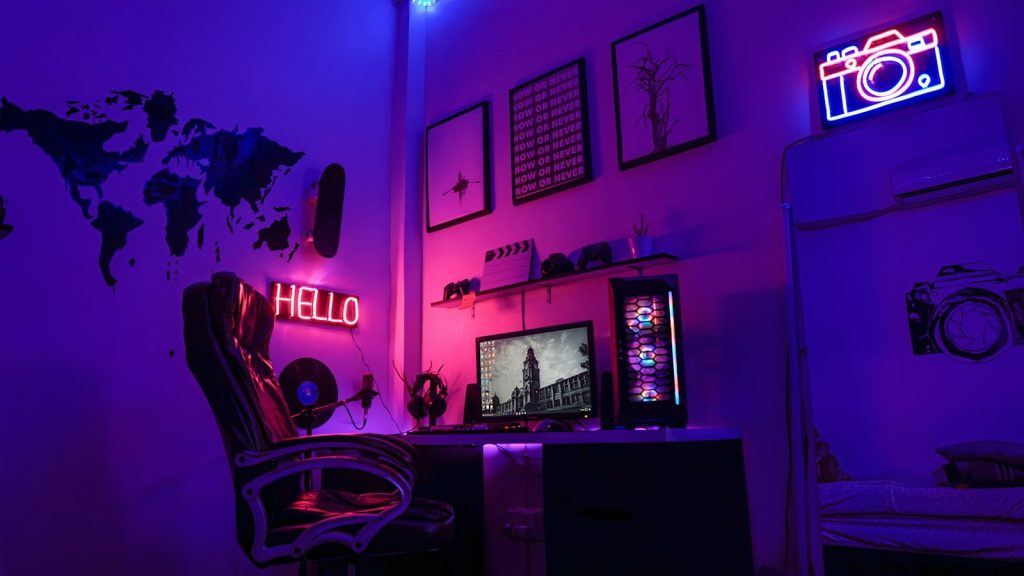
Lighting can change the whole feel of a gaming space. Soft desk lighting can make the room feel warmer, while backlighting can reduce the harsh contrast between a bright screen and a dark wall.
Good lighting also helps with eye comfort. A screen that is much brighter or darker than the room can feel tiring during longer sessions.
A controller adds flexibility
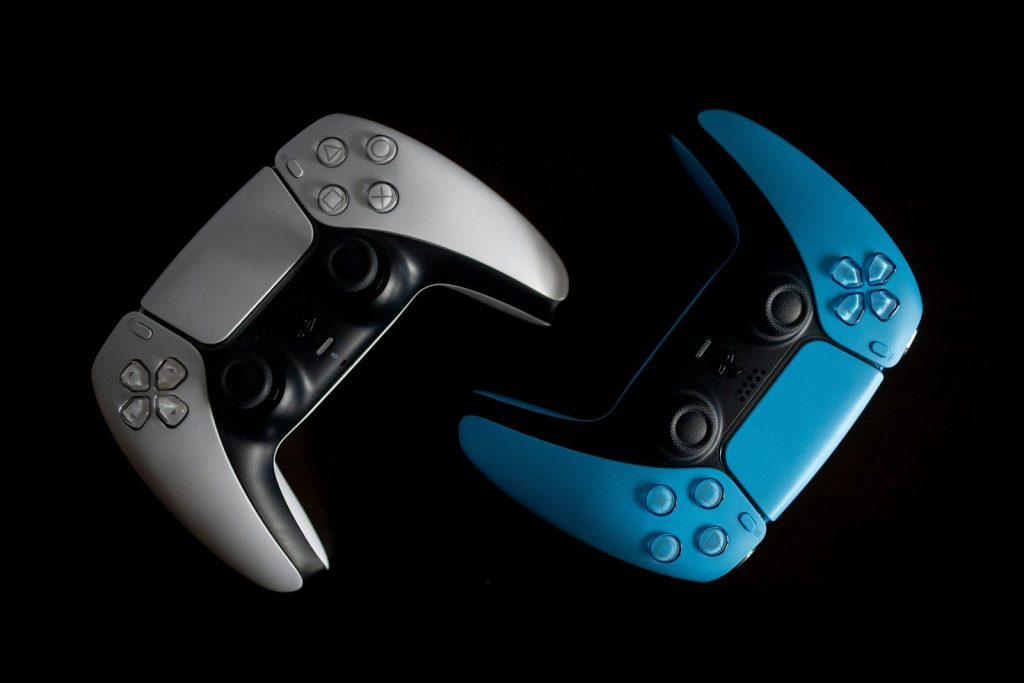
A controller can make some games feel more relaxed than a keyboard and mouse. Racing, sports, adventure, and platform games often feel natural with thumbsticks and triggers.
It also gives players more seating options. Instead of staying close to the desk, they can lean back and enjoy games from a more comfortable position.
Cable control cleans it up
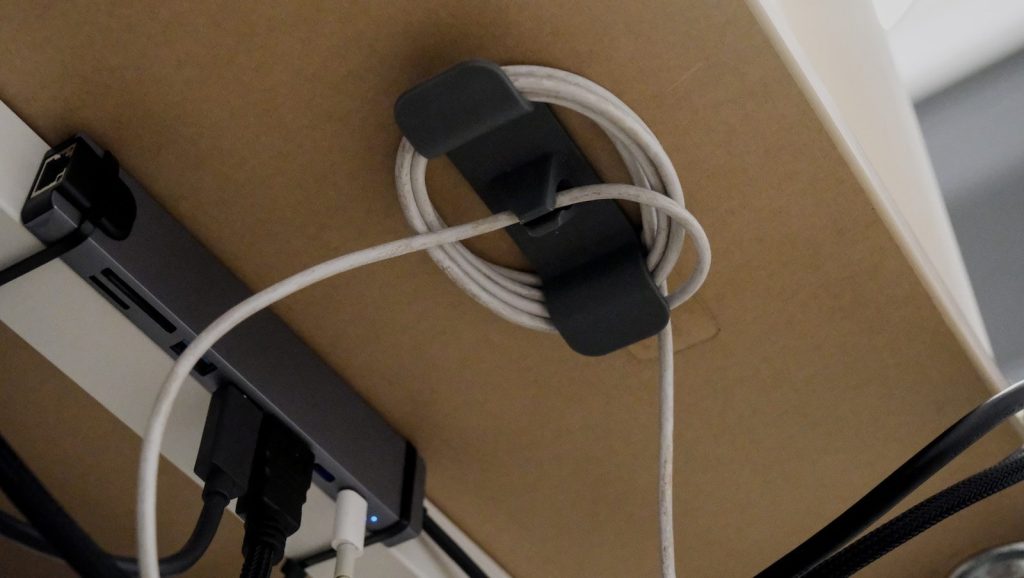
Cable ties, clips, sleeves, and trays can make a gaming setup feel much cleaner. A desk with fewer loose wires often looks better and is easier to use.
Cable control also helps when adding or moving accessories. Instead of fighting a tangled mess, players can find the right cord faster and keep the setup looking neat.
Leave a Reply