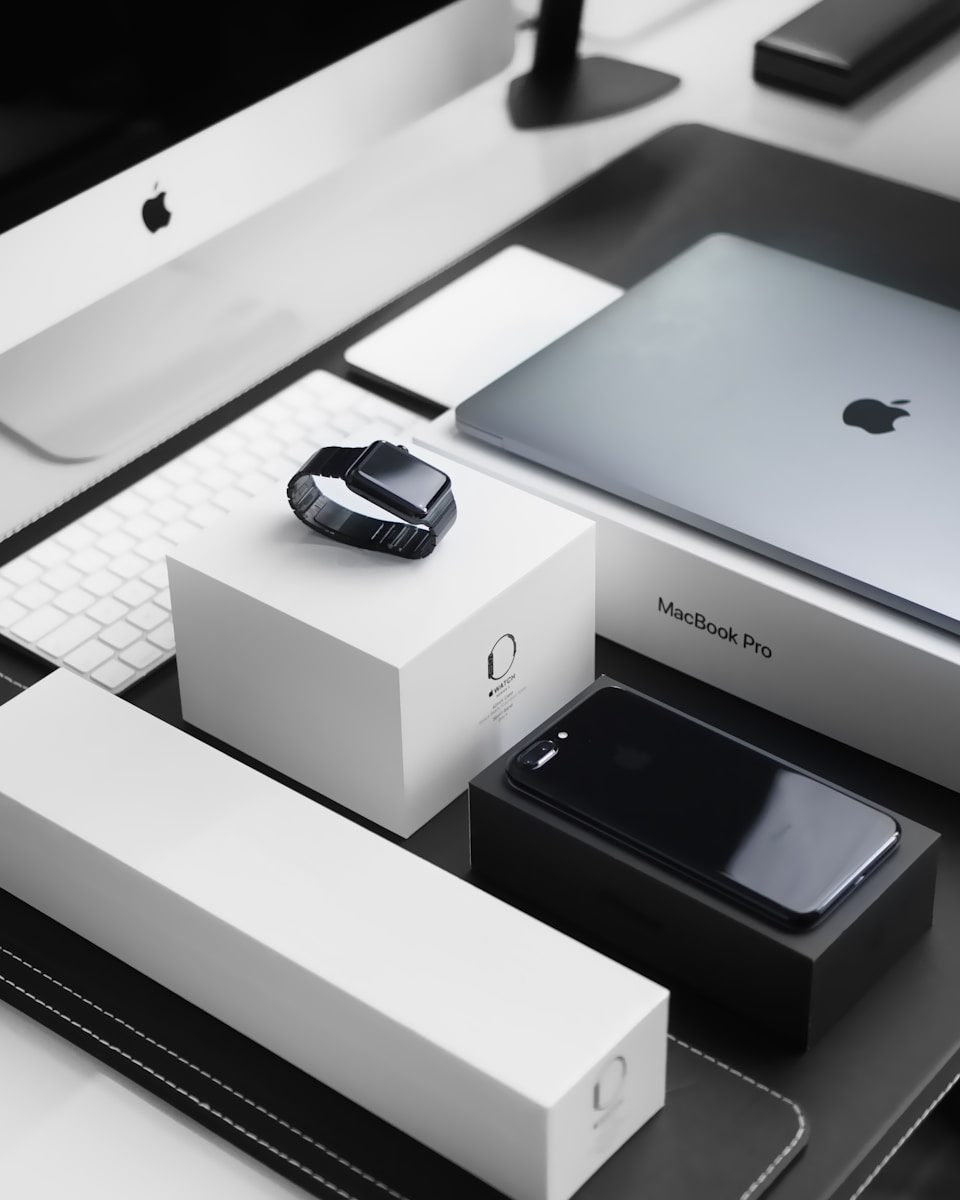
Apple devices can do more together than many people realize. An iPhone, iPad, Mac, Apple Watch, and Apple TV are not just separate gadgets sitting on the same account. They can share a clipboard, pass tasks between screens, turn an iPhone into a Mac camera, unlock a Mac with a watch, and move files without cables. Apple groups many of these tools under Continuity, which is designed to help nearby Apple devices work together when they are signed in with the same Apple Account and meet the right requirements.
The best part is that these tricks are built in. You do not need to buy another app or learn anything complicated. A few simple habits can make daily work, school, travel, and home use feel much smoother.
Copy once, paste anywhere
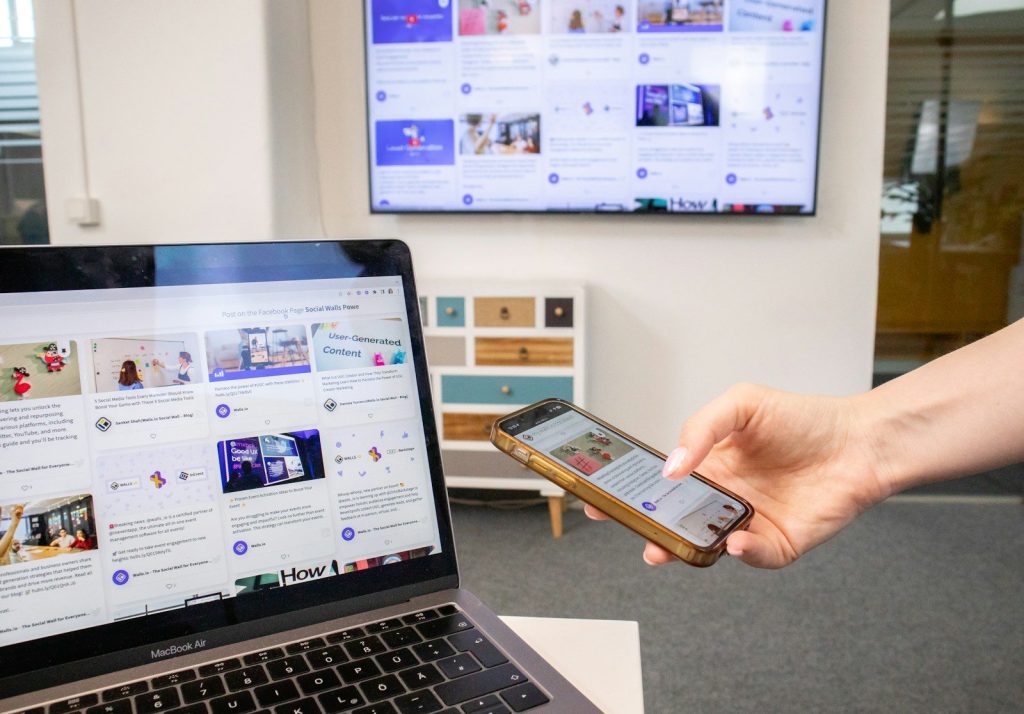
Universal Clipboard lets you copy text, photos, images, or videos on one Apple device and paste them on another. You might copy a link on your iPhone and paste it into a Mac document seconds later.
It feels small until you use it often. Instead of emailing yourself notes or sending links in a message, your devices can quietly pass the copied item along for you.
Use iPhone as a webcam
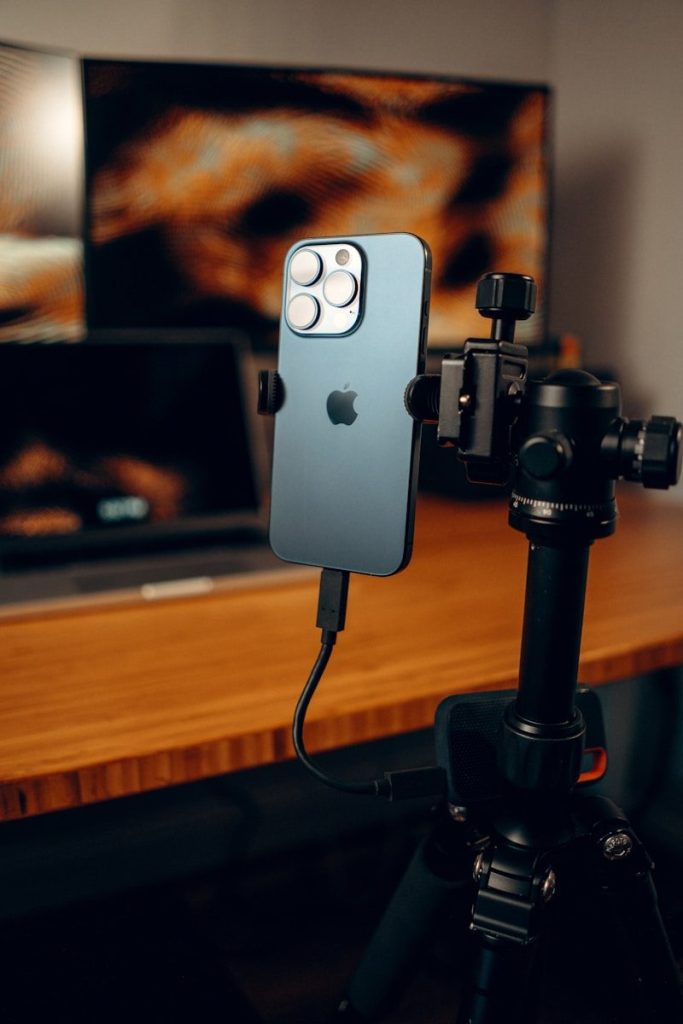
Continuity Camera can turn your iPhone into a webcam or microphone for your Mac. Apple says it can work wired or wirelessly, which makes it useful for calls, classes, and remote meetings.
This is easy to forget because the iPhone is usually seen as the camera you carry. But paired with a Mac, it can become a better desk camera without needing extra gear.
Unlock Mac with your watch
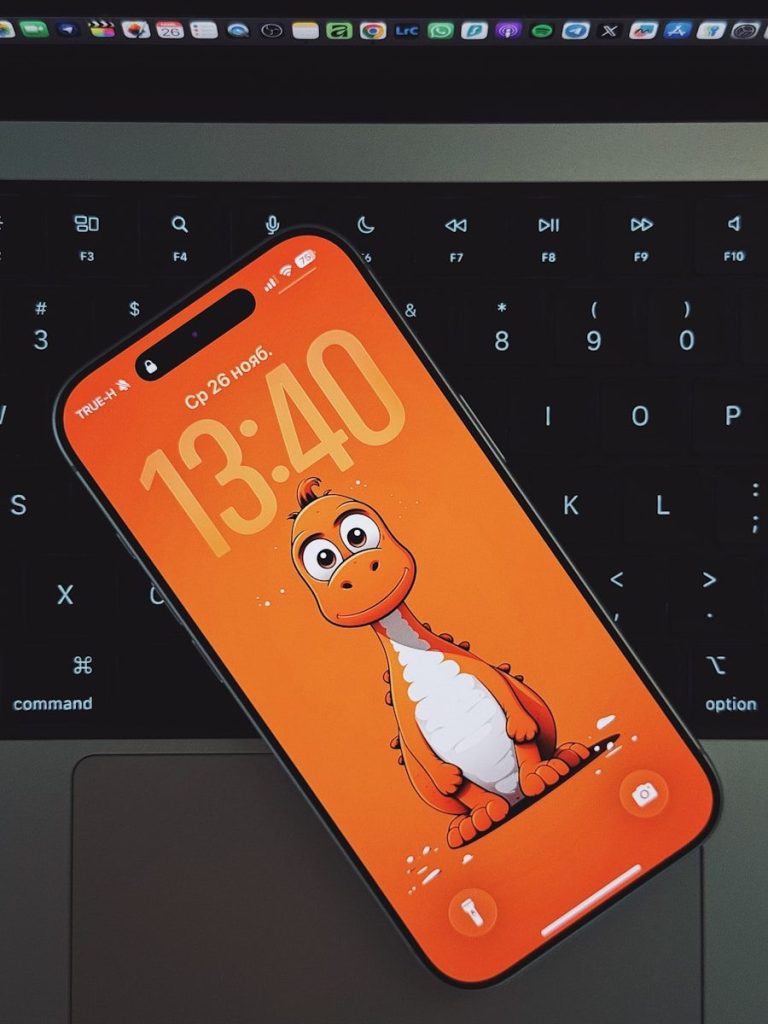
If you wear an Apple Watch, it can unlock your Mac when you wake the computer. Apple says you can also use the watch to approve certain requests after Auto Unlock is set up.
That saves time during the day. Instead of typing your password each time you return to your desk, your watch helps confirm it is you and lets you get back to work faster.
Turn iPad into another screen
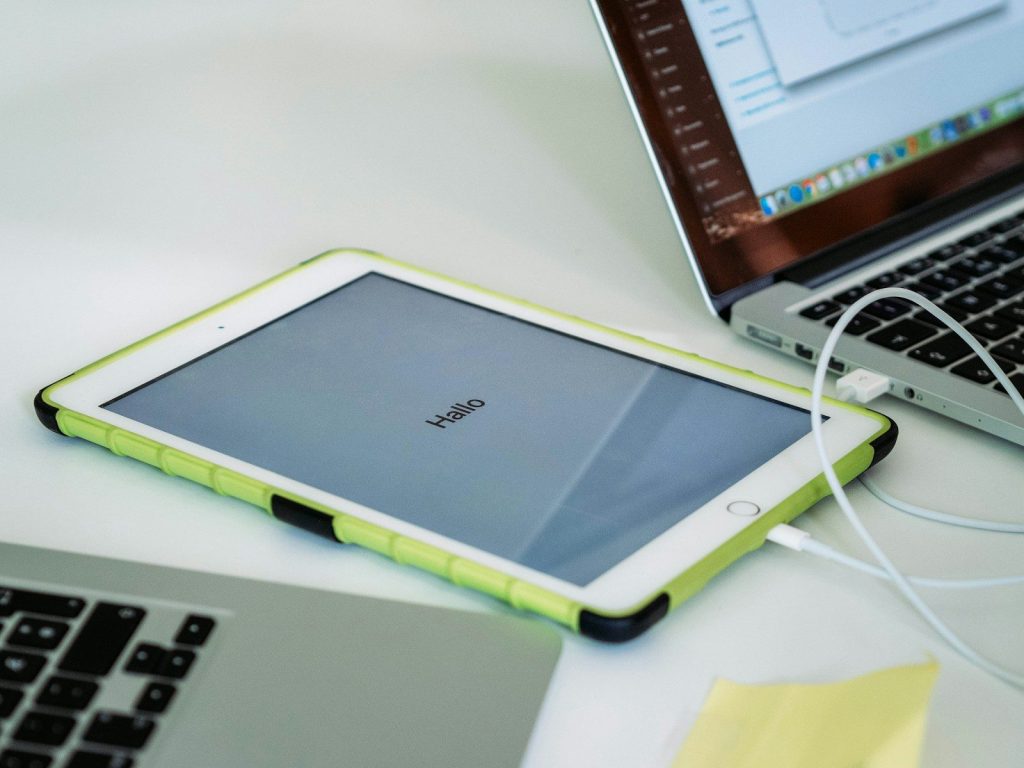
Sidecar lets an iPad work as a second display for a Mac. Apple says it can be used wirelessly, or you can plug in the iPad to keep it charged while using it.
This is handy when you need more room. You can keep notes, messages, previews, or a browser window on the iPad while your main work stays on the Mac.
Control iPad from your Mac
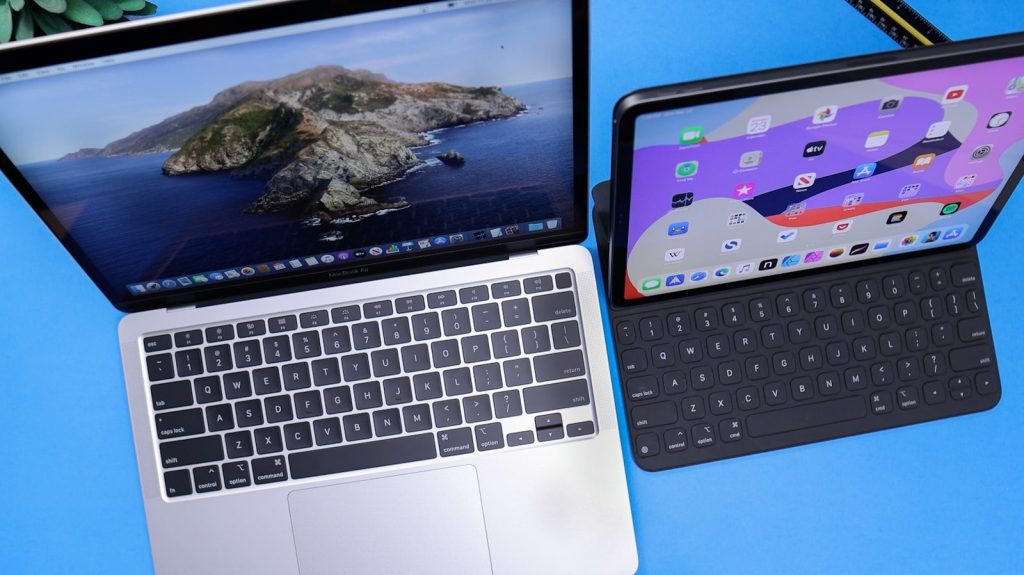
Universal Control lets one keyboard and mouse or trackpad work between a Mac and iPad. Apple says you can move the pointer between screens and drag and drop between devices.
It is different from using the iPad as a second display. Each device keeps its own apps, but your Mac keyboard and pointer can glide between them like one bigger workspace.
AirDrop more than photos
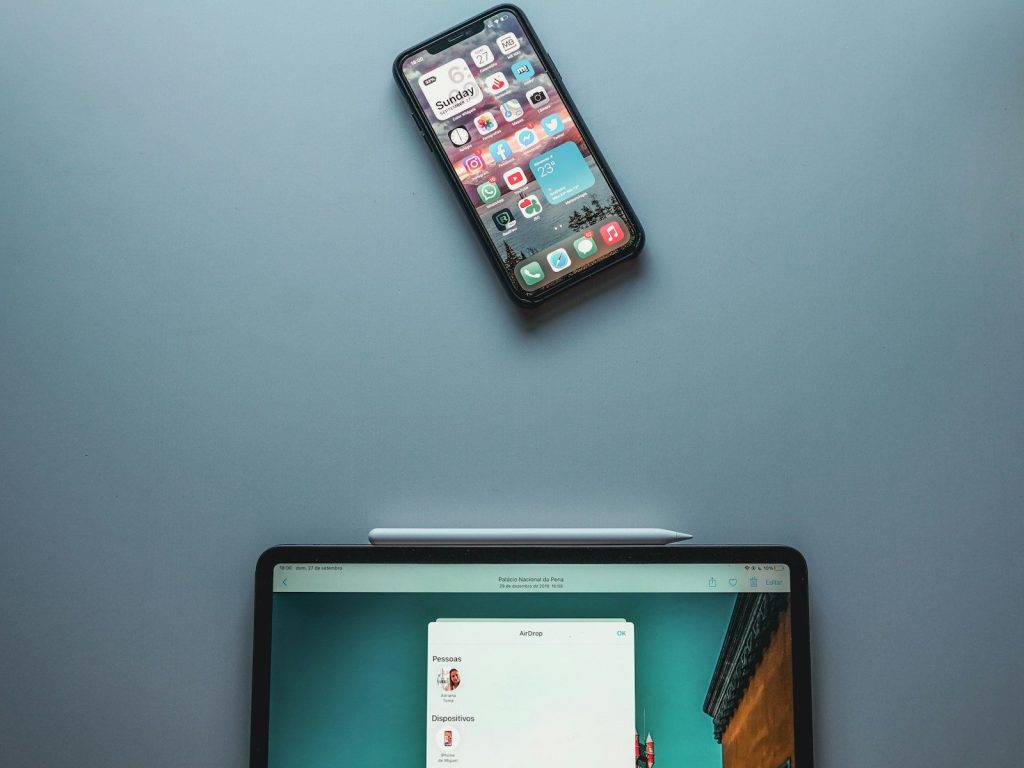
AirDrop is famous for sharing pictures, but it can also send files, websites, map locations, and more between nearby Apple devices. Apple says it is best for sharing a small selection of files.
That makes it great for quick handoffs. You can send a PDF from Mac to iPhone, move a photo to iPad, or share a link without digging through email.
Mirror iPhone on Mac
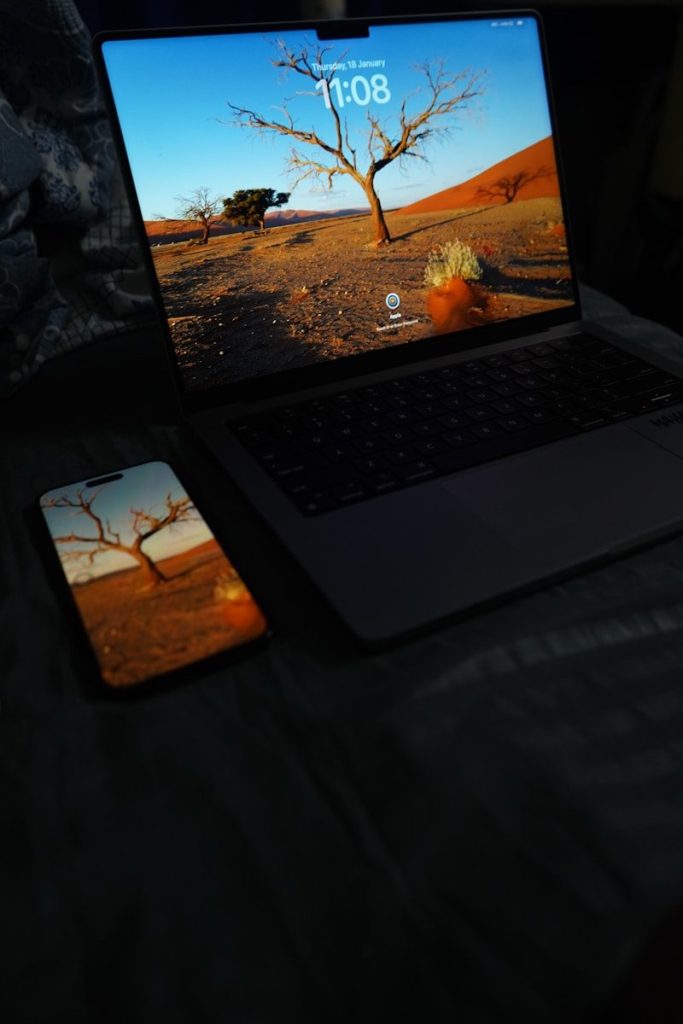
iPhone Mirroring lets you interact with your iPhone and its apps from your Mac. Apple says the iPhone stays locked while you use it from the computer, so others cannot access it directly.
This can make small phone tasks feel less disruptive. You can check an app, respond to a notification, or use your Mac keyboard without picking up your iPhone every few minutes.
Leave a Reply