Blog

  • Why gaming keyboards feel so different from regular keyboards

    Why gaming keyboards feel so different from regular keyboards

    A regular keyboard is made for everyday typing, emails, homework, and office work. A gaming keyboard has a different job: it has to keep up when players press several keys quickly, hold movement keys, tap abilities, and react in a split second. That is why gaming keyboards often feel sharper, heavier, louder, smoother, or more responsive than basic models.

    Many use mechanical, optical, or magnetic switches instead of simple membrane designs. They may also add anti-ghosting, N-key rollover, higher polling rates, stronger keycaps, software controls, and extra lighting. Those features are not just for show. They change how each keypress feels, registers, and responds during fast play.

    Switches change the feel
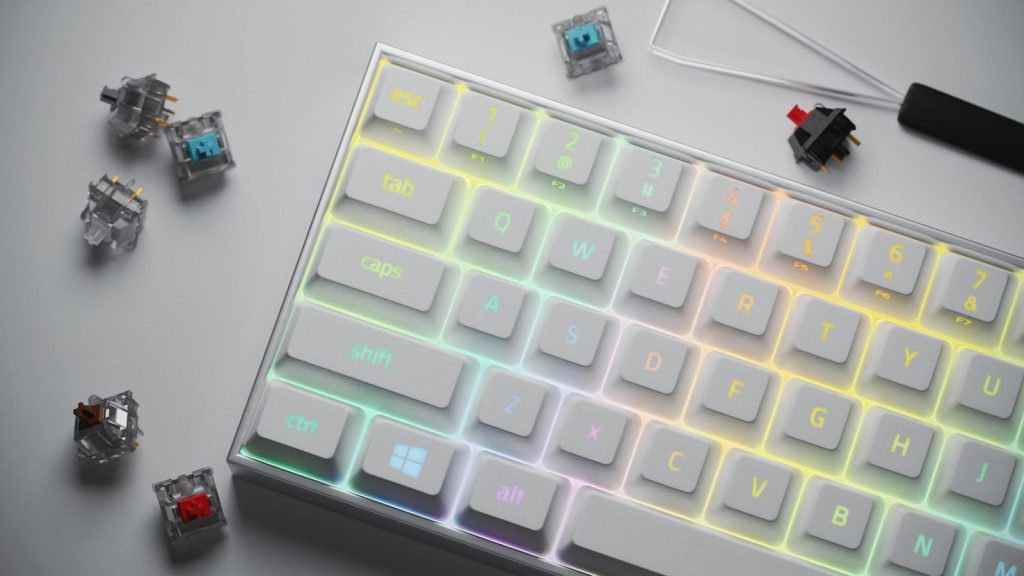
    a computer keyboard with a glowing key board
    Photo by Brendan Sapp on Unsplash

    The biggest difference often comes from the switches under the keys. Many regular keyboards use softer membrane designs, while gaming keyboards often use mechanical, optical, or magnetic switches.

    That changes the whole typing experience. Some switches feel smooth, some give a small bump, and some make a click. Logitech explains that linear switches can feel smooth for quick repeated presses, while tactile switches give feedback at actuation.

    Keypresses feel more direct
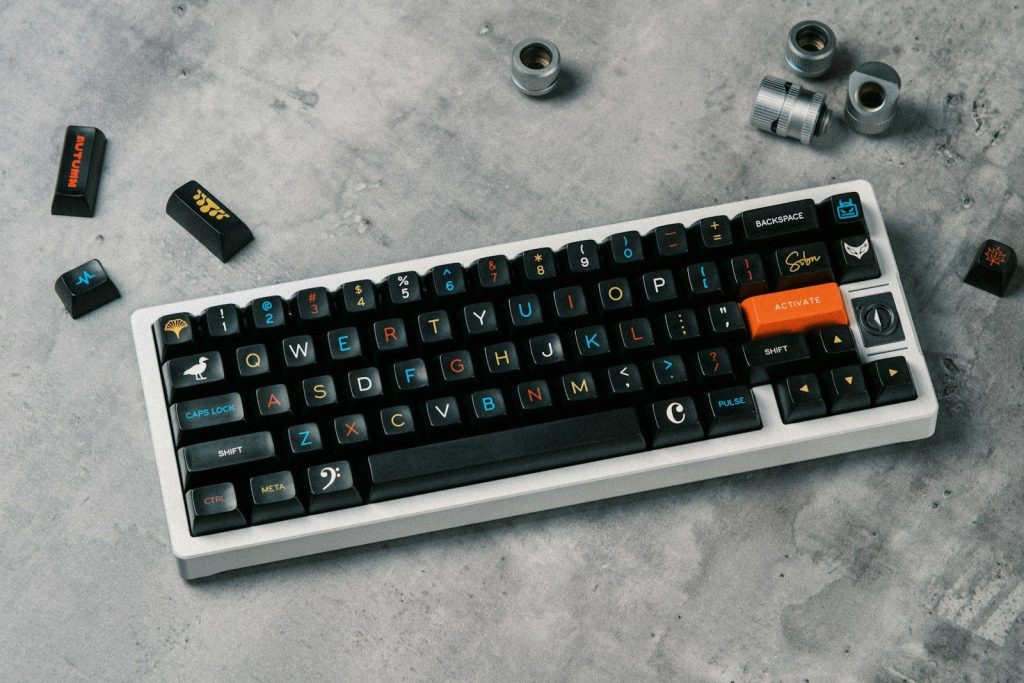
    a black and white keyboard with orange keys
    Photo by Đào Hiếu on Unsplash

    Gaming keyboards are usually built to make each press feel more exact. Instead of a soft, mushy landing, many switches give a clearer point where the key activates.

    That helps players feel when an action has been sent. It can also make typing feel more satisfying, though not everyone likes the firmer or louder feel that some gaming boards have.

    Fast actions need rollover
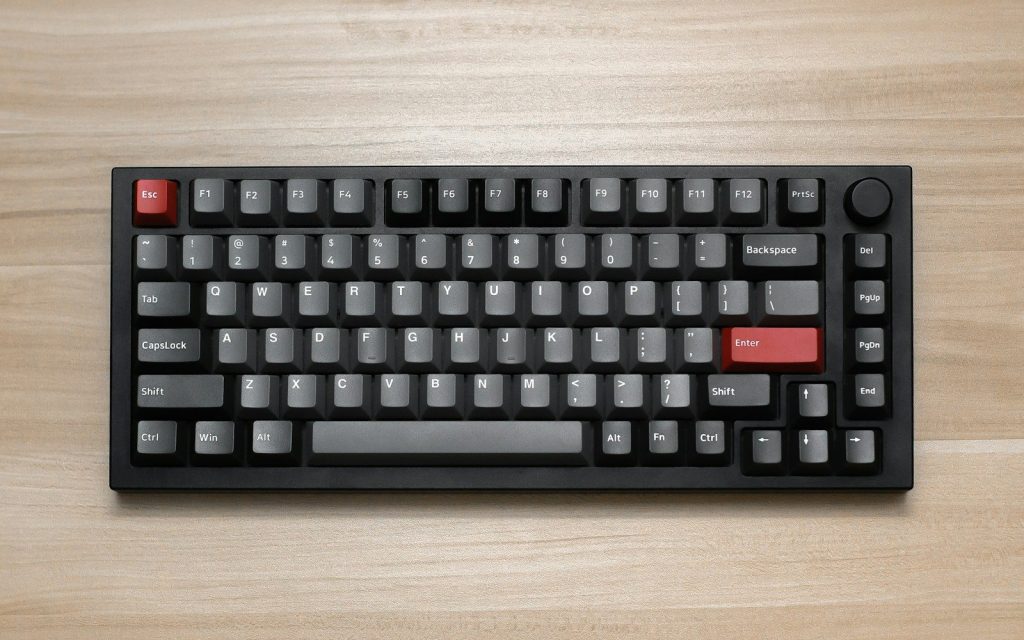
    a computer keyboard sitting on top of a wooden table
    Photo by JL Cabrera on Unsplash

    Games often ask players to press several keys at once. A regular keyboard may miss certain combinations, especially when movement, jumping, crouching, and abilities happen together.

    That is where rollover matters. HP notes that N-key rollover can detect multiple key presses at the same time, which helps in games that require quick combinations.

    Ghosting can break control
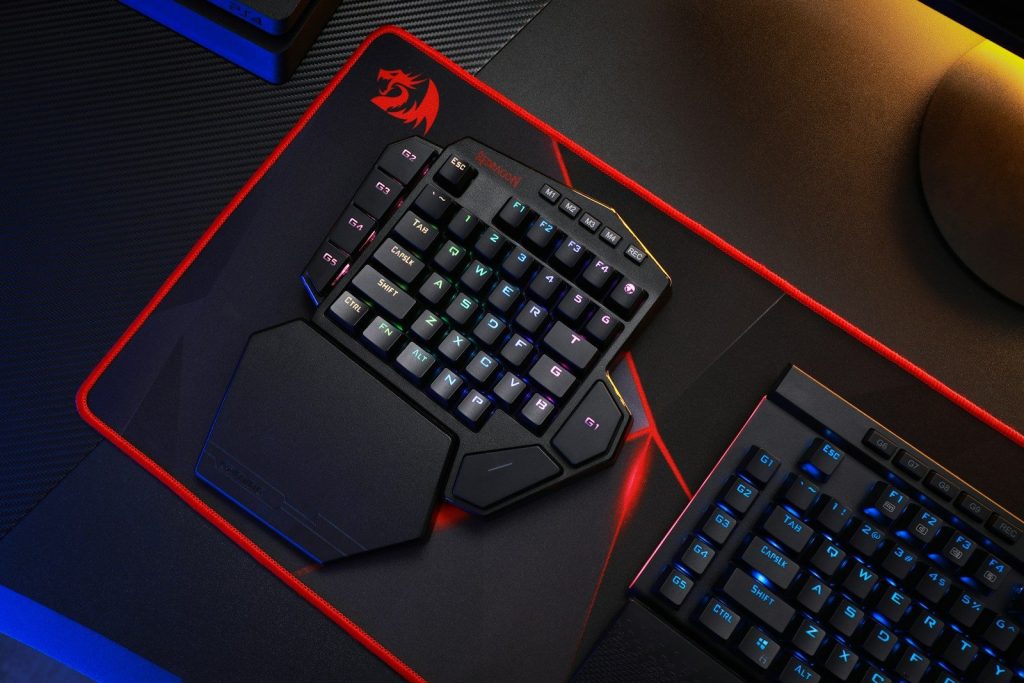
    black and red computer keyboard
    Photo by Rebekah Yip on Unsplash

    Keyboard ghosting happens when a key press does not register while other keys are being pressed. Microsoft explains that some keyboards fail with many three-key combinations.

    In a game, that can feel like the keyboard ignored you. A gaming keyboard with better anti-ghosting can help actions register more reliably when your fingers are moving fast.

    Polling rate affects response
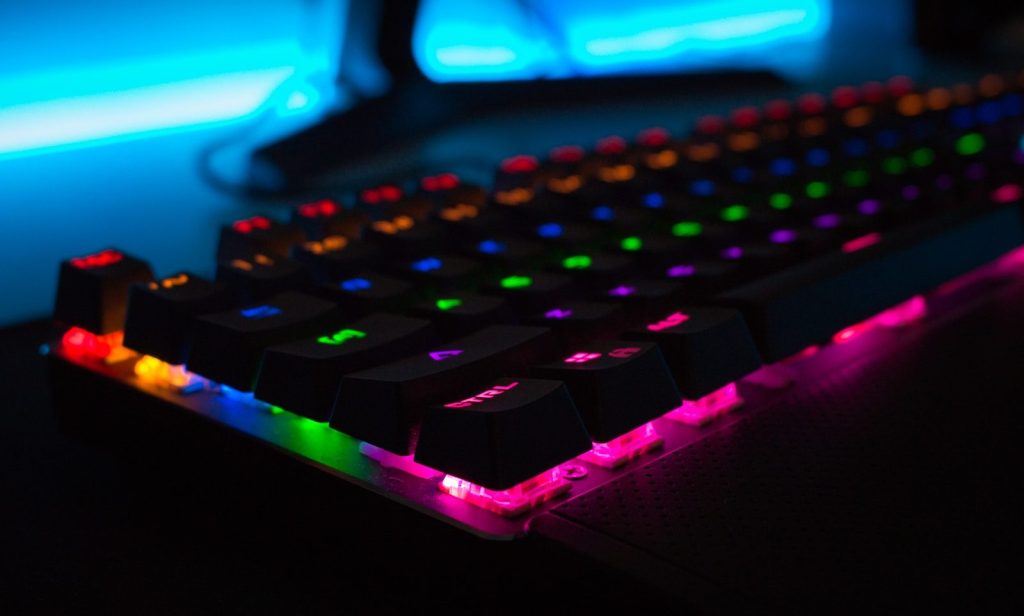
    black keyboard
    Photo by Mateo on Unsplash

    Polling rate means how often the keyboard reports input to the computer. Lenovo explains that a higher polling rate can update input signals more often during gameplay.

    For casual typing, this may not feel dramatic. In fast games, though, players may care about every small delay. That is why many gaming keyboards highlight faster reporting and lower input lag.

    Layouts are made for play
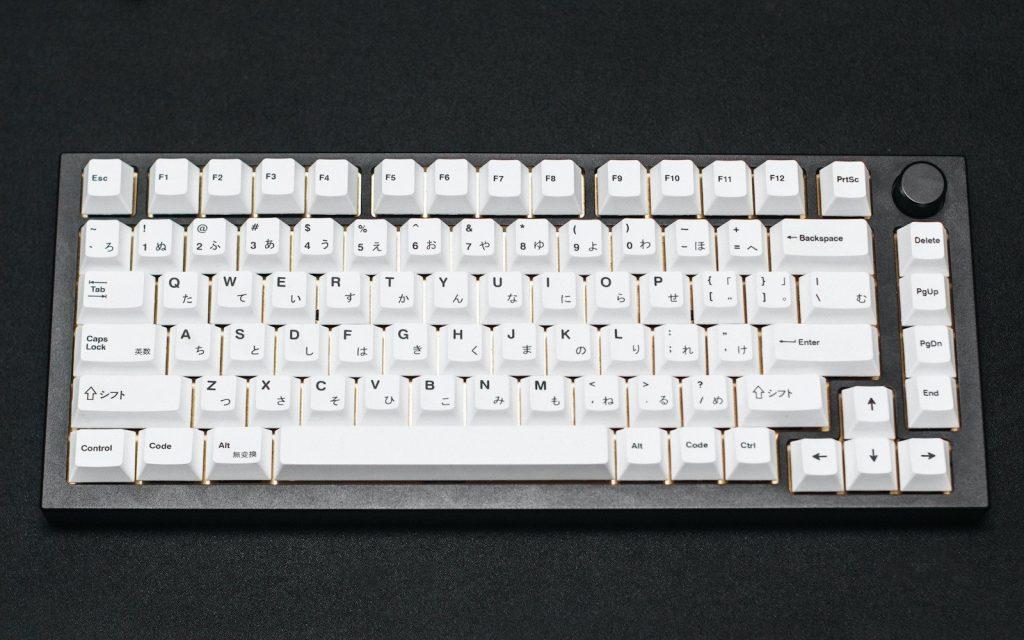
    a white computer keyboard sitting on top of a table
    Photo by JL Cabrera on Unsplash

    Gaming keyboards often come in compact layouts, such as tenkeyless or smaller sizes. These remove some keys, like the number pad, to give the mouse more room.

    That can make a desk feel less crowded. It also helps players keep the keyboard and mouse closer together, which can feel more natural during long gaming sessions.

    Software adds shortcuts
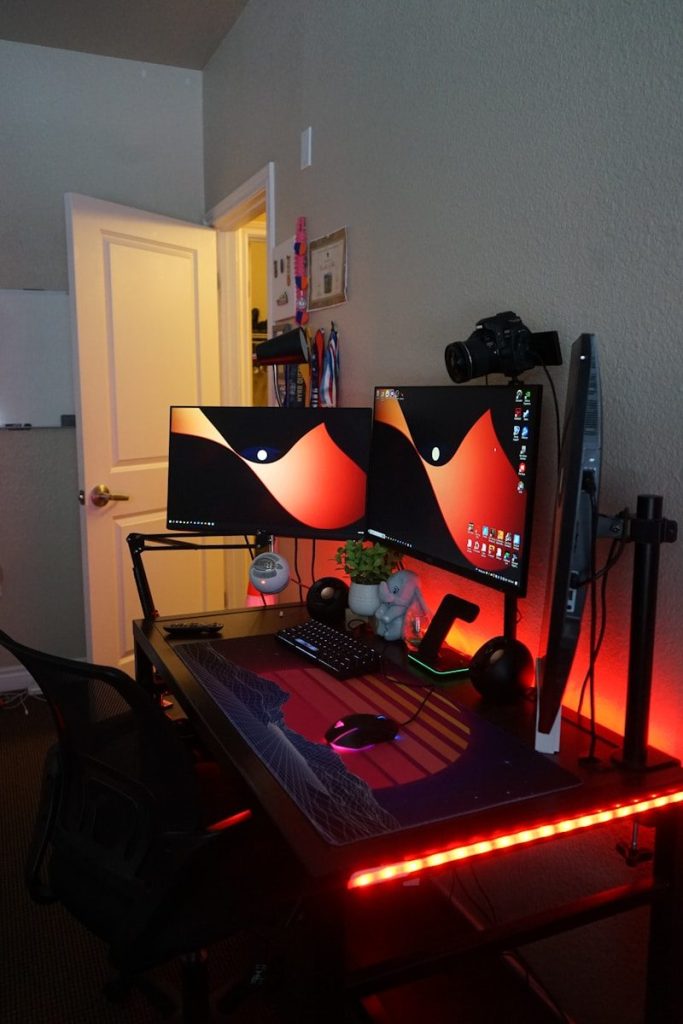
    a computer desk with two monitors and a keyboard
    Photo by Theo on Unsplash

    Many gaming keyboards include software for custom keys, lighting profiles, macros, and game-specific settings. These tools can make the keyboard feel more personal.

    A player might set one profile for a shooter, another for a role-playing game, and another for daily typing. The keyboard becomes less like a fixed tool and more like a setup that changes with the user.

    Keycaps can feel sturdier
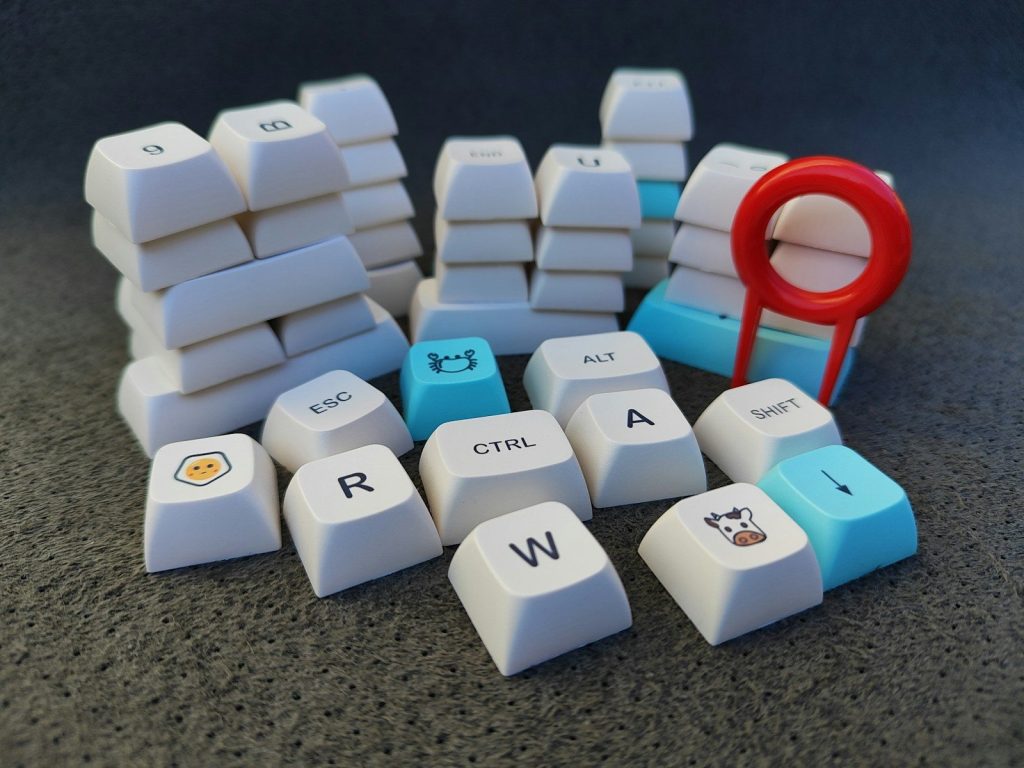
    a computer keyboard with a bunch of keys on top of it
    Photo by Anna Evans on Unsplash

    The keys themselves can also feel different. Many gaming keyboards use thicker or more durable keycaps than basic office keyboards, which can make each press feel more solid.

    This matters because gaming can be rough on certain keys. Movement keys, spacebar, and shortcut keys may get pressed thousands of times, so a stronger build can make the keyboard feel better over time.

    Sound becomes part of it

    Close-up of hands typing on a colorful RGB backlit mechanical keyboard in a dimly lit environment.
    Photo by Tima Miroshnichenko on Pexels

    Gaming keyboards can be quiet, loud, clicky, deep, or soft depending on the switches and case design. That sound can make the keyboard feel more responsive.

    Still, louder is not always better. Some people love a sharp click, while others prefer a quieter board for shared rooms. The feel is personal, and the sound is part of that choice.

    RGB is not the whole story

    keyboard, keys, logitech, rgb, hardware, black, blue, red, computer, keyboard, keyboard, keyboard, keyboard, keyboard, hardware
    Photo by Storme22k on Pixabay

    Lighting is the most visible feature, but it is not the main reason gaming keyboards feel different. The real changes are under the keys, inside the electronics, and in the software.

    A good gaming keyboard feels different because it is built for faster input, stronger feedback, and more control. The colors may look fun, but the feel comes from how the keyboard is made.
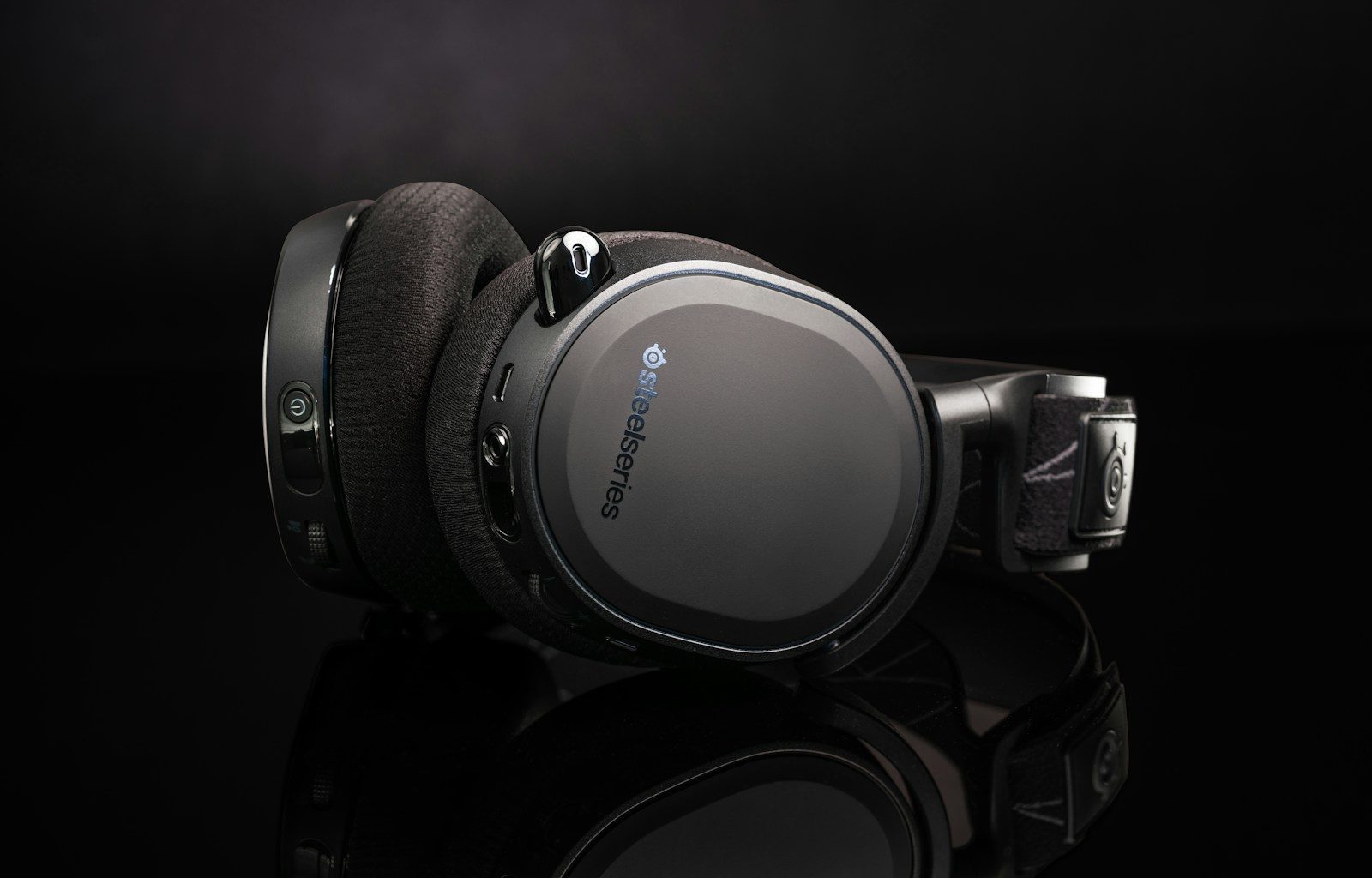

  • 7 gaming headset features that actually matter

    7 gaming headset features that actually matter

    A gaming headset can look cool on a desk, but the real test starts after an hour of playing. Clear sound, a steady mic, a comfortable fit, and low delay matter more than flashy lights or a giant spec sheet. Recent headset guides from RTINGS, Tom’s Guide, GamesRadar, and Tom’s Hardware all point to the same idea: the best gaming headsets balance sound, comfort, microphone quality, platform support, battery life, and connection type instead of leaning on one big feature.

    That is good news for buyers. You do not always need the most expensive model to have a better gaming setup. You just need to know which features affect daily play and which ones are mostly there for marketing.

    Comfort for long sessions

    man in blue hoodie wearing black headphones
    Photo by Fausto Sandoval on Unsplash

    Comfort should be near the top of the list. A headset can sound great, but if it squeezes your head or heats up your ears, you may stop using it fast.

    Look at weight, ear cushion material, headband padding, and clamping force. Tom’s Guide also notes that comfort can matter even more than sound for many players, because gaming sessions often last a long time.

    Clear sound beats loud sound

    a pair of headphones sitting on top of a stand
    Photo by Barry A on Unsplash

    A good headset should make game audio easy to understand, not just loud. Footsteps, dialogue, music, and effects should feel balanced instead of muddy or harsh.

    RTINGS notes that strong gaming headsets can reproduce voices and game effects clearly, which helps during busy scenes. That matters more than oversized drivers or big claims printed on the box.

    Mic quality helps teamwork

    a man wearing a headset sitting in front of a computer
    Photo by ELLA DON on Unsplash

    A clear microphone matters if you play online with friends or teammates. Your voice should sound easy to understand without picking up too much keyboard tapping or room sound.

    A weak mic can make teamwork harder, even if the headset sounds good to you. Tom’s Hardware highlights mic quality as a key part of headset testing, especially for multiplayer use.

    Low latency keeps sync

    a black computer mouse
    Photo by Rezwan Ahmed on Unsplash

    Wireless headsets are convenient, but delay can be a problem if the audio arrives late. In fast games, even a small lag between the screen and sound can feel distracting.

    That is why many gaming headsets use a USB wireless dongle instead of only Bluetooth. RTINGS notes that dongle-based wireless can help keep audio and visuals in sync during gameplay.

    Battery life changes habits

    black and red corded headphones on white table
    Photo by Fausto Sandoval on Unsplash

    Battery life matters more for wireless headsets than many buyers expect. A headset that dies often can turn into one more device you have to manage.

    Some newer models offer long battery ratings, but real use depends on volume, wireless mode, lights, and extra features. A longer battery gives more freedom, especially for players who forget to charge between sessions.

    Platform support matters

    black and blue headphones on brown wooden table
    Photo by Haidan on Unsplash

    Not every headset works the same way with every system. A model may work well on PC but lose features on Xbox, PlayStation, Switch, or mobile.

    Before buying, check the connection type and supported platforms. GamesRadar’s headset guides often separate picks by platform because compatibility can affect sound controls, chat features, and wireless support.

    Controls should be simple

    a woman wearing headphones and a pink dress
    Photo by mahdi chaghari on Unsplash

    Easy controls can make a headset feel much better every day. Volume wheels, mic mute buttons, app settings, and quick presets should be simple to reach and understand.

    This matters during live play, when you do not want to pause and dig through menus. A good headset lets you adjust sound or mute your mic quickly without breaking focus.

  • Why a good gaming mic can matter more than a webcam

    Why a good gaming mic can matter more than a webcam

    A webcam helps people see your face, but a microphone helps them stay connected to you. In gaming, voice is often the real center of the experience. Teammates need clear callouts, viewers need to understand reactions, and friends in Discord need your voice without constant buzzing, keyboard clicks, or room noise. A blurry webcam can still be watchable, but harsh or muffled audio can make people leave fast.

    Streaming tools also give creators more control over sound than many beginners realize. OBS includes audio filters such as noise suppression, noise gate, compressor, and limiter, while Discord supports noise suppression through Krisp. That makes a solid mic one of the smartest upgrades for gaming, streaming, and online chat.

    Clear voice wins trust

    a person wearing a mask
    Photo by Ritupon Baishya on Unsplash

    People can forgive average video faster than bad sound. If your voice is clean, steady, and easy to hear, the whole setup feels more polished.

    A good gaming mic helps your words land clearly during streams, matches, and voice chats. That matters because your voice carries reactions, jokes, callouts, and personality, even when your camera is off.

    Teammates hear callouts faster

    a microphone sitting in front of a laptop computer
    Photo by Eduardo Cano Photo Co. on Unsplash

    In online games, timing can matter. A muffled mic, loud fan, or clipping voice can make simple callouts harder to understand during fast moments.

    A better mic can make team communication smoother. Your squad should hear “left side,” “behind us,” or “push now” without asking you to repeat it. That can make voice chat feel calmer and more useful.

    Viewers can listen longer

    a close up of a microphone on a desk
    Photo by Denis N. on Unsplash

    Many viewers put streams in the background while gaming, studying, or doing chores. That means sound may matter even when they are not staring at the screen.

    If your mic sounds harsh, noisy, or too quiet, people may click away. A webcam shows your face, but a mic keeps your stream easy to follow when viewers are multitasking.

    Bad audio feels distracting

    black microphone beside black flat screen computer monitor
    Photo by ELLA DON on Unsplash

    A webcam problem is usually easy to spot, but bad audio can feel annoying in a deeper way. Buzzing, echo, popping, and keyboard noise can pull people out of the moment.

    OBS notes that filters like noise suppression and noise gates can reduce background or white noise. A good mic plus smart settings can make a small room sound much cleaner.

    Mics work without facecam

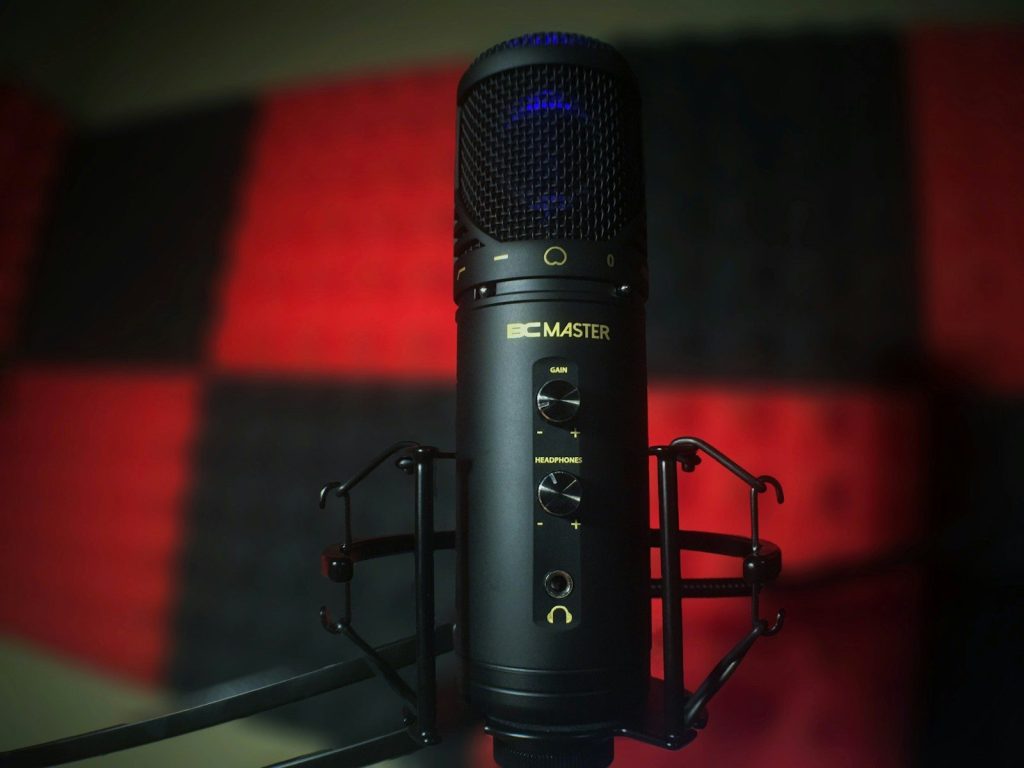
    black BC Master condenser microphone selective focal photo
    Photo by Nathan Campbell on Unsplash

    Not every gamer wants to be on camera. Some creators build strong streams, videos, or voice chats without showing their face at all.

    A mic still gives them presence. It lets the audience hear energy, emotion, and reactions. A webcam is optional for many styles, but clear voice is useful for almost every gaming setup.

    Software makes mics better

    black flat screen computer monitor
    Photo by AronPW on Unsplash

    A good mic is only part of the setup. Placement, gain, filters, and noise control can make a huge difference in how professional the final sound feels.

    Discord’s Krisp noise suppression can help reduce unwanted background noise in voice channels. OBS also offers tools like compressor and limiter filters to control loudness and prevent rough peaks.

    It is the smarter first upgrade

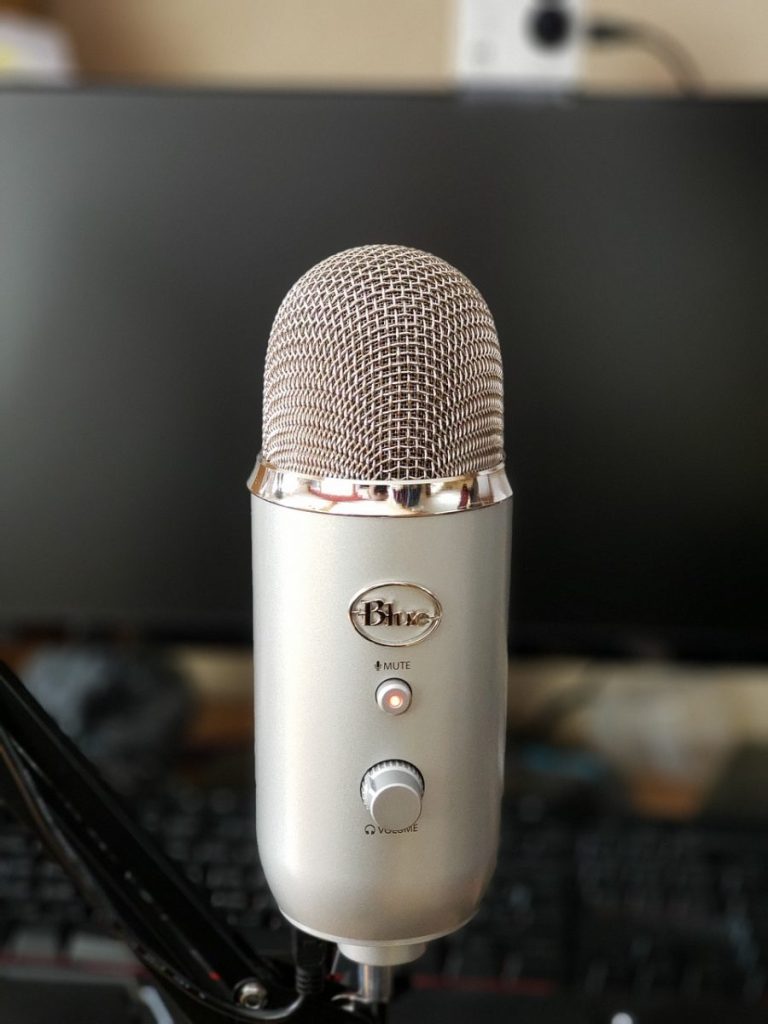
    microphone, blue, yeti, mic, audio, recording, gaming, volume, gray gaming, gray microphone, gray game, gray games, microphone, yeti, yeti, yeti, yeti, yeti
    Photo by JakeWipp on Pixabay

    A webcam can make a stream feel more personal, but a good mic often improves more situations. It helps in Discord, multiplayer matches, streams, recordings, calls, and short videos.

    That is why many gamers should upgrade audio before camera quality. People may not always need to see you clearly, but they do need to hear you clearly.

  • 7 streaming setup upgrades beginners should understand

    7 streaming setup upgrades beginners should understand

    Starting a stream can feel exciting and confusing at the same time. You may think the biggest upgrade is a fancy camera, but viewers often notice other things first, like clear sound, steady internet, readable lighting, and a stream that does not freeze. A simple setup can look polished when the basics are handled well.

    For beginners, the best upgrades are the ones that fix real problems. YouTube says an encoder lets creators broadcast gameplay, use external cameras and microphones, and manage more advanced productions. Streamlabs also points to a camera, light, and microphone as the main pieces many beginners should understand. That makes setup quality more about balance than buying everything at once.

    Audio comes first

    black and gray audio mixer
    Photo by Stanley Li on Unsplash

    Clear sound can make a small stream feel much more professional. A beginner does not need a studio room, but a better microphone and careful placement can help viewers understand every word.

    Audio settings also matter. StreamShark recommends at least 128 kbps for audio bitrate, because lower settings can sound too compressed. That is a small setting, but it can make a stream easier to watch and hear.

    Lighting changes everything

    black laptop computer on table
    Photo by Sharad kachhi on Unsplash

    A webcam can only do so much if the room is too dark or unevenly lit. Soft, steady lighting can make a basic camera look cleaner and help your face stand out from the background.

    Lighting is also one of the simplest upgrades to notice on screen. Streamlabs lists light, camera, and microphone as the three main pieces of beginner streaming equipment. Good lighting helps the camera work less hard.

    Cameras are not everything

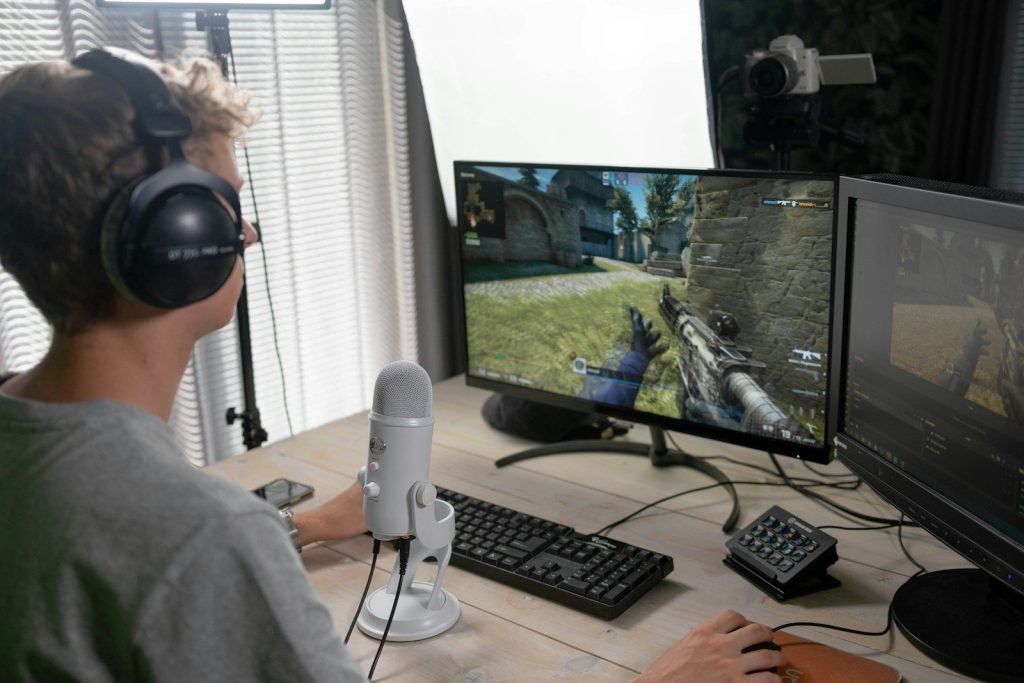
    a man wearing headphones and sitting at a desk with a computer
    Photo by Samsung Memory on Unsplash

    A sharper camera can help, but it should not be the first fix for every beginner. A clean lens, better light, and a stable frame can improve the image before buying a premium camera.

    YouTube says encoders let creators use external audio and video hardware, including cameras and microphones. That means camera upgrades matter most when the rest of the setup is ready to support them.

    Internet needs attention

    black flat screen computer monitor on black wooden desk
    Photo by ELLA DON on Unsplash

    A stream depends on upload speed, not just download speed. If the connection struggles, viewers may see buffering, dropped quality, or sudden pauses.

    YouTube recommends choosing a stream quality that matches your internet connection and running a speed test to check upload bitrate. That makes internet stability one of the most important beginner upgrades, especially before raising resolution.

    Encoders shape quality

    black flat screen computer monitor on white wooden desk
    Photo by Roberto Nickson on Unsplash

    Streaming software, also called an encoder, turns your video into a format platforms can send to viewers. Beginners often use software encoders because they are flexible and easier to start with.

    YouTube explains that an encoder can be software on a computer or a separate hardware device. It helps stream gameplay, external cameras, microphones, and more advanced layouts when a simple webcam stream is not enough.

    Overlays need restraint

    black and silver laptop computer on brown wooden table
    Photo by Thalia Tran on Unsplash

    Overlays, alerts, and scenes can make a stream feel more active, but too many moving pieces can distract viewers. Beginners should keep text readable and leave room for the main content.

    Streamlabs Desktop includes tools for overlays and settings, but the goal should be clarity. A clean layout usually works better than a busy screen packed with boxes, banners, and effects.

    Capture cards help consoles

    black microphone beside black flat screen computer monitor
    Photo by ELLA DON on Unsplash

    Console streamers may need a capture card when they want to send gameplay into a PC. This can make it easier to add overlays, webcam video, alerts, and more control through streaming software.

    A beginner should check compatibility before buying one. Capture cards can support different resolutions and frame rates, so the right choice depends on the console, computer, and stream quality goal.

  • How live streaming became more than just gaming

    How live streaming became more than just gaming

    Live streaming once felt like a gaming-first corner of the internet, where people watched creators play, compete, and react in real time. That world is still huge, but live streaming has stretched far beyond game screens. Today, people tune in for casual chats, music, product demos, learning sessions, fitness routines, live events, creator Q&As, and behind-the-scenes moments.

    Twitch now includes categories such as Just Chatting, Music, Creative, and IRL-style content, while TikTok LIVE lets creators and viewers interact in real time with features like effects and multi-guest hosting. YouTube also supports shopping tools that let eligible creators feature products during content. That shift has turned live streaming into a bigger part of everyday online life.

    Chat became the main show

    a man sitting in front of a computer monitor
    Photo by ELLA DON on Unsplash

    Not every live stream needs a game, a scoreboard, or a big setup. Sometimes the draw is simply the person on camera and the community around them.

    Twitch’s Just Chatting category shows how much viewers enjoy casual conversation, reactions, Q&As, and everyday topics. The stream can feel more like hanging out with a familiar host than watching a polished show.

    Creators built real communities

    man in white t-shirt sitting on black office rolling chair
    Photo by Kit (formerly ConvertKit) on Unsplash

    Live streaming feels different from regular video because viewers can react while the moment is happening. That live chat can make people feel noticed, included, and part of the room.

    This real-time connection helps creators build loyal communities. A viewer may return not just for the topic, but for the jokes, routines, and familiar names in the chat.

    Shopping entered the stream

    A woman holding a tablet computer and shopping bags
    Photo by Rifki Kurniawan on Unsplash

    Live shopping turned streams into interactive product demos. Instead of reading a product page, viewers can watch someone show an item, answer questions, and explain how it works.

    YouTube says its Shopping features let eligible creators connect stores, tag products, and view shopping analytics. That makes live and video content part of a wider creator business, not just entertainment.

    Learning feels more personal

    people walking on red carpet
    Photo by Ismael Paramo on Unsplash

    Live streaming also works well for teaching. A creator can explain a topic, answer questions, repeat a step, or react to what viewers are struggling with in the moment.

    That format can make learning feel less lonely. Whether the topic is tech, art, language practice, cooking, or career advice, the live back-and-forth can keep people engaged.

    Events found bigger audiences

    woman in white shirt holding black dslr camera
    Photo by Jana Shnipelson on Unsplash

    Concerts, interviews, launches, sports talk, and creator events can reach viewers who are not in the same city. A live stream turns one location into a shared online space.

    This helped live streaming become useful for more than gamers. Fans can watch announcements, performances, panels, and behind-the-scenes moments without needing a ticket or travel plan.

    Short video apps went live

    podcast, video, broadcast, record, recording, computer, livestream, live, blog, streaming, blogger, influencer, vlogger, presenter, production, online, microphone, entertainment, content, creator, equipment, podcast, podcast, podcast, podcast, influencer, influencer, influencer, influencer, influencer, vlogger
    Photo by danielchrisman on Pixabay

    Platforms known for quick clips have also leaned into live content. TikTok LIVE, for example, is built around real-time interaction between creators and viewers.

    That matters because it brings live streaming to people who may not visit traditional streaming platforms. A viewer can move from short videos to a live conversation in just a few taps.

    Gaming opened the door

    black laptop computer on table
    Photo by Sharad kachhi on Unsplash

    Gaming did not disappear from live streaming. It helped teach viewers how fun it could be to watch someone play, react, talk, and build a community in real time.

    Now the same idea works across many interests. Live streaming became more than gaming because people realized the real attraction was not only the game. It was the live connection.

  • 8 ways TikTok Live keeps viewers watching longer

    8 ways TikTok Live keeps viewers watching longer

    TikTok Live works because it feels different from a regular video. A short clip is watched, liked, and gone. A live stream invites viewers to stay, react, ask questions, and feel like they are part of what is happening right now. That real-time energy is the reason creators, brands, and casual viewers keep paying attention.

    TikTok says Live lets creators and viewers interact in real time, with features such as effects, multi-guest hosting, moderation, Live Gifts, chat, subscriptions, and other settings. Those tools help turn a stream into a shared moment instead of a one-way broadcast. The strongest live streams usually give viewers a reason to join early, comment often, and stay until something interesting happens next.

    Real-time chat pulls people in

    Vibrant indoor scene of people dancing recorded on a smartphone for a social media platform.
    Photo by Ron Lach on Pexels

    Live chat gives viewers a quick way to feel seen. A simple hello, answer, or reaction from the creator can make someone stay longer than they planned.

    TikTok says viewers can participate in chat during Live videos. That back-and-forth matters because the stream feels more personal when comments shape the moment instead of sitting below a finished video.

    Questions create a reason to wait

    Young woman using a smartphone and ring light for social media content indoors.
    Photo by MART PRODUCTION on Pexels

    Questions keep viewers watching because they want to hear the answer. A creator can ask for opinions, respond to common questions, or invite viewers to suggest what happens next.

    This works best when answers are spread through the stream. If every good answer comes in the first minute, people may leave quickly. A steady question flow gives viewers a reason to stick around.

    Multi-guest adds fresh energy

    Asian woman recording a TikTok video using a smartphone and ring light indoors.
    Photo by MART PRODUCTION on Pexels

    TikTok says Live may include multi-guest hosting, which lets creators bring more people into the broadcast. That can make a stream feel more active and less predictable.

    Guests can add new voices, reactions, tips, or friendly conversation. For viewers, that variety helps the live feel less like one person talking at a screen and more like a real event.

    Gifts make viewers feel involved

    iphone xs on white table
    Photo by Nik on Unsplash

    TikTok says Live Gifts let viewers interact with creators by sending virtual gifts during a live stream. That feature can make viewers feel like they are taking part, not just watching from the side.
    Creators should keep the tone friendly and balanced. A simple thank-you can make the moment feel warm, while still keeping the focus on the content everyone came to watch.

    Effects keep the screen lively

    Young man in casual attire dances while recording a video indoors with a smartphone and ring light.
    Photo by MART PRODUCTION on Pexels

    TikTok says creators may have access to Live effects. Visual changes, filters, and playful on-screen tools can make a stream feel more dynamic when used with care.
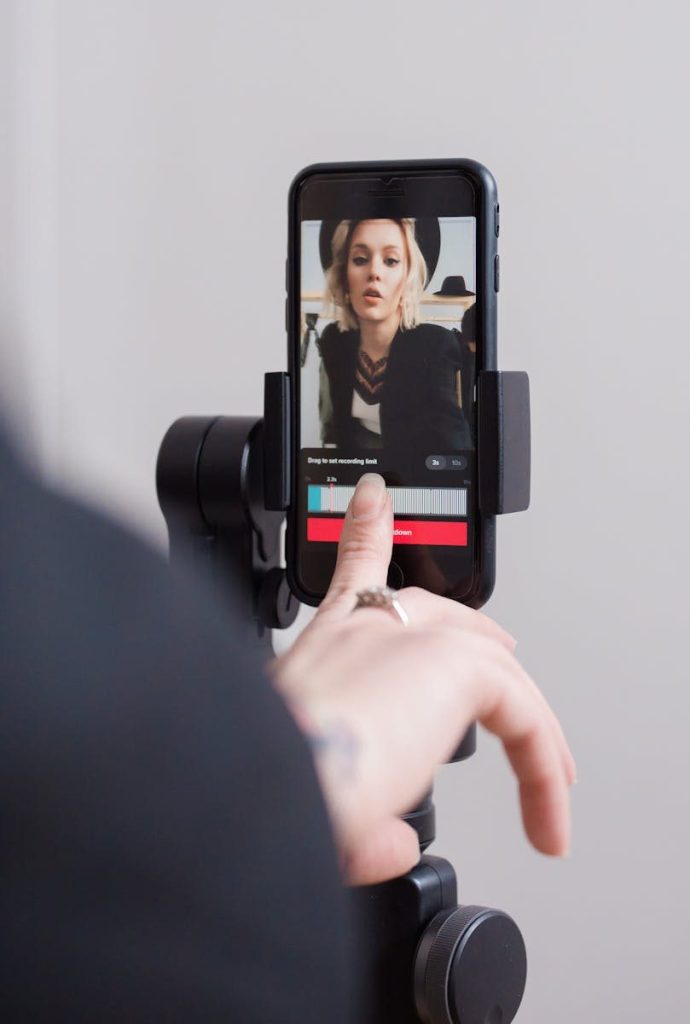
    Effects should support the moment, not cover it up. A small visual surprise can refresh attention, but too many effects can make the stream harder to follow.
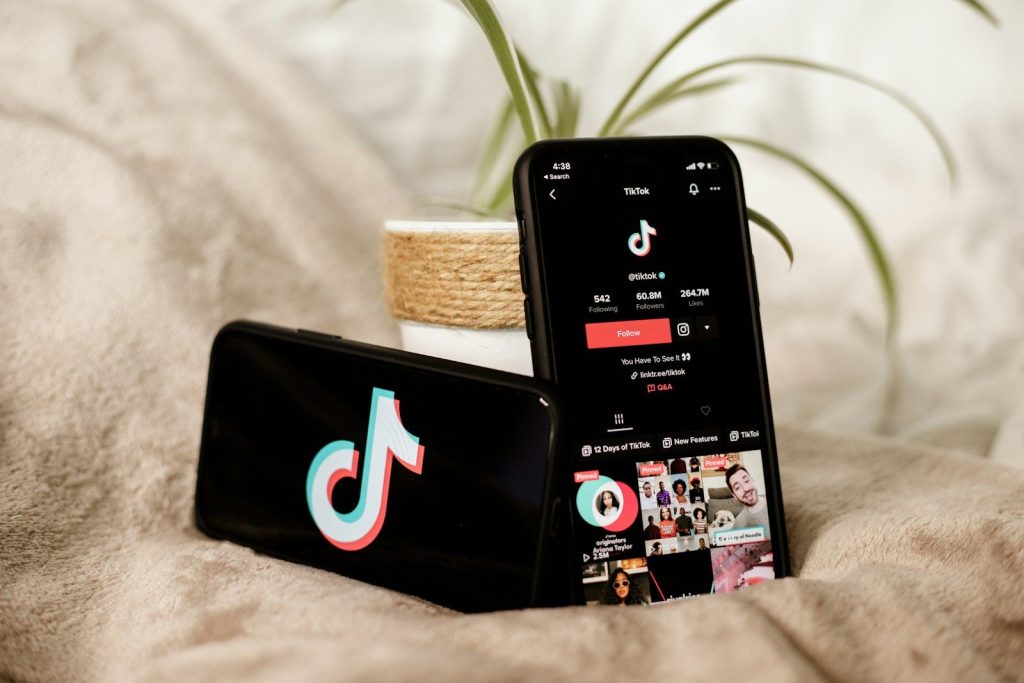
    Moderation keeps it comfortable

    black android smartphone displaying 12 00
    Photo by Olivier Bergeron on Unsplash

    A live stream is easier to watch when the chat feels safe and manageable. TikTok says creators and moderators can block certain messages, filter comments, mute viewers, and manage unwanted behavior.

    That matters for viewer retention. People are more likely to stay when the chat feels friendly, readable, and focused on the stream instead of distracting side noise.

    Replays extend the moment

    A woman recording a vertical video on her smartphone, focusing on engaging digital content creation.
    Photo by Ron Lach on Pexels

    TikTok includes Live replays in its Live support section, showing that streams can have value beyond the original broadcast window. Replays help creators review what worked and give content a longer life.

    For live viewers, this can also improve future streams. Creators who study replays can see where people reacted, where energy dipped, and what should return next time.

    A good pace prevents drop-offs

    a couple of cell phones sitting on top of a bed
    Photo by Collabstr on Unsplash

    A strong live stream needs movement. That does not mean rushing. It means giving viewers steady moments: a greeting, a question, a useful tip, a guest, a reaction, or a small reveal.

    The best TikTok Lives often feel casual but not empty. When something new keeps happening, viewers have a reason to stay for one more minute, then another, and then another.

  • Why YouTube Live still matters for creators

    Why YouTube Live still matters for creators

    Short videos move fast, but live streams still give creators something clips cannot fully replace: real-time connection. YouTube Live lets viewers react, ask questions, support creators, and feel like they are part of the moment as it happens. YouTube’s live tools now support desktop streaming, mobile streaming, console streaming, live chat, moderation, Live Redirect, fan funding, analytics, and both vertical and horizontal formats. Vertical live streams can also appear in the Shorts feed, which helps live content meet mobile viewers where they already scroll. For creators, that means YouTube Live is not just an old feature sitting next to regular videos. It is a bridge between community, discovery, income, and long-form loyalty.

    Live builds real connection

    podcast, video, broadcast, record, recording, computer, livestream, live, blog, streaming, blogger, influencer, vlogger, presenter, production, online, microphone, entertainment, content, creator, equipment, podcast, podcast, podcast, podcast, influencer, influencer, influencer, influencer, influencer, vlogger
    Photo by danielchrisman on Pixabay

    A regular video can feel polished, but a live stream feels present. Viewers can comment, react, and get a response while the creator is still on screen.

    That real-time feeling helps fans feel noticed. YouTube says live chat can turn viewers into a community through pinned messages, replies, polls, Q&A moments, and live requests.

    Chat keeps people involved

    a phone with a youtube logo on it next to a potted plant
    Photo by Collabstr on Unsplash

    Live chat gives creators instant feedback. If viewers are confused, excited, or asking for more, the creator can adjust the stream on the spot.

    That makes the experience feel less one-way. A gaming creator, tech host, teacher, or lifestyle creator can turn audience questions into part of the show instead of waiting for comments later.

    It supports fan funding

    live streaming, live, stream, social, icon, button, youtube, live streaming, live, live, live, live, live
    Photo by Hsaart on Pixabay

    YouTube Live gives eligible creators more ways to earn directly from viewers. Super Chat, Super Stickers, memberships, gifted memberships, and gifts can all support live content depending on eligibility.

    YouTube says Super Chat and Super Stickers are Live-specific revenue tools that help fans stand out in chat. That can make live streams valuable even when the audience is smaller but highly engaged.

    Shorts can feed lives

    Man playing guitar while recording a vlog video using a smartphone.
    Photo by Artem Podrez on Pexels

    YouTube Live now connects better with the mobile Shorts experience. YouTube says vertical live streams can be found while viewers browse Shorts, even by people who are not already subscribers.

    That matters because discovery is hard. A creator can use short videos for quick reach, then use live streams to turn casual viewers into regular community members.

    One stream can fit screens

    Person recording a guitar video indoors using a smartphone, showcasing online vlogging.
    Photo by Artem Podrez on Pexels

    Creators no longer have to think only in one format. YouTube says creators can go live in both horizontal and vertical formats at the same time, giving audiences more ways to watch.

    That helps because people watch on phones, laptops, tablets, and TVs. YouTube also said more than 30% of U.S. live watch time came from connected TVs in 2025.

    Live helps longer sessions

    Woman filming vlog at home with camera setup, surrounded by plants and cozy decor.
    Photo by Vitaly Gariev on Pexels

    Short videos are great for quick attention, but live streams can keep viewers around for longer conversations, events, lessons, launches, and gameplay sessions.

    That longer time can deepen loyalty. A viewer who spends an hour with a creator may feel more connected than someone who only watches a few quick clips in a feed.

    It creates easy events

    Young Asian woman streaming live indoors with neon lights, engaging audience through technology and creative content.
    Photo by Ivan S on Pexels

    A live stream can turn a normal upload schedule into an event. Creators can host Q&As, product demos, watch-alongs, gaming nights, tutorials, interviews, or behind-the-scenes sessions.

    YouTube also offers Live Redirect, which can send viewers from one live stream to another stream or Premiere. That helps creators connect audiences and support collaborations.

    Live makes channels feel alive

    Youtube application screengrab
    Photo by Christian Wiediger on Unsplash

    A channel with only uploads can still grow, but live streams add a sense of routine and presence. Fans know when to show up, talk, and share the moment with others.

    That is why YouTube Live still matters. It gives creators a place for deeper conversation, stronger fan support, flexible formats, and community habits that short videos alone may not build.

  • 10 phone update mistakes people make before buying

    10 phone update mistakes people make before buying

    A phone can look perfect in a store photo, carrier deal, or online listing, but software support is what decides how long it will feel safe and useful. Many buyers check the camera, screen size, color, and price, then forget to ask a simple question: how many updates are left? That mistake can turn a “great deal” into a phone that feels old sooner than expected.

    Updates can bring security fixes, bug repairs, new features, and better app support. Apple advises backing up before updating, while Google says Pixel 8 and later phones get seven years of OS and security updates from their U.S. Google Store launch date. Samsung also says selected Galaxy devices may receive security support for up to seven years.

    Ignoring update support

    A cell phone sitting on top of a wooden table
    Photo by Andrey Matveev on Unsplash

    A low price can be tempting, but an older phone may have fewer updates left. That means it may miss future security fixes and new system features sooner than a newer model.

    Before buying, check the official support page for that exact model. Pixel 8 and newer Pixel phones, for example, are listed for seven years of OS and security updates from their launch timing.

    Forgetting security patches

    a cell phone sitting on top of a colorful wall
    Photo by Andrey Matveev on Unsplash

    Some shoppers focus only on big system updates, like iOS or Android version changes. Security patches matter too because they help protect your phone from known risks.

    A phone can still work fine but fall behind on security support. Samsung says selected Galaxy devices receive monthly, quarterly, or biannual security updates, depending on the model and support status.

    Skipping a backup check

    A cell phone sitting on top of a table next to doughnuts
    Photo by Andrey Matveev on Unsplash

    Buying a phone is exciting, but updates can go wrong if your data is not backed up. Photos, contacts, messages, and app settings are worth protecting before any major setup or update.

    Apple tells users to back up iPhone automatically or manually before updating. Google also offers Android backup options through device settings, so buyers should check backup status before moving everything over.

    Not checking storage space

    Hand holding a smartphone with sos screen
    Photo by Andrey Matveev on Unsplash

    A phone with low storage can struggle when updates arrive. System updates often need extra room to download, install, and restart safely.

    Before buying, avoid picking the smallest storage option just to save money if you keep lots of photos, games, or videos. Extra storage can make future updates and everyday use feel smoother.

    Buying too old

    three oppo phones sitting on top of a wooden table
    Photo by Andrey Matveev on Unsplash

    An older flagship can look like a bargain because it once had premium features. The problem is that its update clock usually started years ago.

    That means you may be buying near the end of its support life. Check the release year and official update promise before choosing an older model over a newer midrange phone.

    Trusting vague listings

    a couple of people that are looking at a cell phone
    Photo by PR MEDIA on Unsplash

    Online listings may say “latest update” or “fully updated,” but that does not always mean the phone will keep getting updates. It may only mean the seller installed the newest update available today.

    Ask for the exact model number and current software version when buying used or refurbished. Small model differences can affect carrier support, update timing, and compatibility.

    Ignoring carrier delays

    the verizon logo is displayed on an iphone
    Photo by Marques Thomas on Unsplash

    Unlocked and carrier models may not always receive updates at the same speed. Some updates roll out in stages, so two phones with the same name may update at different times.

    Before buying from a carrier deal, check whether the model is locked, unlocked, or tied to a specific network. That can affect your setup choices and future flexibility.

    Updating on weak battery

    graphical user interface, application
    Photo by Amanz on Unsplash

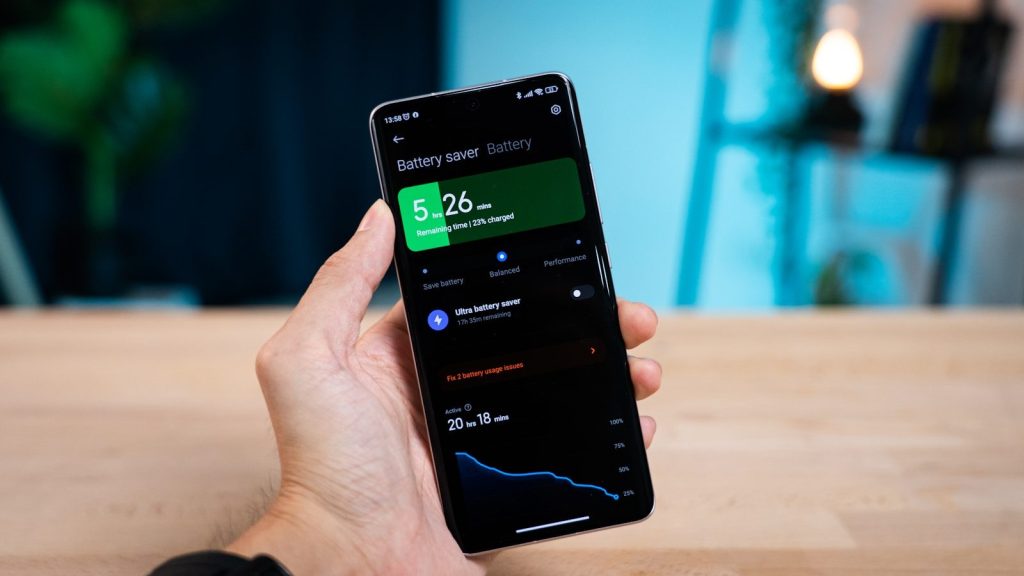
    A phone update should not start when the battery is low. If the phone shuts off during setup or installation, it can create stress and may require extra recovery steps.

    Before updating a new phone, charge it well and connect to reliable Wi-Fi. That simple habit helps avoid failed downloads, slow installs, and setup interruptions.

    Missing app compatibility

    silver samsung galaxys 6 edge
    Photo by Xingye Jiang on Unsplash

    A phone’s system version affects which apps run well. If the phone is too old, some apps may lose features or stop supporting that device over time.

    Before buying, think about the apps you use every day. Banking, school, work, smart home, and photo apps may depend on newer system versions for smooth performance.

    Forgetting resale value

    A person holding a cell phone in their hand
    Photo by Amanz on Unsplash

    Update support can also affect resale value. A phone with years of updates left may be easier to sell later than one close to the end of support.

    This matters even if you plan to keep the phone for a while. A longer update window can make the phone feel like a safer buy and a better long-term value.

  • Why Android updates still depend so much on the brand

    Why Android updates still depend so much on the brand

    Android updates can feel confusing because “Android phone” does not mean one update schedule. Google builds Android, but each brand has to prepare updates for its own phones, features, chips, regions, and carrier versions. That is why a Google Pixel, Samsung Galaxy, OnePlus, Motorola, Xiaomi, Nothing, or Sony phone may receive the same Android version at very different times. Some brands also promise longer support on premium models than on budget phones. Android Authority notes that manufacturers, carriers, and chipset vendors can all affect how quickly updates arrive.

    For buyers, the brand name matters almost as much as the phone’s camera, screen, or battery. A longer update promise can help a phone stay useful, safer, and easier to keep for years.

    Google Pixel often leads

    A person holding a cell phone in their hand
    Photo by Amanz on Unsplash

    Google Pixel phones usually get Android updates early because Google makes Android and controls the Pixel software directly. That gives Pixel owners a cleaner path from new Android release to installed update.

    Google says Pixel 8 and later phones get seven years of OS and security updates from their first U.S. Google Store availability date. Pixel 6, Pixel 7, and Pixel Fold models get five years of OS and security updates.

    Samsung has raised the bar

    A close up of a cell phone on a table
    Photo by Amanz on Unsplash

    Samsung Galaxy phones are now among the strongest Android choices for long-term support. Newer Galaxy S and Z models have helped push Android brands toward longer update promises.

    Samsung says it extended security update support for selected Galaxy devices by up to seven years starting in January 2024. Its update page also lists monthly, quarterly, and biannual update schedules for different Galaxy models.

    OnePlus depends on the model

    Hand holds black smartphone with circular camera module.
    Photo by Georgiy Lyamin on Unsplash

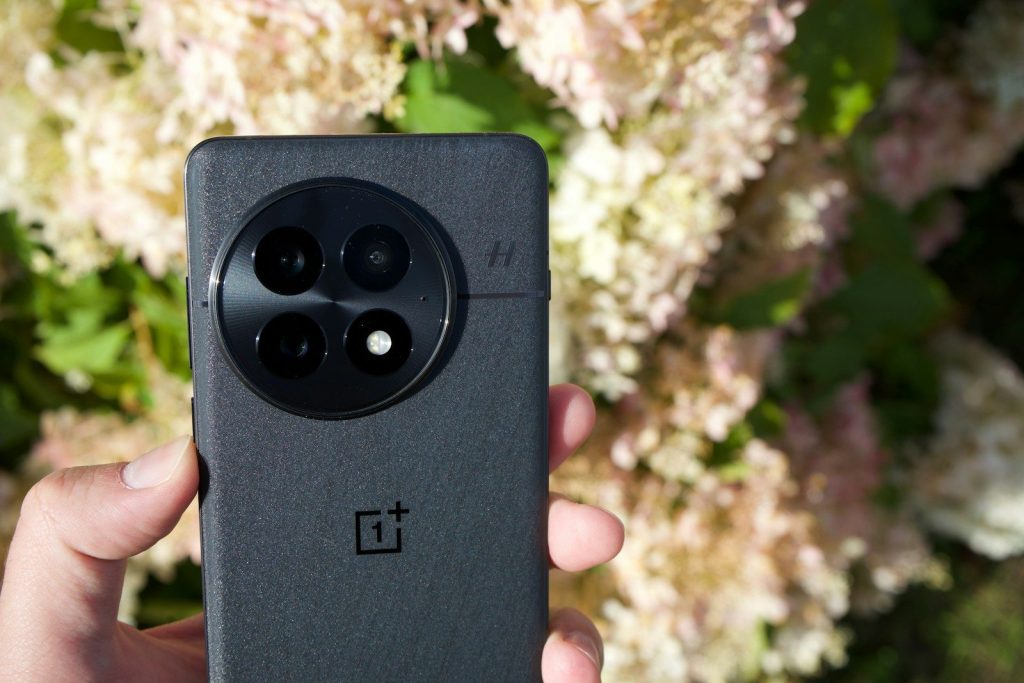
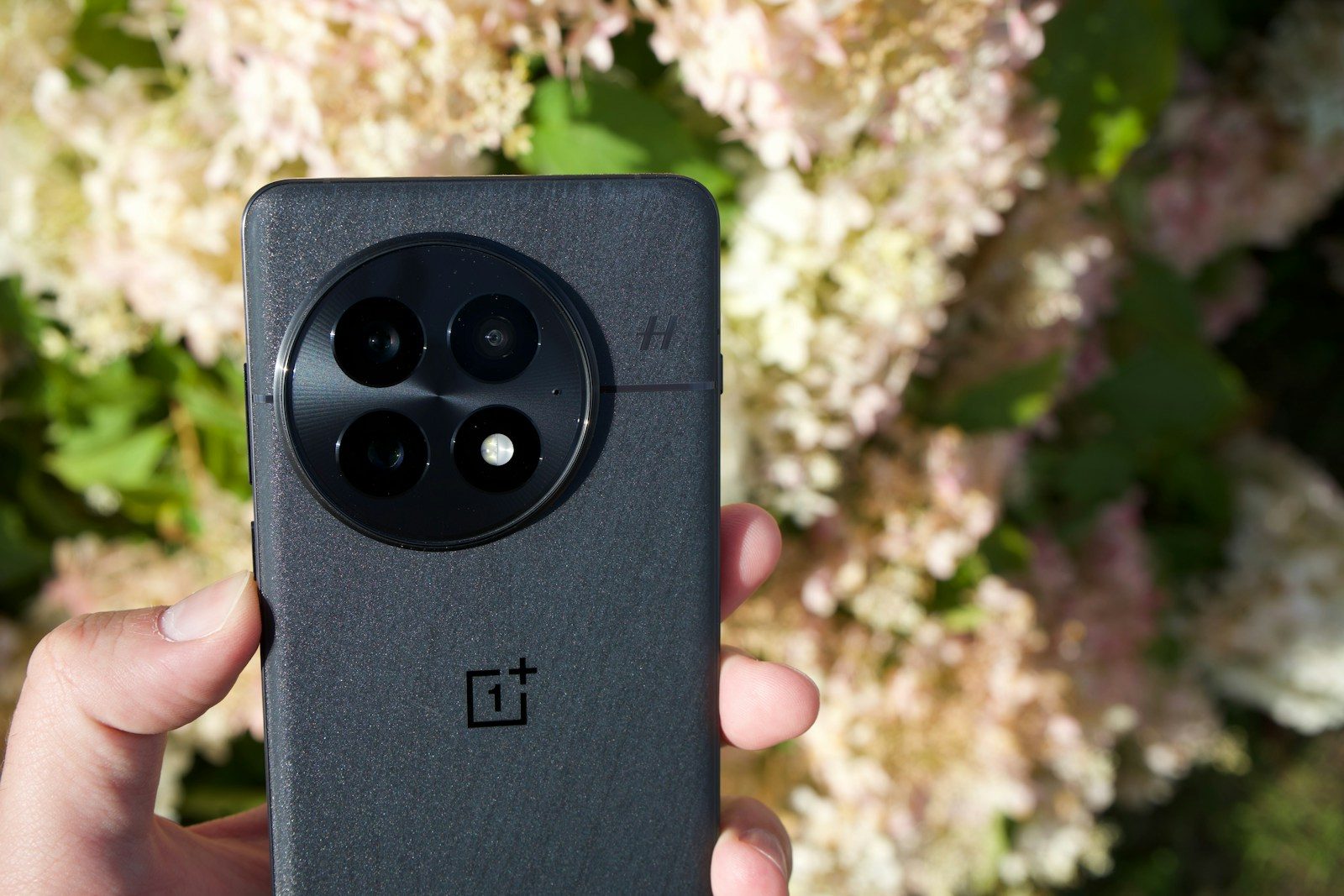
    OnePlus can be strong on updates, especially for newer flagship and upper-midrange phones. But the exact promise depends on the model, region, and product line.

    That means a OnePlus 13 series phone may not be treated the same as an older Nord or budget model. Buyers should check the support promise for the exact phone, not just assume every OnePlus device gets the same long runway.

    Motorola varies a lot

    a motorola cell phone sitting on top of a blue table
    Photo by Daniel Romero on Unsplash

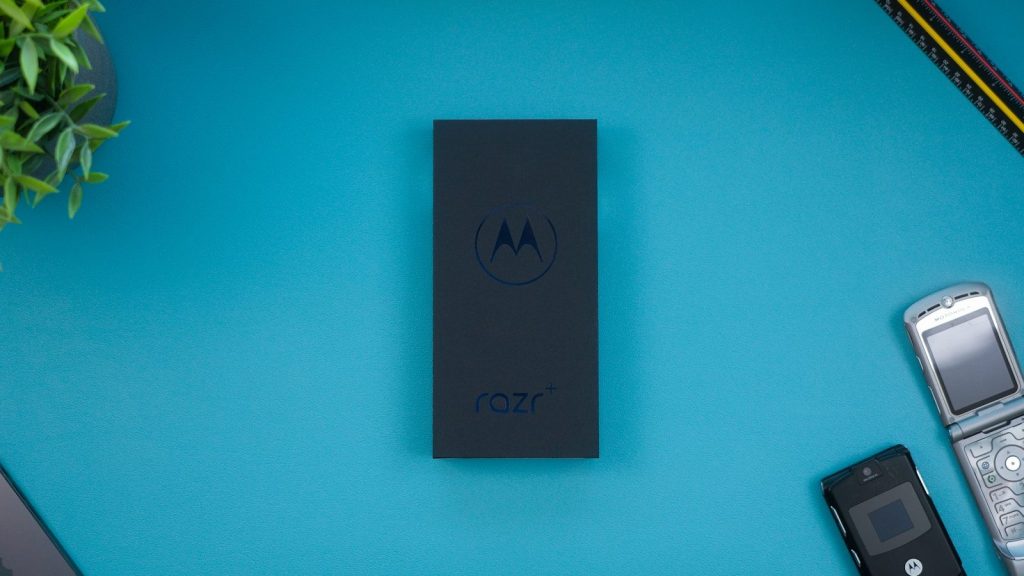
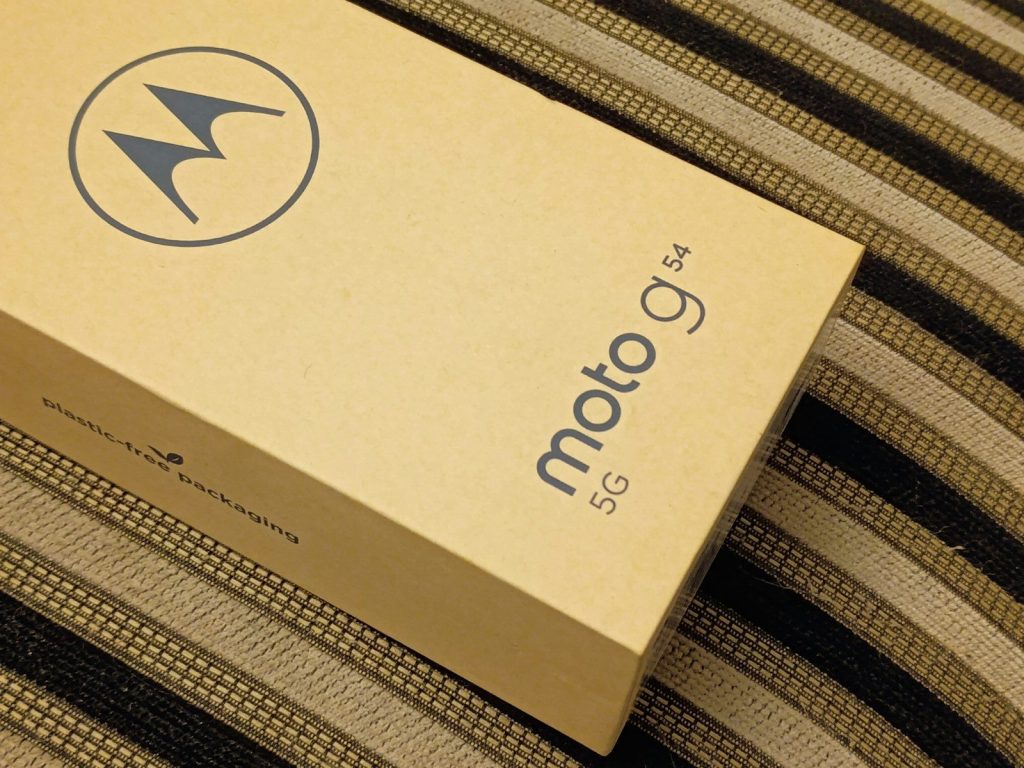
    Motorola sells many types of phones, from budget Moto G models to premium Razr and Edge devices. That wide range is one reason update support can vary so much.

    Motorola’s support page says users should select their product to see that phone’s security update cycle. It also notes that timing can vary by region, product, carrier, and channel.

    Xiaomi can be uneven

    silver samsung galaxys 6 edge
    Photo by Xingye Jiang on Unsplash

    Xiaomi, Redmi, and POCO phones often offer strong hardware for the price, but update timing can depend heavily on the exact model and market. Flagship models usually get better treatment than cheaper phones.

    Xiaomi maintains a security update page for smartphones and tablets, which helps users check support status. Still, buyers should confirm the exact model because Xiaomi’s lineup is large and update promises are not always the same across series.

    Nothing is improving

    a hand holding a cell phone
    Photo by Zana Latif on Unsplash

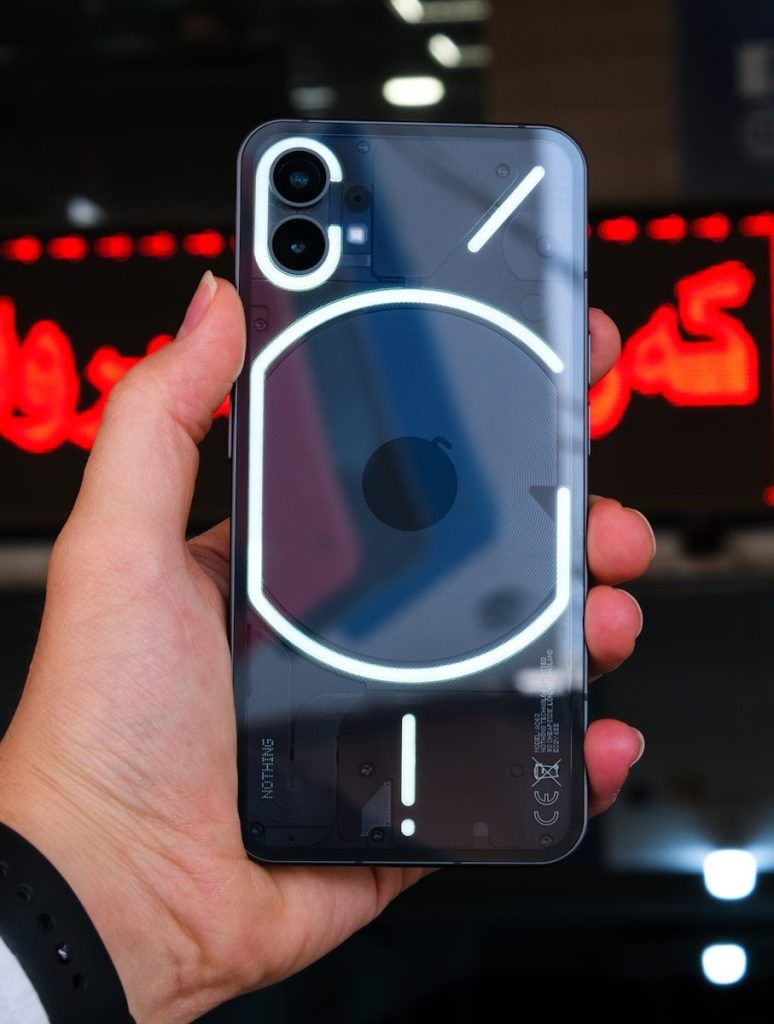
    Nothing has built a smaller phone lineup, which can make its update story easier to follow than brands with dozens of models. Its clean software style also helps it stand out.

    Reports around the Nothing Phone series show that newer models are getting longer security support than some earlier devices. Still, users should check the specific Nothing Phone model before buying, because OS upgrades and security patches may run on different timelines.

    Oppo focuses on flagships

    three oppo phones sitting on top of a wooden table
    Photo by Andrey Matveev on Unsplash

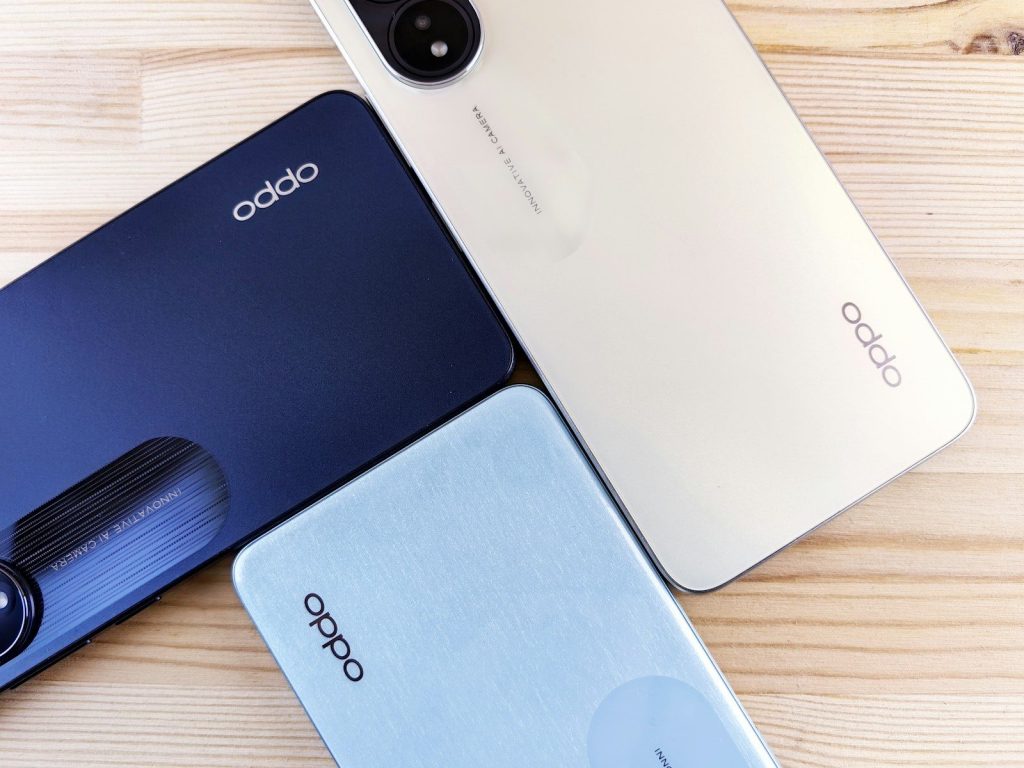
    Oppo’s update support is often strongest on higher-end Find series phones. Midrange Reno and budget A-series models may have shorter or different schedules depending on the device.

    Recent reporting says Oppo has offered up to five major Android OS updates for select newer Find models. That makes the exact product line important, because a premium Oppo phone and a cheaper Oppo phone may not receive updates for the same length of time.

    Sony takes a narrower path

    calendar
    Photo by Daniel Bertrams on Unsplash

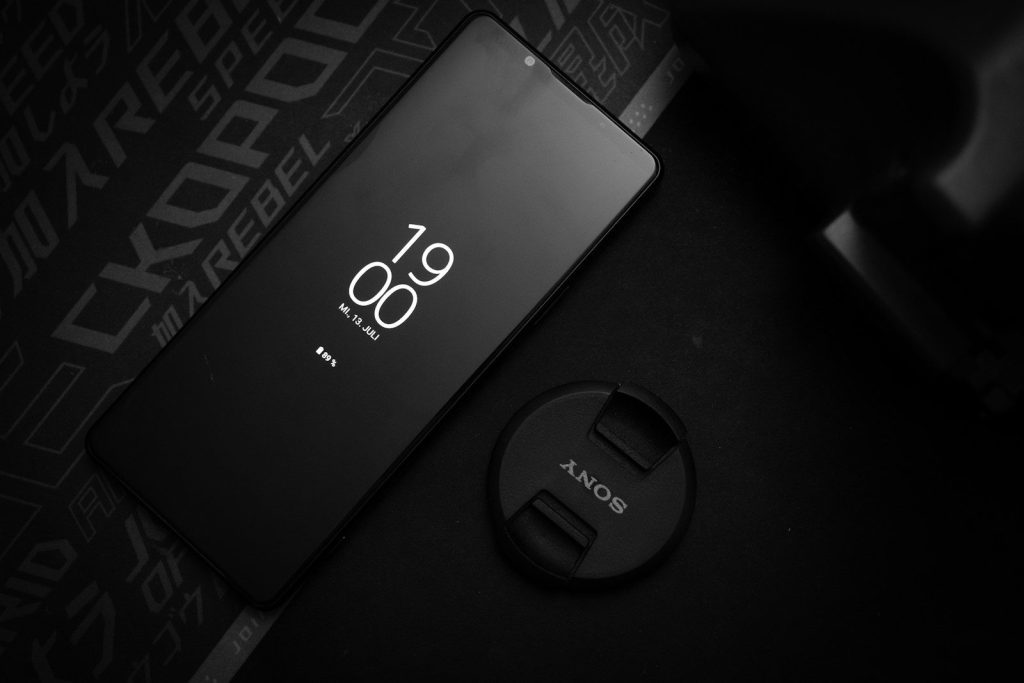
    Sony Xperia phones have a smaller market presence in the U.S., but they still matter to fans of camera-focused Android phones. Update support can depend on the Xperia generation and region.

    Sony’s Xperia software pages show model-by-model update histories, including Android version upgrades and security patch levels. That makes the support page useful for checking whether a specific Xperia model is still receiving meaningful updates.

    Budget phones may lag behind

    a cell phone sitting on top of a colorful wall
    Photo by Andrey Matveev on Unsplash

    Brand matters, but price tier matters too. A flagship Samsung Galaxy, Google Pixel, or OnePlus phone often gets a stronger update promise than a low-cost model from the same company.

    That does not mean budget phones are bad. It simply means shoppers should read the update policy before buying. A cheaper phone may save money upfront, but a longer-supported model can feel better over time.

    Check before you upgrade

    A cell phone sitting on top of a wooden table
    Photo by Andrey Matveev on Unsplash

    The safest move is simple: check the exact brand, model, and year before buying. Do not rely only on the Android version printed on the box or the name of the brand.

    Google Pixel and Samsung Galaxy currently stand out for long support on newer models, while Motorola, Xiaomi, Oppo, OnePlus, Nothing, and Sony can vary more by device. The right Android phone is not just the one that feels fast today. It is the one that keeps getting care tomorrow.

  • Why cheap phones may not feel cheap anymore

    Why cheap phones may not feel cheap anymore

    Budget phones used to come with a long list of trade-offs. The screen looked dull, the camera struggled, the battery drained too fast, and software updates often felt uncertain. Now that gap is getting smaller. Many lower-cost phones are getting brighter displays, smoother refresh rates, better 5G chips, larger batteries, and longer update promises. That does not mean every cheap phone is great, but it does mean shoppers have more real choices than before.

    Some midrange phones now offer years of software support, while newer chipsets are bringing stronger everyday speed and better efficiency to more affordable devices. For people who mostly text, stream, browse, take photos, and use social apps, “cheap” may no longer mean frustrating. Samsung says the Galaxy A56 5G supports up to 6 generations of OS upgrades and 6 years of security updates, while Google says Pixel 8 and later phones get 7 years of updates.

    Better chips raise the floor

    processor, mobile, snapdragon, qualcomm, circuit, motherboard, cpu, microchip, smartphone, chip, technology, network, circuits, connections, electronics, processor, processor, processor, processor, snapdragon, snapdragon, snapdragon, snapdragon, qualcomm, qualcomm, qualcomm, qualcomm, motherboard, cpu, cpu, cpu, cpu, cpu, microchip, chip, chip, chip
    Photo by Monoar_CGI_Artist on Pixabay

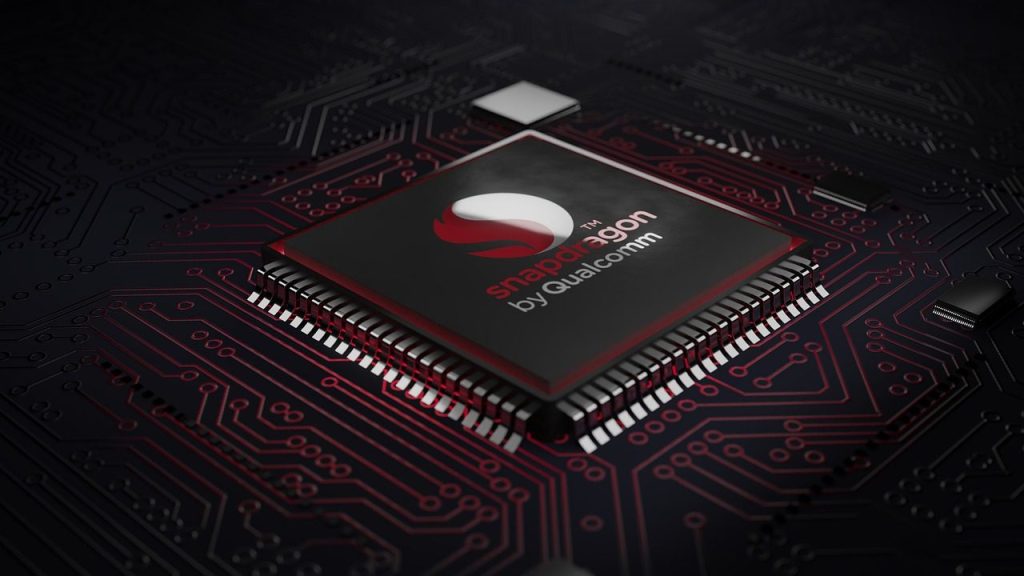
    Cheap phones are getting more capable because the processors inside them are improving. Newer midrange chips can handle everyday apps, video calls, navigation, and light gaming with fewer slowdowns.

    Qualcomm says the Snapdragon 6 Gen 4 brings improved CPU speed, stronger graphics, better power savings, and fast 5G connectivity. That kind of progress helps lower-priced phones feel smoother for regular daily use.

    5G is less of a luxury

    a cardboard box sitting on top of a bed
    Photo by Akbar Khan on Unsplash

    A few years ago, 5G felt like a premium phone feature. Now it is common across many affordable Android models, especially as carriers and chipmakers push newer network support into lower price ranges.

    That shift matters for buyers who keep phones for several years. A cheaper phone with 5G can feel more current, especially for streaming, downloads, maps, and staying connected in busy areas.

    Screens look more premium

    a cell phone on a table
    Photo by Amanz on Unsplash

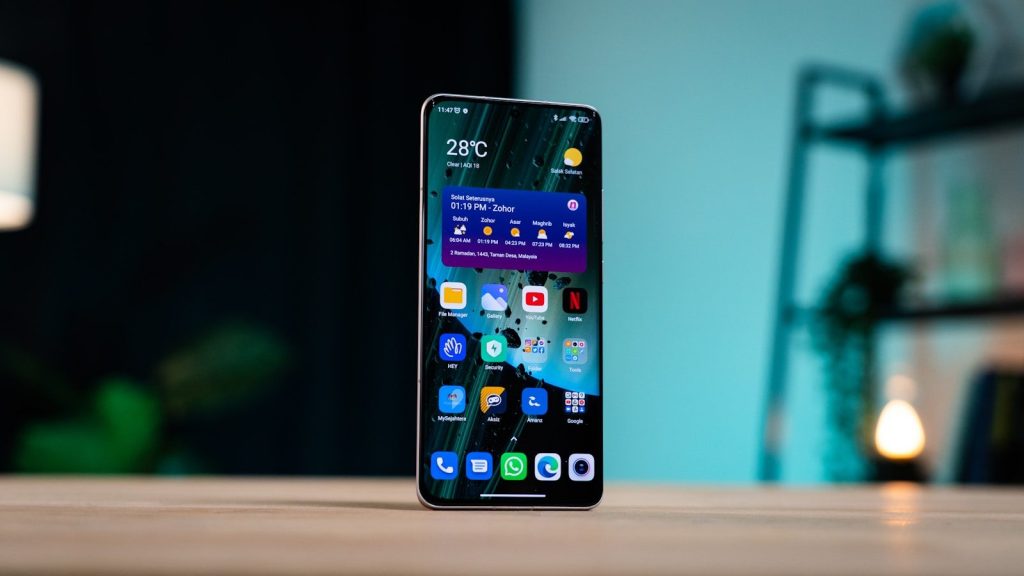
    Budget screens have improved a lot. Many affordable phones now offer larger displays, smoother scrolling, and better brightness than older low-cost models.

    A better screen changes the whole feel of a phone. Reading, watching videos, checking photos, and browsing social apps all feel more comfortable when the display is sharper, brighter, and more responsive.

    Updates are improving value

    Hand holding a smartphone with sos screen
    Photo by Andrey Matveev on Unsplash

    Software support can make a cheaper phone feel useful for longer. Without updates, even a good phone can start to feel old too quickly.

    This is one area where the market has improved. Samsung lists up to 6 generations of OS upgrades and 6 years of security updates for the Galaxy A56 5G, while Google says Pixel 8 and later phones get 7 years of updates.

    Cameras are more reliable

    Hand holds black smartphone with circular camera module.
    Photo by Georgiy Lyamin on Unsplash

    Cheap phone cameras still may not match premium models, especially in difficult lighting. But many are now good enough for everyday photos, video clips, and quick social posts.

    The biggest change is consistency. Better sensors, smarter image processing, and improved software help lower-cost phones take cleaner pictures than older bargain models could manage.

    AI features are spreading

    Woman holding smartphone with ai workspace logo.
    Photo by Jo Lin on Unsplash

    AI tools are no longer only tied to the most expensive phones. IDC reported that affordable AI-enabled smartphones helped drive upgrades in more affordable price categories during 2025.

    That could make budget phones feel smarter over time. Features like better photo cleanup, call tools, writing help, and on-device suggestions may slowly move into lower price ranges.

    Build quality feels stronger

    silver samsung galaxys 6 edge
    Photo by Xingye Jiang on Unsplash

    Cheap phones used to feel light, hollow, or fragile. Today, many affordable models have cleaner designs, better finishes, and stronger resistance features than buyers may expect.

    That makes a difference every day. A phone that feels solid in the hand, has a decent fingerprint reader, and does not look outdated can feel far more premium than its price suggests.

    Competition helps buyers

    A person holding a cell phone in their hand
    Photo by Amanz on Unsplash

    Phone brands are fighting hard for shoppers who want value. That pressure can lead to better screens, longer battery life, more storage, improved cameras, and longer update support at lower prices.

    It also gives buyers more choices. Instead of picking the cheapest phone available, shoppers can compare the parts that matter most, such as battery, screen quality, camera, storage, and software support.

    Cheap no longer means basic

    A cell phone sitting on top of a wooden table
    Photo by Andrey Matveev on Unsplash

    The biggest change is simple: cheap phones are becoming good enough for more people. Not everyone needs the fastest chip, the most advanced camera, or the most expensive design.

    A smart budget phone can now cover the basics well and still feel modern. For many everyday users, the best value may come from a phone that does the important things right without chasing premium extras.