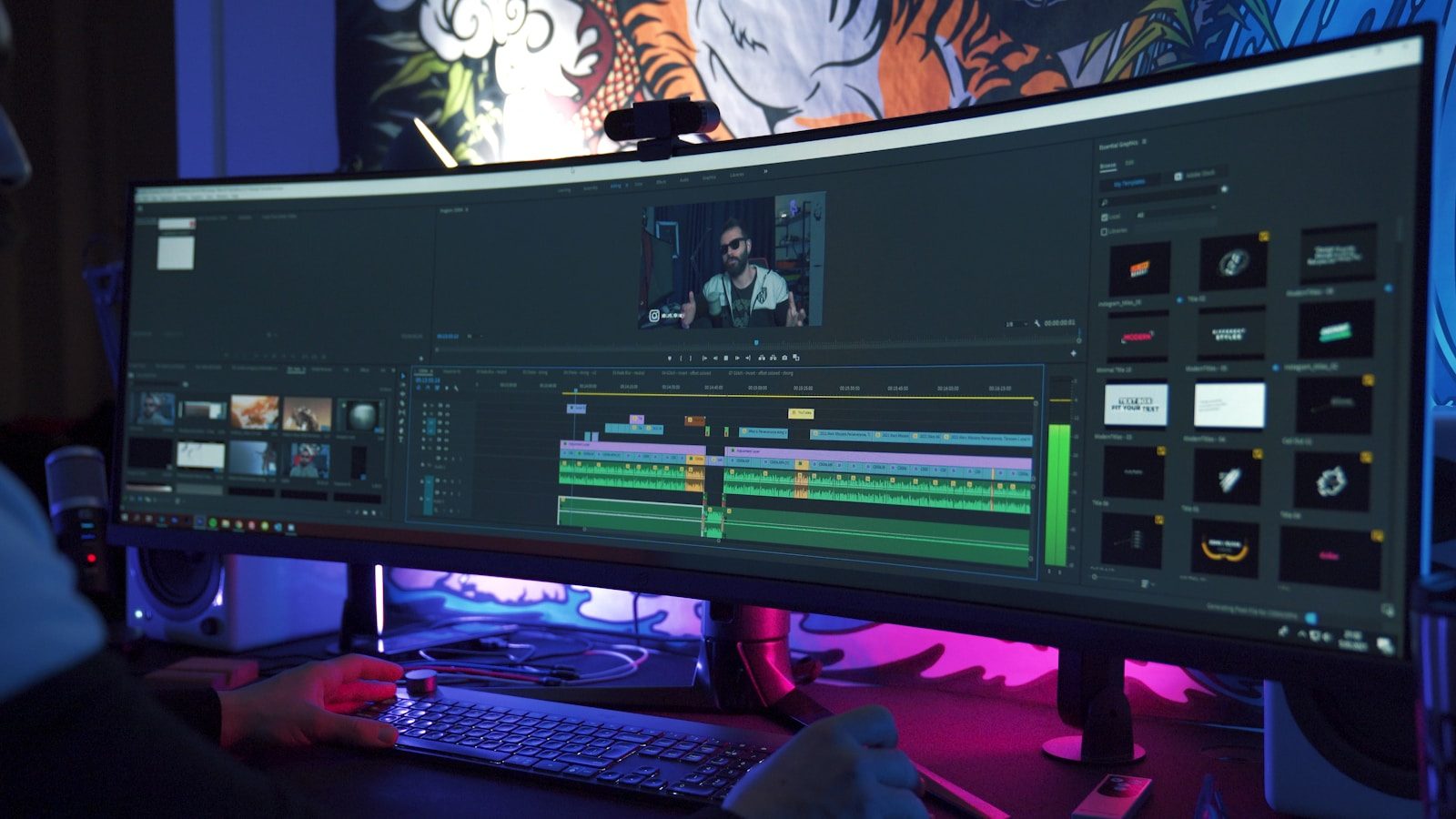
A desk with two or three monitors used to feel like the ultimate productivity setup. You could keep email on one screen, a browser on another, and your main project in the middle. Now, many people are looking at giant ultrawide and super-ultrawide monitors as a cleaner way to do the same thing. Some large displays offer the space of two screens in one panel, with fewer bezels, fewer stands, and fewer cables.
Samsung’s 57-inch Odyssey Neo G9, for example, uses Dual UHD resolution that Samsung describes as a display as wide as two UHD monitors. Dell’s 49-inch UltraSharp model also supports multitasking tools like Picture-by-Picture and KVM switching. For home offices, gaming rooms, and creative setups, one huge screen can now feel simpler than several smaller ones.
One screen feels cleaner
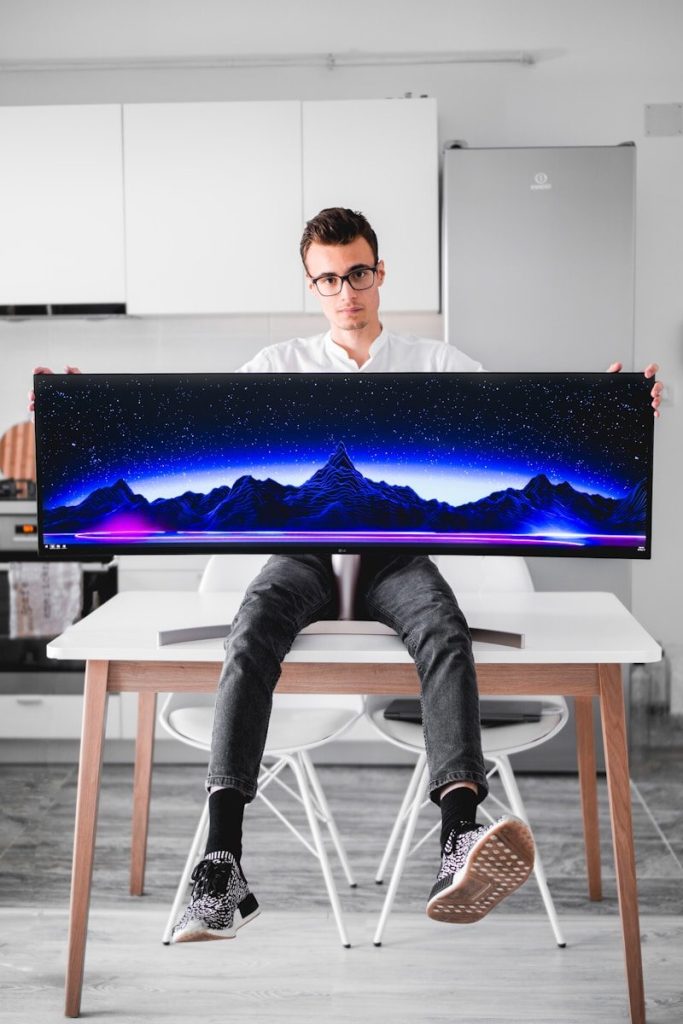
A giant monitor can reduce the visual clutter that comes with multiple screens. Instead of separate stands, different bezels, and extra cables, users get one large display across the desk.
That cleaner setup can make a workspace feel calmer. It also helps when people want a modern home office that looks organized without losing screen space for daily work, browsing, video calls, or creative tools.
Fewer bezels help focus
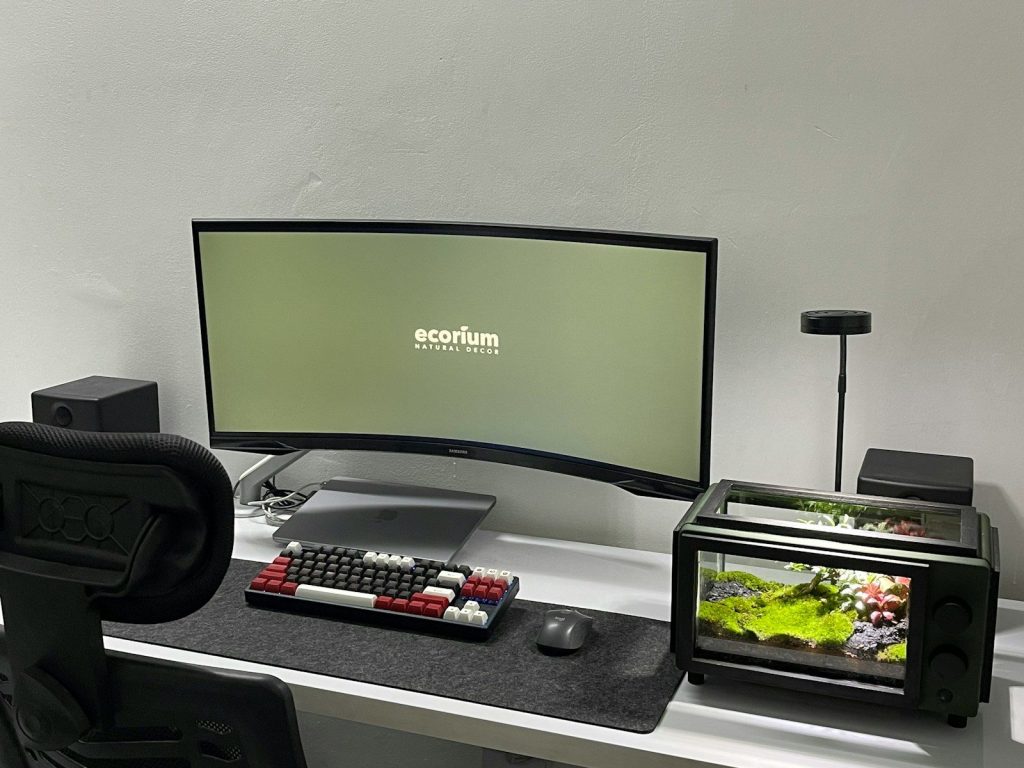
One of the biggest complaints with multi-screen setups is the line between displays. A bezel can cut through spreadsheets, timelines, games, or wide editing windows.
A giant monitor removes that break. The result feels smoother because the workspace stretches across one continuous panel. That can be especially helpful for video editors, designers, gamers, and anyone who likes wide layouts.
Multitasking stays simple
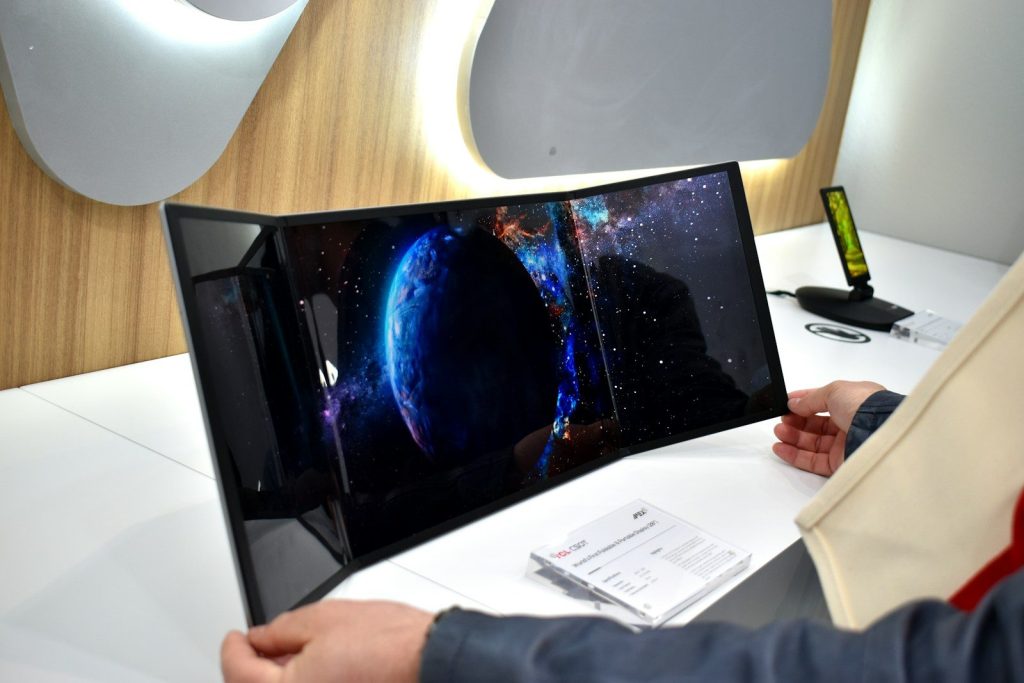
Large ultrawide monitors still let people keep several windows open at once. A user can place a document, browser, chat, and file window side by side without needing separate screens.
Windows 11 Snap layouts also help organize open apps on large displays. Microsoft says Snap can arrange apps into layouts, making big screens easier to manage for everyday multitasking.
Picture modes add flexibility
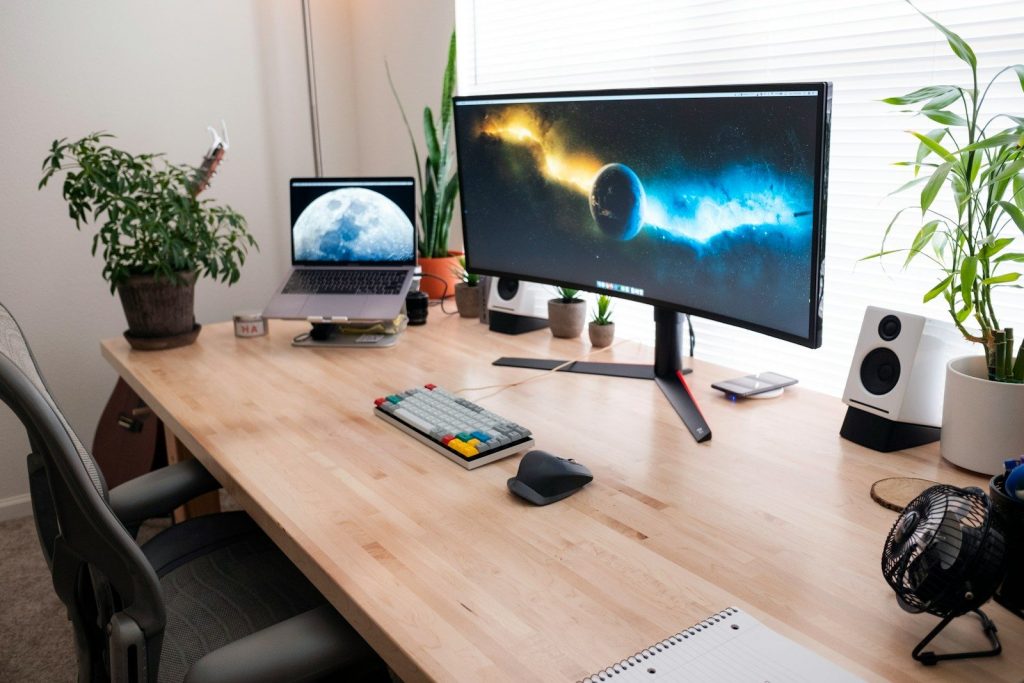
Some giant monitors can act like more than one screen when needed. Samsung lists Picture-by-Picture support on its 57-inch Odyssey Neo G9, allowing video from two sources to appear at the same time.
That is useful for people who switch between a work laptop and personal computer. Instead of using two physical monitors, one wide display can show both systems in a cleaner layout.
KVM tools reduce desk gear
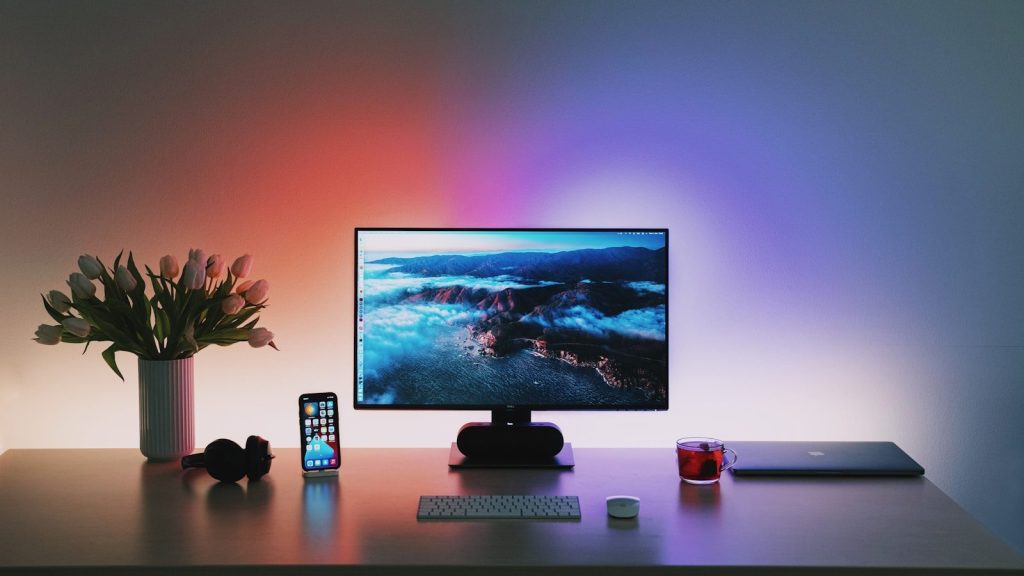
A built-in KVM switch can make a large monitor even more useful. Dell says its UltraSharp U4924DW can control two PCs with one keyboard and mouse through its KVM feature.
That saves space and reduces cable clutter. It also makes switching between devices feel easier, especially for people who use one desk for work during the day and personal projects later.
Gaming gets more immersive
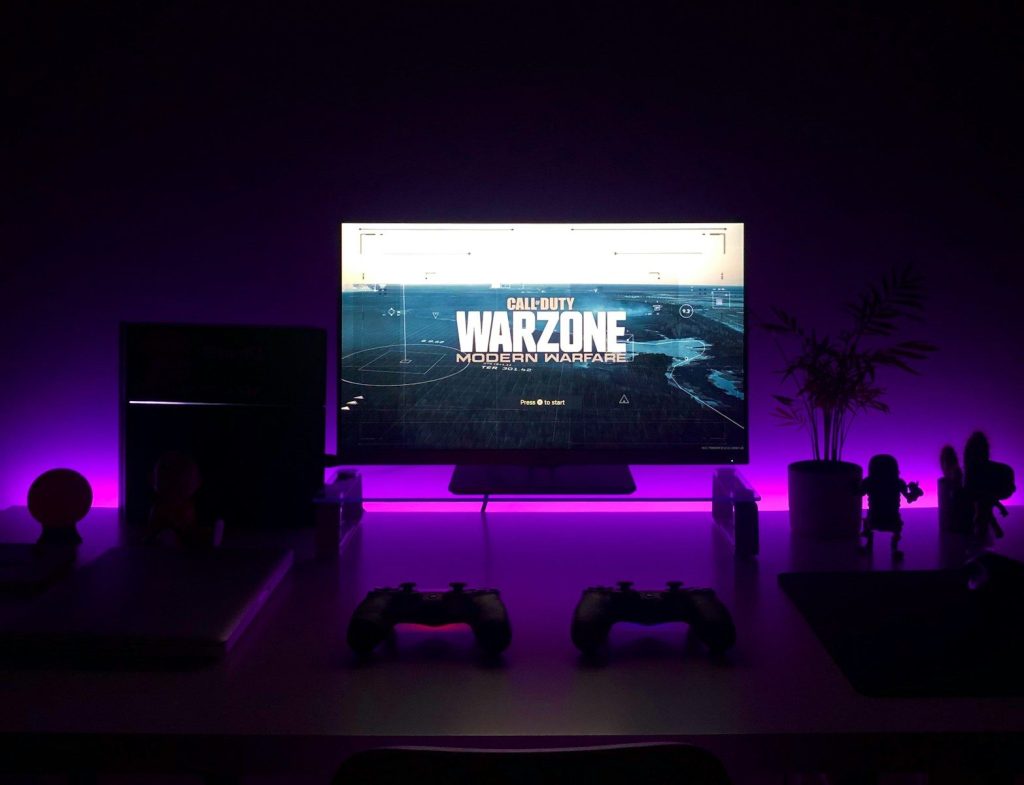
Giant monitors are not just for work. Wide screens can make games feel more immersive by showing more of the world across the player’s view.
Samsung’s 57-inch Odyssey Neo G9 uses a 32:9 shape and Dual UHD resolution, which Samsung describes as as wide as two UHD monitors. That kind of scale can make racing, flight, simulation, and open-world games feel much larger.
One monitor is not perfect
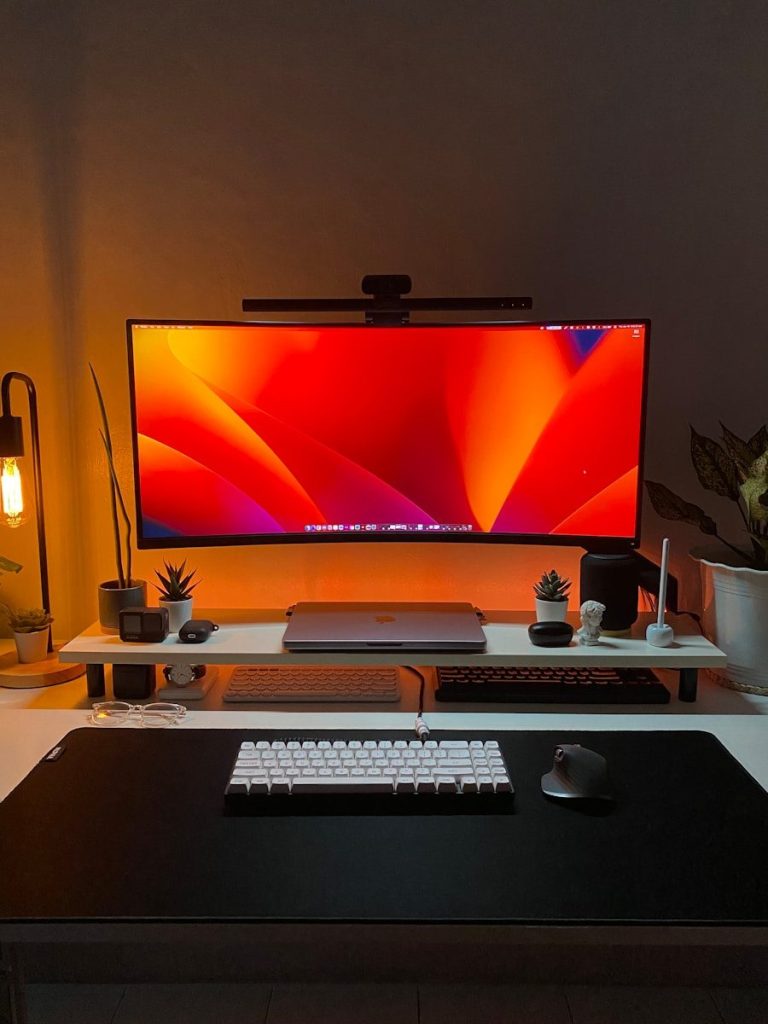
A giant monitor can solve many desk problems, but it is not right for everyone. These displays can be expensive, heavy, and large enough to need a deep desk.
Some people may still prefer separate monitors because they can angle each screen differently or replace one display at a time. Still, for many users, one big panel offers a cleaner, smoother way to work and play.
Leave a Reply