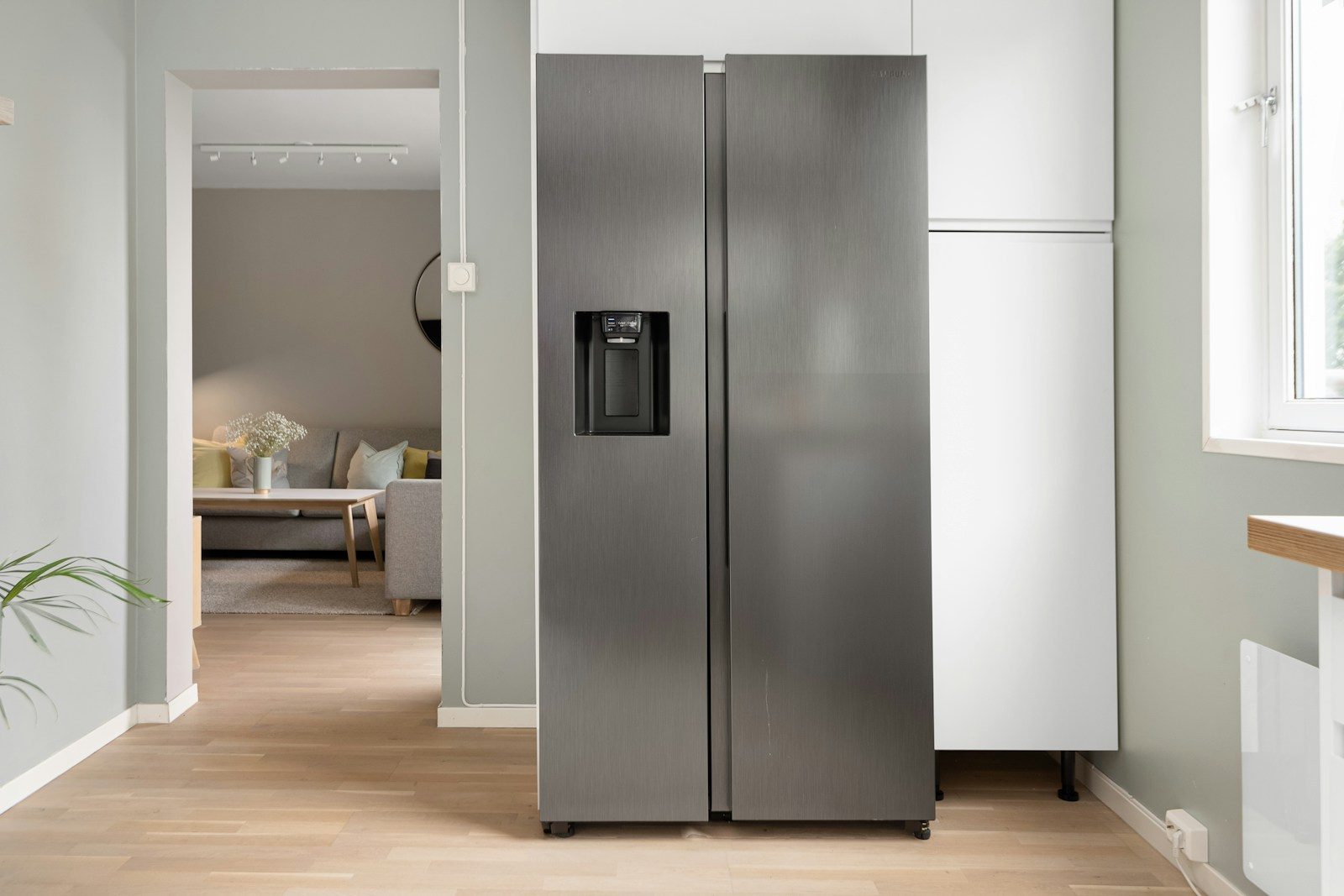
Smart fridges are moving beyond cold storage and becoming everyday kitchen helpers. Newer models can connect to phone apps, show what is inside, help build shopping lists, and even support meal planning. Samsung says its Family Hub refrigerators can let users view inside the fridge from a phone and track food dates, while LG promotes ThinQ features that help users create shared shopping lists and check fridge contents remotely.
The big idea is simple: less guessing, fewer forgotten items, and better use of food already at home. These features still have limits, especially with covered containers, packed shelves, or items the system cannot recognize. But for busy families, meal planners, and anyone tired of buying the same thing twice, smart fridges are becoming more useful.
They help you see inside
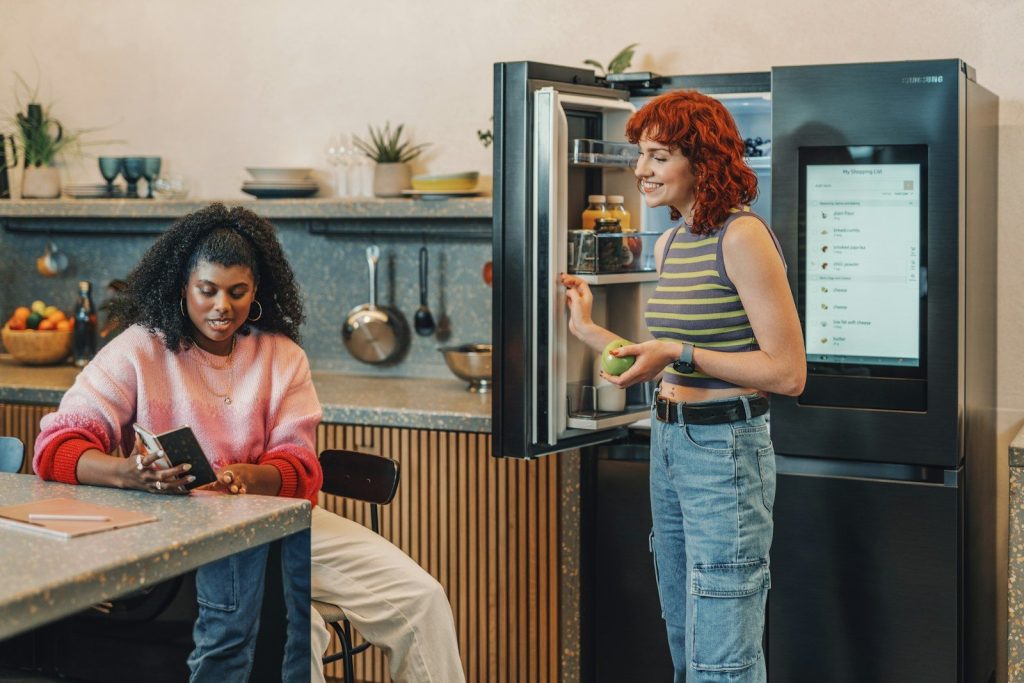
One of the most helpful smart fridge tricks is the ability to check what is inside while you are away from home. Instead of standing in a grocery aisle wondering about milk, eggs, or leftovers, you can look from your phone.
Samsung’s Family Hub View Inside feature is built for that exact moment, letting users check fridge contents remotely through a connected device. It is not magic, but it can save a second trip or stop a duplicate purchase.
Shopping lists follow you
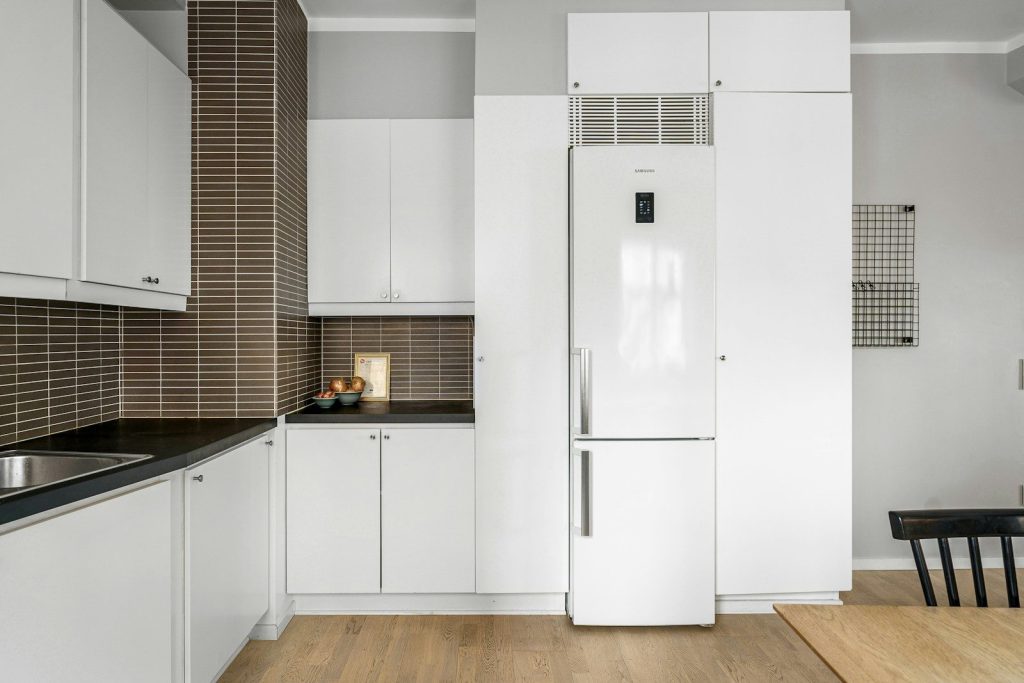
Paper lists are easy to leave on the counter. Smart fridges make grocery lists more portable by syncing them with a phone or tablet. That means the list can come with you, even when your fridge cannot.
Samsung says its Family Hub refrigerators include a Shopping List app that can sync with SmartThings on mobile devices. LG also highlights shared shopping lists between a smartphone and refrigerator through its ThinQ system.
AI can spot some foods
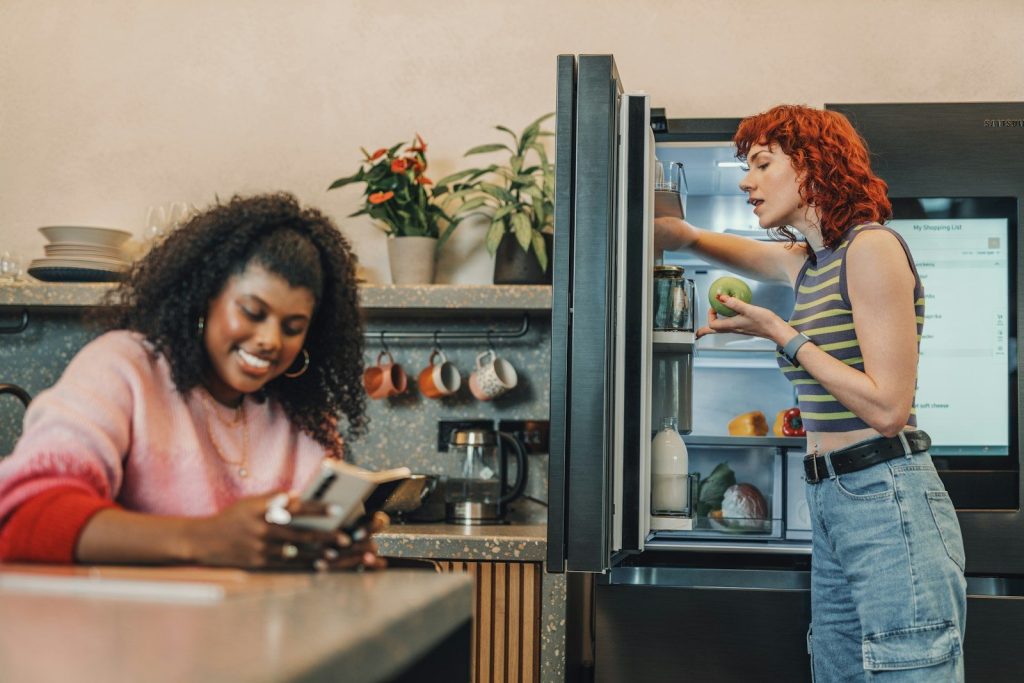
Some smart fridges now use cameras and AI to recognize certain foods. This can help create a basic food list without asking you to type in every apple, carrot, or carton by hand.
Samsung says AI Vision Inside can recognize and label 37 unobscured fresh food items, while other items may need manual labels. That detail matters because the system works best when items are visible and placed in a way the camera can read.
Dates can be easier to track
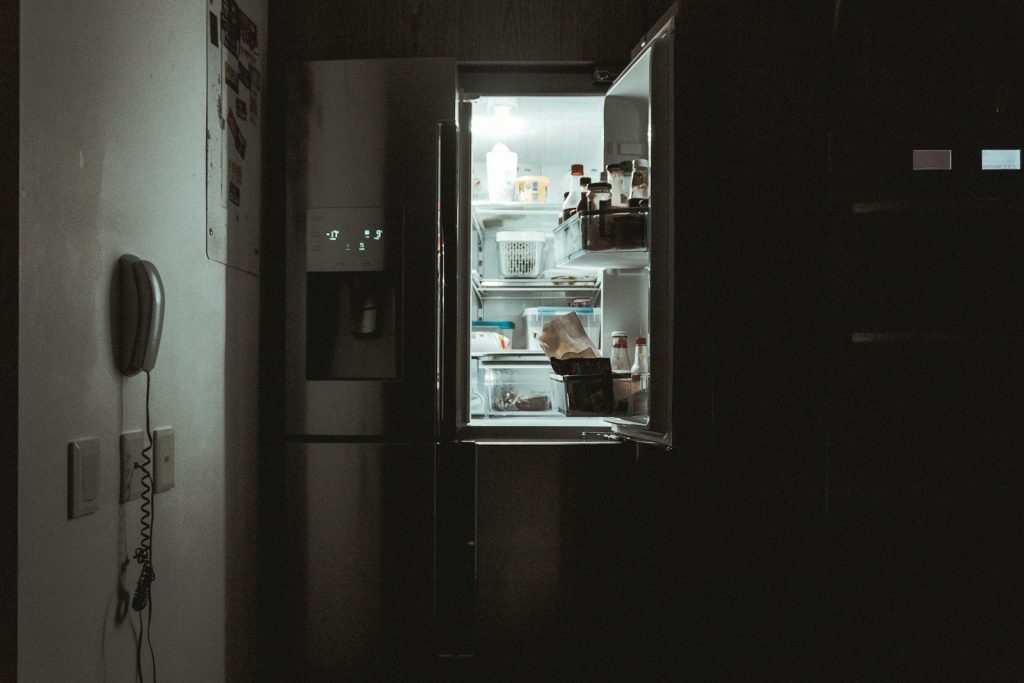
Food waste often starts with forgetting what is already in the fridge. Smart fridge tools can help by keeping a food list and tracking dates, so older items do not disappear behind newer groceries.
Samsung says Family Hub can help track expiration dates for food items in and outside the refrigerator. Some systems also let users manage food lists through companion apps, making it easier to plan meals around items that should be used soon.
Meal ideas feel more useful
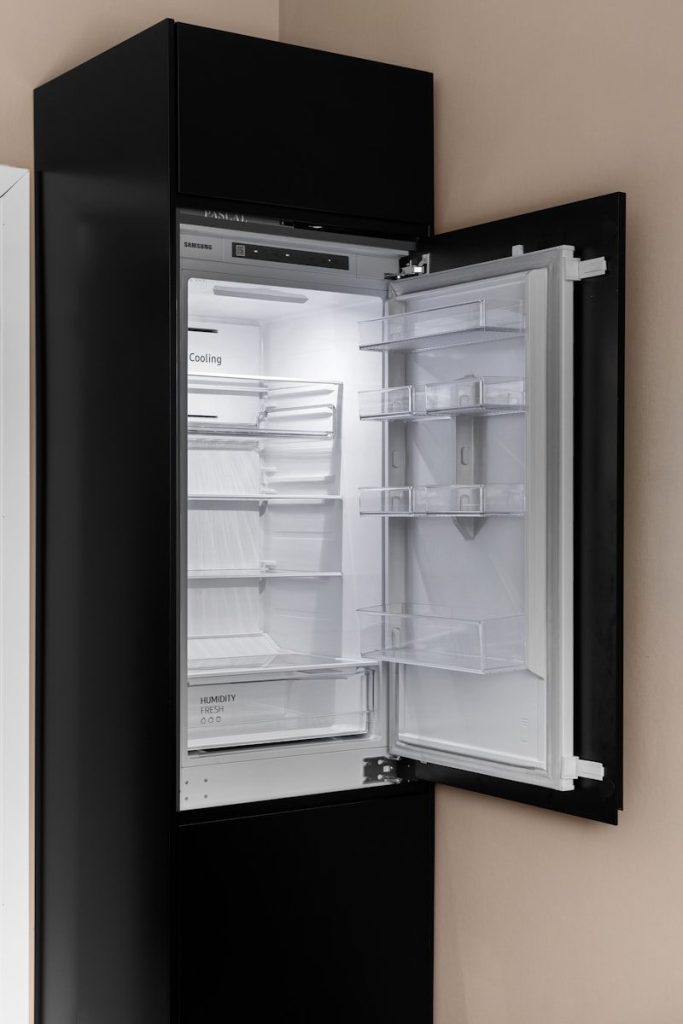
Recipe suggestions are more helpful when they connect to what you already have. Instead of searching for dinner from scratch, a smart fridge can become part of the meal-planning process.
Samsung says its Samsung Food tools can recommend personalized recipes based on preferences and existing ingredients. LG also promotes recipe ideas through its smart fridge experience. The goal is not to replace your cooking style, but to make weeknight decisions less tiring.
Apps bring the fridge along
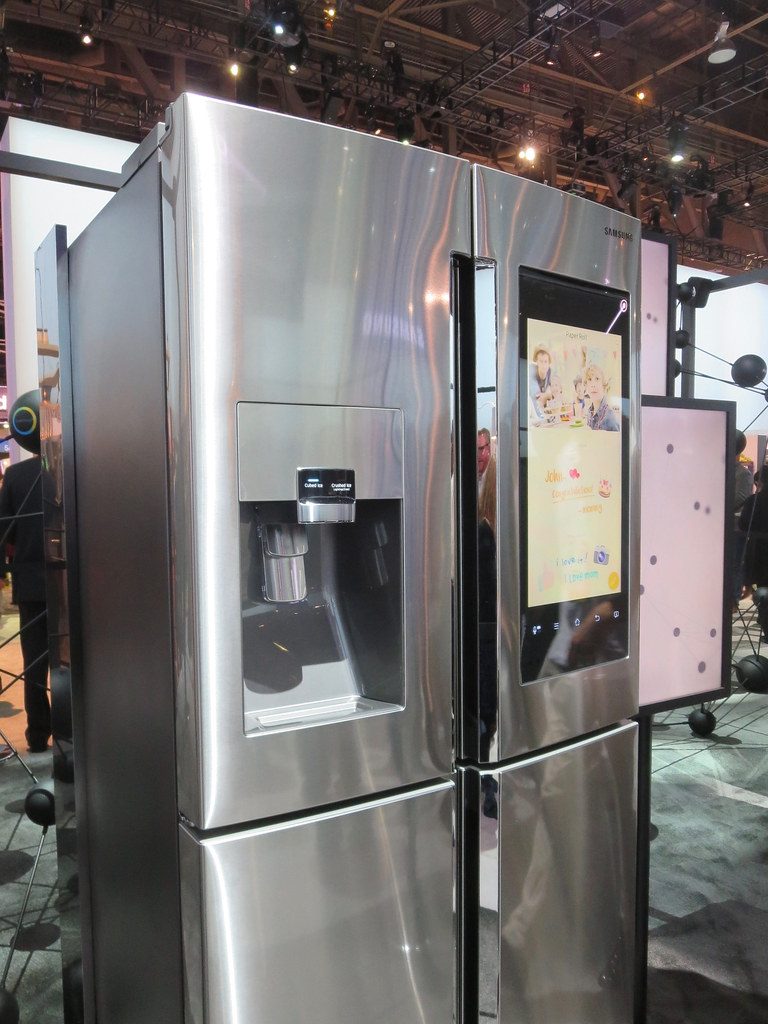
The phone app is what makes many smart fridge features practical. Without it, the fridge screen is still stuck in the kitchen. With it, lists, settings, and alerts can travel with you.
LG says its ThinQ app lets users check smart appliances from anywhere and monitor refrigerator needs such as water filter replacement. Samsung’s connected features also depend on Wi-Fi and an account for many smart functions.
Voice control adds convenience
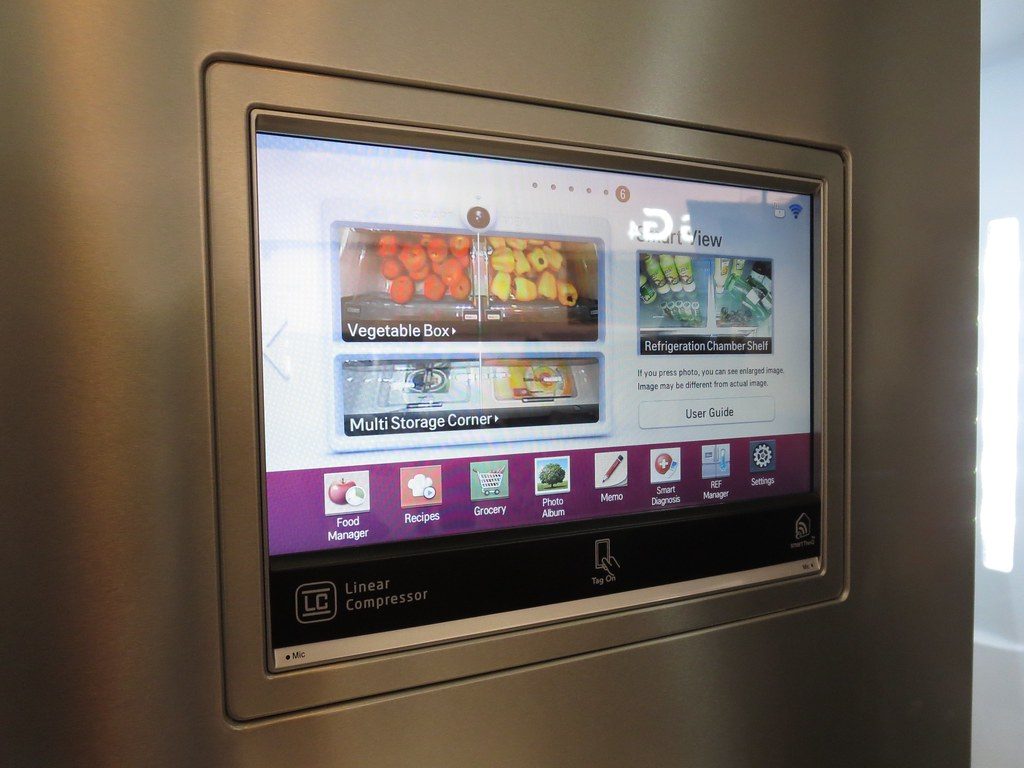
Smart fridges can also work with voice assistants, which can be useful when your hands are full. You might ask for help managing food, checking a list, or controlling connected kitchen features.
Samsung notes that Bixby voice assistance can help with food management on Family Hub refrigerators. LG says some ThinQ appliance features can work with voice control through Google Assistant or Alexa-enabled devices. These tools are small helpers, but they can smooth out busy kitchen routines.
Grocery ordering may grow
Smart fridges are starting to move closer to grocery ordering, not just grocery tracking. The Verge reported that Samsung partnered with Instacart to let certain smart fridges suggest groceries through the Instacart app.
That kind of feature could be helpful when common items run low. Still, shoppers will want to review any suggested list before buying. A fridge can help notice patterns, but you still know your budget, meals, and family habits best.
Smart homes may connect better

A smart fridge becomes more useful when it works well with the rest of the home. That is why smart home standards matter. They can help devices from different brands communicate more smoothly.
Matter is a smart home standard aimed at improving compatibility across platforms. Home Connect says Matter is meant to let appliances and controllers work together more easily, while reports have noted that refrigerators are among the device types added to Matter support.
Limits still matter
Smart fridges can be handy, but they are not perfect grocery managers. Cameras may miss blocked items, AI may not recognize everything, and some features need manual updates to stay accurate.
That is why the best use is as a helper, not a full replacement for common sense. A quick app check, a synced list, and a few date reminders can make shopping easier. The fridge handles some memory work, while you stay in control.
Leave a Reply