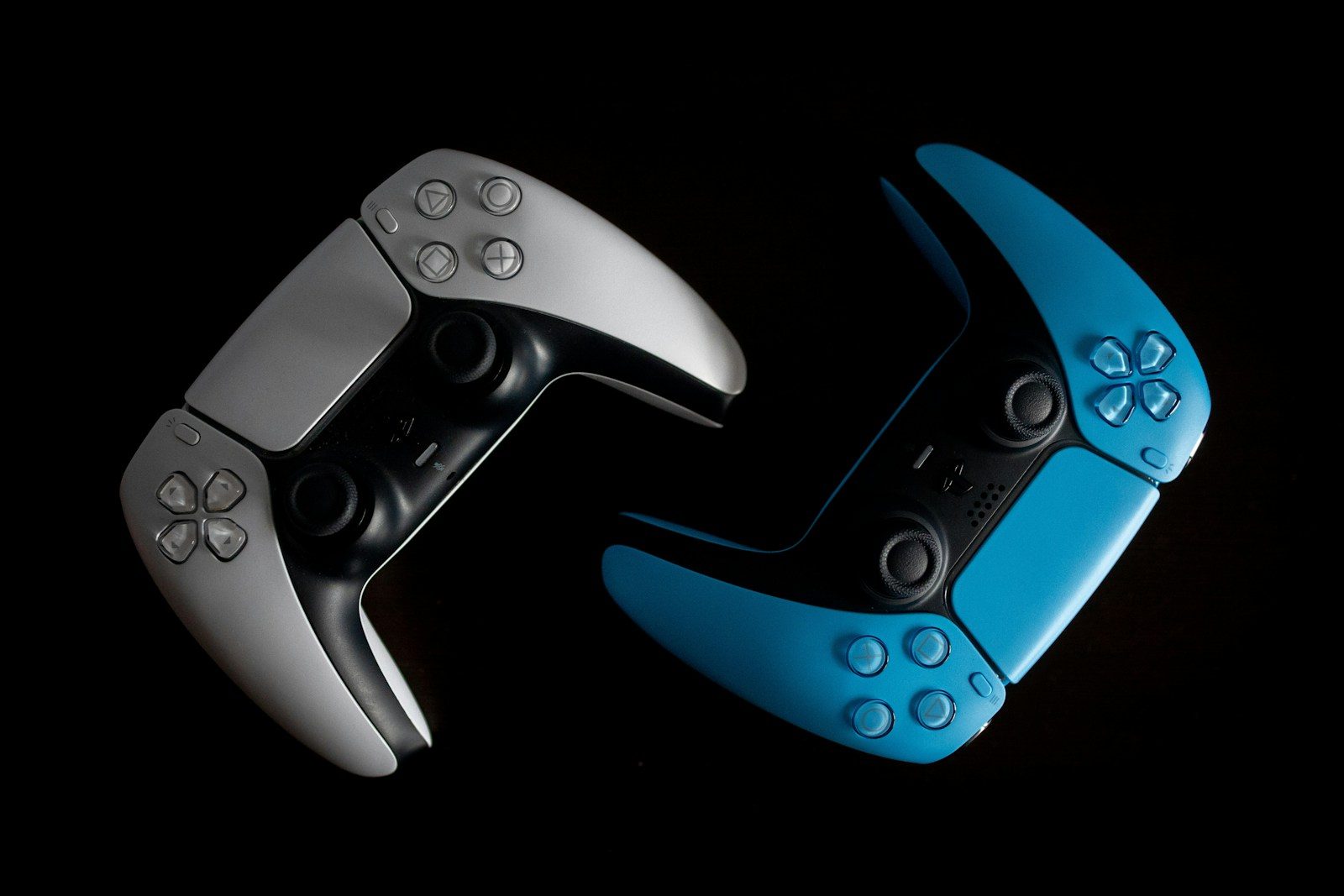
Game controllers used to be built mostly for one place: the couch in front of a console. Cloud gaming is changing that idea fast. Now players may start a game on a TV, continue on a phone, and later pick it back up on a laptop. That shift is pushing controller makers to think beyond the old living room setup.
The biggest challenge is feel. Cloud games run on remote servers, so every button press has to travel through a network before the game reacts. That makes latency, comfort, phone support, battery life, and quick pairing much more important. Xbox says cloud gaming works across phones, PCs, consoles, and supported devices, while Amazon’s Luna Controller uses Cloud Direct to connect through Amazon’s game servers and reduce latency on supported devices.
Speed matters more now
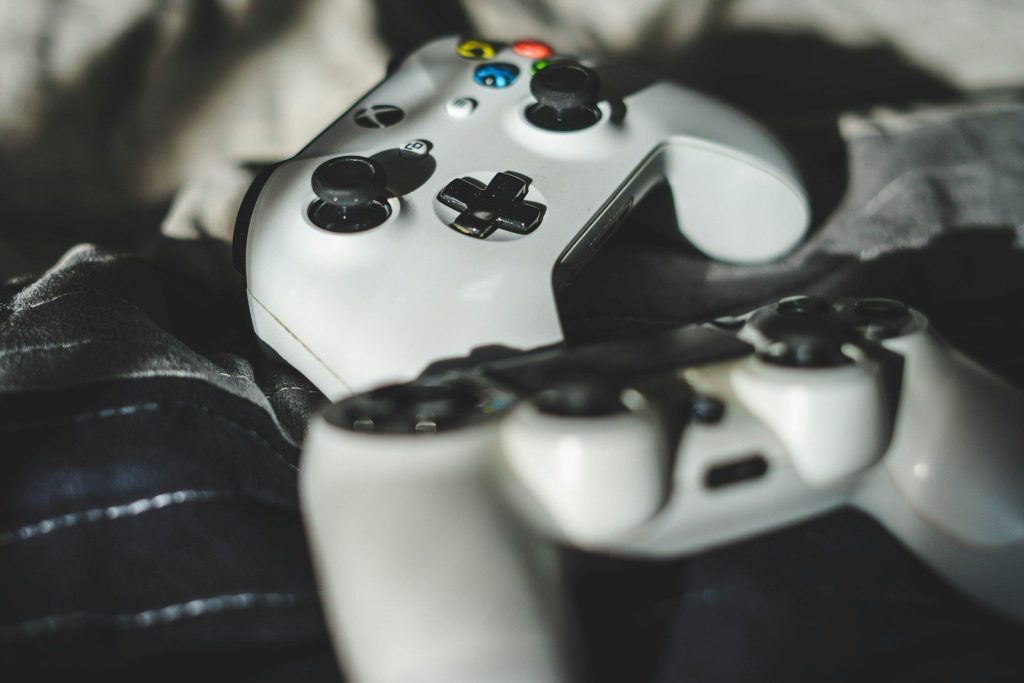
Cloud gaming depends on fast response. When a player presses a button, that command must reach a remote server, then the game video must stream back.
That extra path makes controller delay easier to notice. This is why newer cloud-focused designs often try to reduce lag through wired USB-C, direct wireless links, or better connection options.
Phones changed the shape
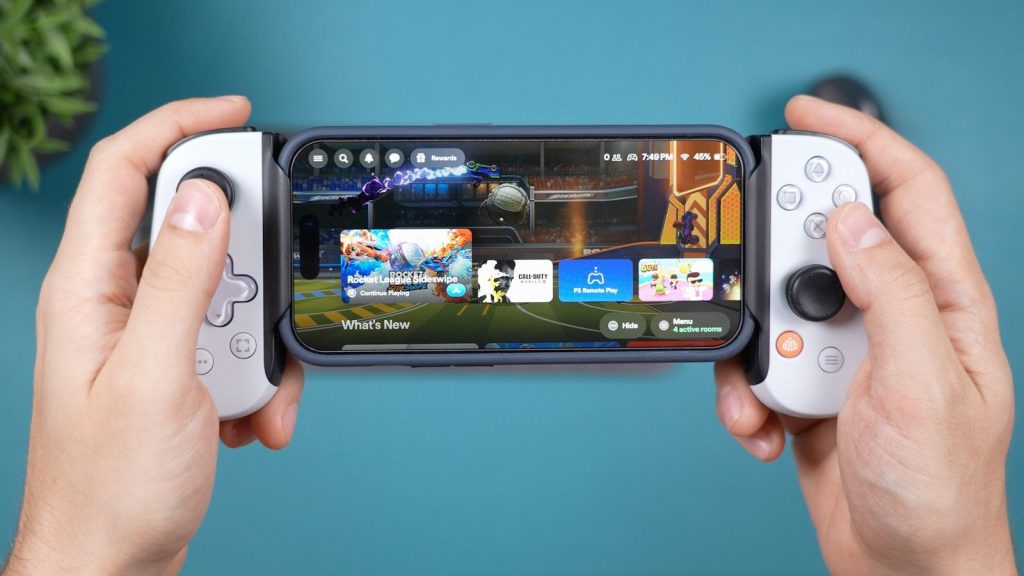
Many cloud games are now played on phones, not just TVs. That has pushed controllers to wrap around mobile screens or hold phones more securely.
This design makes a phone feel closer to a handheld console. Backbone’s Xbox Edition controller, for example, is built for USB-C phones and supports cloud gaming, mobile games, and remote play.
Direct links reduce delay
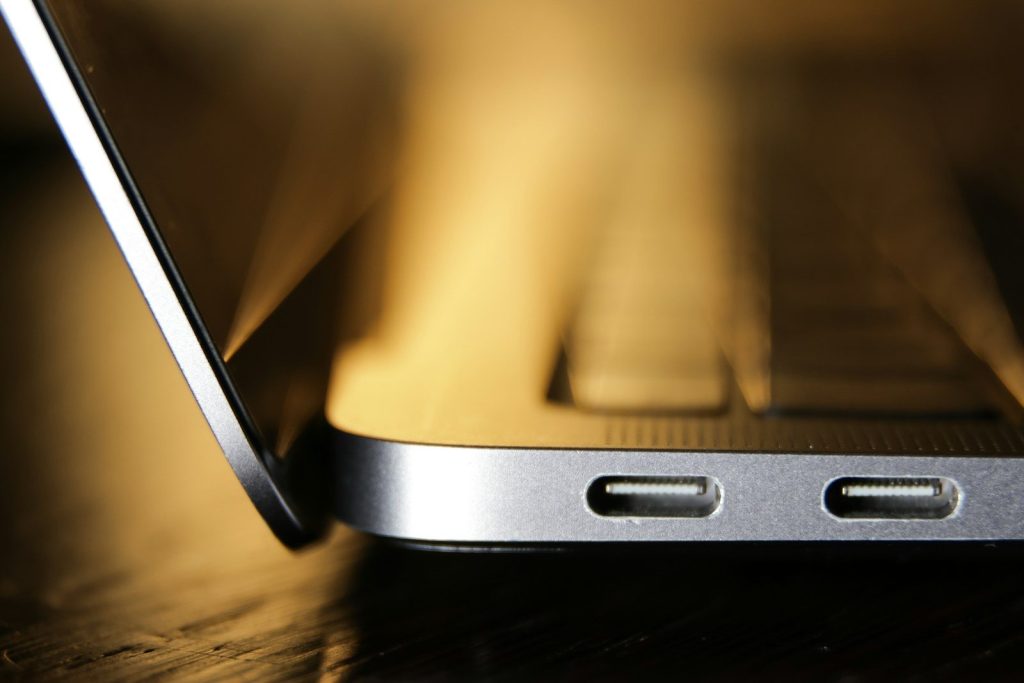
Bluetooth is convenient, but cloud gaming makes every small delay feel more important. Some newer controllers use direct USB-C or cloud-focused connections to make input feel quicker.
Razer says its Kishi V2 uses a direct USB-C or Lightning connection to reduce input latency during gaming. Amazon also says Luna Controller’s Cloud Direct connection can reduce latency on supported devices.
Pairing needs to be easier
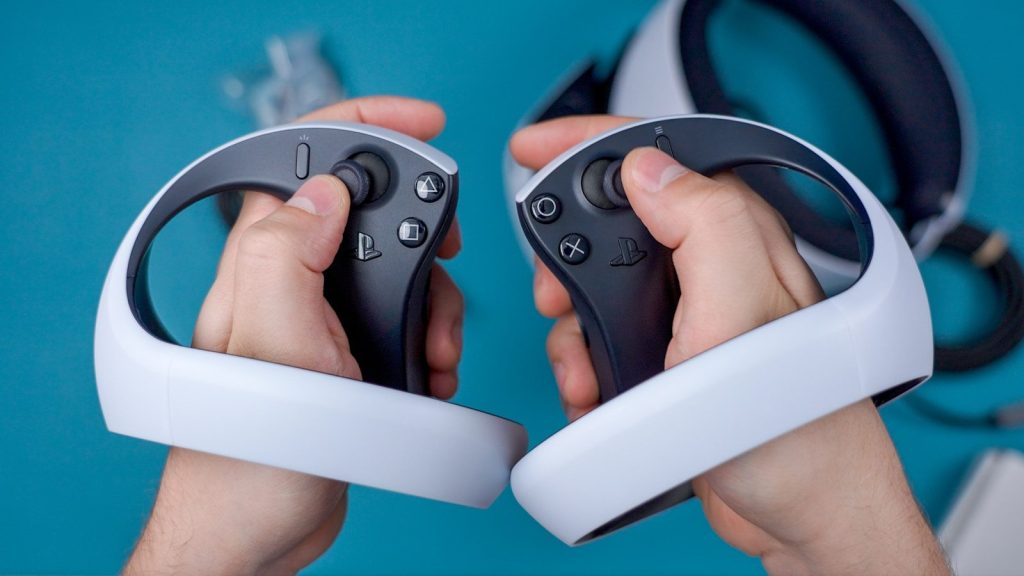
A cloud player may switch between a phone, tablet, laptop, smart TV, or console. That means controllers need to connect faster and remember more devices.
The old one-device setup feels less useful now. A better cloud controller should help players move from screen to screen without a long setup each time.
Comfort still matters
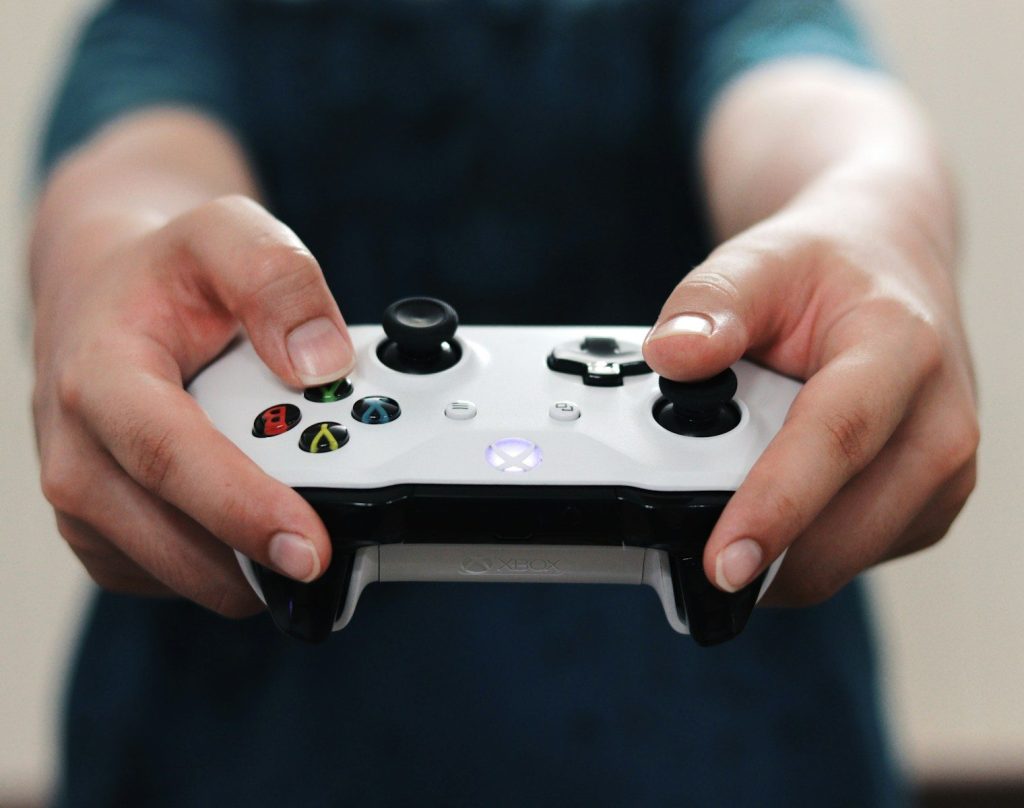
Cloud gaming may be portable, but long play sessions still need comfortable controls. Small buttons, cramped grips, or awkward phone weight can make a controller tiring to hold.
That is why many mobile controllers are shaped more like full-size console controllers. The goal is to keep the portable design while making the grip feel stable and familiar.
Battery life is a bigger deal
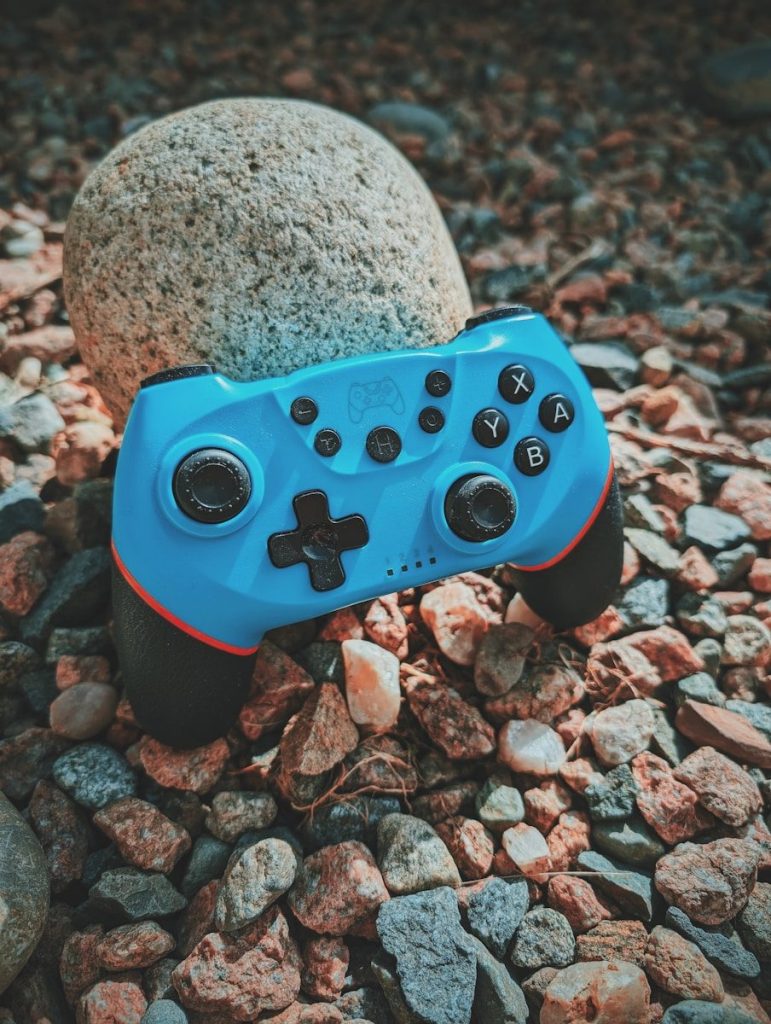
A cloud controller may be used in more places than a living room. Players might use it on a commute, during travel, or in different rooms at home.
That makes battery life and charging design more important. Pass-through charging is also useful because it can help keep the phone powered while the controller is attached.
Touch controls need backup
Some cloud games support touch controls, which can be helpful when a controller is not nearby. Xbox says supported games can be played with touch controls, along with controllers such as Xbox Wireless Controller and Sony DualShock 4.
Still, many players prefer physical buttons for better control. Triggers, sticks, and buttons can make action, racing, sports, and adventure games feel more natural.
Wi-Fi designs are emerging
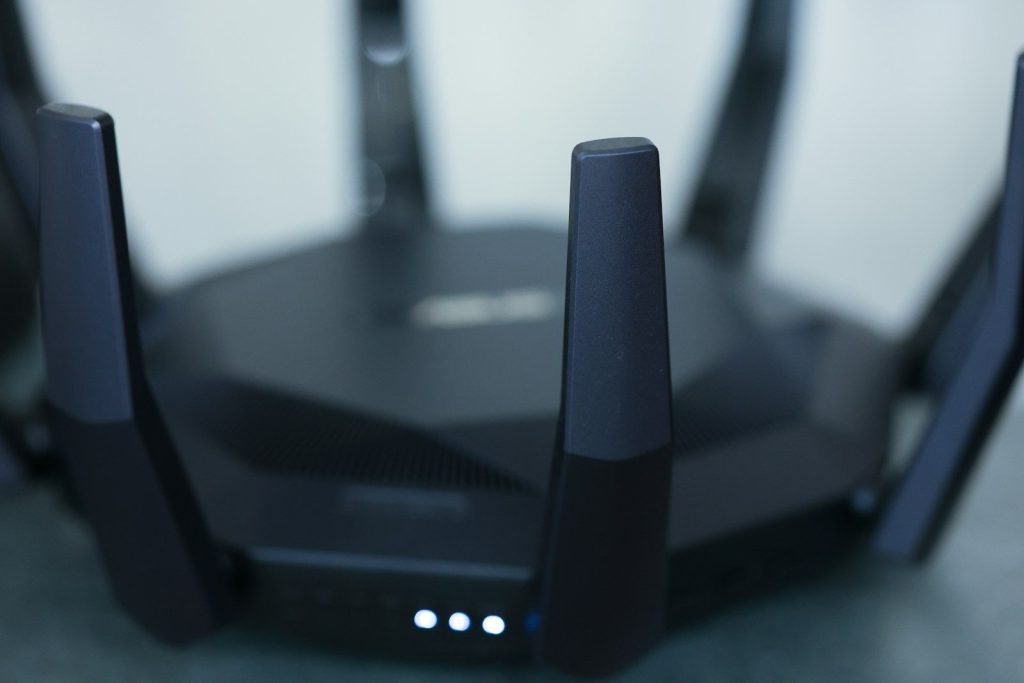
Some cloud-focused controller ideas now look beyond standard Bluetooth. Recent reports about an unannounced Xbox cloud controller describe built-in Wi-Fi and a compact design aimed at cloud play.
Those reports are still based on leaks, not a final official launch. But they show where controller design may be heading: faster cloud connections, lighter bodies, and easier switching between local and cloud modes.
Compatibility is now central

A good cloud controller needs to work with the services and screens people actually use. That includes phones, PCs, tablets, smart TVs, and supported streaming devices.
Xbox lists tested and verified controllers for cloud gaming, and it also recommends keeping controller firmware updated for better performance. That makes compatibility checks more important before choosing a setup.
The controller is becoming portable
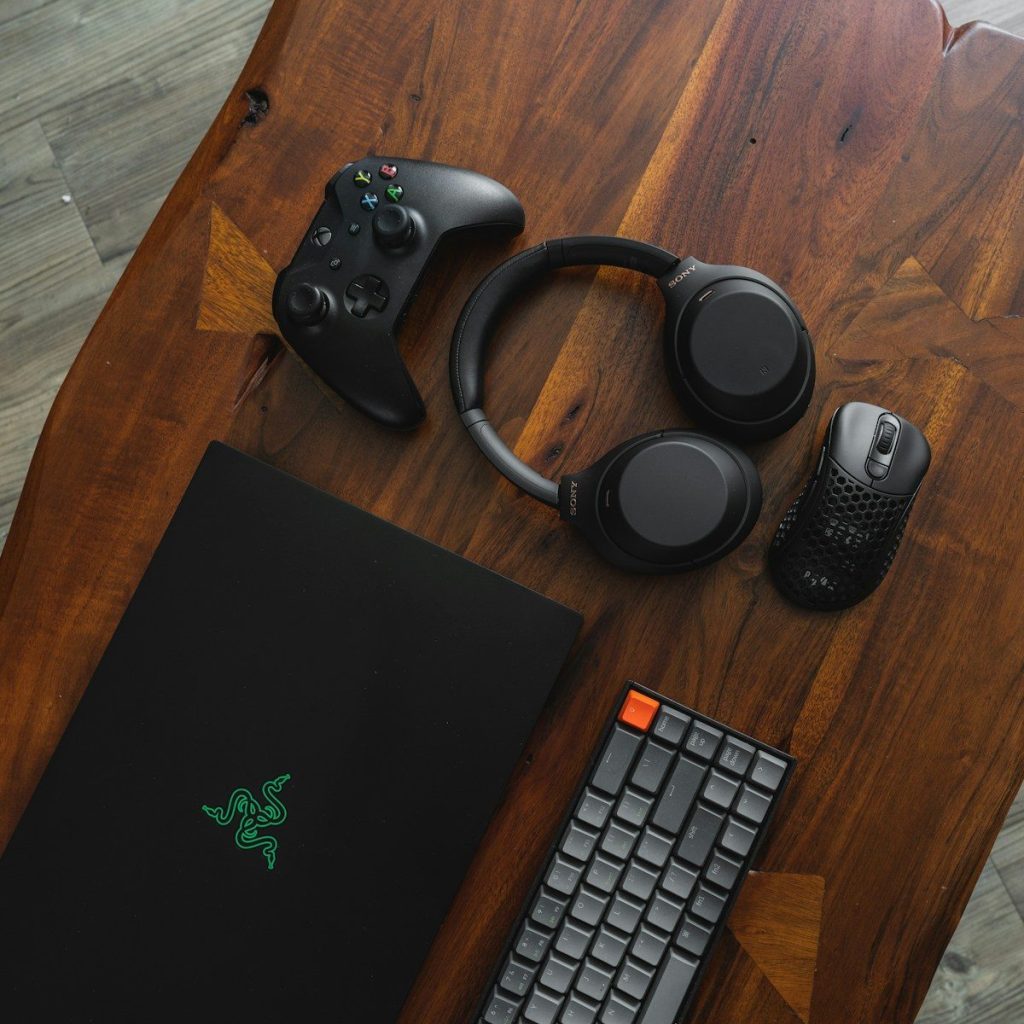
Cloud gaming is turning the controller into a travel-friendly tool, not just a console accessory. It has to be light, quick to connect, and comfortable across different screens.
That is why controller redesigns matter. The best cloud-ready designs are not only about butto
Leave a Reply