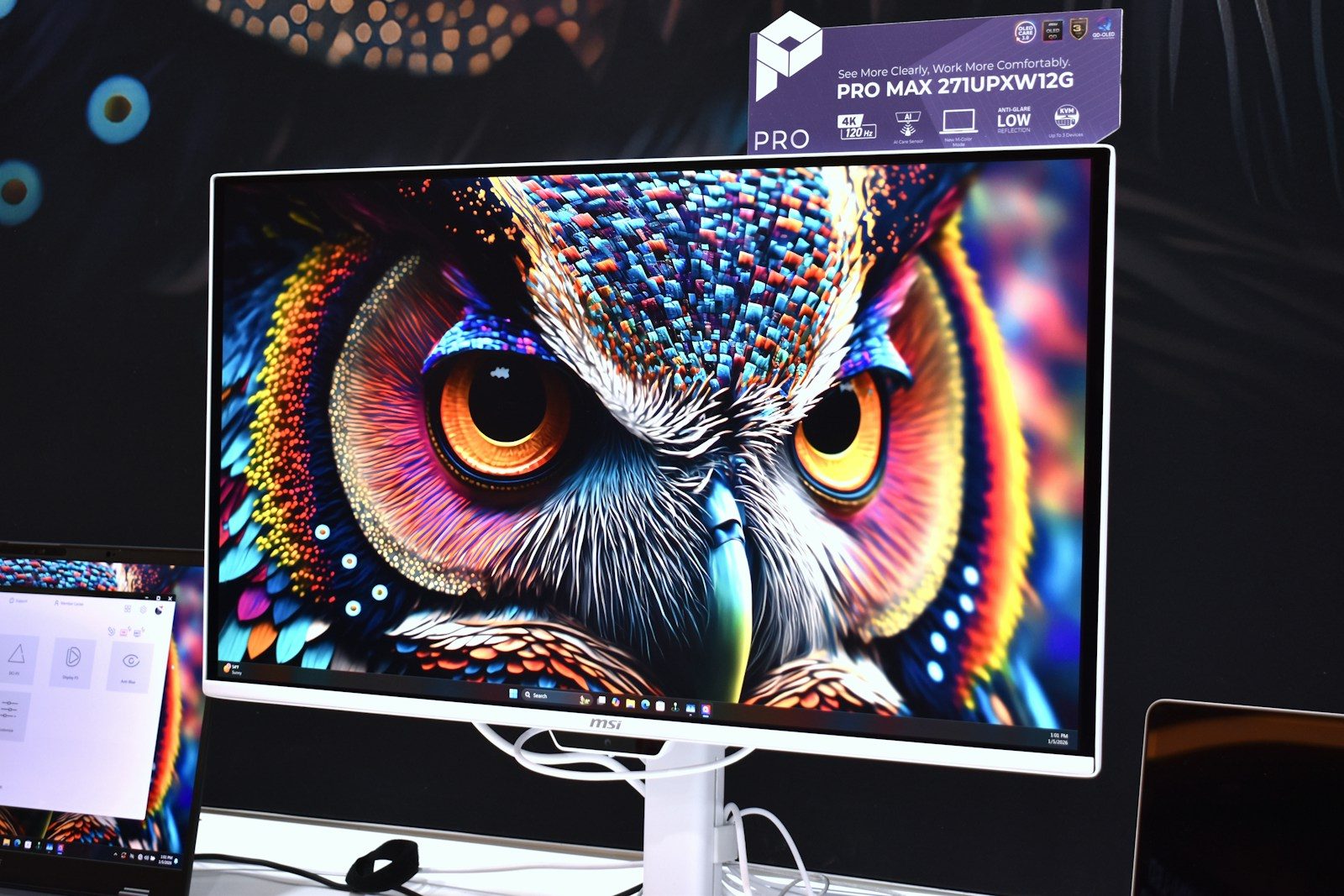
Fast games can feel totally different when the screen keeps up with the action. A 120Hz screen refreshes up to 120 times per second, which gives your eyes more visual updates than a standard 60Hz screen. That can make camera turns, racing lines, sports plays, and quick movements look cleaner and easier to follow. It can also help controls feel more connected when the game is running at a high enough frame rate.
The biggest gains show up in fast-paced games, especially on modern consoles and gaming PCs that can output 120 frames per second. A 120Hz screen is not magic, and it cannot make every game instantly smoother by itself. But when the screen, game, and device all work together, the difference can feel sharp, quick, and surprisingly natural.
More screen updates help
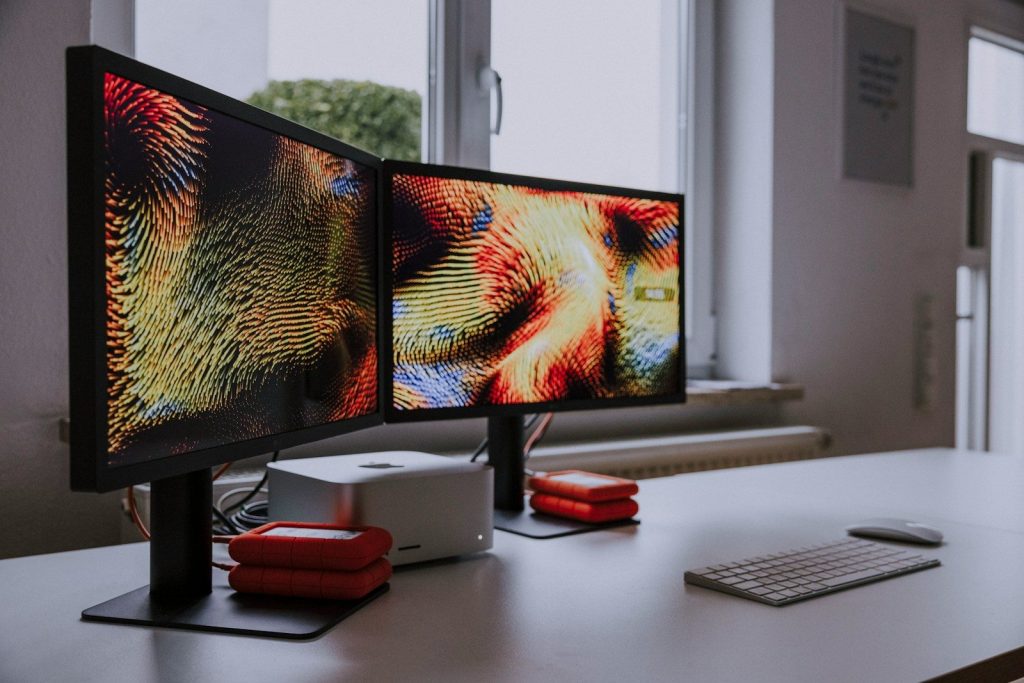
A 120Hz screen can refresh twice as often as a 60Hz screen. That means the image on the display can update more frequently while a game is moving.
This matters because games are built around motion. When the camera turns, a car speeds by, or a player jumps across the screen, extra updates can make the action look smoother and less choppy.
Motion looks easier to follow
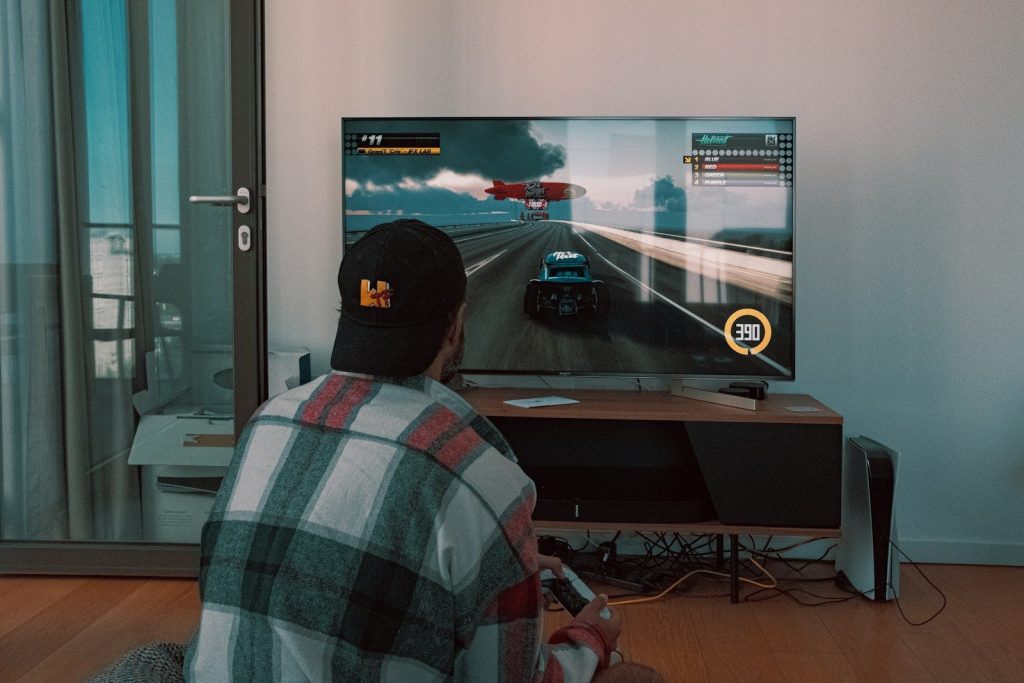
Fast movement can blur or feel jumpy when a screen updates slowly. A higher refresh rate gives your eyes more steps between one position and the next.
That can make it easier to track enemies, read movement, or follow a ball in sports games. The game may not just look better. It can also feel easier to understand while things are happening quickly.
Controls can feel quicker
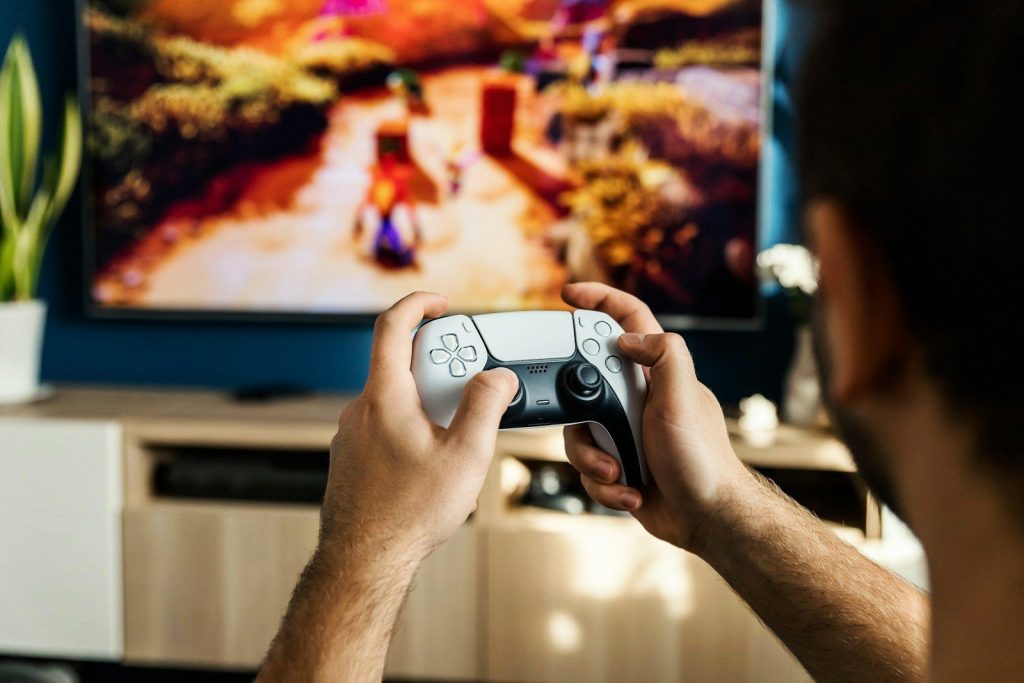
Refresh rate also affects how responsive a game can feel. When the screen updates more often, your actions may appear on the display sooner.
That smaller delay can make aiming, turning, and reacting feel more direct. It is especially helpful in racing, fighting, and action games where timing matters. The change may be small on paper, but players often notice it during real gameplay.
Frame rate still matters
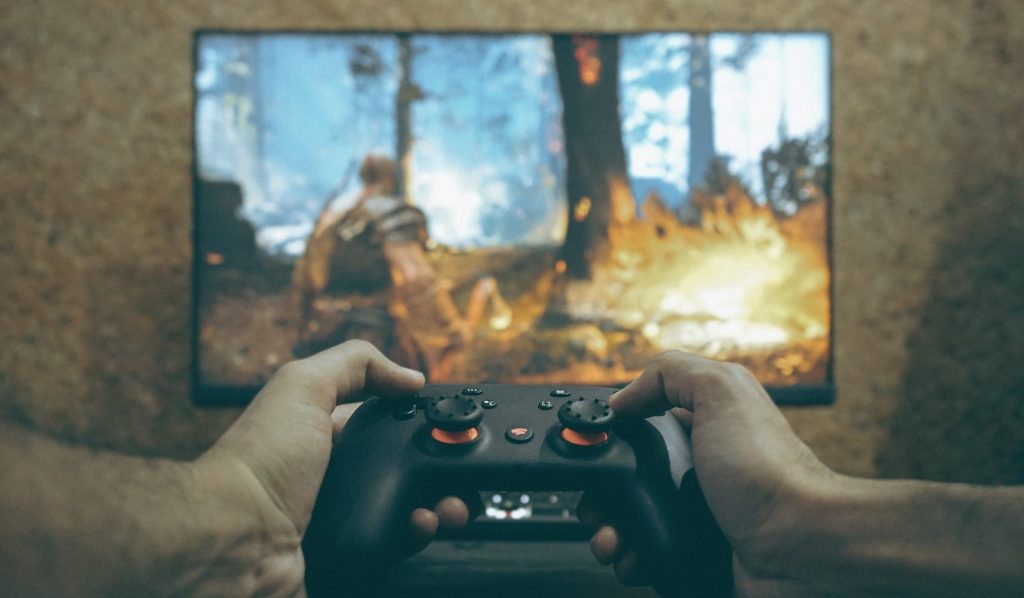
A 120Hz screen works best when the game can run near 120 frames per second. The screen can only show extra smoothness when the device sends enough frames.
If a game is locked at 30 or 60 frames per second, the screen may still look good, but it will not fully use the 120Hz limit. The display and the game both need to match well.
Modern consoles support it
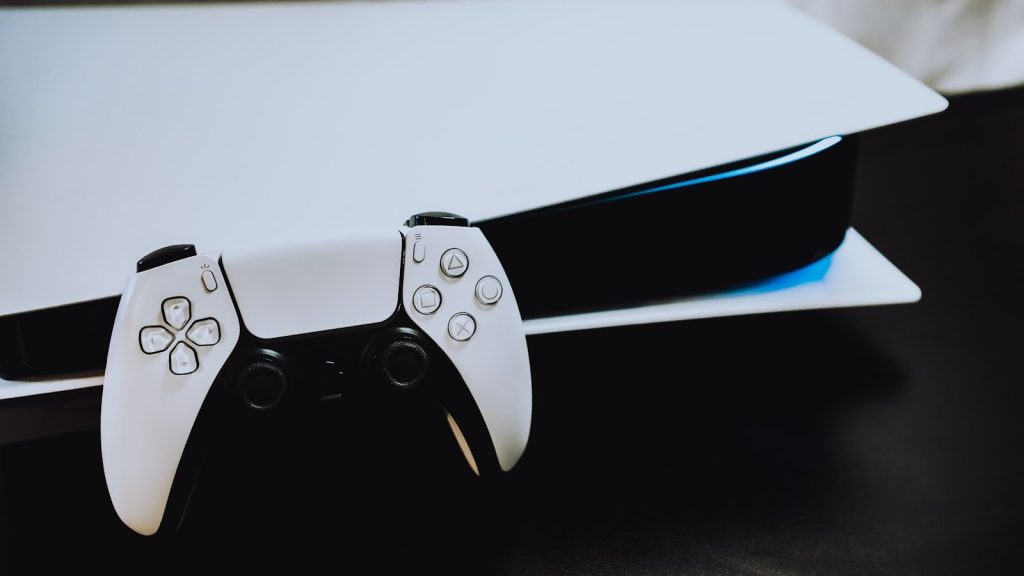
Current gaming systems can support 120Hz gameplay in select titles when paired with the right display. Many 120Hz TVs also use HDMI 2.1 for 4K gaming at high frame rates.
That is why 120Hz has become a popular feature on PS5, Xbox Series X|S, and gaming PCs. It gives players more room for smoother motion when games are built to support it.
It helps more in fast games
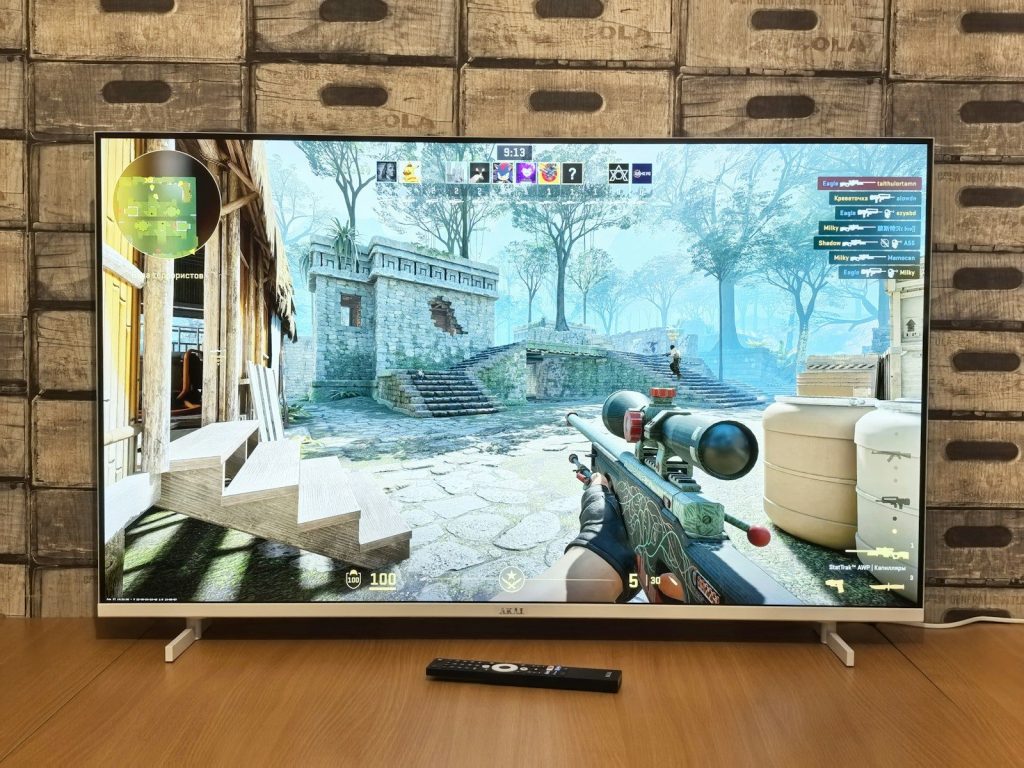
The 120Hz difference is usually easier to notice in games with quick camera movement. Shooters, racers, sports games, and action titles often benefit the most.
Slower games may still feel cleaner, but the upgrade can be less dramatic. A story game with calm scenes may not show the same jump in smoothness as a fast match where every second is full of motion.
Bigger screens can show it clearly
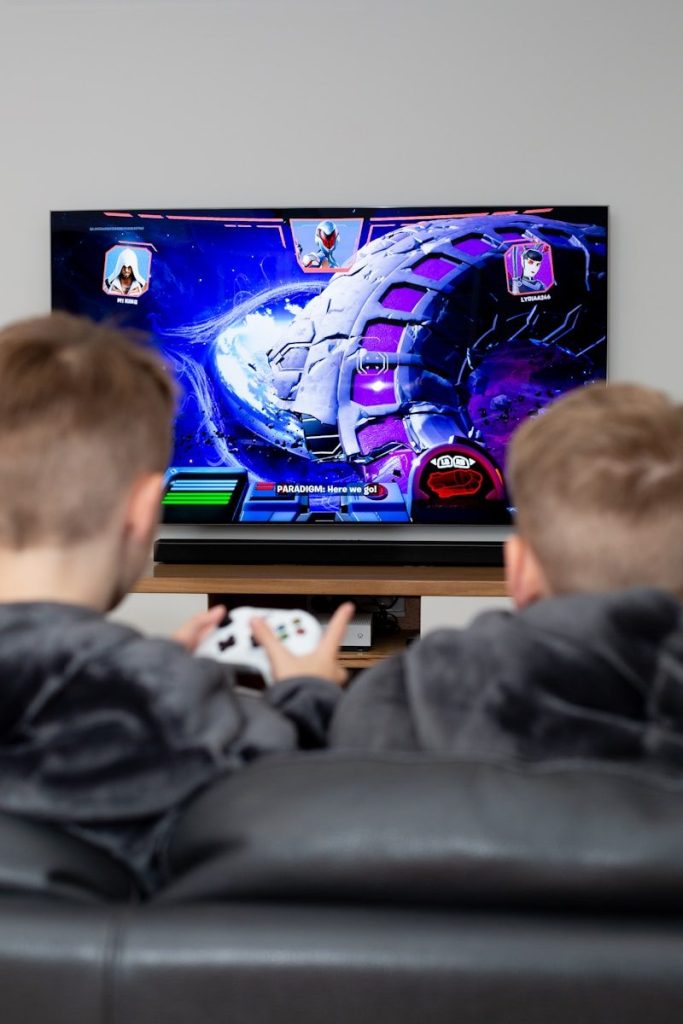
On a large TV or monitor, motion issues can be easier to see. When the picture is big, choppy camera movement or blur may stand out more.
That is one reason 120Hz TVs are often marketed toward gamers. A smoother picture can make large-screen gaming feel more comfortable, especially when sitting close or playing games with wide, fast camera turns.
Not every player needs it
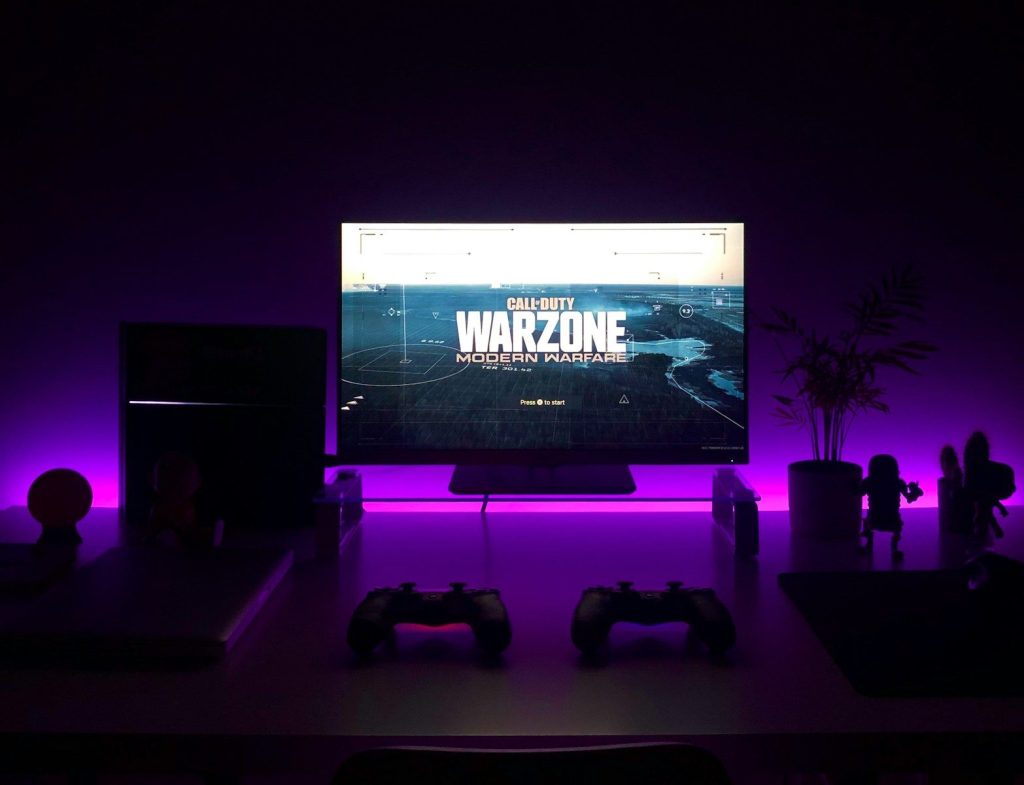
A 120Hz screen is a strong upgrade, but it is not required for every gamer. Casual players may still enjoy many games on a good 60Hz screen.
The value depends on what you play, what device you use, and whether your favorite games support high frame rates. For fast gaming, though, 120Hz can make the experience feel cleaner, quicker, and more natural.
The full setup counts
The screen is only one part of the smoothness puzzle. The game, console or PC, cable, display settings, and performance mode can all affect the final result.
To get the best 120Hz experience, players usually need a supported game, a capable device, and the right display input. When everything lines up, the screen can show why higher refresh rates feel so good.
Leave a Reply