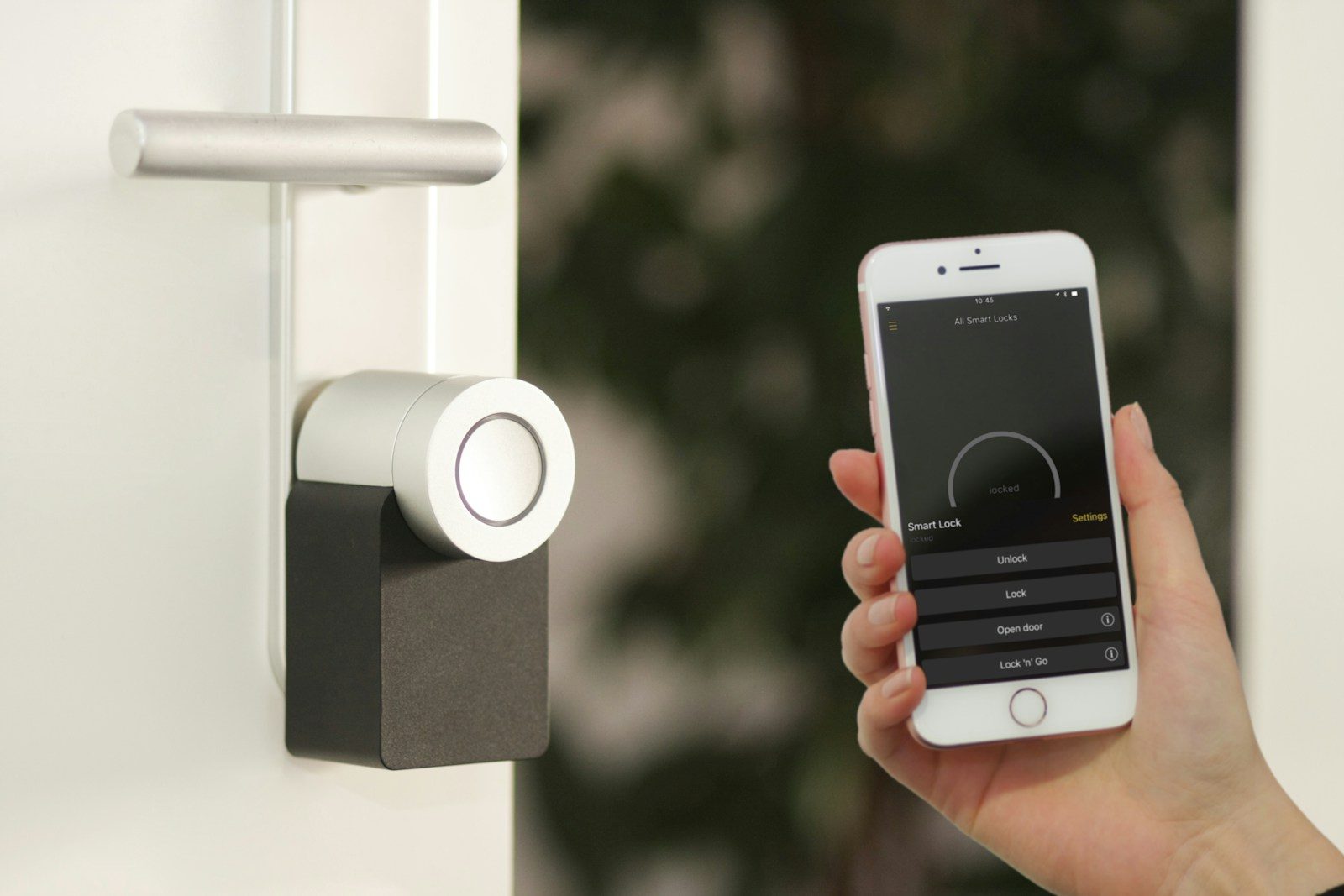
Smart homes can make daily life easier, but they also add more little doors into your home network. Cameras, speakers, lights, thermostats, doorbells, plugs, and TVs may all connect to the internet. That means each one needs a little care, not just a quick setup and forget-it approach.
The good news is that smart home safety does not have to be hard. Federal guidance from the FTC and CISA points to simple habits like changing default passwords, updating devices, using strong Wi-Fi encryption, and keeping guest devices separate from your main network. These small checks can lower risk without making your home feel complicated. Think of them like checking locks before bed: quick, simple, and worth doing.
Change the default password
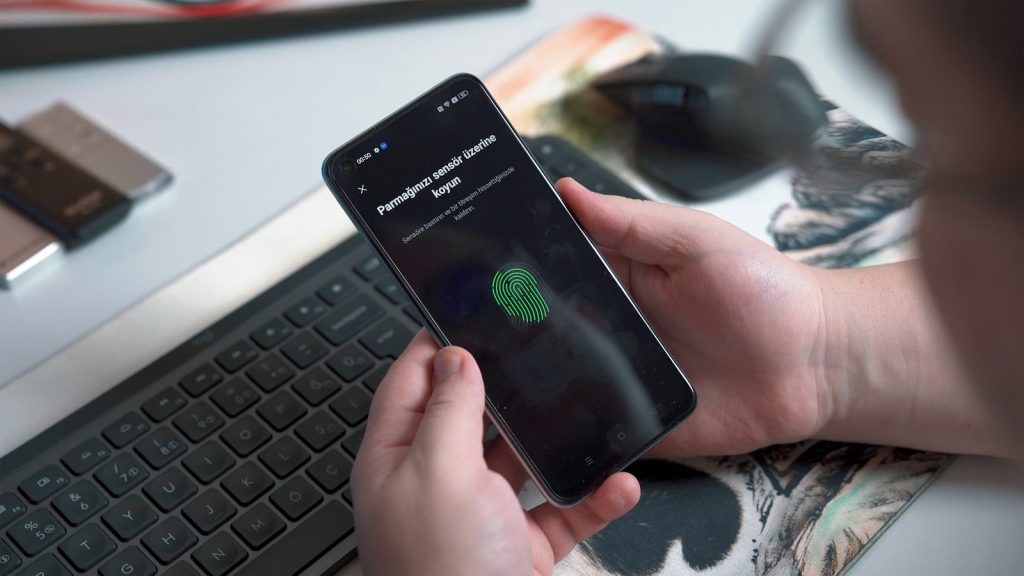
Many smart devices and routers come with default login details. Those settings are meant to help with setup, but they are not meant to stay forever.
CISA warns that default usernames and passwords may be easy to find online or even printed on the device. Change them to something long, unique, and hard to guess before adding more gadgets to your home.
Update the router first
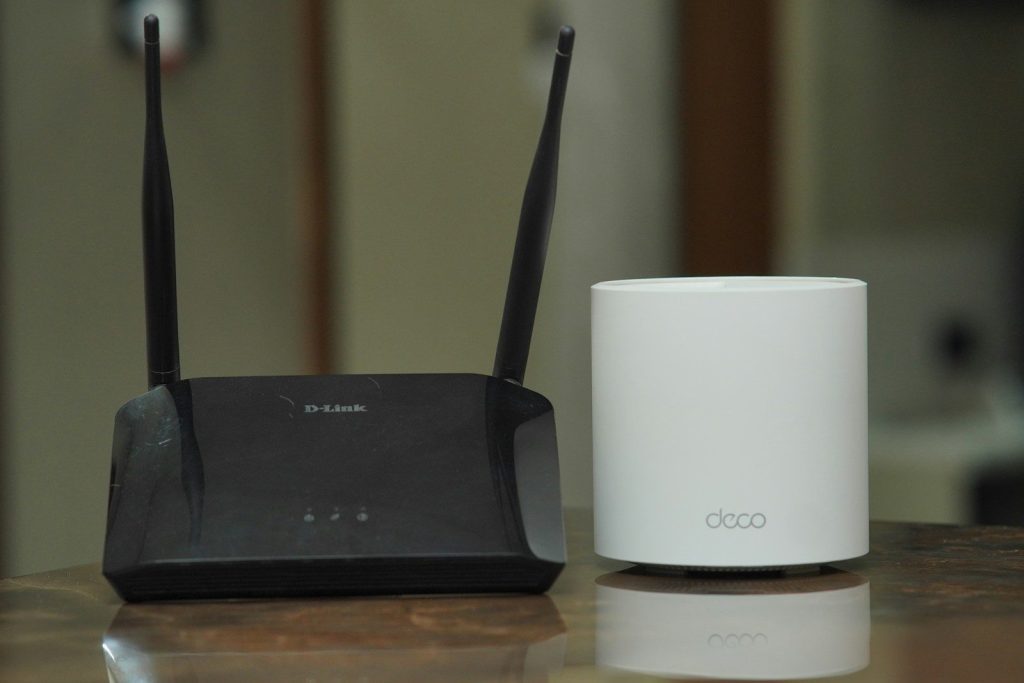
Your router is the front door for your connected home. If it is outdated, every smart device behind it may be easier to reach.
The FTC recommends checking for router hardware and software updates, along with changing default settings. Make router updates part of your regular home routine, just like replacing air filters or testing smoke alarms.
Use stronger Wi-Fi security
A weak Wi-Fi setup can make even good smart devices less safe. Your home network should use modern encryption, not old settings that are easier to break.
The FTC says WPA3 Personal is the newer and best available option, while WPA2 Personal is also recommended when WPA3 is not available. Check your router settings and avoid older security modes when possible.
Create a guest network

Visitors, old tablets, and random smart gadgets do not always need access to your main network. A guest network gives them a separate space to connect.
CISA recommends enabling the guest Wi-Fi option when your router offers it. Use a separate long, random, and unique password for that network so your main devices stay better protected.
Review app permissions
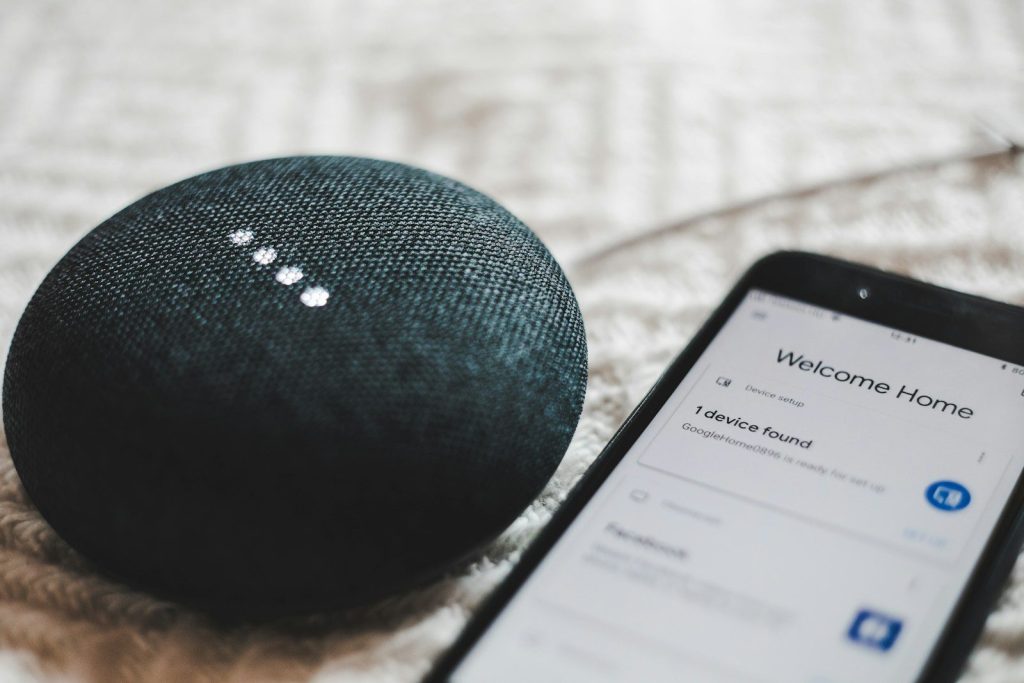
Smart home apps may ask for access to your location, microphone, camera, contacts, or notifications. Some permissions make sense, but others may not be needed for daily use.
Open your phone settings and check what each app can access. If a light bulb app does not need your location all the time, change it. Less access usually means fewer privacy worries.
Turn on account protection
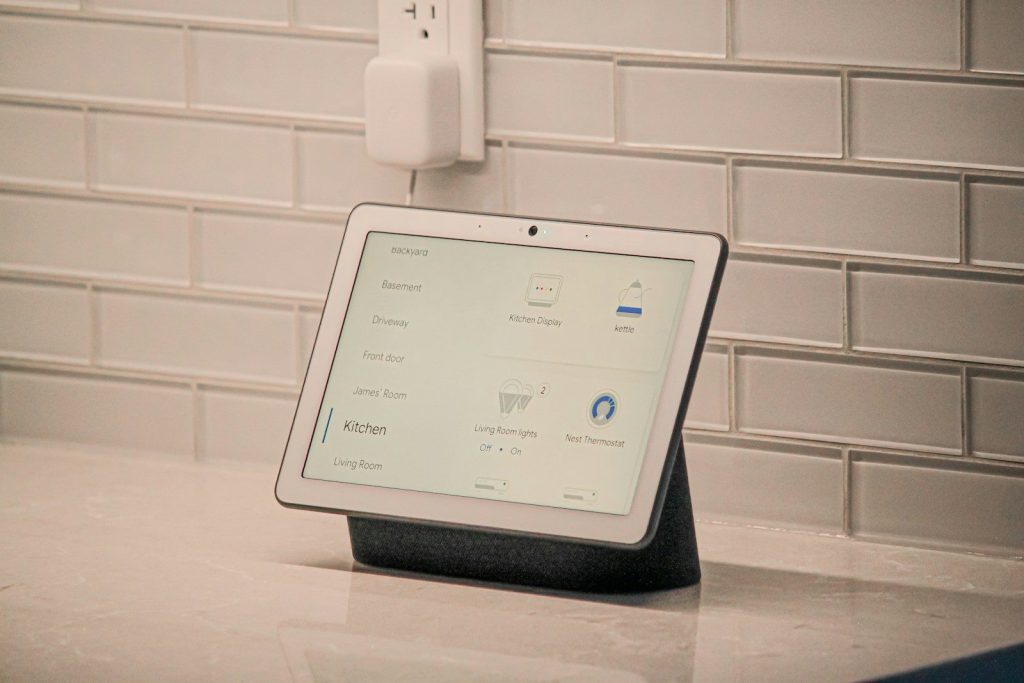
Many smart home systems connect through an online account. If that account is weak, someone may control settings, view activity, or change connected features.
Use a strong password and turn on multifactor authentication when the app offers it. The FTC has encouraged stronger steps like unique passwords and multifactor authentication for internet-connected devices and services.
Remove devices you retired
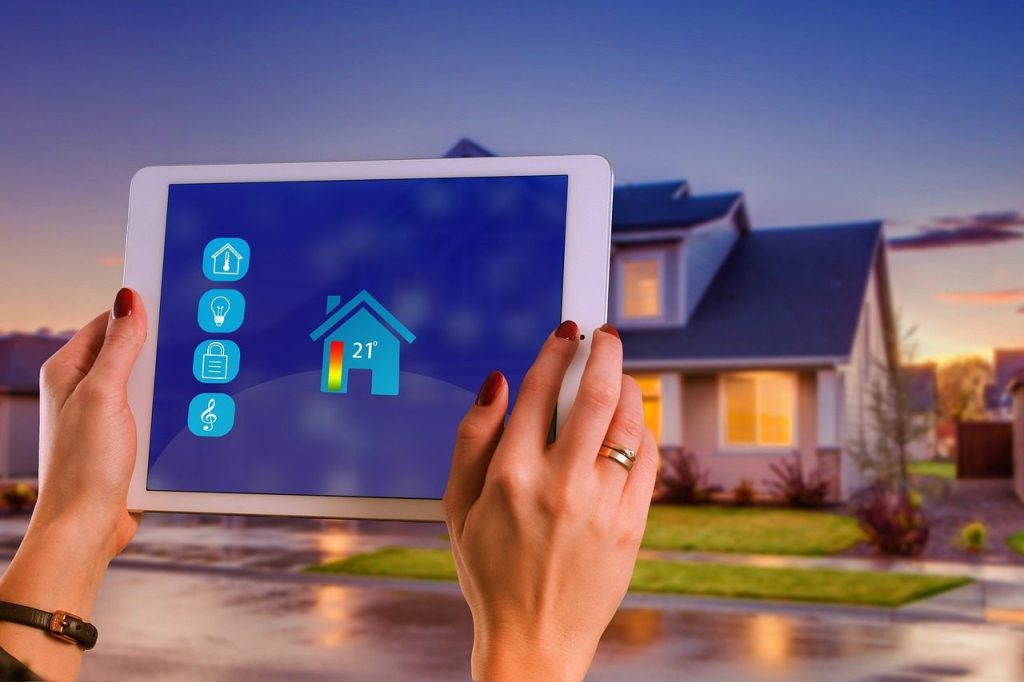
Old smart plugs, cameras, bulbs, and speakers can linger in apps long after you stop using them. That clutter can make it harder to know what is still connected.
Delete retired devices from your smart home apps and factory reset them before giving them away. If a device no longer receives updates, consider disconnecting it from your network instead of leaving it online.
Check camera settings
Smart cameras and doorbells are useful, but they deserve extra attention because they collect sensitive home activity. A quick settings review can make them feel safer to use.
Check who has account access, where recordings are stored, and whether alerts are too broad. NIST notes that smart home privacy and security choices can include better control over what data devices collect.
Leave a Reply