Your phone knows a lot about your daily life, from where you go to which apps use your camera, microphone, contacts, photos, and files. That can feel a little overwhelming, especially when apps ask for permissions in the middle of normal use. Android helps by putting many privacy controls directly in Settings, so you can review what apps can access and change those choices later.
You can check recent permission use, limit location sharing, remove permissions from apps you no longer use, and quickly adjust camera or microphone access. These tools do not mean every app is perfect, but they do give users more say over what stays private and what gets shared. Google says Android’s Privacy Dashboard can show recent access to sensitive permissions like camera, microphone, and location.
Permission checks are easier
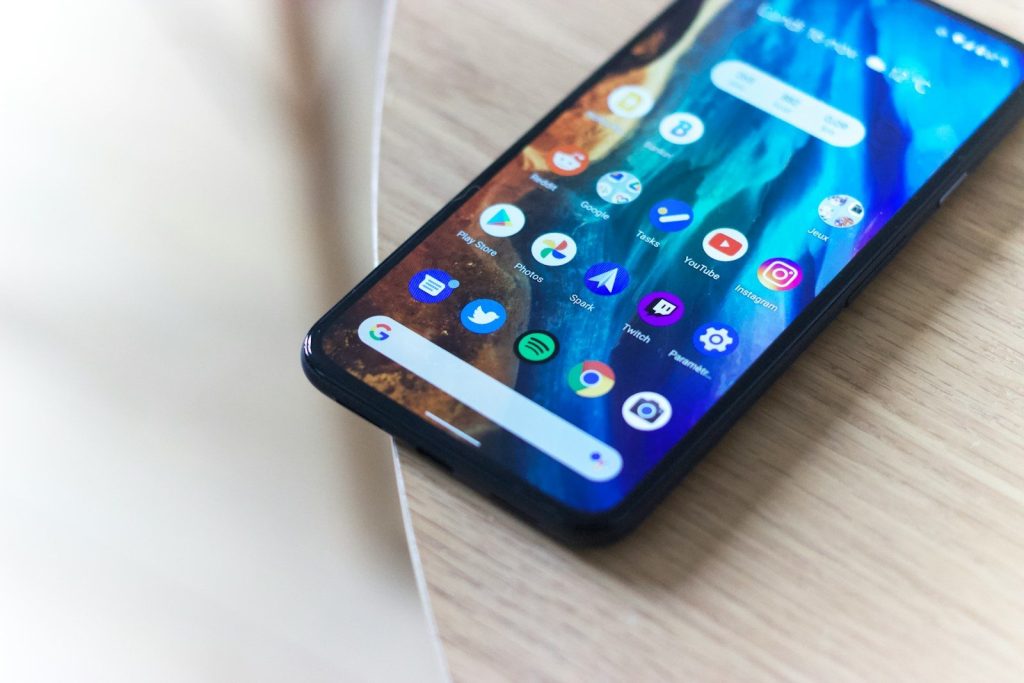
Android lets you review app permissions from one place instead of hunting through every app one by one. You can open Permission Manager and see which apps have access to things like location, camera, microphone, contacts, and files.
That makes privacy feel less hidden. If an app has access it no longer needs, you can change the setting. You are not stuck with the choice you made when the app was first installed.
Recent access is visible
The Privacy Dashboard helps show which apps recently used sensitive permissions. That can include access to your camera, microphone, and location, depending on your device and Android version.
This is helpful because privacy problems are often hard to spot. A quick look at recent access can reveal whether an app is using a permission more often than expected. From there, you can decide what to allow.
Location can be limited
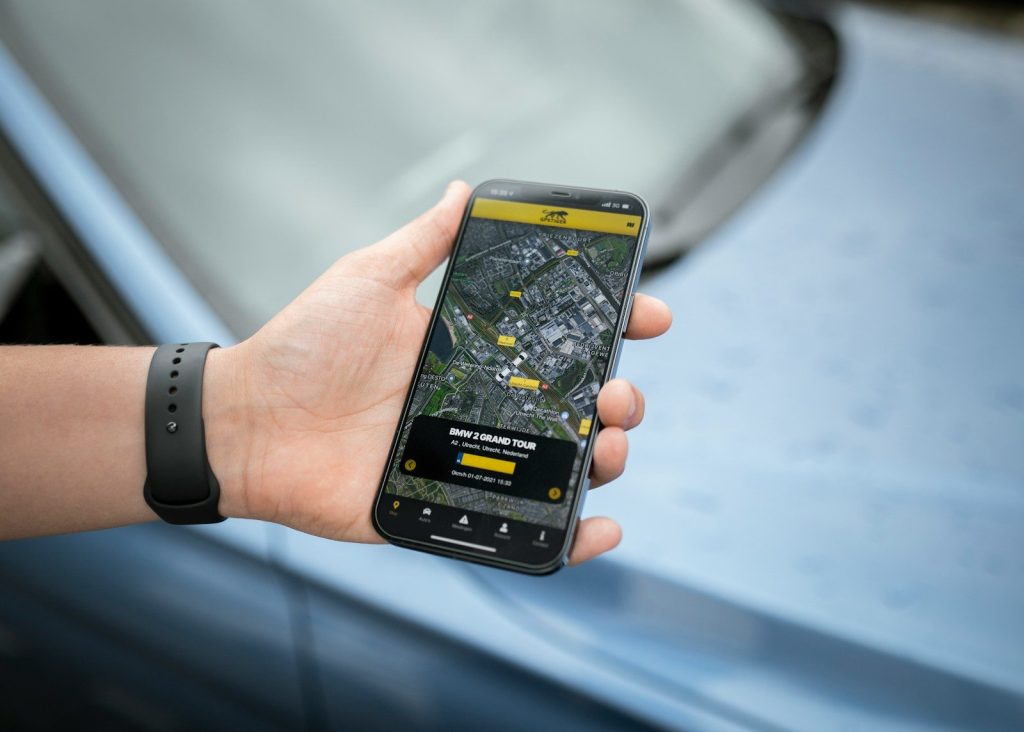
Not every app needs your exact location. Android gives users the option to share approximate location with apps instead of precise location when exact tracking is not needed.
That small choice can make a big difference. A weather app may only need your general area, while a navigation app may need more detail. Android lets you match the permission to the real purpose.
Camera and mic stand out
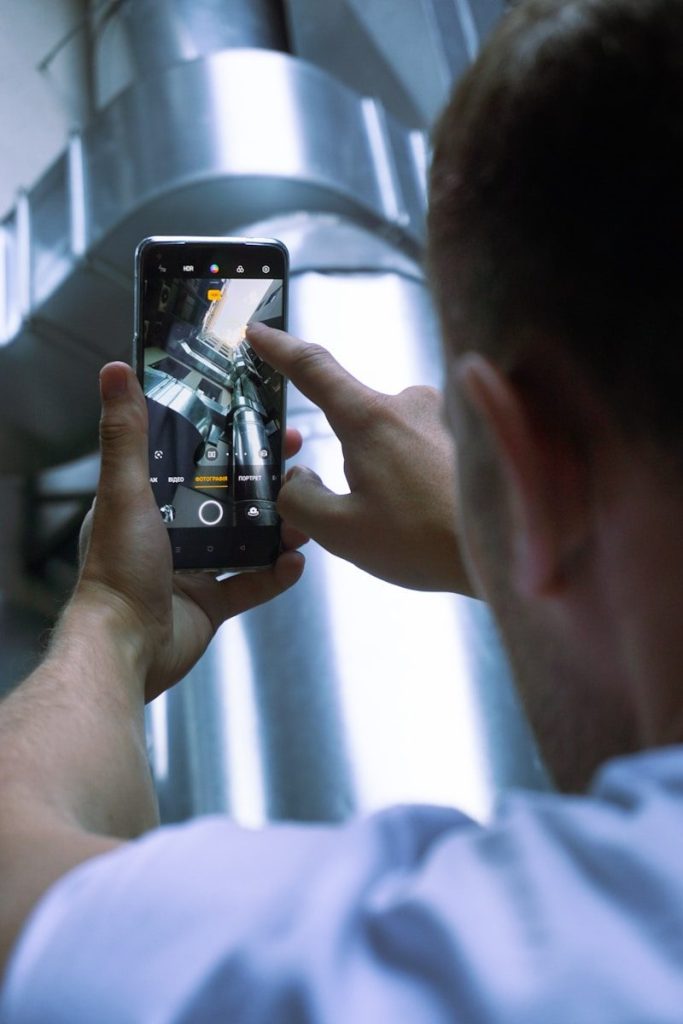
Android includes privacy indicators that show when an app is using the camera or microphone. On supported devices, these signs appear near the top of the screen while the sensor is active.
That gives users a simple warning signal. If you see an indicator and do not expect it, you can check which app is responsible and adjust its access. It turns invisible activity into something easier to notice.
One-time access helps
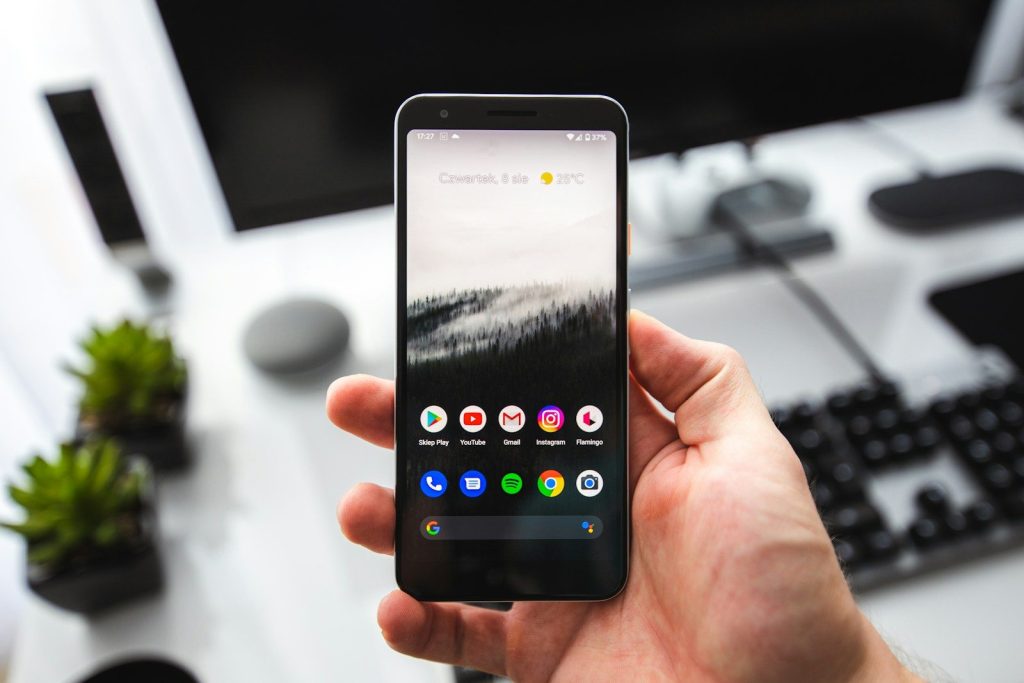
Some Android permissions can be granted only for one use. For example, an app may get temporary access to your location, camera, or microphone, then need to ask again later.
This is useful for apps you do not fully trust yet, or for features you only use once in a while. You can finish the task without giving the app long-term access to sensitive information.
Unused apps lose access
Android can reset permissions for apps you have not used in a while. That helps reduce old access you may have forgotten about, especially from apps sitting quietly on your phone.
It is a practical safety net. People often download apps for one trip, one event, or one task, then never open them again. Android helps make sure those apps do not keep unnecessary permissions forever.
Leave a Reply