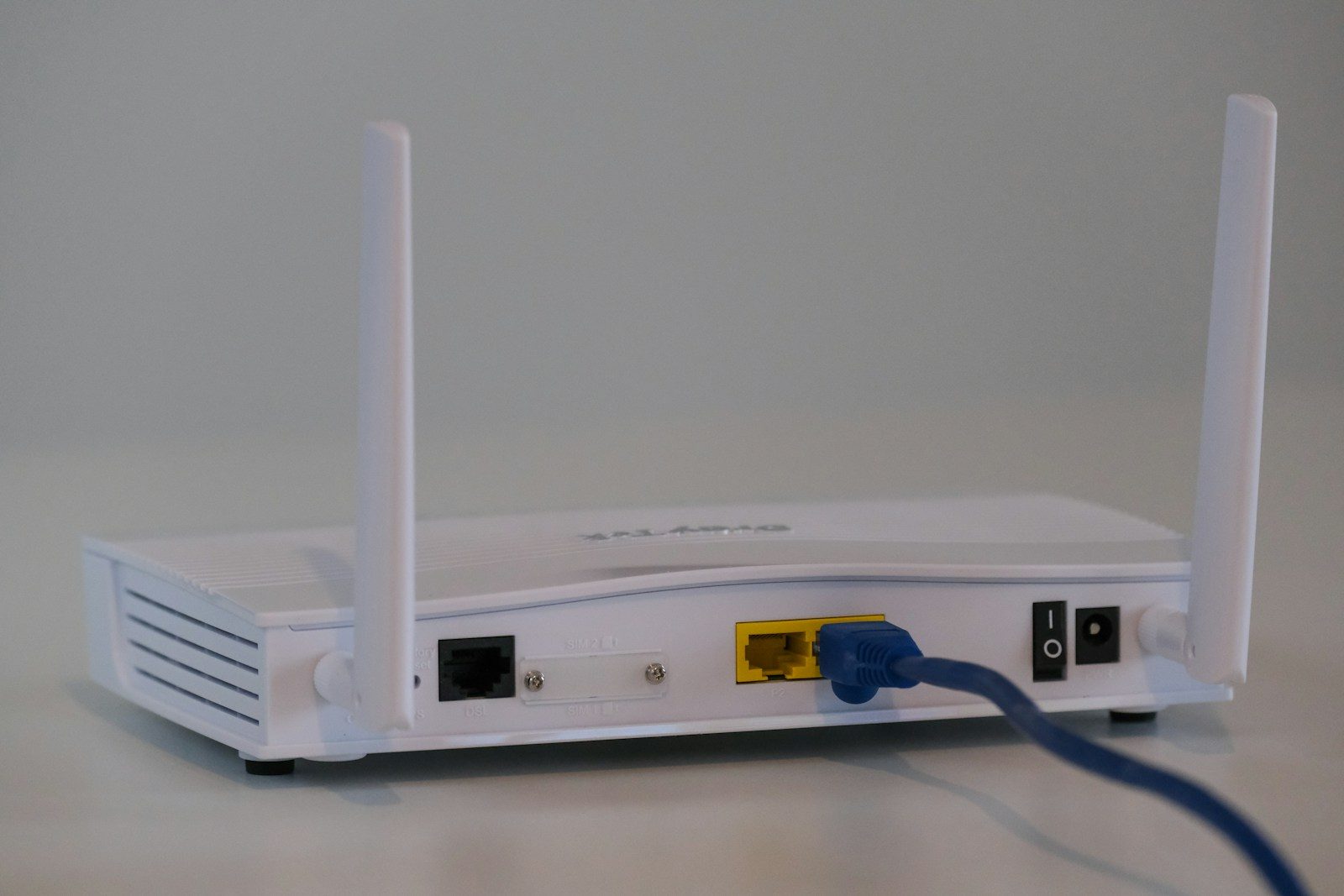
Your router is easy to forget because it usually sits in a corner blinking quietly. But it is the front door to your home internet. Phones, laptops, tablets, smart TVs, cameras, speakers, and game consoles all pass through it. If the router is weak, every connected device can become easier to reach.
The good news is that router security does not have to be complicated. CISA recommends changing default router logins, updating firmware, using WPA3 or WPA2 encryption, turning off risky features, and creating a guest network. The FTC also recommends changing default router settings and using strong encryption for home Wi-Fi. A few careful settings can make your whole network safer.
It guards every device
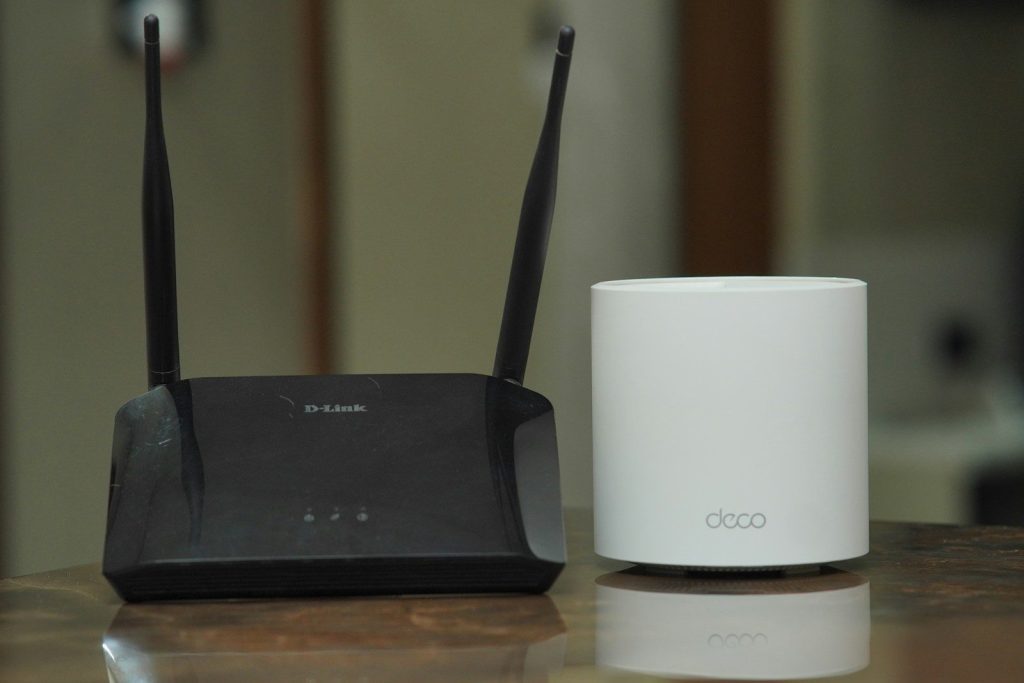
Your router connects nearly everything in your home. That includes your phone, computer, tablet, printer, smart TV, speakers, and other connected devices.
Because so much traffic moves through it, the router deserves attention before anything else. Securing it helps protect the whole network instead of fixing one device at a time.
Default passwords are risky
Many routers come with default usernames, passwords, or network names. Those defaults may be easy to guess or find, especially on older devices.
CISA and the FTC both recommend changing the default router login and Wi-Fi password. Use strong, unique passwords that are not reused from email, banking, or shopping accounts.
Firmware needs updates
Your router runs software called firmware. Like a phone or laptop, it needs updates to fix bugs, improve performance, and close security gaps.
CISA recommends updating router firmware regularly and turning on automatic updates when possible. If your router no longer receives updates, it may be time to replace it.
Encryption protects traffic
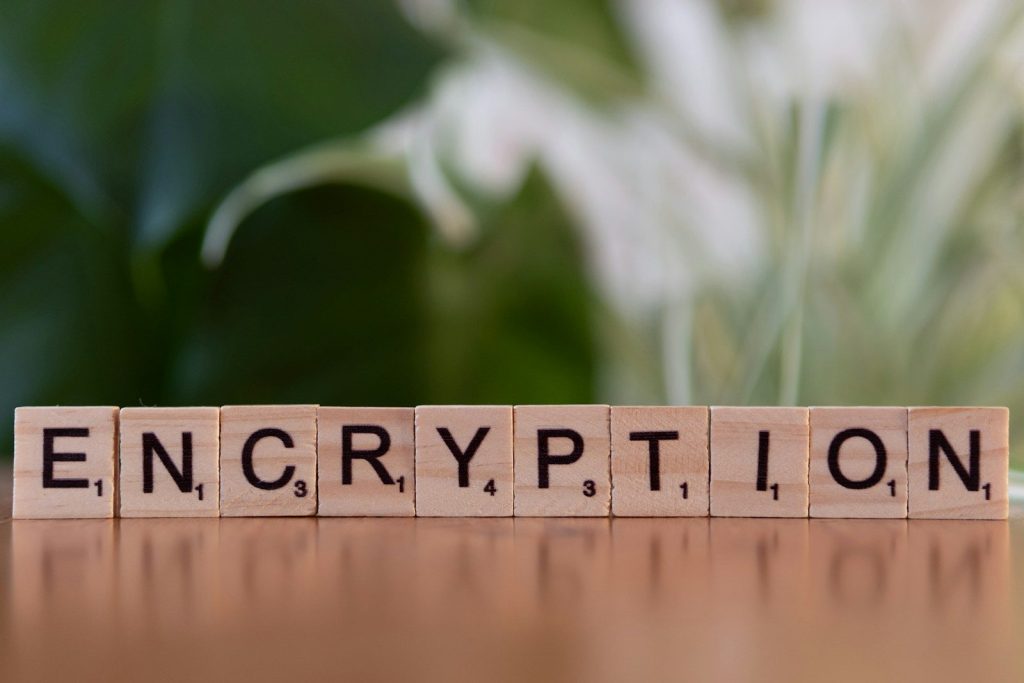
Wi-Fi encryption helps scramble information moving across your wireless network. Without strong encryption, nearby users may have an easier time trying to connect or watch activity.
CISA recommends WPA3 Personal, or WPA2 AES if WPA3 is not available. Avoid outdated security modes when your router gives you stronger options.
Your network name matters

Your Wi-Fi name, also called an SSID, can reveal more than you think. If it shows the router brand or model, it may give outsiders clues about your setup.
CISA recommends changing the default SSID to something unique. Keep it simple, but avoid using your full name, address, router model, or anything too personal.
Guest Wi-Fi adds a barrier
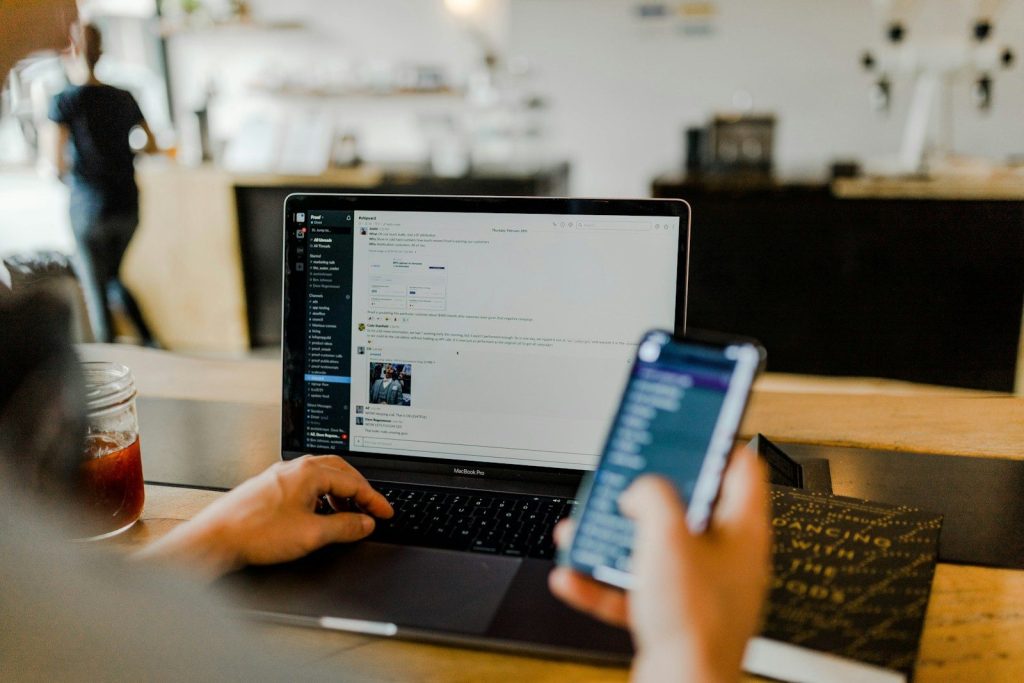
A guest network gives visitors internet access without putting them on the same network as your main devices. That can help keep personal phones, computers, and smart home gear more separate.
CISA recommends creating guest Wi-Fi as part of a safer home setup. It is also useful for smart home devices that do not need access to your main computer or files.
Remote access can wait

Remote management lets you adjust router settings from outside your home network. That may sound handy, but many people never need it.
CISA recommends disabling remote management. If you only change router settings while at home, turning this feature off removes one more path that could be misused.
WPS is too convenient
WPS was designed to make Wi-Fi setup easier, often with a button or short code. The problem is that convenience can come with extra risk.
CISA recommends disabling WPS setup. It may take a little longer to type your Wi-Fi password manually, but it gives you more control over who joins the network.
UPnP needs a review
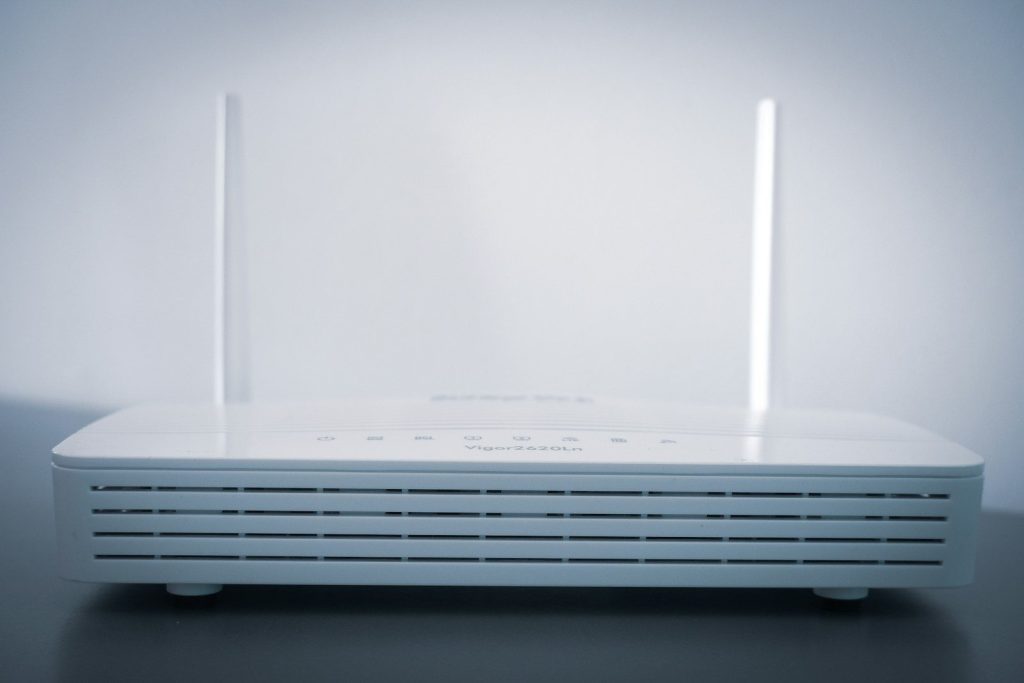
UPnP can help devices and apps open network connections automatically. It may support gaming, streaming, or smart devices, but it can also create openings you did not plan.
CISA recommends disabling UPnP when it is not needed. Check your router settings and turn it off if your devices work fine without it.
Old routers age out
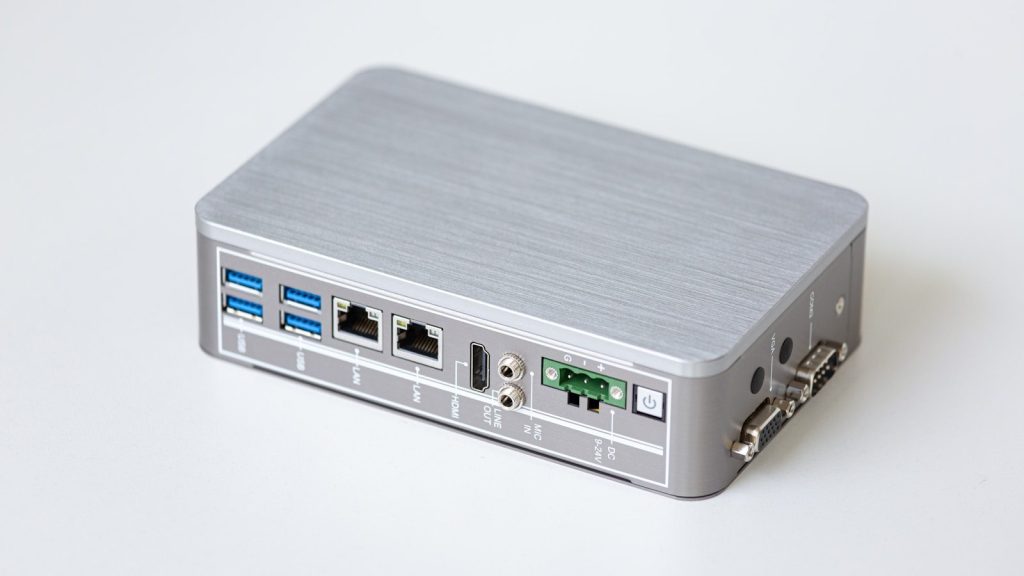
Even a well-set router can become a problem when it is too old. If updates have stopped, newer security features may be missing.
The NSA recommends using modern security practices at home, including WPA3 or WPA2 and replacing outdated equipment when needed. A newer router can bring stronger security, better speed, and easier update controls.
Leave a Reply