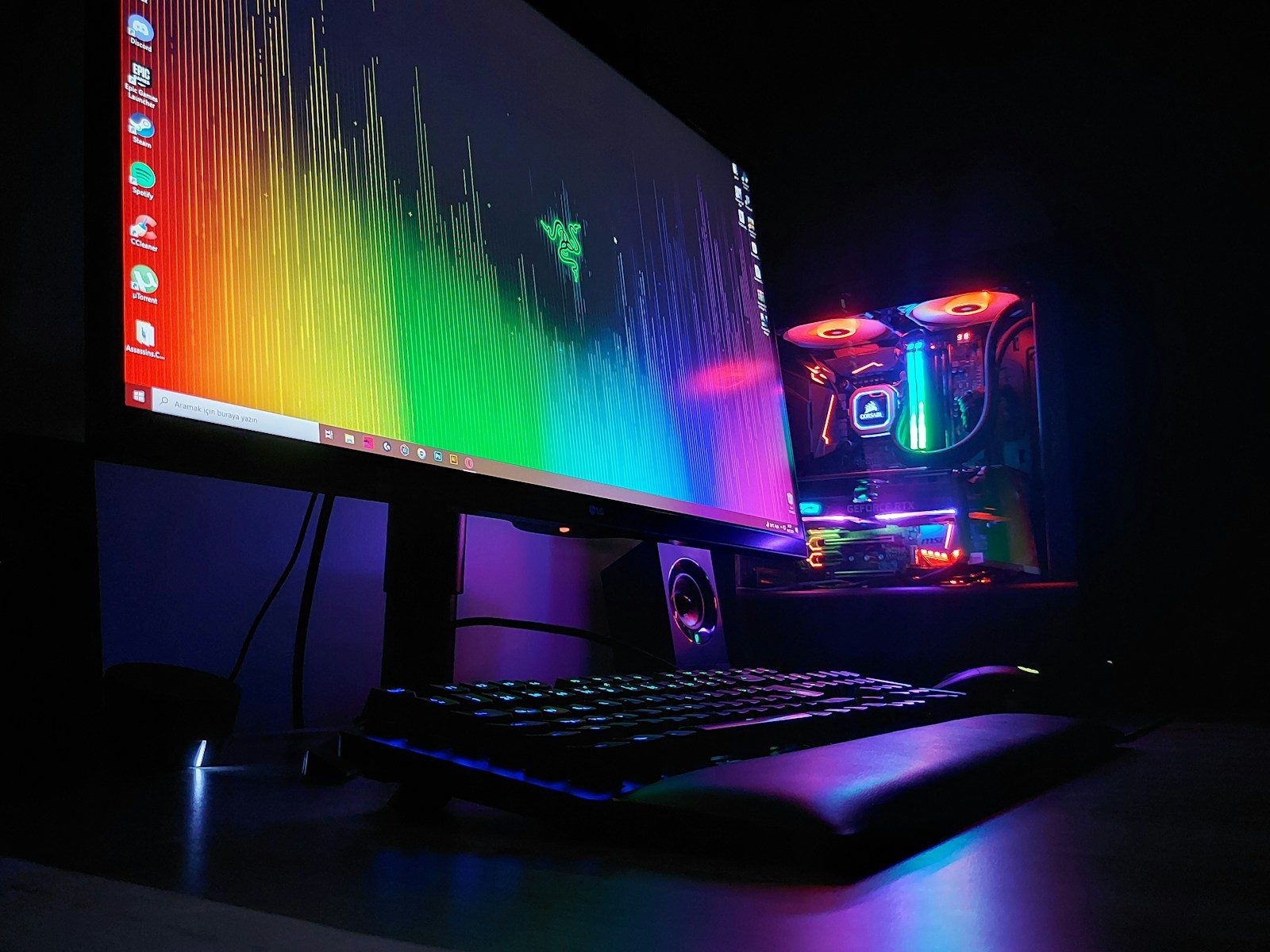
A gaming setup can get expensive fast, especially when every upgrade sounds like the one thing you “need” next. A brighter monitor, faster mouse, bigger desk, flashy lights, better headset, larger storage drive, and premium chair can all seem important in the moment.
But many gamers waste money by buying parts that do not match the way they actually play. The smartest setup is not always the most expensive one. It is the one where the screen, console or PC, audio, desk, chair, cables, and settings work together. A few small choices can save money, reduce frustration, and make games feel better without chasing every new accessory or trend.
Buying the wrong monitor
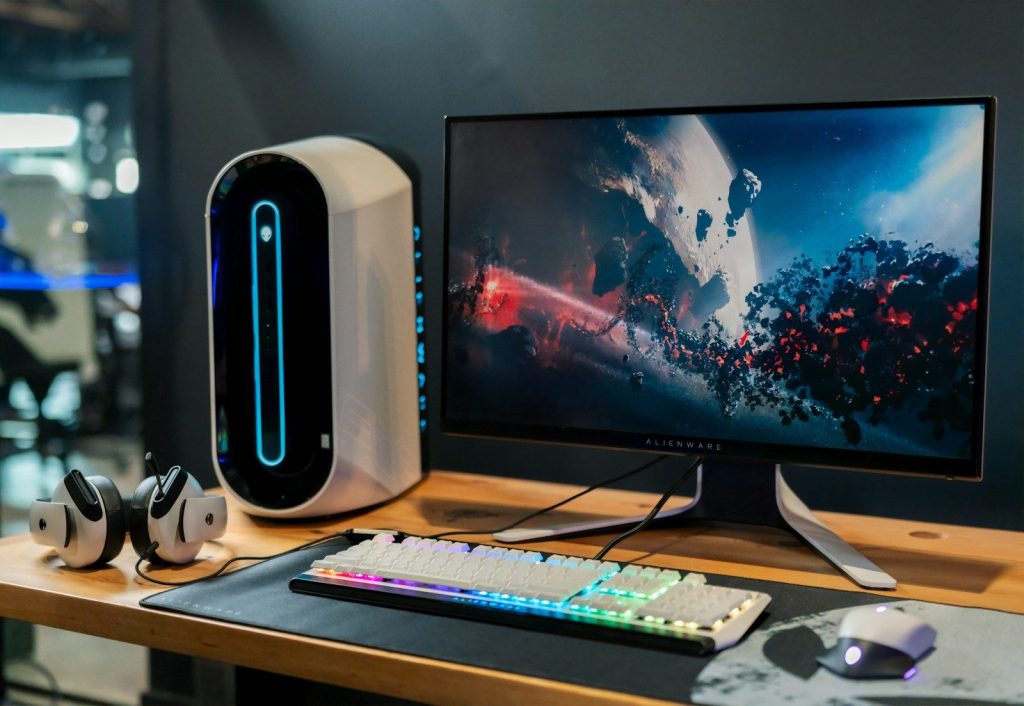
A high-end monitor is not useful if your system cannot take advantage of it. For example, a 4K screen with a high refresh rate may sound great, but it needs the right console, PC, cable, and settings to shine.
Refresh rate, response time, resolution, and panel type all matter when choosing a gaming monitor. Intel’s gaming monitor guide highlights these as key things to understand before buying.
Ignoring refresh rate settings
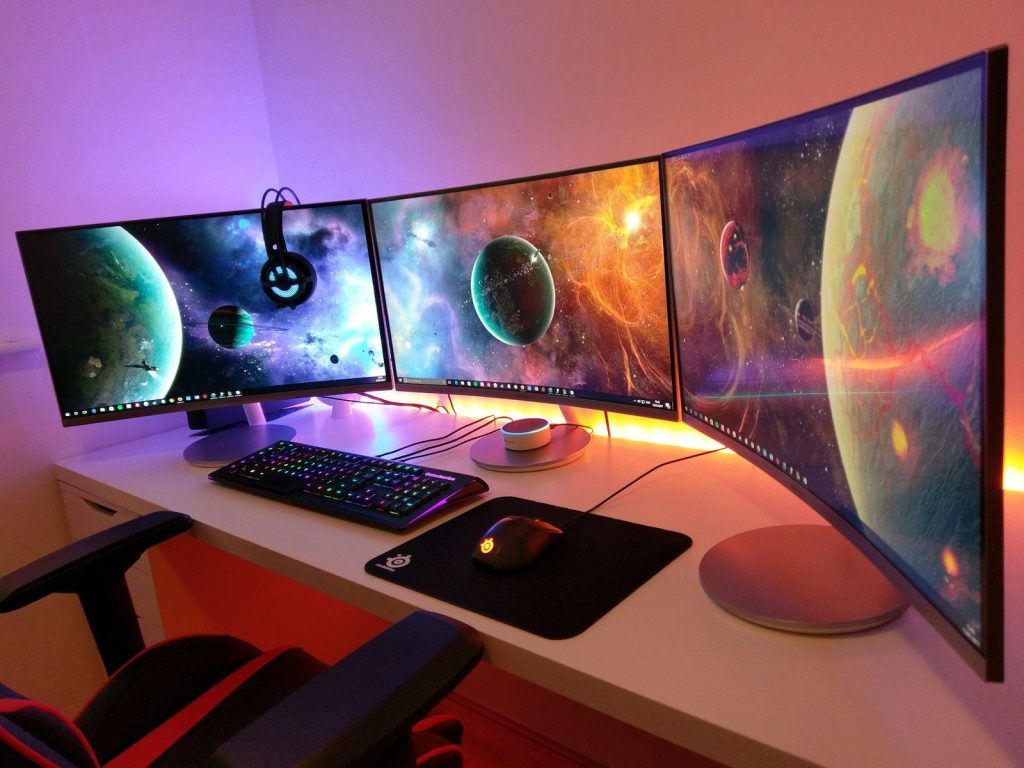
Some gamers buy a fast monitor and then never turn on the higher refresh rate. That means they may be paying for smoother motion but still playing at a lower setting.
NVIDIA recommends checking that your display is set to its maximum refresh rate because higher hertz can reduce display scanout delay. It is a simple setting that can make a paid upgrade actually matter.
Overspending on looks first
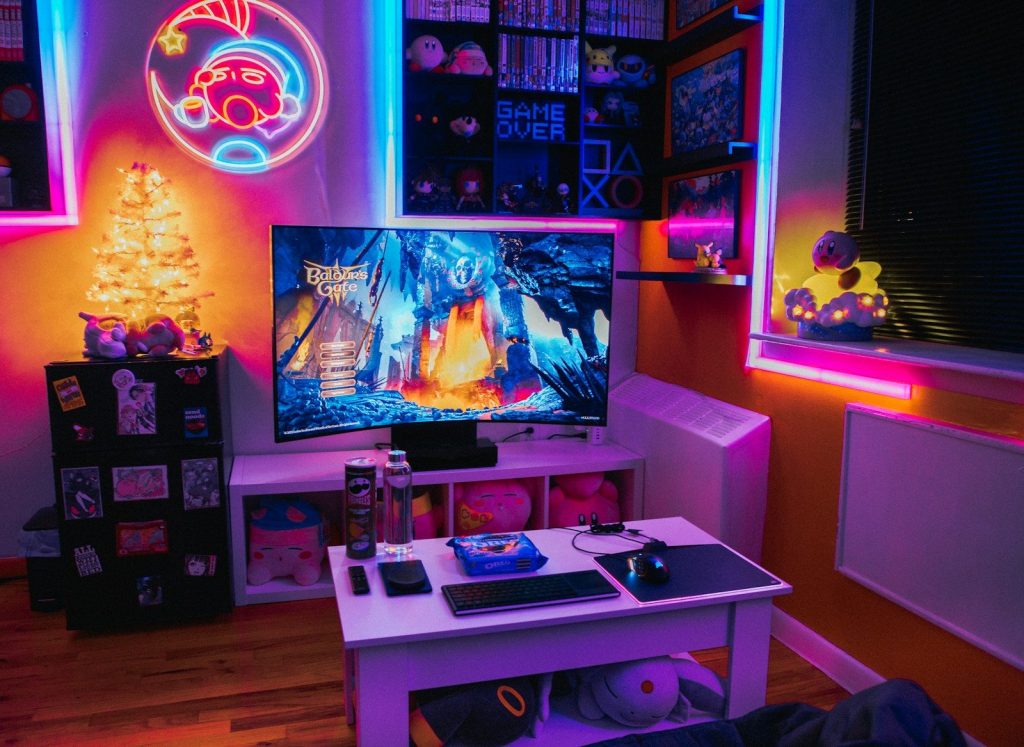
RGB lights, themed desk mats, wall panels, and matching accessories can make a setup look great. The problem starts when looks get the budget before comfort, performance, or basic quality.
A clean setup does not need to be expensive. Better airflow, a solid desk, a comfortable chair, and tidy cables usually help more than adding another light strip or decorative gadget.
Using the wrong HDMI cable
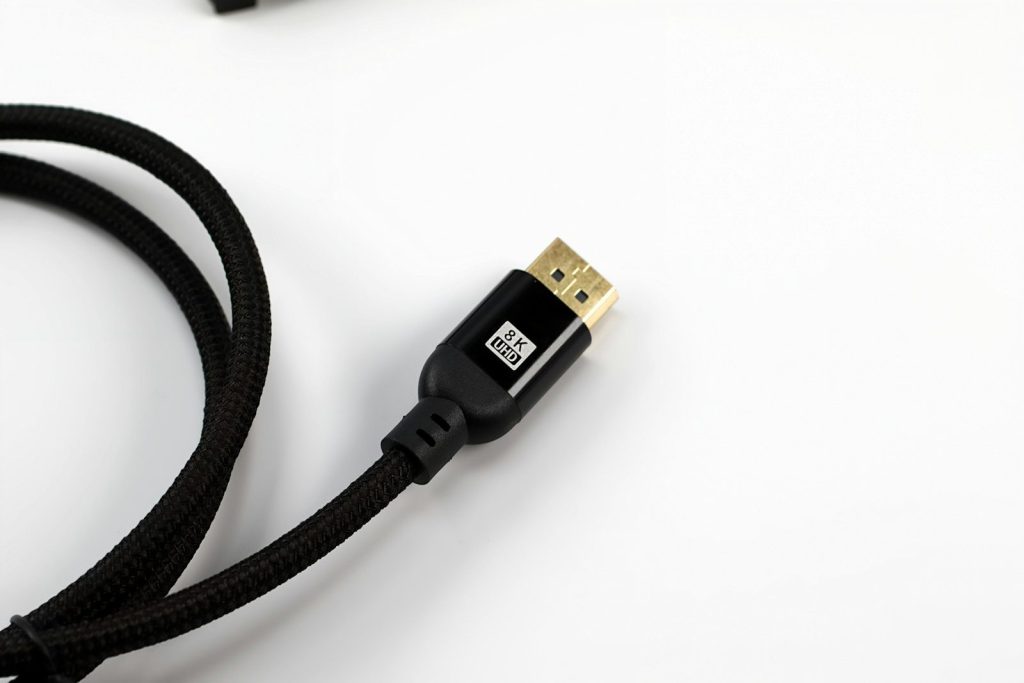
Console players can waste money on a great TV or monitor if the cable or port is limiting the signal. This matters most for 4K, HDR, and high refresh rate gaming.
Sony says the PS5 supports HDMI 2.1 and 4K 120Hz video output, but the display and setup must also support it. Checking the cable and TV input can save a needless upgrade.
Forgetting console display menus
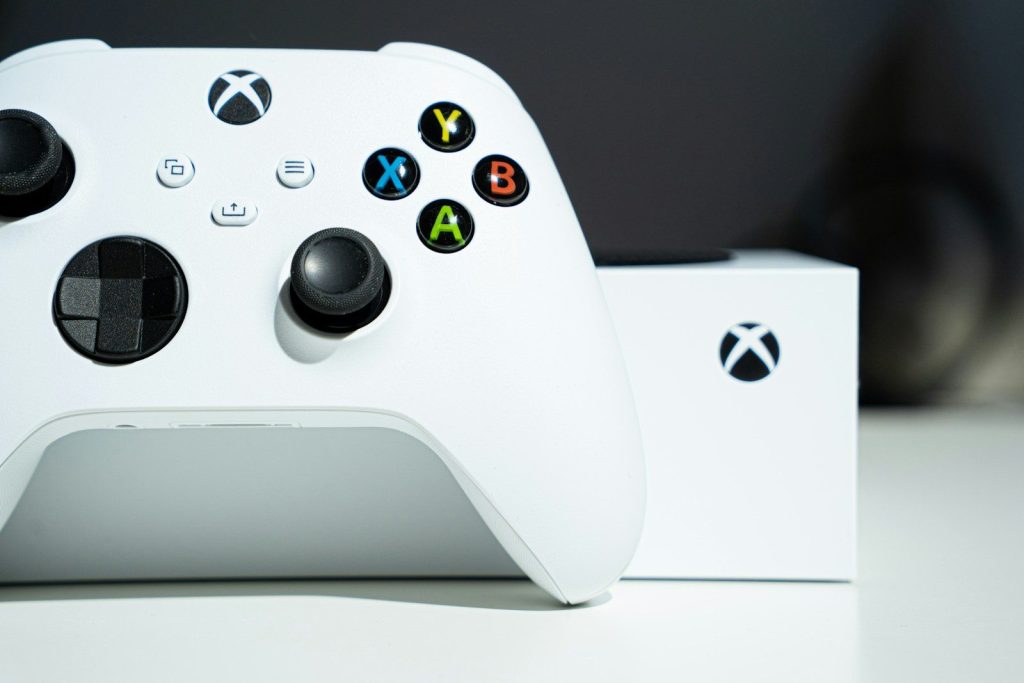
Many consoles do not automatically use every feature your screen supports. If the settings are wrong, you might miss 120Hz, HDR, or the best resolution without realizing it.
Xbox notes that changing some display settings can affect the refresh rate, and the Xbox Series X|S supports 4K at 120Hz with the right display. Always check the console’s video menu before buying new gear.
Buying too much storage

Extra storage is useful, but buying a huge drive before you need it can waste money. Game libraries grow fast, yet many players only rotate through a small number of titles at once.
A better move is to check what you actually play and uninstall games you are done with. Then buy storage based on real habits, not fear of running out someday.
Choosing weak furniture
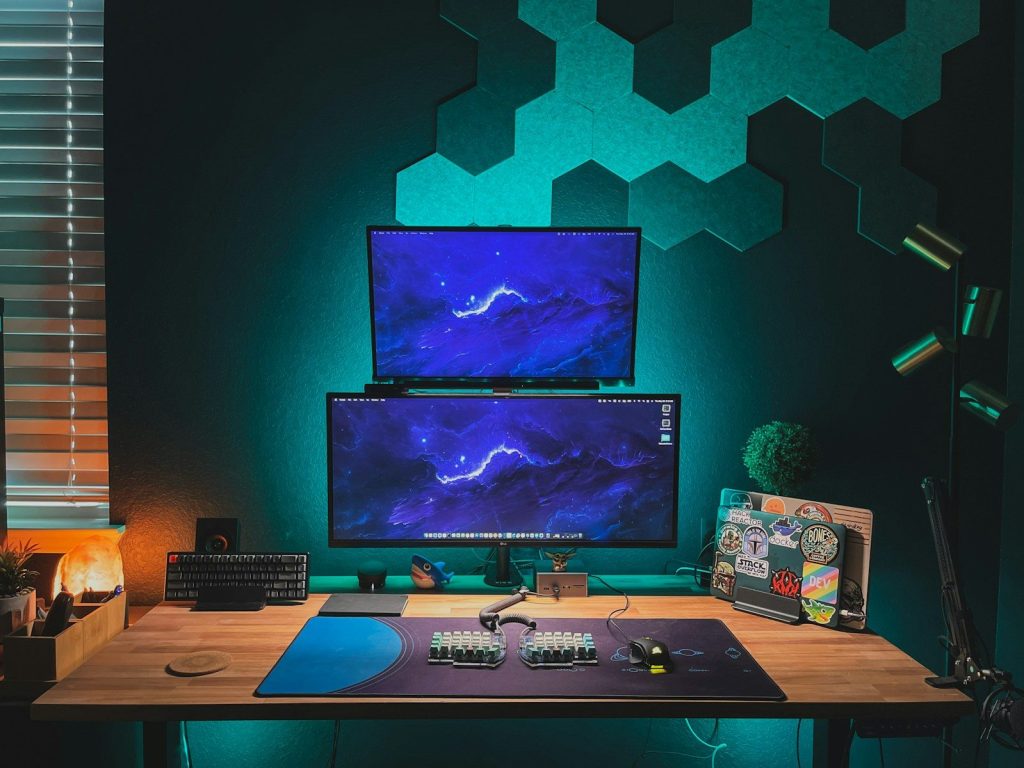
A gaming chair or desk should not be judged only by style. If it wobbles, sits too high, lacks space, or feels uncomfortable, the setup may look cool but feel bad after an hour.
Money is better spent on stable furniture that fits your body and room. A simple, sturdy desk and supportive seat can outlast trendier pieces and make every session more comfortable.
Skipping airflow basics
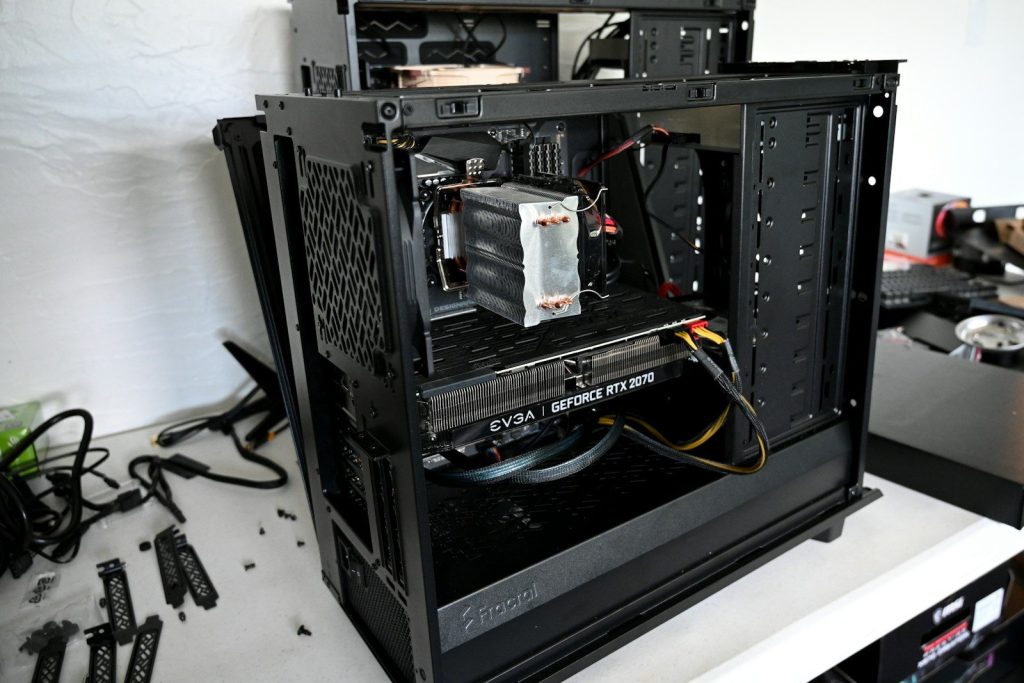
PC gamers sometimes spend on faster parts while ignoring heat. Poor airflow can make a system louder, warmer, and less pleasant to use, especially during long gaming sessions.
Before buying another major component, check the case layout, fans, dust buildup, and cable clutter. A cooler, cleaner PC can feel better without jumping straight to expensive upgrades.
Paying for unused features
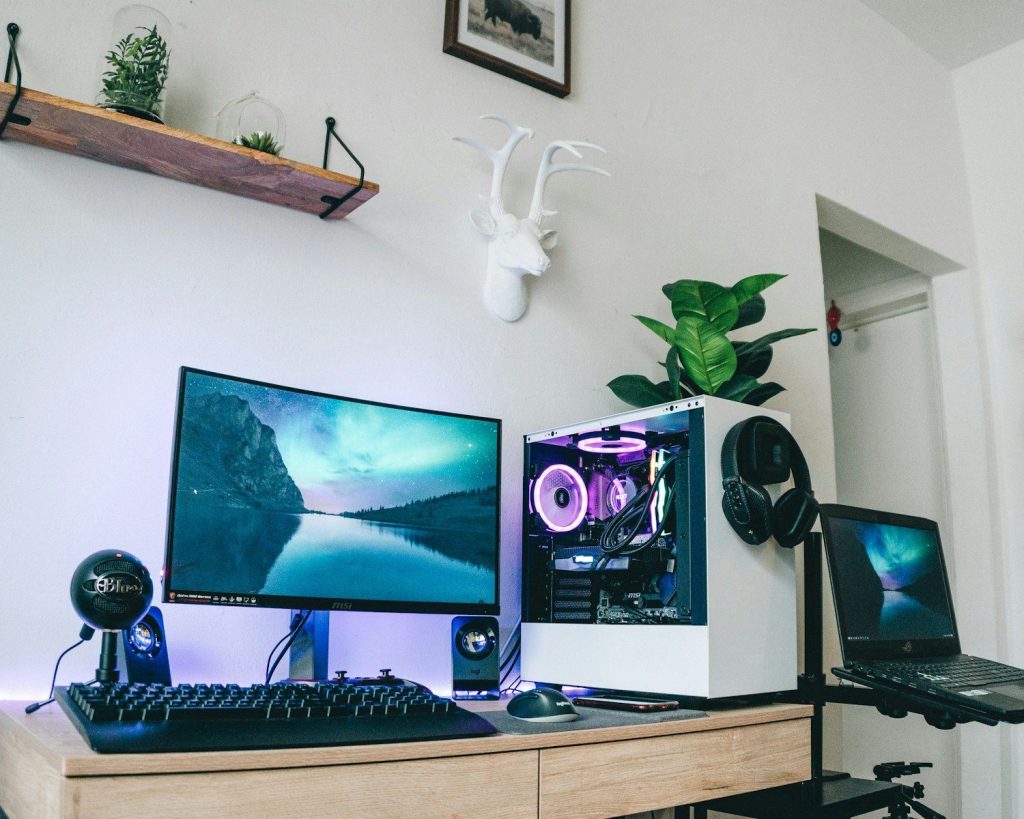
Some headsets, keyboards, mice, and controllers come with long feature lists. That can include extra buttons, wireless modes, software tools, lighting options, or premium materials you may never use.
The smarter question is simple: will you use it every week? If not, a more basic model may do the same job for less money and with less setup hassle.
Upgrading without a plan
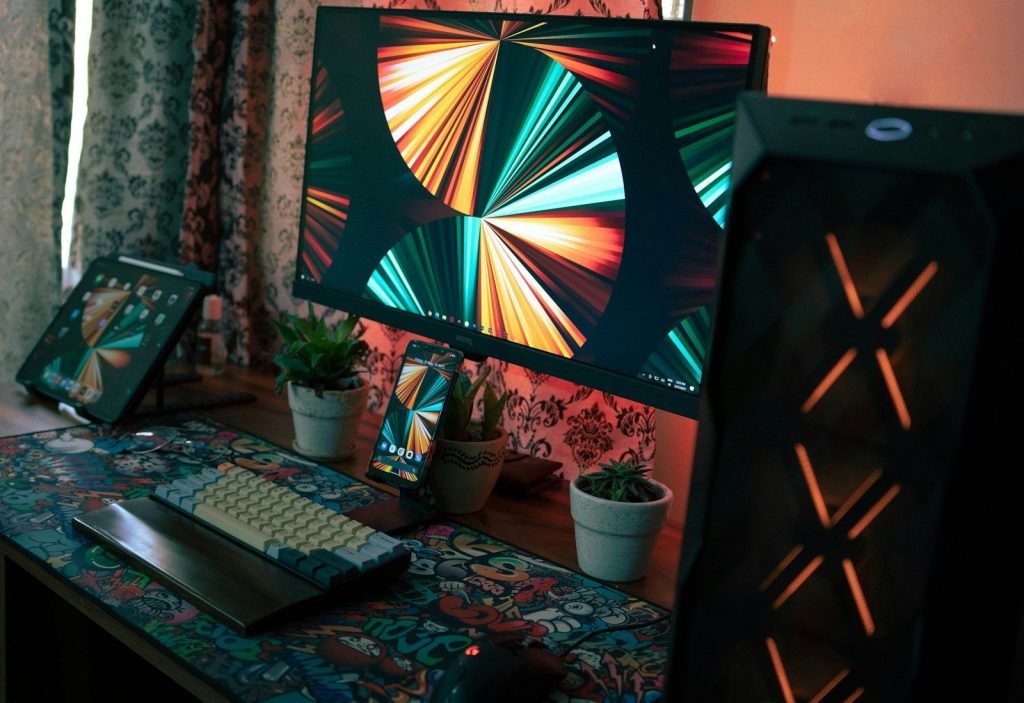
The biggest money mistake is upgrading one piece at a time with no clear goal. A new GPU, monitor, chair, headset, or controller may not fix the thing that actually bothers you.
Start with the problem first. Is it low frame rate, blurry visuals, bad audio, lag, discomfort, or messy cables? Once you know that, the right upgrade becomes much easier to choose.
Leave a Reply