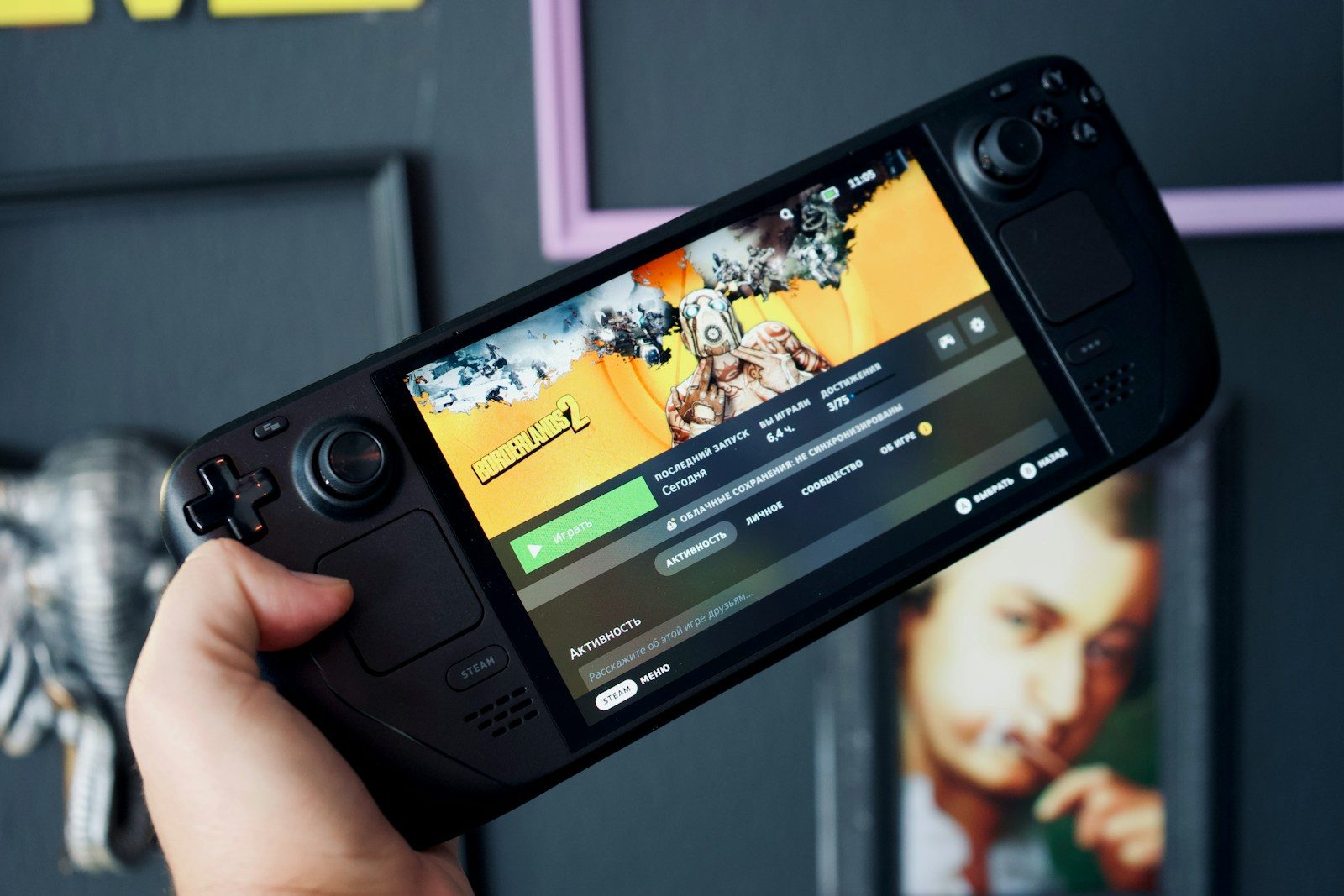
Gaming handhelds look simple at first. You see a screen, controls, and the promise of console-style games anywhere. But buying one is not quite the same as buying a regular console. Some handhelds are built around one game library, while others run Windows and can play games from several stores. Battery life, storage, comfort, heat, updates, and game compatibility can change the whole experience.
Current devices also vary a lot. Valve lists the Steam Deck LCD with a 40Wh battery and 2–8 hours of gameplay depending on the game, while ASUS lists the ROG Ally with Windows 11 and AMD Ryzen Z1 chips. Nintendo’s Switch 2 specs list about 2–6.5 hours of battery life, depending on use.
Check the game library first
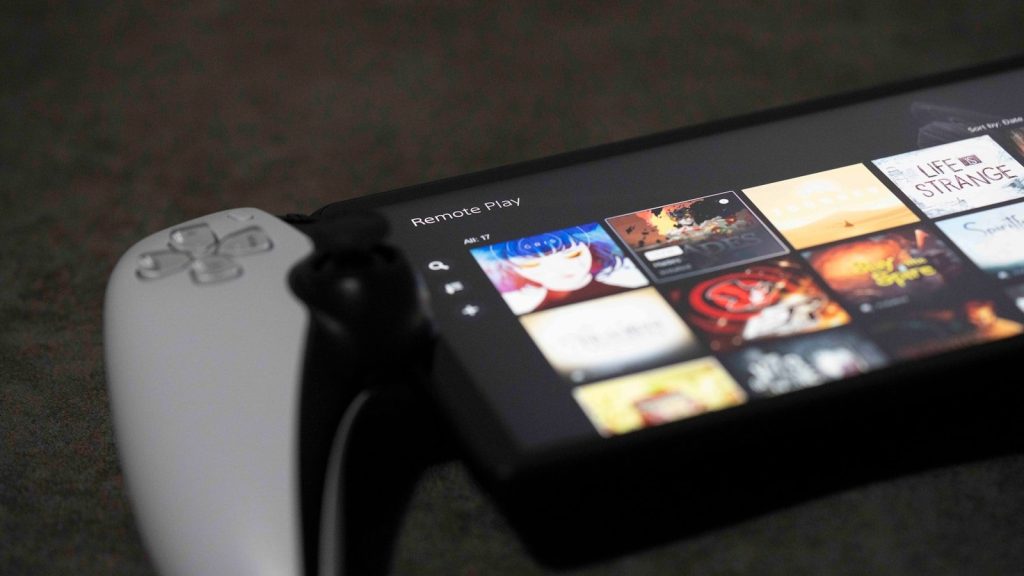
The best handheld is the one that plays the games you actually want. Some devices are tied closely to one store or platform, while others work more like small gaming PCs.
Before buying, check your favorite games, not just the device specs. A powerful handheld is not much fun if your top games do not run well, need workarounds, or are missing from the system.
Battery life can vary wildly
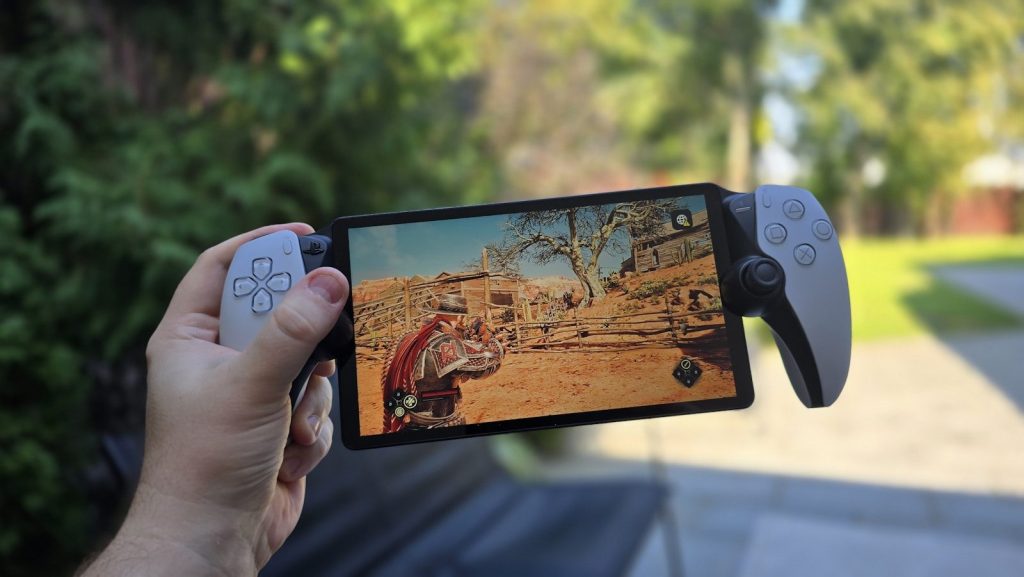
Handheld battery life is not one fixed number. A simple indie game may last much longer than a big, demanding title with high graphics settings.
That is why official battery ranges are often broad. The Steam Deck LCD is listed at 2–8 hours of gameplay, while Nintendo lists the Switch 2 at about 2–6.5 hours. Your real use will depend on the game, brightness, sound, and settings.
Storage fills up fast
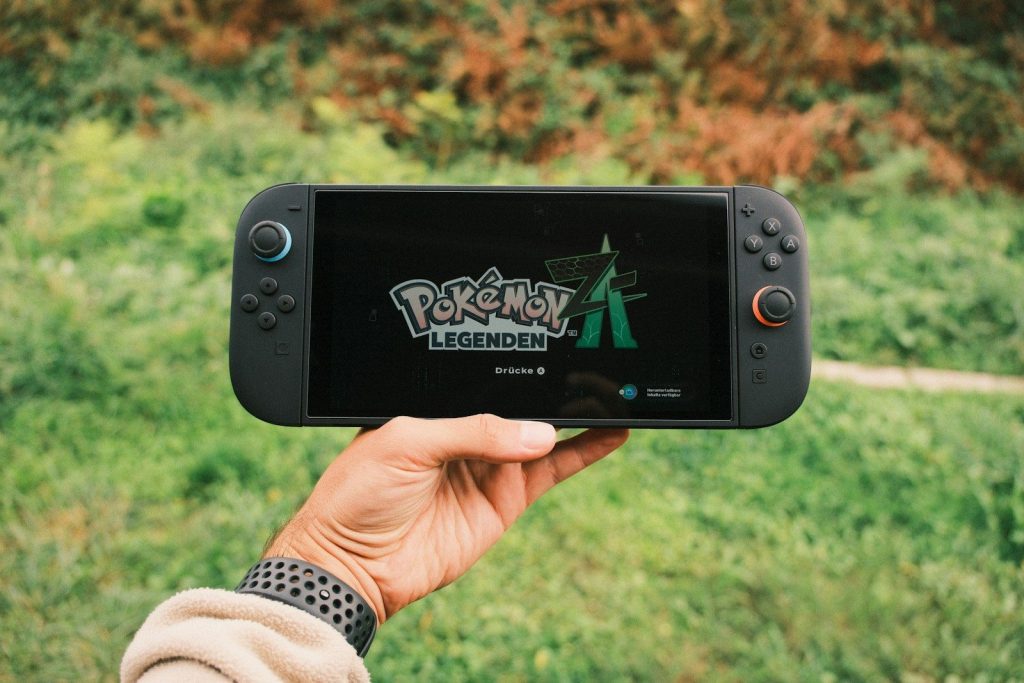
Modern games can take a lot of space, especially large action, racing, sports, and open-world titles. A handheld with small storage may feel full after only a few big downloads.
Look at internal storage and expansion options before you buy. Some handhelds support microSD cards, but loading speeds and card types can matter. If you plan to keep many games installed, storage should be a top priority.
Windows adds freedom
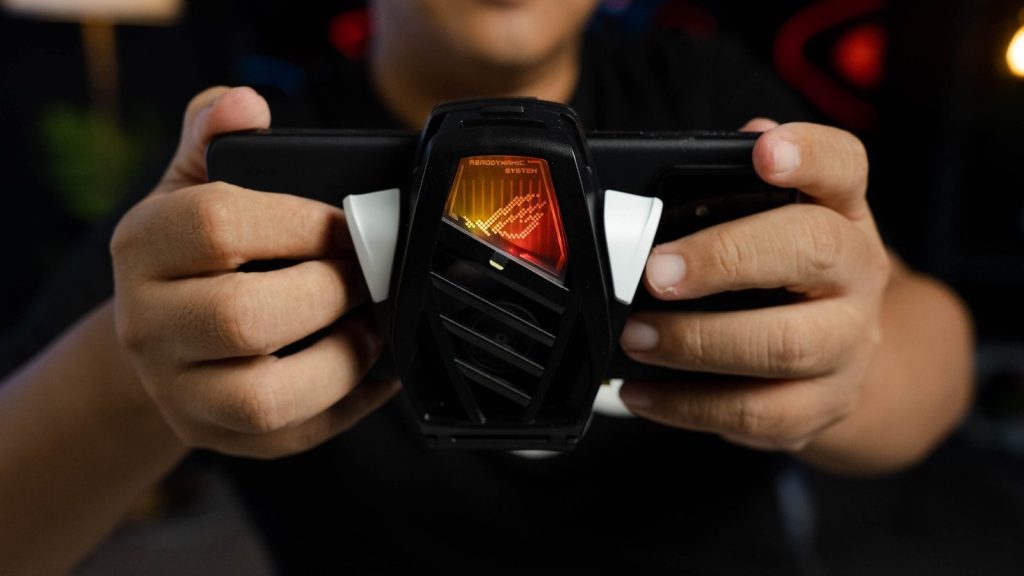
Windows handhelds can feel exciting because they may run many PC launchers and game stores. ASUS lists the ROG Ally as a Windows 11 Home device, which gives it a more PC-like setup.
That freedom can also bring extra setup. You may deal with updates, settings, launchers, pop-ups, and small text. For some players, that is worth it. For others, a simpler console-style system may feel better.
Comfort matters more than specs
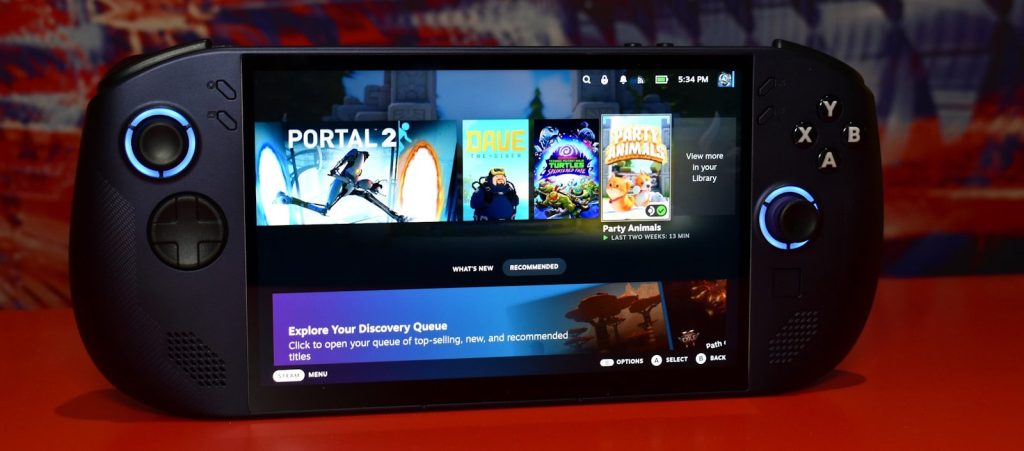
A handheld can have great power and still feel tiring to use. Weight, grip shape, button placement, screen size, and fan noise all affect long sessions.
Try to think beyond performance numbers. A device that feels balanced in your hands may get more use than one with better specs but awkward controls. Comfort is not a bonus feature when the whole system sits in your hands.
The screen changes everything
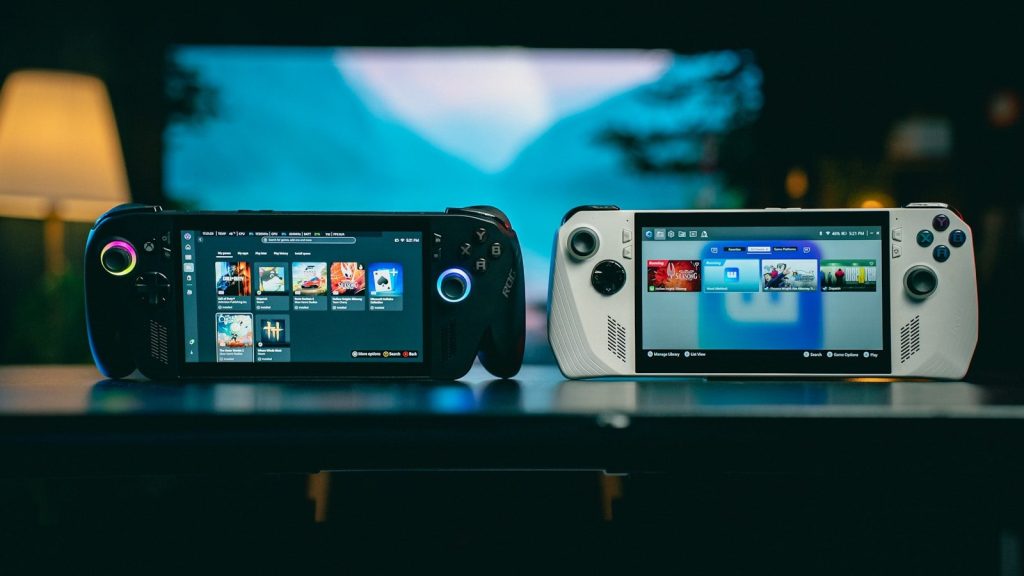
A handheld screen is your TV, monitor, and display all in one. Size, brightness, resolution, refresh rate, and panel quality can change how games feel.
A sharp screen is great, but it can also demand more power. Higher refresh rates may look smoother, but they can drain battery faster. The best choice depends on whether you care more about visuals, battery life, or portability.
Performance needs context
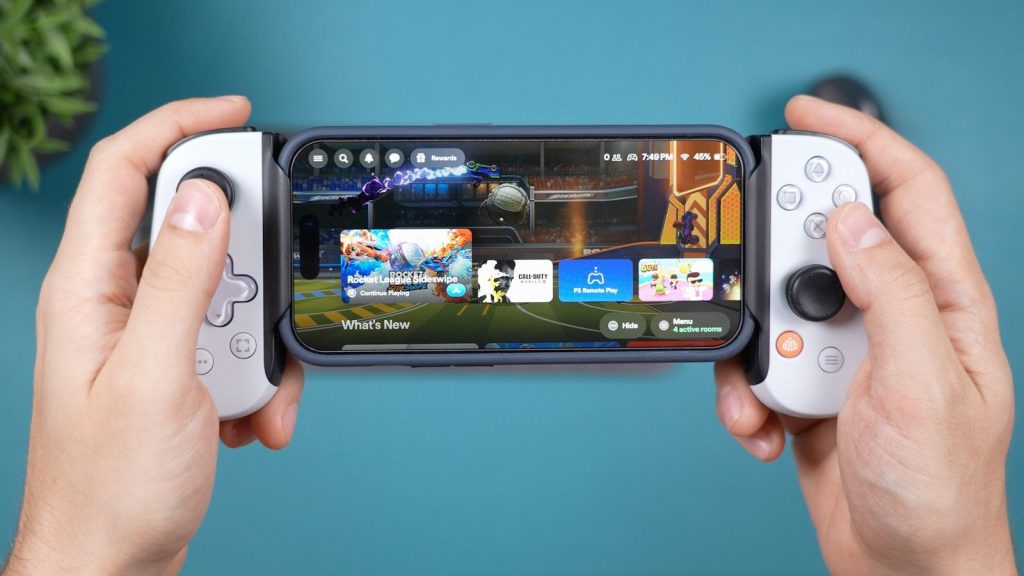
More power sounds better, but handheld gaming is always a balance. High graphics settings can mean more heat, louder fans, and shorter battery life.
Think about the games you play most. If you mainly play lighter games, you may not need the strongest hardware. If you want newer PC games on the go, performance becomes much more important.
Updates can shape the experience
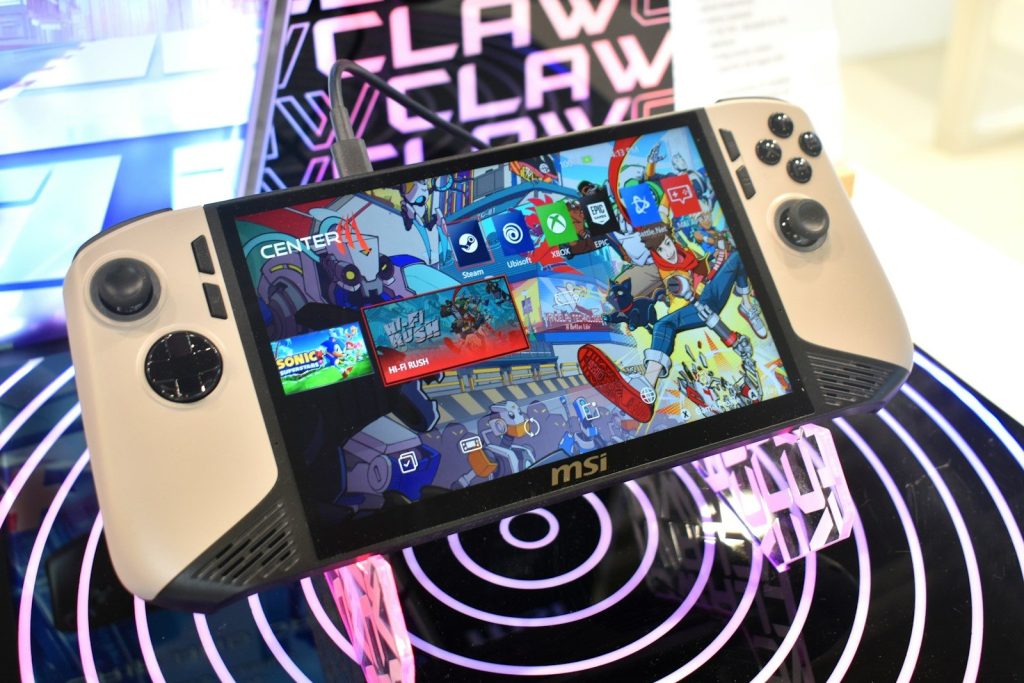
Gaming handhelds are not frozen at launch. Software updates can improve performance, fix bugs, add features, and make the system easier to use.
That makes long-term support important. A handheld with active updates may get better over time. A device with weak software support may feel rough, even if the hardware looks good on paper.
Accessories add to the cost
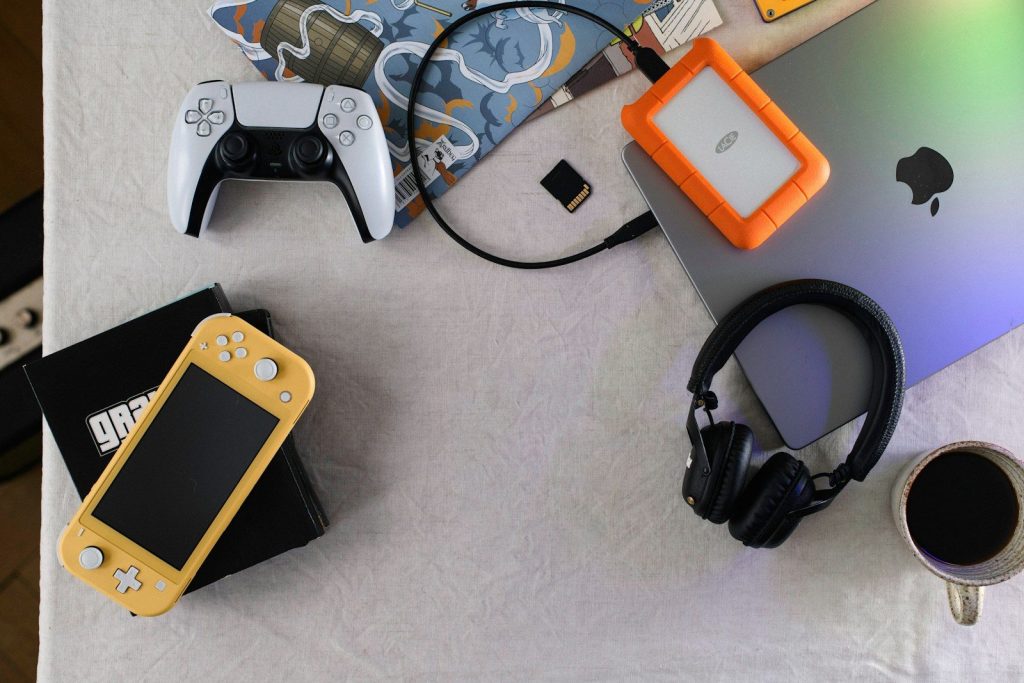
The sticker price may not be the final cost. You may also want a case, screen protector, dock, charger, microSD card, or extra controller.
This matters because a cheaper handheld can become more expensive after add-ons. Before buying, price out the full setup you actually want. A well-protected device with enough storage may save frustration later.
Decide how you will play
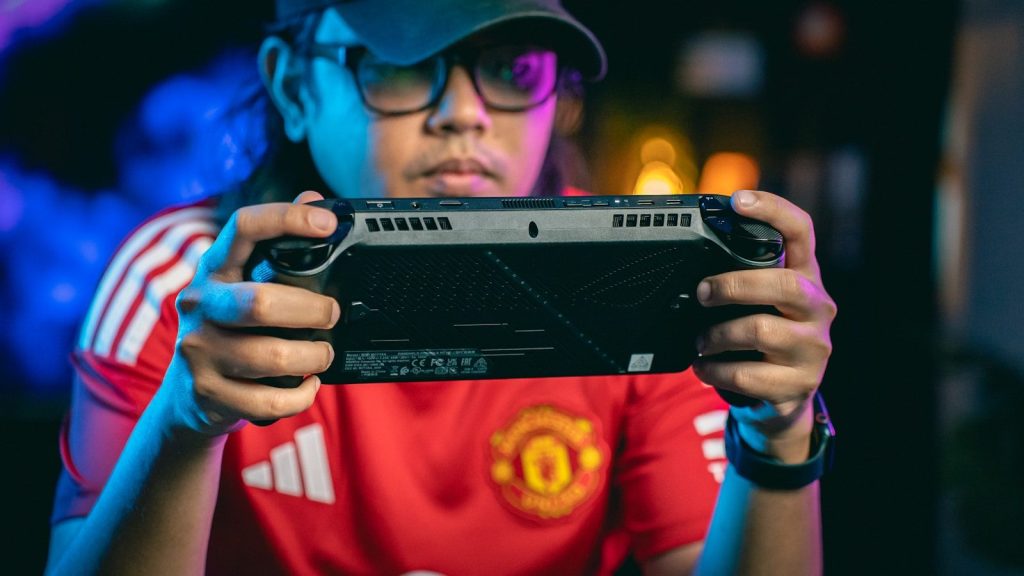
Some people want a travel device. Others want a couch gaming screen. Some want a mini PC that can connect to a monitor, keyboard, and controller.
Your use case should guide the purchase. If you mostly play at home, screen size and comfort may matter most. If you travel often, battery life, weight, storage, and durability become much bigger factors.
Leave a Reply