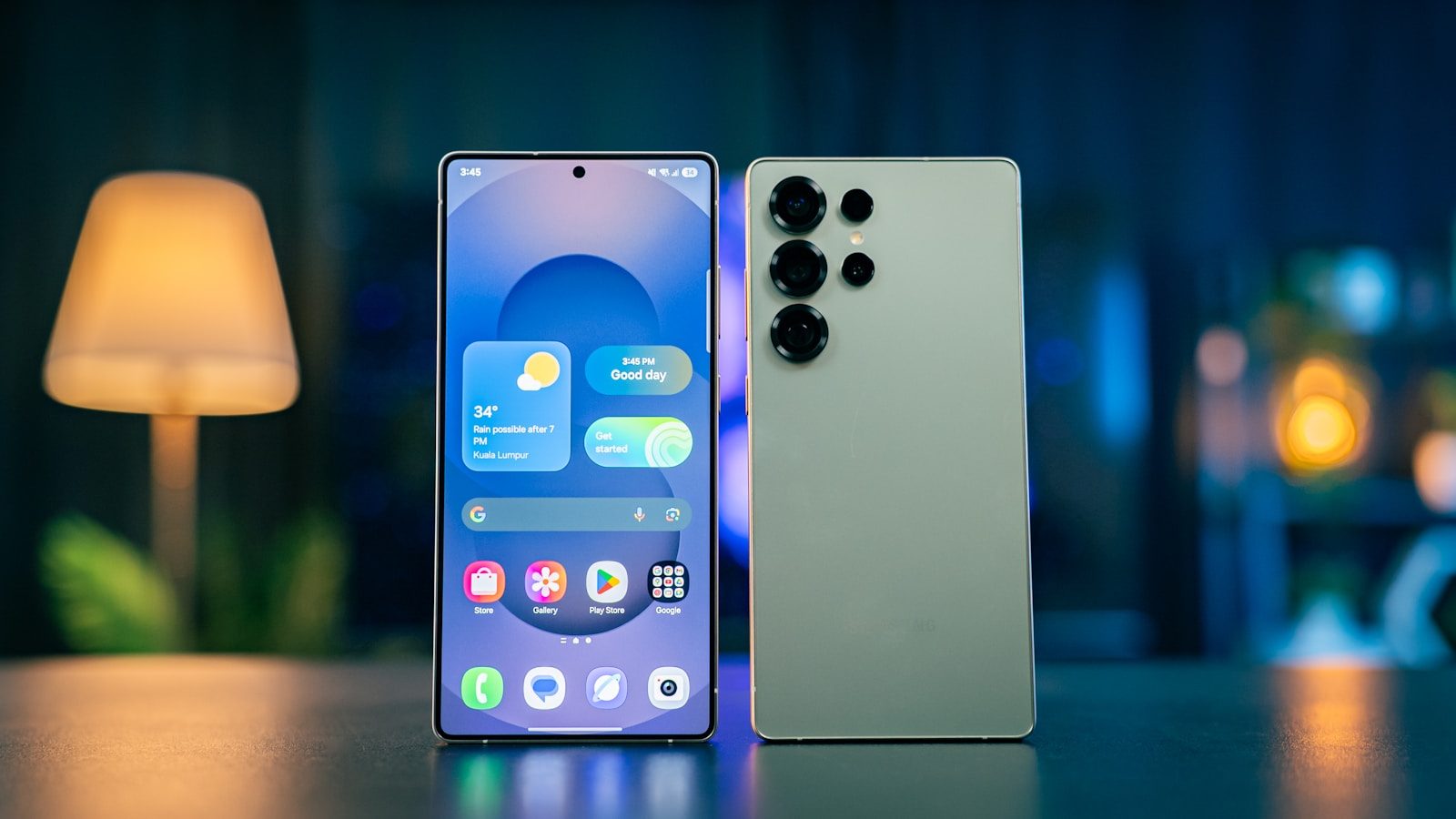
Samsung Galaxy phones are still Android phones, but they often feel like they come with their own extra toolbox. Apple keeps iPhone features tightly controlled, while Google’s Pixel line focuses on a cleaner version of Android.
Samsung goes the other way with tools for multitasking, customization, note-taking, privacy, and quick access. Some of these features have been around for years, while others are newer and more advanced.
DeX can turn a supported Galaxy into a desktop-style workspace, Good Lock opens deep customization, Dual Messenger supports two accounts for certain apps, and Edge Panels keep shortcuts one swipe away. Add the S Pen and newer Privacy Display tools, and Galaxy phones can feel very different from their biggest rivals.
Samsung DeX turns phones into PCs
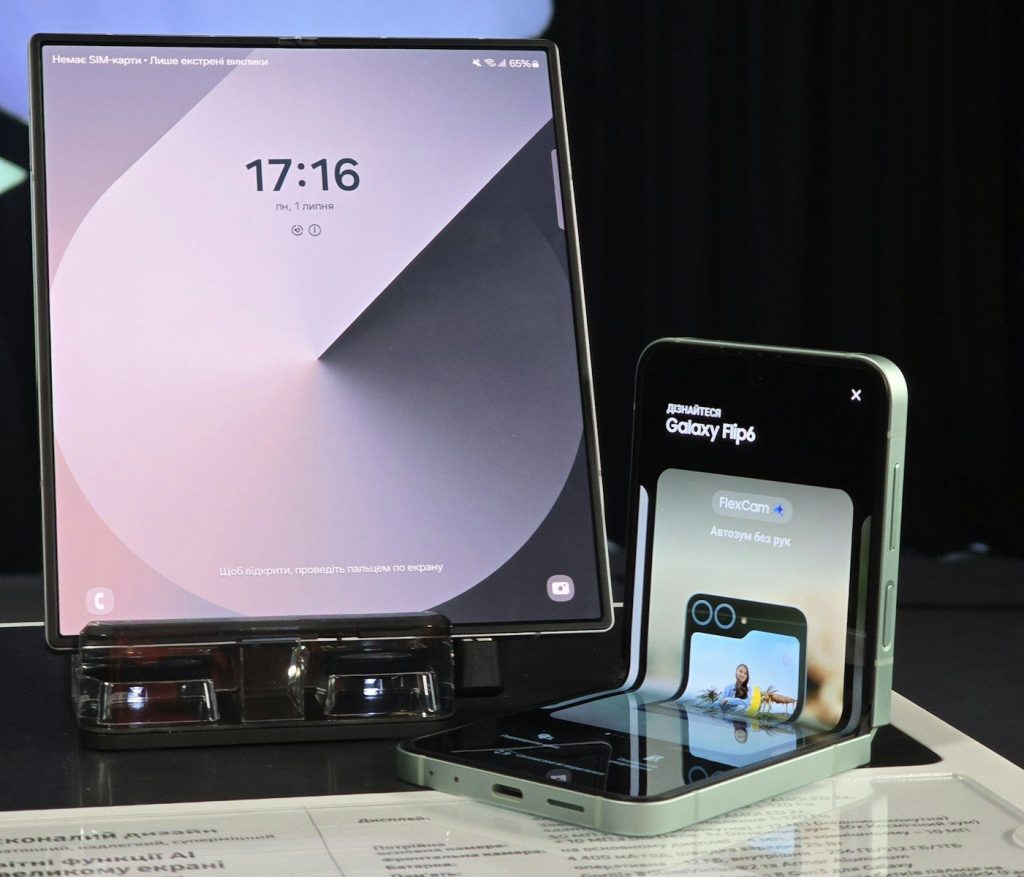
Samsung DeX lets supported Galaxy phones and tablets open a desktop-style workspace on a monitor or TV. Samsung says DeX can turn a Galaxy device into a “true desktop PC experience” when connected with a supported USB-C to HDMI cable or adapter.
That means apps can feel more like computer windows instead of phone screens. Add a keyboard and mouse, and the phone becomes useful for writing, browsing, file work, or light productivity without carrying a laptop.
Privacy Display hides side views
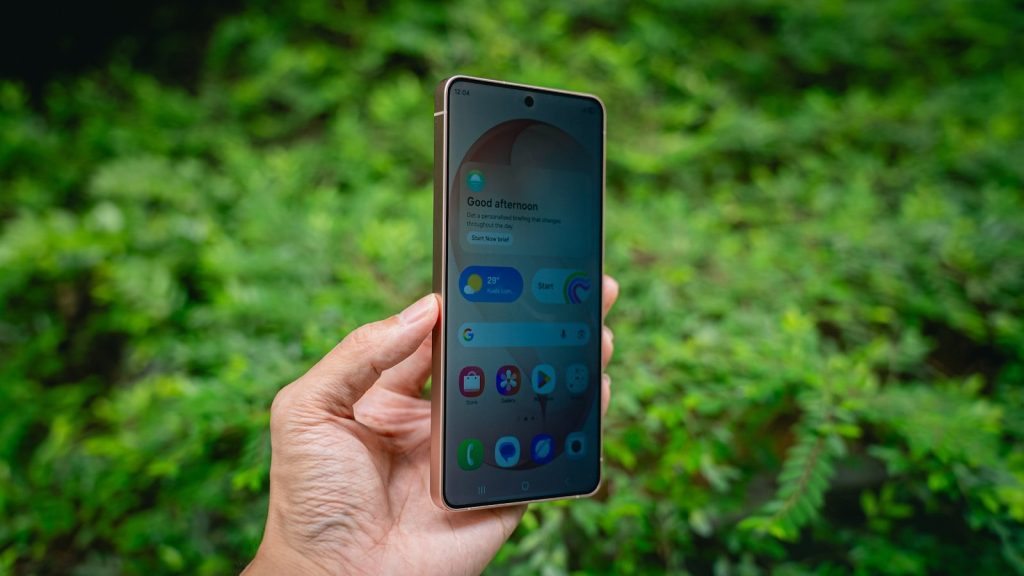
The Galaxy S26 Ultra’s Privacy Display is built to reduce what people can see from the side. Samsung says the feature limits peripheral visibility and can be turned on in Settings, including for specific apps.
That can help in public places like buses, offices, airports, or coffee shops. Instead of using a stick-on privacy filter, the phone can manage screen visibility itself while keeping the display clear for the person looking straight at it.
The S Pen still feels special
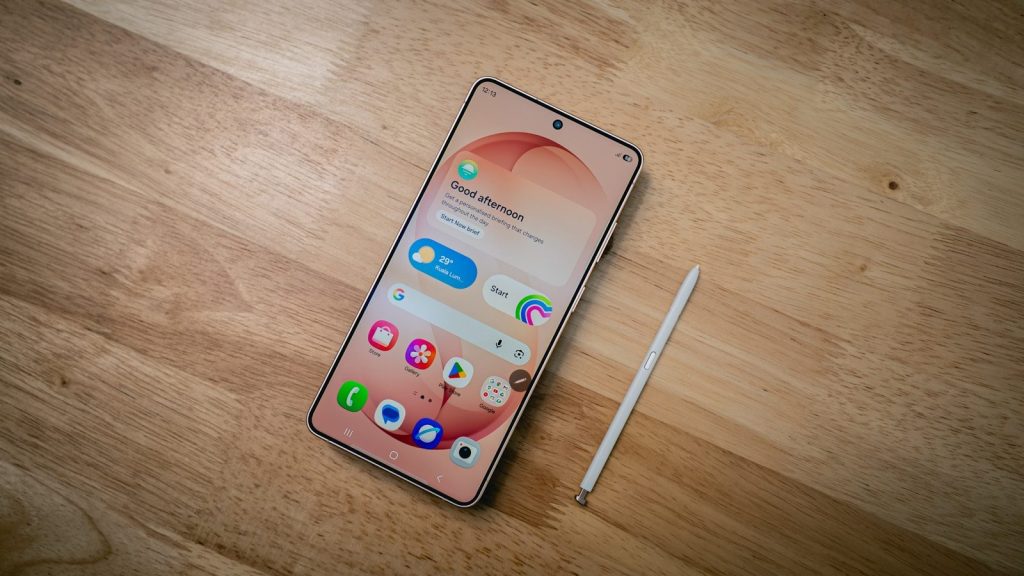
The S Pen remains one of Samsung’s most recognizable Galaxy features. It is useful for quick notes, sketching, marking screenshots, signing files, and tapping small screen areas with more control than a finger.
Samsung’s S Pen support page shows that different Galaxy devices use different S Pen models, and some models support extra features depending on the device. That tight hardware-and-software pairing is what makes the S Pen feel built in, not like a random add-on.
Dual Messenger separates accounts
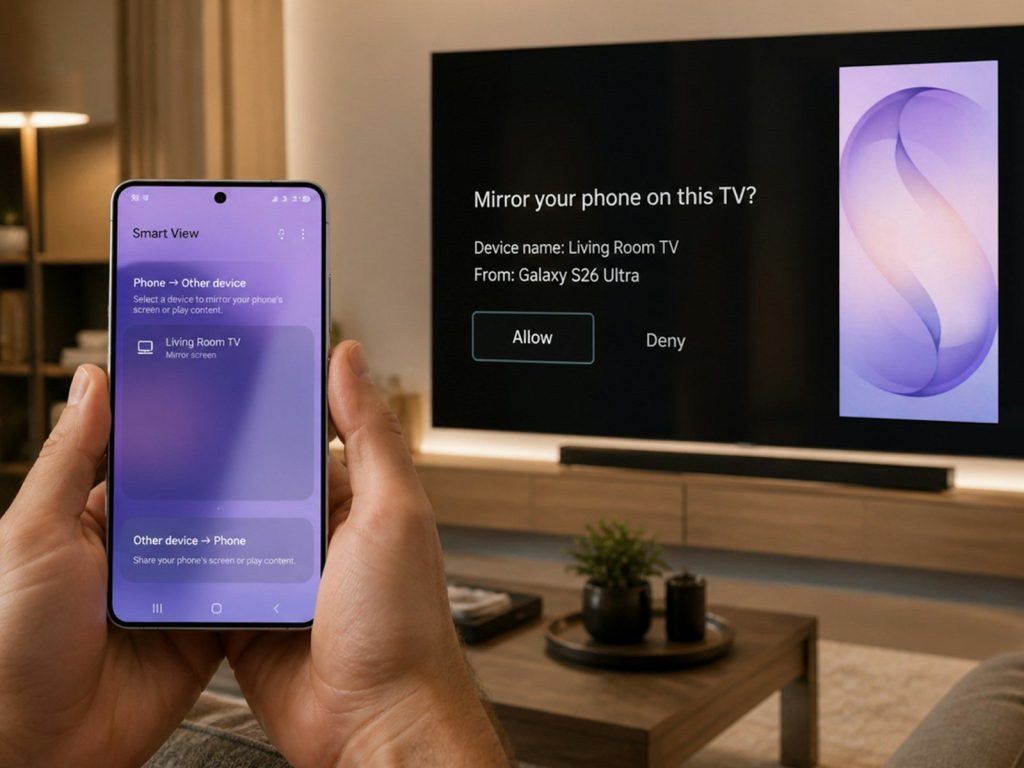
Dual Messenger lets Galaxy users run two separate accounts for the same supported messaging app. Samsung says turning it on creates a second app icon on the Home screen, making it easier to keep accounts apart.
This can be handy for people who use one account for personal chats and another for work or community groups. It keeps logins separate without forcing users to switch phones or constantly sign in and out.
Edge Panels speed up daily taps
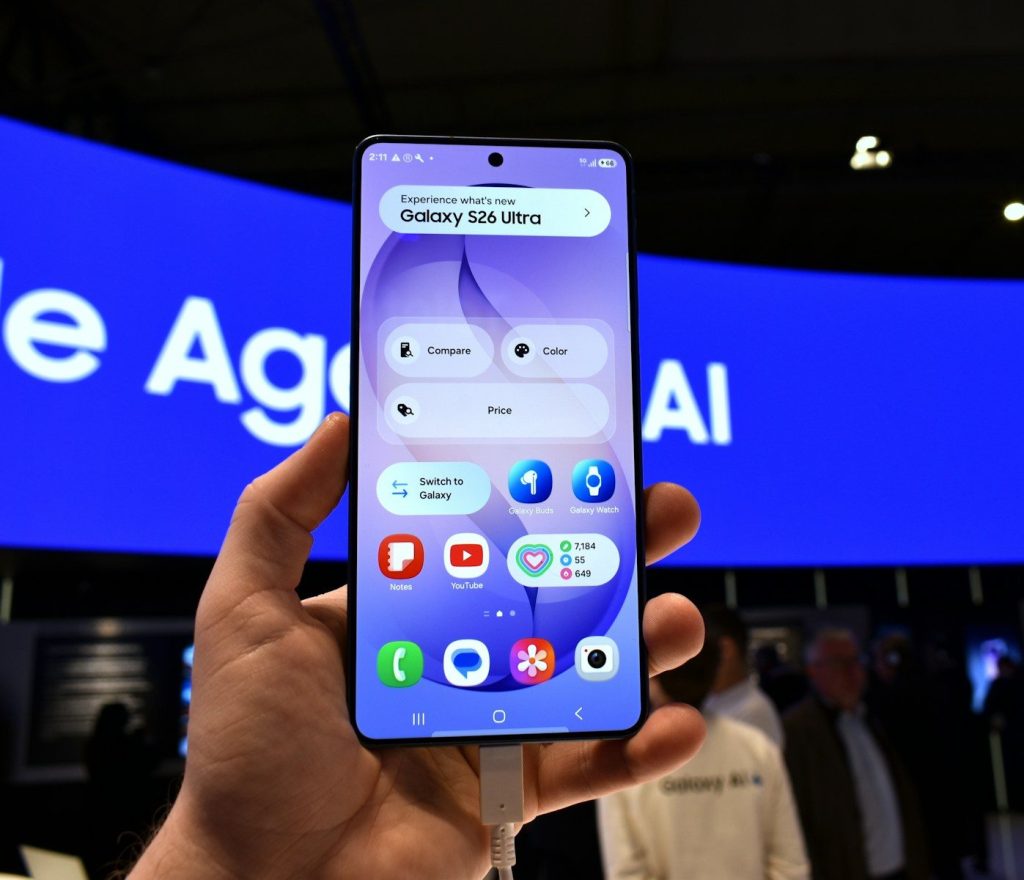
Edge Panels give Galaxy phones a swipe-in sidebar for quick access to apps and tools. Samsung says users can turn Edge Panels on in Display settings, then open the panel with a side swipe.
It may sound small, but it can save taps all day. You can keep favorite apps, shortcuts, contacts, or tools close by, even while using another app. For large phones, that quick side menu can make one-handed use feel easier.
Leave a Reply