
Work data can slip into risky places faster than people realize. A rushed click, a reused password, an old laptop update, or a file shared with the wrong person can create problems for an entire team. The good news is that safer habits do not have to be complicated. Many of the strongest protections are simple routines workers can follow every day.
CISA’s basic cyber safety guidance focuses on practical steps such as using multifactor authentication, updating software, thinking before clicking, and using strong passwords. The FTC also recommends multifactor authentication for sensitive business systems, along with basic security steps that reduce common risks. These habits will not stop every threat, but they can make work accounts, devices, and files much harder to misuse.
Use more than passwords
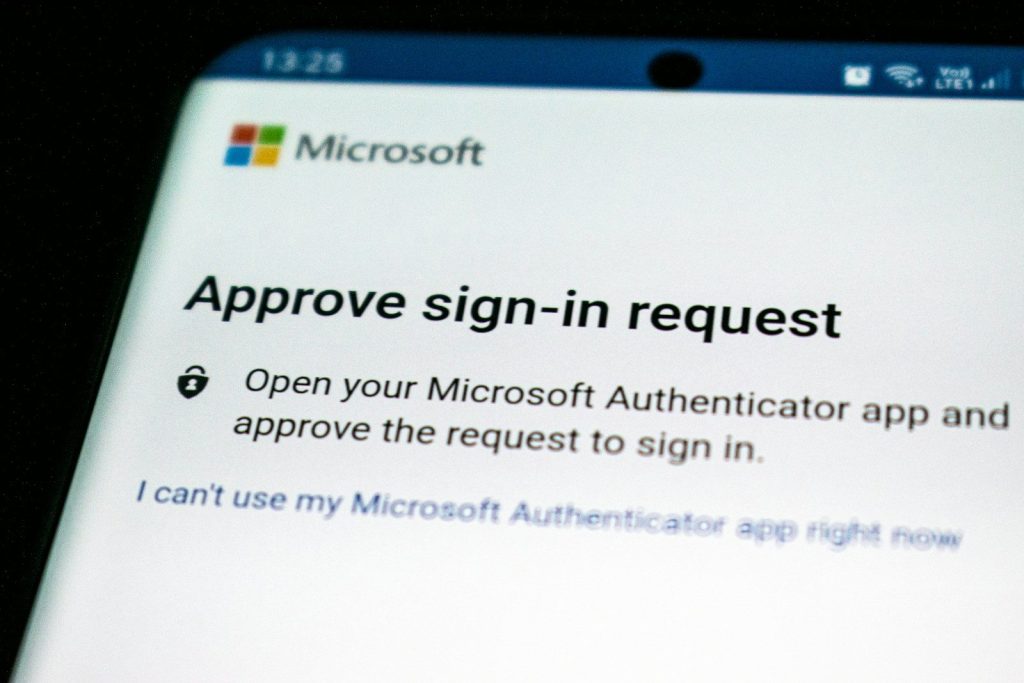
A password alone is often not enough to protect work accounts. If someone steals or guesses it, they may be able to get into email, files, apps, or company tools.
Multifactor authentication adds another step, such as a code, app approval, fingerprint, or security key. CISA says MFA makes accounts much more secure because a stolen password by itself is not enough to get in.
Make passwords harder to guess
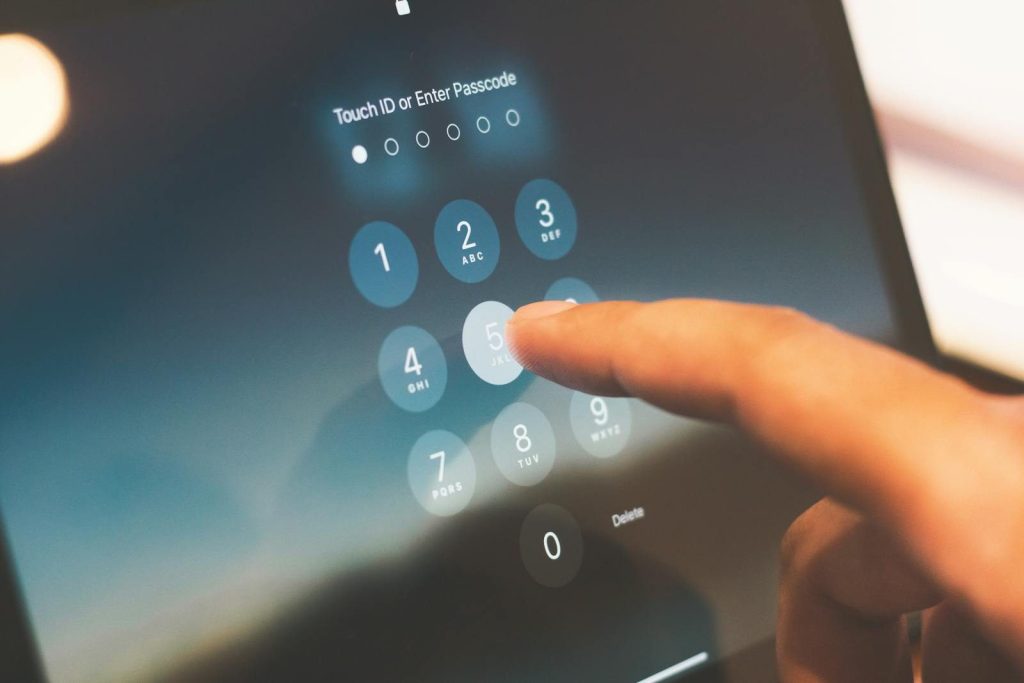
Strong passwords still matter, especially for accounts that do not support newer sign-in options. A good password should be long, unique, and not reused across work and personal accounts.
Reusing passwords is risky because one leaked account can put others in danger. A password manager can help people create and store stronger passwords without needing to memorize every one.
Update apps and devices
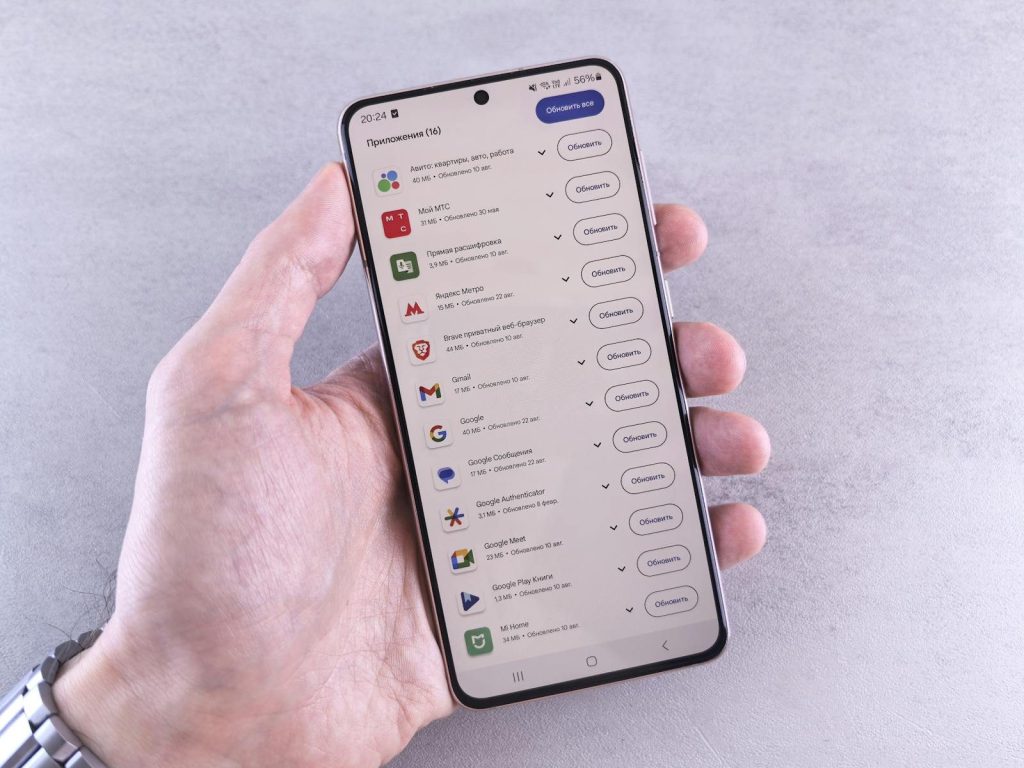
Software updates can feel annoying when work is busy, but they often fix security problems. Waiting too long can leave a device open to known attacks.
CISA lists updating software as one of its key cyber safety steps. For work devices, updates should cover operating systems, browsers, business apps, security tools, and mobile devices used for company tasks.
Think before clicking

Phishing messages often try to create panic or urgency. They may pretend to be from a boss, delivery company, bank, tech support team, or trusted service.
Before clicking a link or opening an attachment, slow down and check the sender, wording, and request. CISA includes “think before you click” as a core cyber habit because many attacks begin with a simple trick.
Keep work files separate

Mixing work files with personal devices, personal email, or random cloud folders can create confusion. It can also make sensitive information harder to protect or recover.
A safer habit is to use approved company tools for storing and sharing work data. This keeps files in systems that may have access controls, backups, logging, and security settings managed by the organization.
Back up important data
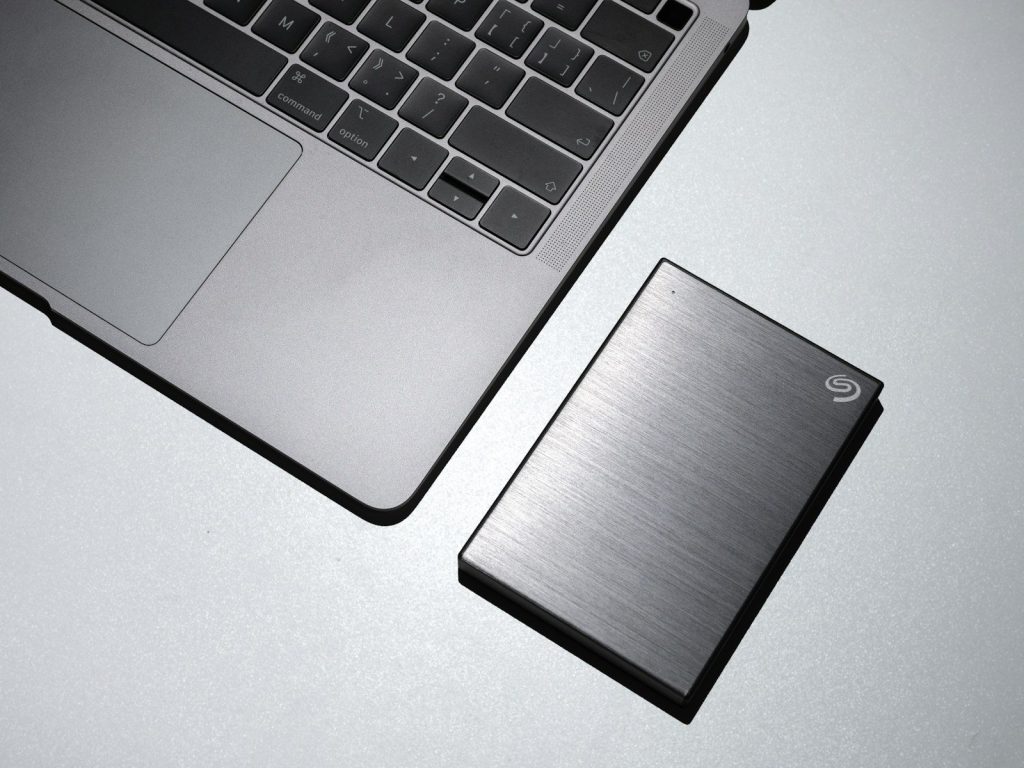
Backups matter because accidents, lost devices, malware, and technical failures can happen. Without a backup, one bad moment can turn into hours or days of lost work.
NIST’s small business security guidance recommends making full, encrypted backups of important business data and storing them safely away from the main office location. That helps organizations recover after a problem.
Lock screens every time
An unlocked work device can expose emails, files, chats, customer details, or internal tools. This can happen in an office, coffee shop, airport, shared home, or meeting room.
Locking the screen before stepping away is a small habit with big value. It is especially important for laptops and phones because work data often follows people outside the office.
Use safe Wi-Fi habits
Public Wi-Fi can be convenient, but it is not always the best place for sensitive work. A safer choice is a trusted network, company-approved VPN, or secure mobile hotspot when handling private files.
Workers should avoid sending confidential data over unknown networks unless the company has approved protections in place. This is especially important while traveling, working remotely, or using shared spaces.
Share access carefully
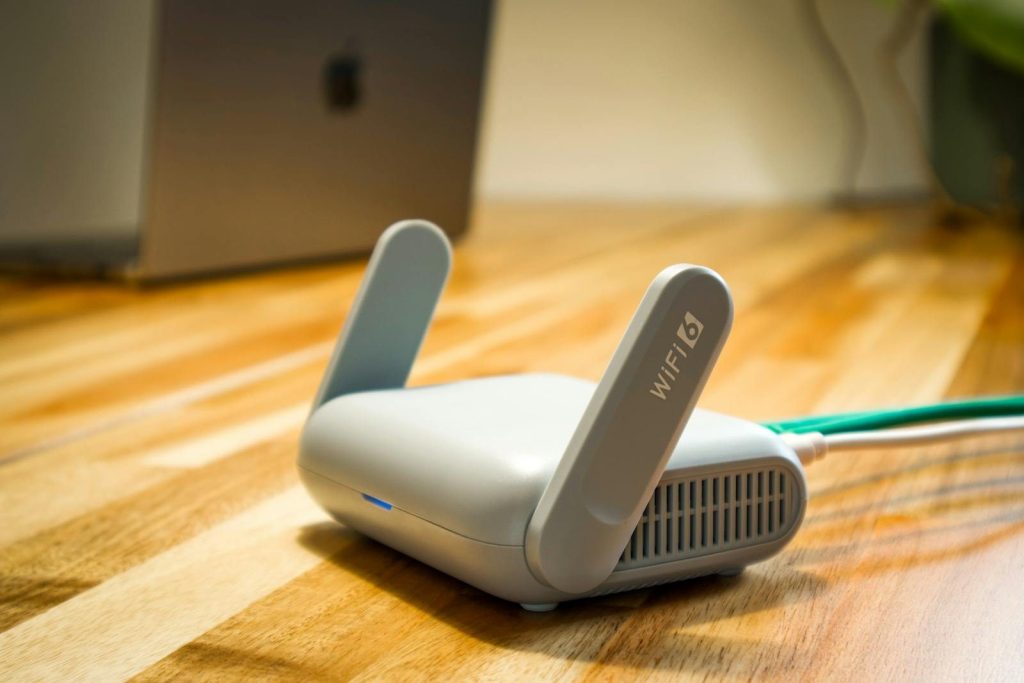
Many work files are shared through links, folders, or cloud tools. That makes teamwork easier, but it also means access can spread farther than intended.
Before sharing, check who really needs the file and what level of access they need. View-only access may be enough. Old links and permissions should also be reviewed so former teammates, vendors, or unused groups do not keep access.
Report problems quickly

People sometimes stay quiet after clicking a suspicious link or losing a device because they feel embarrassed. That delay can make the damage worse.
A better habit is to report problems right away. Fast reporting gives IT or security teams more time to reset passwords, block access, recover files, and warn others before a small mistake becomes a larger issue.
Leave a Reply