
Most people assume that modern smartphones must always be filled with distracting notifications and complex apps. We believe that we cannot easily escape the constant digital noise.
But a hidden feature built directly into your smartphone can instantly quiet the digital chaos. This simple setting strips away modern distractions to recreate the peace of an old mobile device.
The Simple Phone Movement

Millions of users are actively looking for ways to reduce their daily screen time and combat mental fatigue. According to reports from the Pew Research Center, young adults are buying basic mobile devices to escape social media addiction. The trend is growing. However, buying a second device is completely unnecessary when your current smartphone already has a built-in solution.
Unveiling Assistive Access Settings

Tech designers secretly built a highly simplified interface directly into the latest mobile operating systems. According to official guides from Apple, developers call this simple interface Assistive Access and it replaces the standard home screen layout. It is extremely clean. The new layout features massive buttons and limits access to complex menus, though finding this tool requires navigating your deep accessibility settings.
Stripping Down The Interface
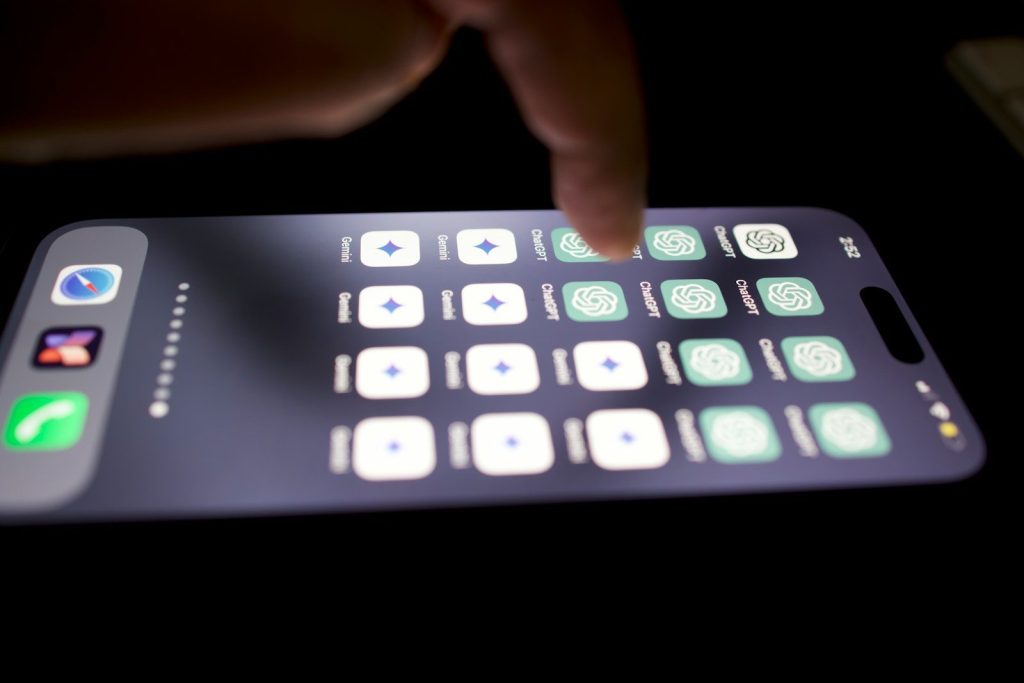
Activating this mode instantly blocks typical attention-grabbing notifications and complex gestures. According to interface design experts, the simplified layout displays only essential apps like calls and messages in a basic grid. Distractions are gone. You can customize which contacts and applications remain visible, but this restrictive environment is designed to keep you focused on the real world.
How To Activate It
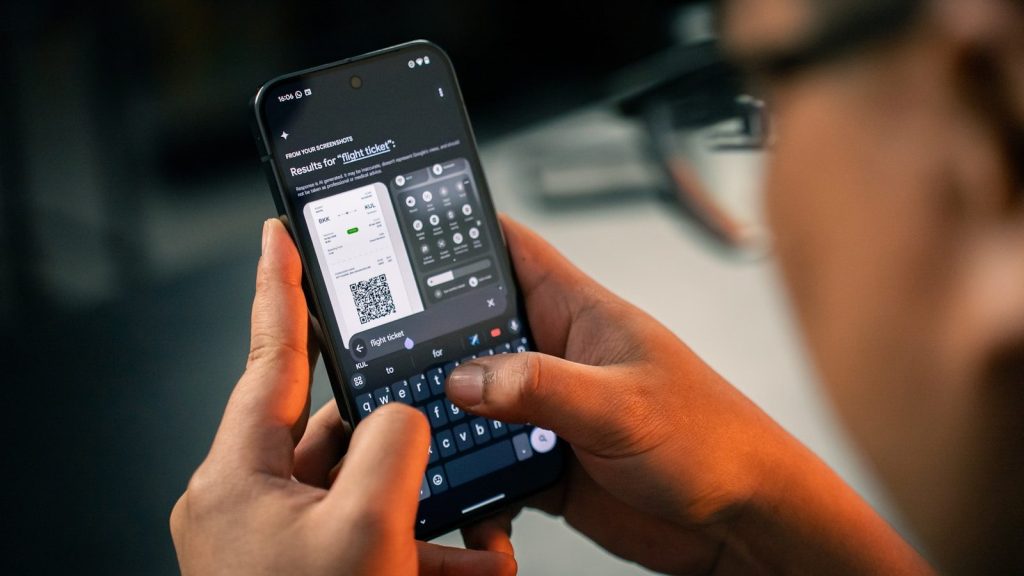
To turn your device into a dumbphone, open your main settings menu and select the accessibility tab. According to technical support guides, users must scroll down to find the Assistive Access option. Setup is fast. The system will prompt you to choose your simplified apps and set a unique passcode, but exiting this mode requires a specific triple-click shortcut.
Fighting Back Digital Addiction

Restricting your screen to basic functions can immediately lower daily screen time and reduce anxiety levels. According to research published in the journal Mobile Media and Communication, removing colorful app icons and endless feeds disrupts habit loops. Behavior patterns shift. Users quickly discover that they check their phones far less frequently, but maintaining this discipline requires consistent use.
A Tool For All Ages

While designed for cognitive accessibility, this feature serves as a perfect digital detox tool for anyone. According to reviews from technology journalists, the simplified layout also helps seniors and children navigate devices without confusion. Everyone can benefit. This hidden software trick offers a free way to reclaim your focus, but users must commit to the minimalist lifestyle.
Reclaiming Your Free Time

According to digital wellness researchers, simplifying your mobile interface is one of the most effective ways to restore real-world connections. This simple software trick proves that you do not need to buy new hardware to live a quieter digital life. This article is for informational purposes only.
Leave a Reply