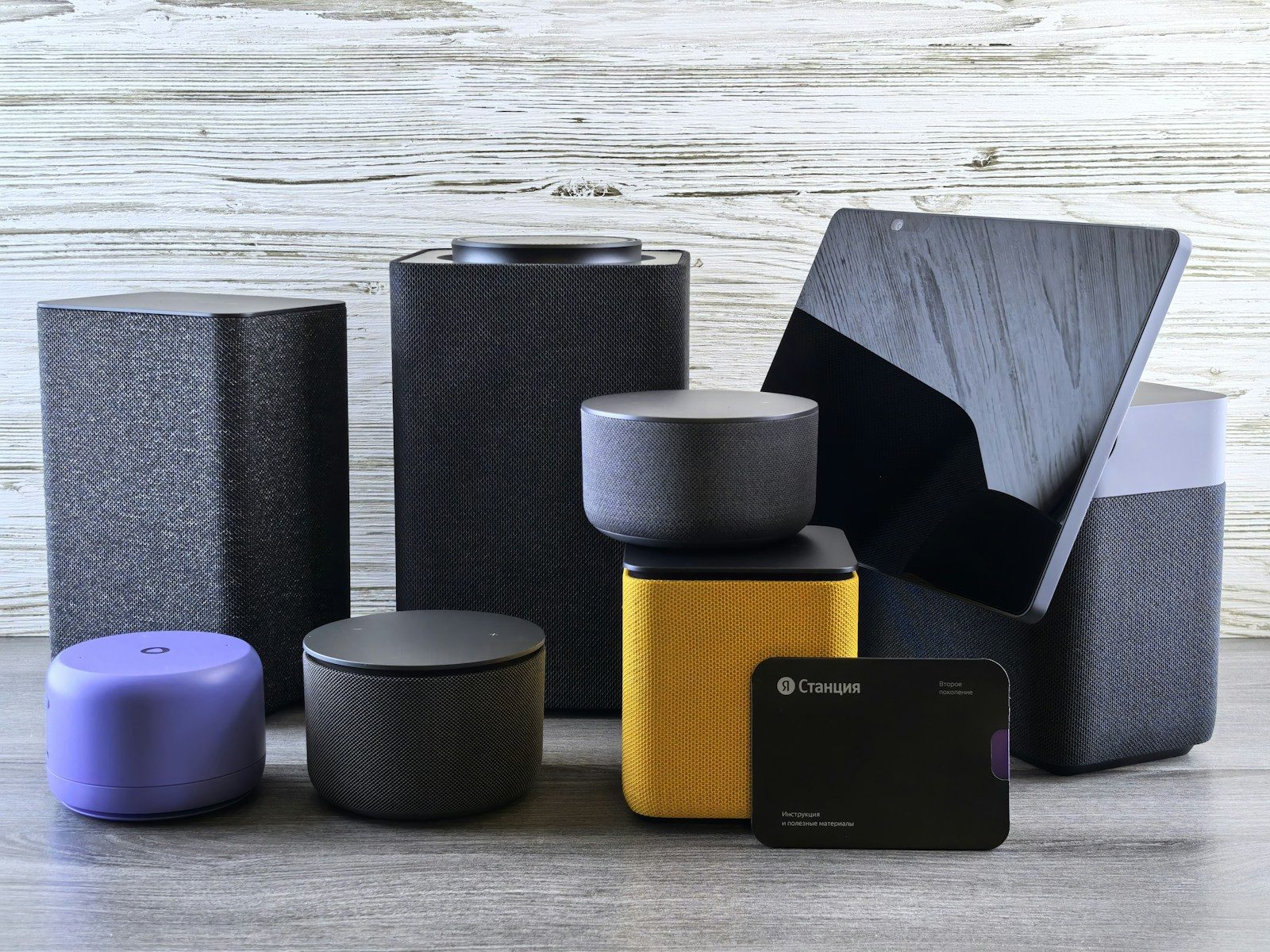
Smart home devices can make daily life feel smoother, but only when they are set up with care. A camera that sends too many alerts, a speaker with the wrong voice settings, or a smart plug with a vague name can turn convenience into confusion. The best smart home habits are simple: use strong passwords, keep software updated, check privacy settings, and name devices clearly.
The FTC recommends starting with the router by changing default settings, enabling encryption, and checking for hardware and software updates. CISA also advises users to review security settings and protect internet-connected devices before relying on them every day. Those basics can make smart home gear easier to use and safer to manage.
Smart speakers need clear names
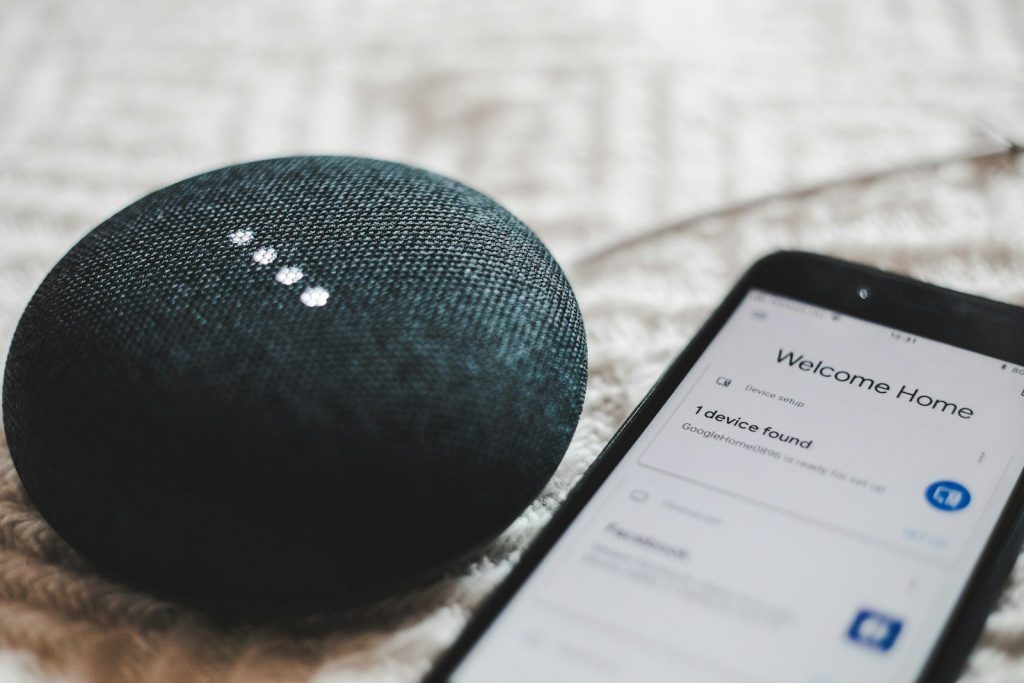
Smart speakers are often the center of a smart home. They control lights, timers, music, reminders, and other devices, so the setup should be easy for everyone to understand.
Give rooms and devices simple names like “kitchen light” or “bedroom lamp.” Avoid names that sound too similar. Clear naming helps voice commands work better and keeps family members from turning on the wrong device by mistake.
Smart displays need privacy checks
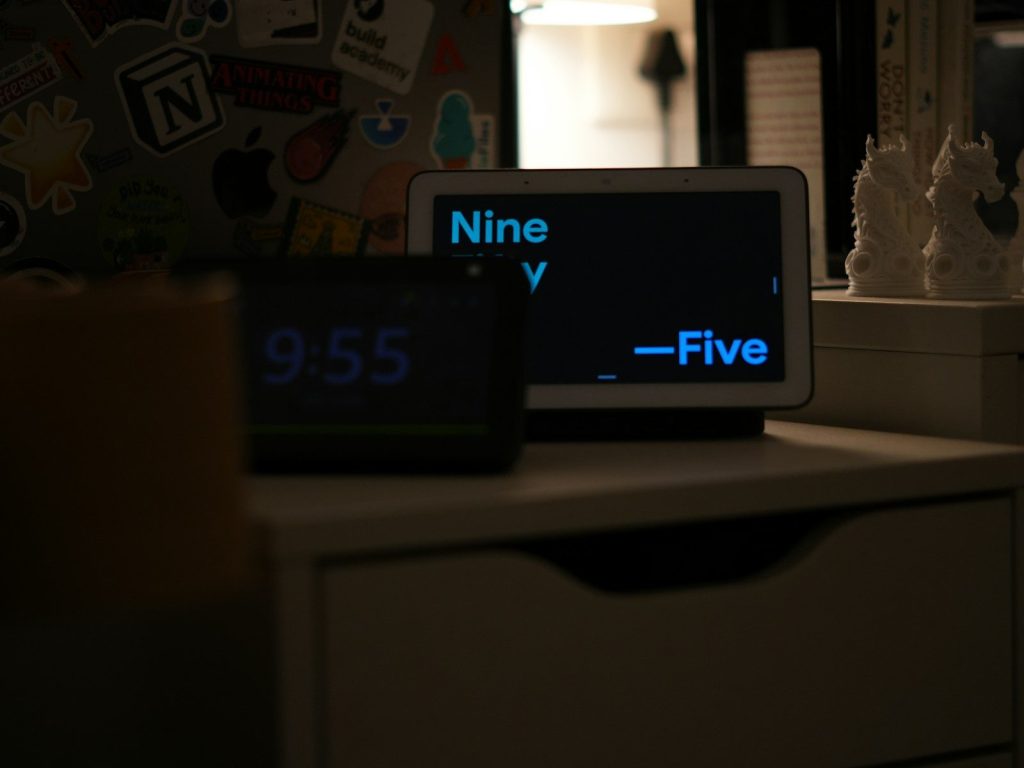
Smart displays can show calendars, photos, recipes, cameras, and video calls. That makes them useful, but it also means they may show personal information in shared spaces.
Before placing one in a kitchen or hallway, check what appears on the screen. Turn off details you do not want visible to guests. Also review camera and microphone settings so the device matches how your household actually uses it.
Security cameras need zones
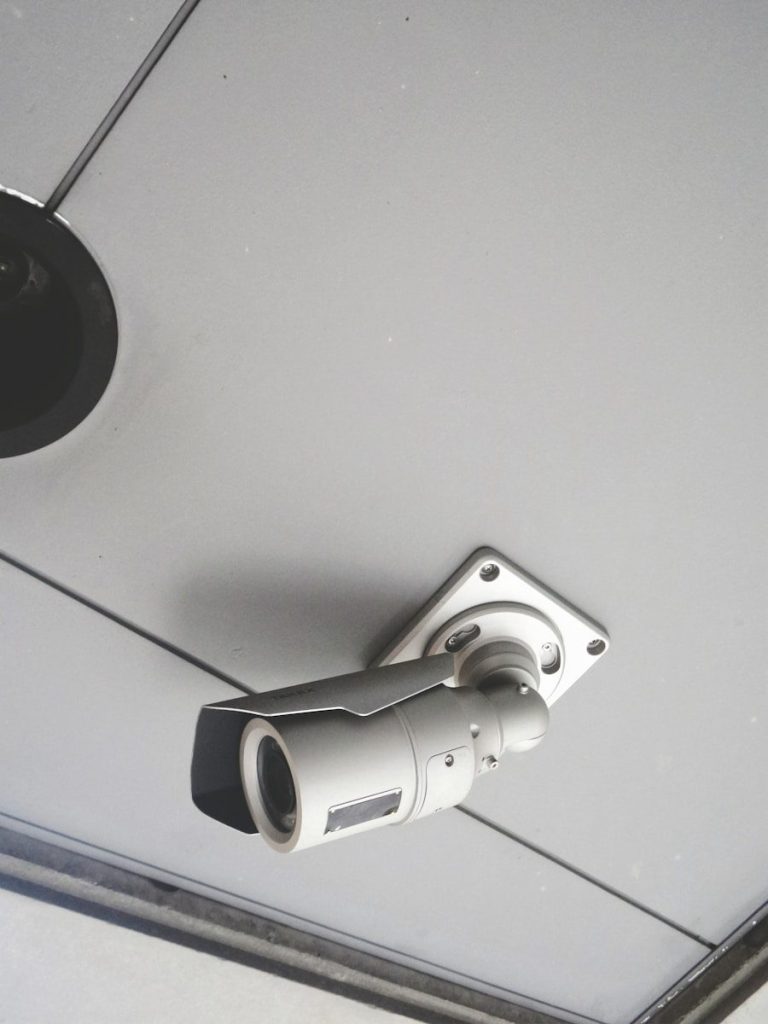
Smart cameras can be helpful, but poor setup often leads to too many alerts. If every passing car, shadow, or tree branch triggers a notification, people may start ignoring the alerts.
Use motion zones when available and aim the camera carefully. Focus on doors, driveways, or key entry areas. Good setup reduces noise and helps important alerts stand out when they matter.
Video doorbells need angle checks
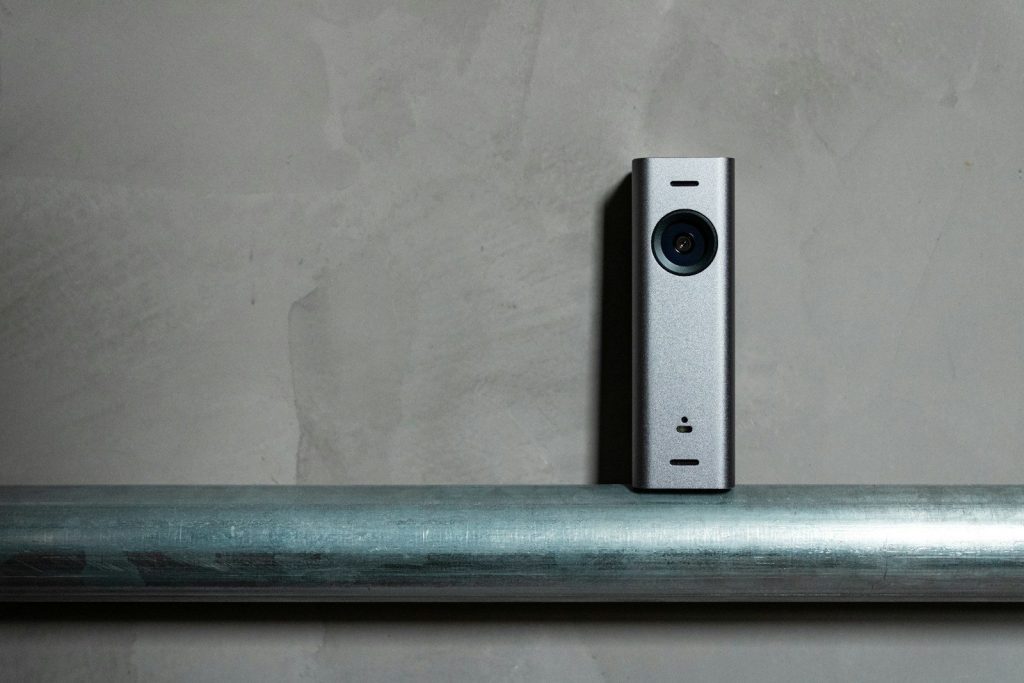
A video doorbell may seem easy to install, but the angle matters. A poor view can miss packages, faces, or visitors standing slightly to the side.
Before final mounting, test the live view during the day and at night. Make sure the camera sees the area you care about most. A small wedge or height change can make the doorbell much more useful.
Smart locks need backup plans
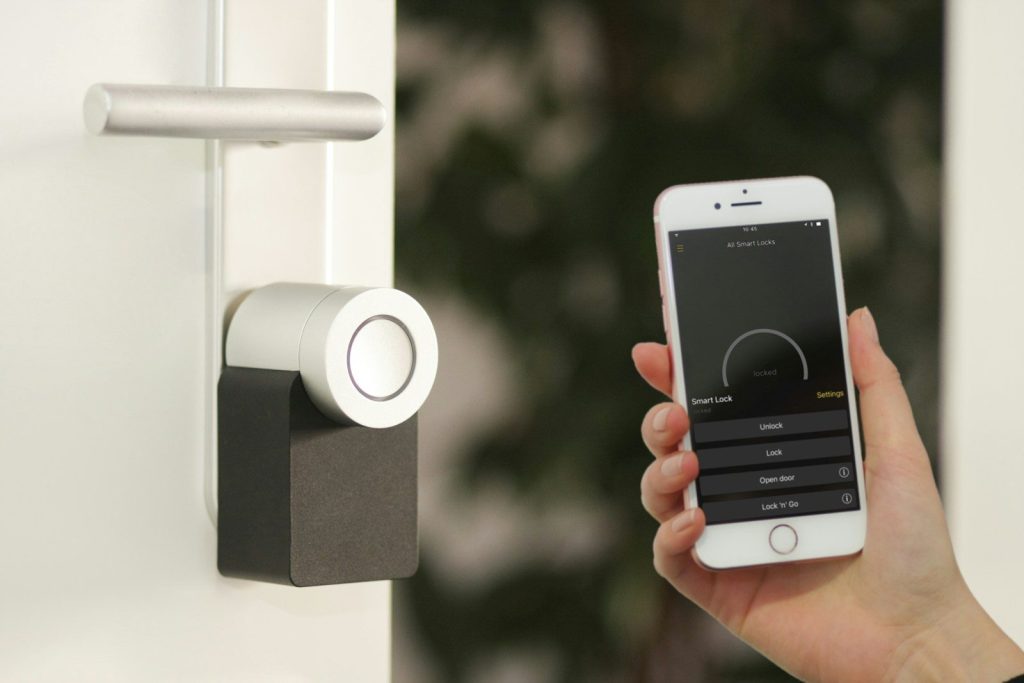
Smart locks can make entry easier, especially for families and trusted guests. But they need careful setup because they control access to the home.
Create secure codes, remove codes that are no longer needed, and know how the physical key or backup method works. Also check battery alerts. A smart lock is most helpful when the backup plan is already clear.
Smart bulbs need better groups
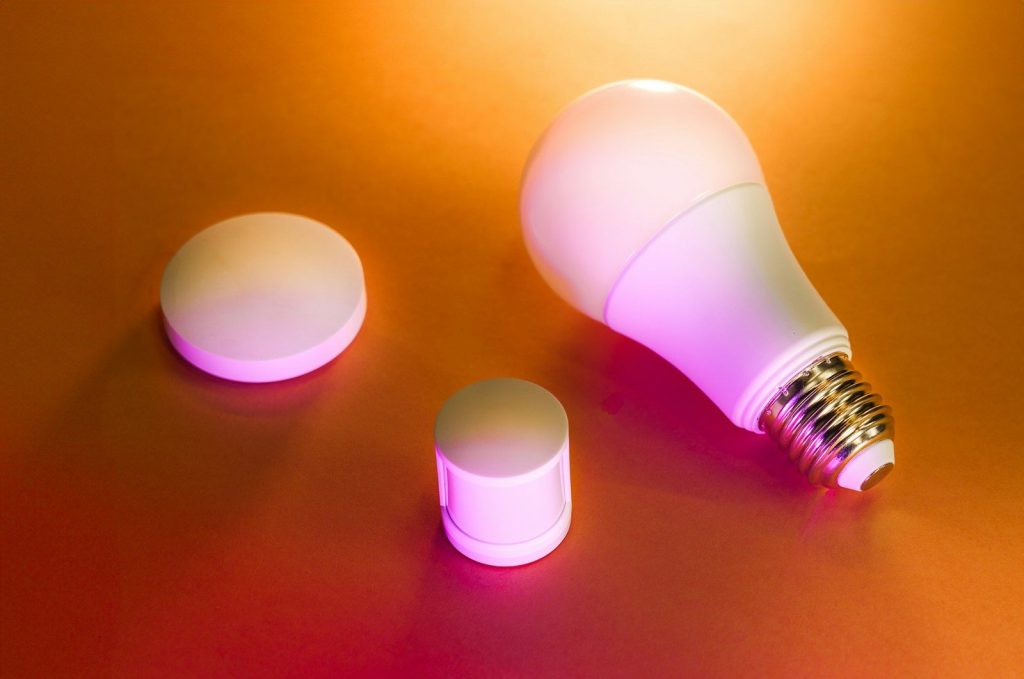
Smart bulbs are fun until every light has a random name. If the app is full of labels like “bulb one” and “bulb two,” routines and voice commands become frustrating.
Group bulbs by room or purpose. Use names like “sofa lamp,” “hall light,” or “porch light.” This makes scenes, schedules, and voice control easier to manage, especially as more lights are added.
Smart plugs need safe uses
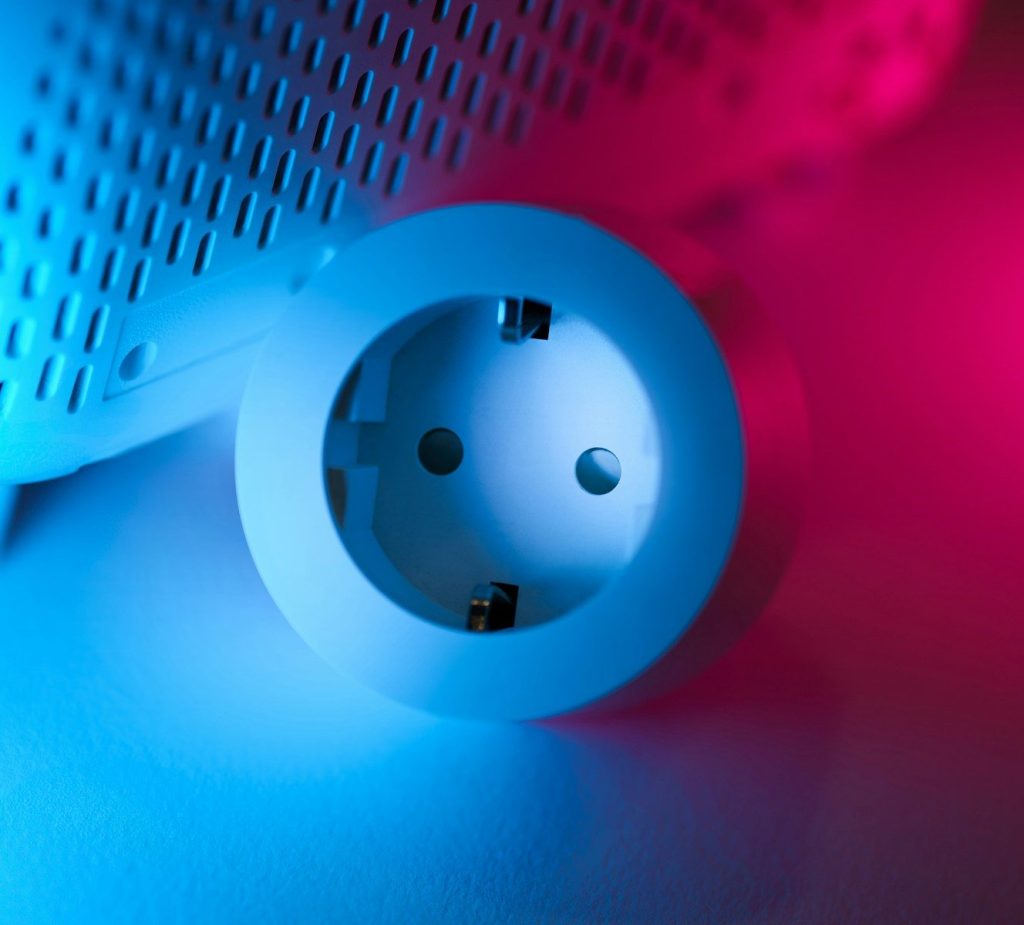
Smart plugs are simple, but they still need smart habits. They work best for basic devices like lamps, fans, or small appliances that are safe to turn on and off remotely.
Do not guess with high-power items. Check the plug’s rating and the device’s power needs before using them together. A smart plug should add convenience, not create a setup you are unsure about.
Thermostats need a real schedule
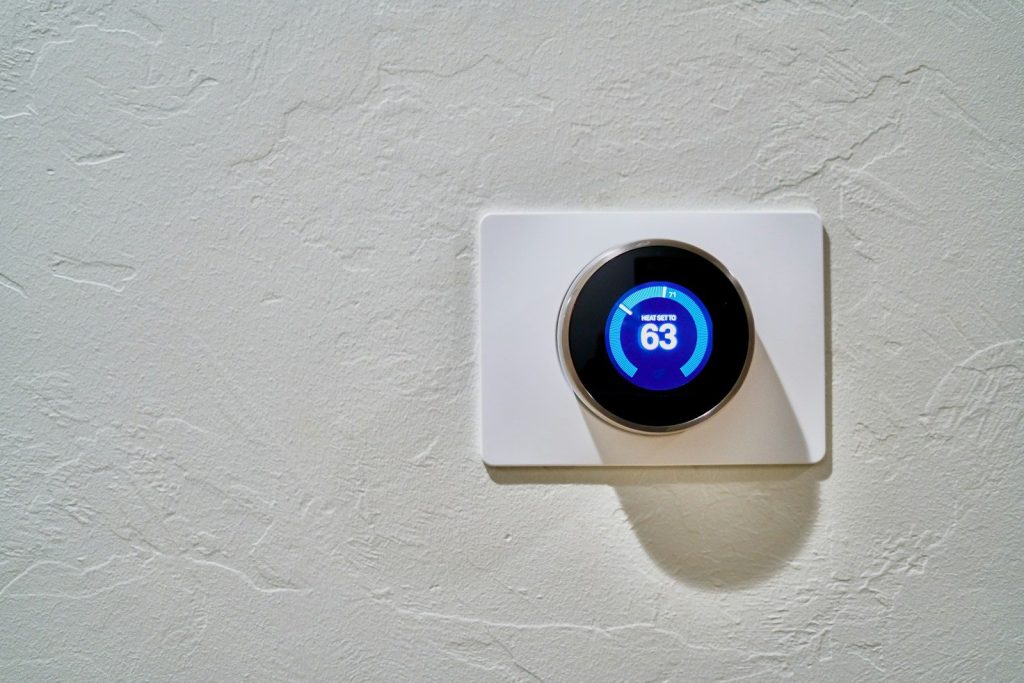
A smart thermostat can save effort, but only if the schedule fits real life. Many people install one and never adjust the daily routine settings.
Set wake, leave, return, and sleep times based on your household’s habits. Then check the schedule after a week. Small changes can make the home feel more comfortable without constant manual changes.
Robot vacuums need map cleanup
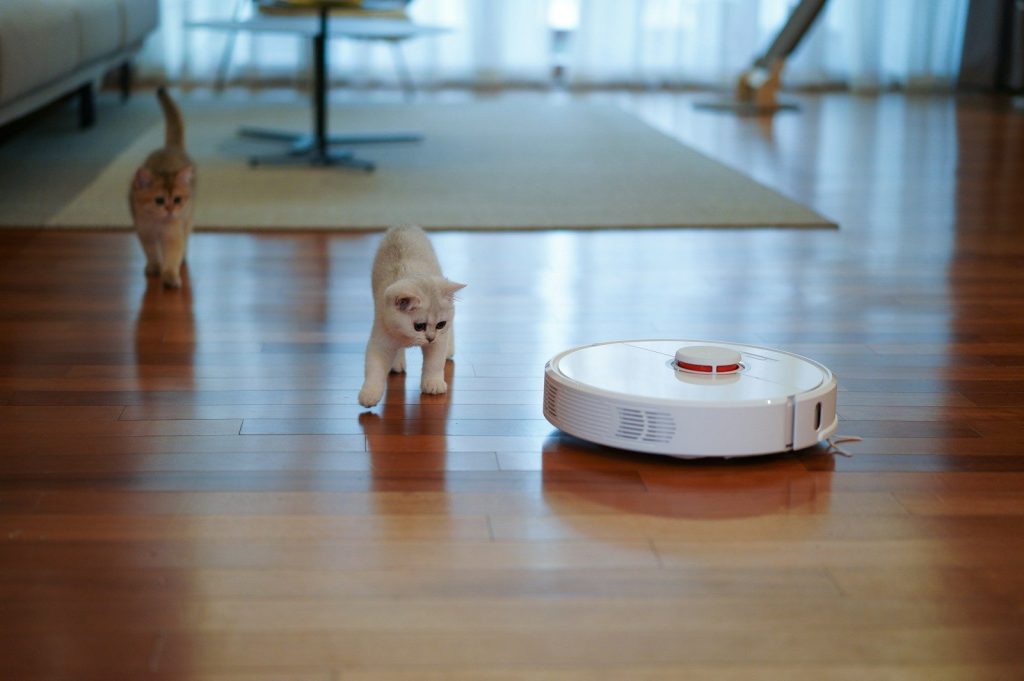
Robot vacuums work best when the home map is accurate. If rooms are mislabeled or blocked zones are missing, the vacuum may clean the wrong space or get stuck often.
Take time to name rooms, set no-go zones, and clear cords or small items before scheduled runs. A little setup turns the vacuum from a gadget you rescue into a tool you can trust.
Hubs need update habits
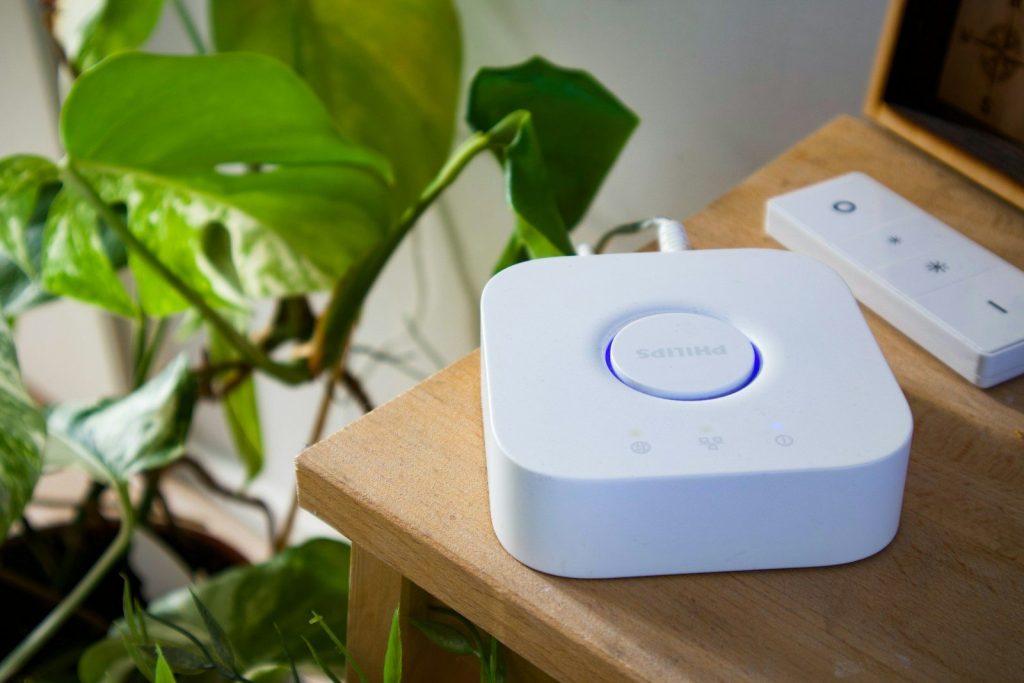
Smart hubs and bridge devices help connect lights, sensors, locks, and other gear. They are easy to forget because they often sit quietly near a router.
That quiet role makes updates important. The FTC recommends checking for hardware and software updates on connected home devices, and the Matter standard also focuses on more reliable and secure smart home connections.
Leave a Reply