PC gaming is powerful, but it can still feel messy. A console usually turns on, opens a clean menu, and gets you into a game fast. A Windows PC can offer more choice, more stores, more hardware, and more ways to play, but that freedom can also bring updates, launchers, settings, background tasks, driver issues, and uneven performance.
That is why Microsoft keeps trying to make PC gaming feel smoother. Windows 11 now highlights features like Game Mode, Auto HDR, DirectStorage, Controller bar, Dynamic Lighting, and Xbox app support. Microsoft has also pushed a fuller Xbox-style experience for handheld PCs and tested tools that cut down first-launch delays. The goal is simple: keep PC freedom, but make the ride feel less bumpy.
PC gaming has more moving parts
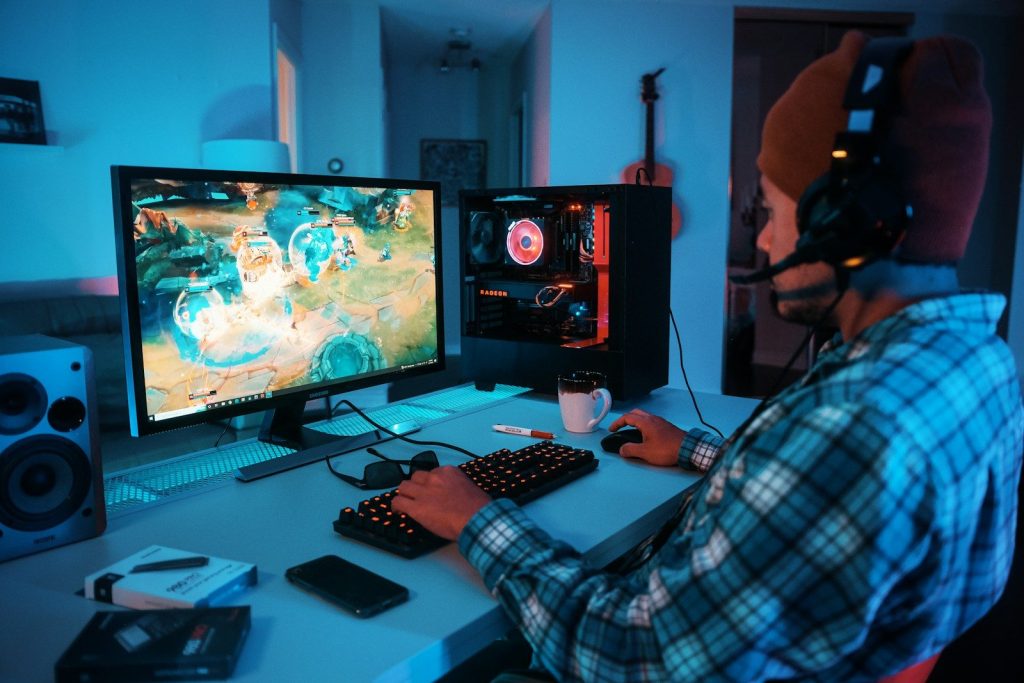
A gaming PC can be amazing because players can pick their parts, stores, settings, and accessories. That freedom is a big reason PC gaming stays popular.
But all those choices can also create friction. One player may use Steam, another may use the Xbox app, and another may use several launchers. Microsoft wants Windows to feel more organized around play.
Smoothness is more than FPS
When people talk about smooth gaming, they often think of frame rates. That matters, but it is not the whole story. Load times, stutter, menus, updates, and controller support matter too.
A game can run fast and still feel annoying if it takes too long to open or if switching between apps feels clunky. Microsoft is trying to improve the full experience, not just the number on a screen.
Windows has built-in tools
Windows 11 includes gaming features that help without much setup. Microsoft points to Game Mode, Auto HDR, Dynamic Lighting, Controller bar, and optimizations for windowed games.
These tools are not magic fixes for every PC. Still, they show Microsoft’s plan: make useful gaming features part of the operating system, instead of asking every player to hunt for tweaks.
Faster loading still matters

Nobody enjoys staring at loading screens. Microsoft says DirectStorage can improve game load times when the PC hardware and game support it.
That matters because modern games are huge. Faster storage and better data handling can make big worlds feel easier to enter, especially as game files keep growing and players expect quicker starts.
Shader stutter is a target
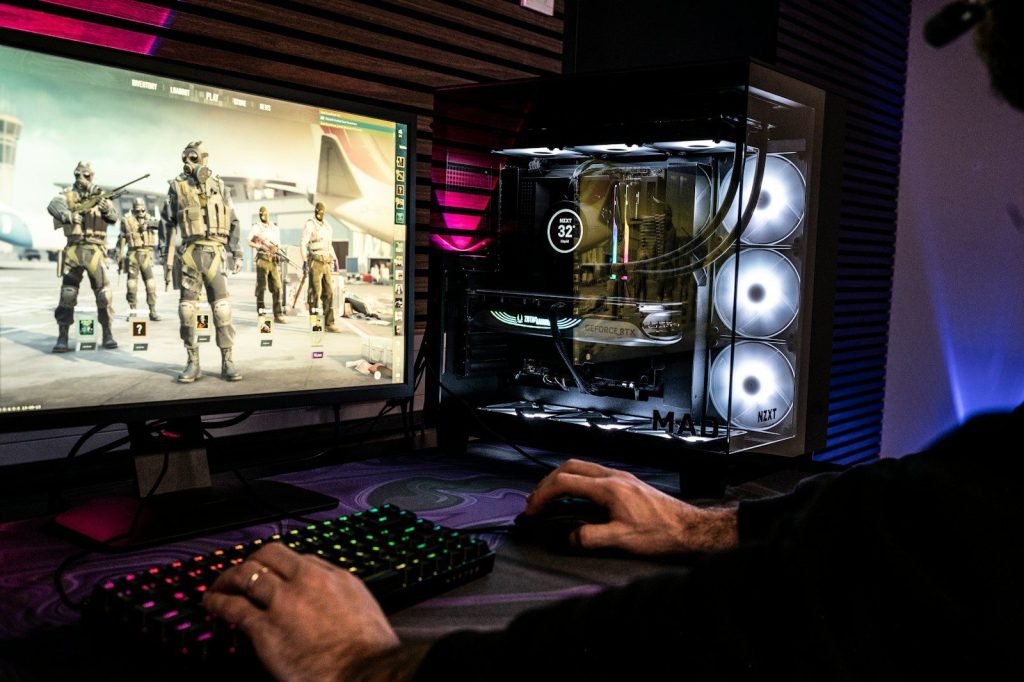
Some PC games pause or hitch when shaders are being prepared. Microsoft has worked on Advanced Shader Delivery, which uses precompiled shaders to reduce first-launch waits and early stutter.
Microsoft said some supported titles saw major first-run load-time drops, and Tom’s Hardware reported a Forza Horizon 6 example where a supported setup loaded far faster with the feature enabled.
Handheld PCs raised the pressure
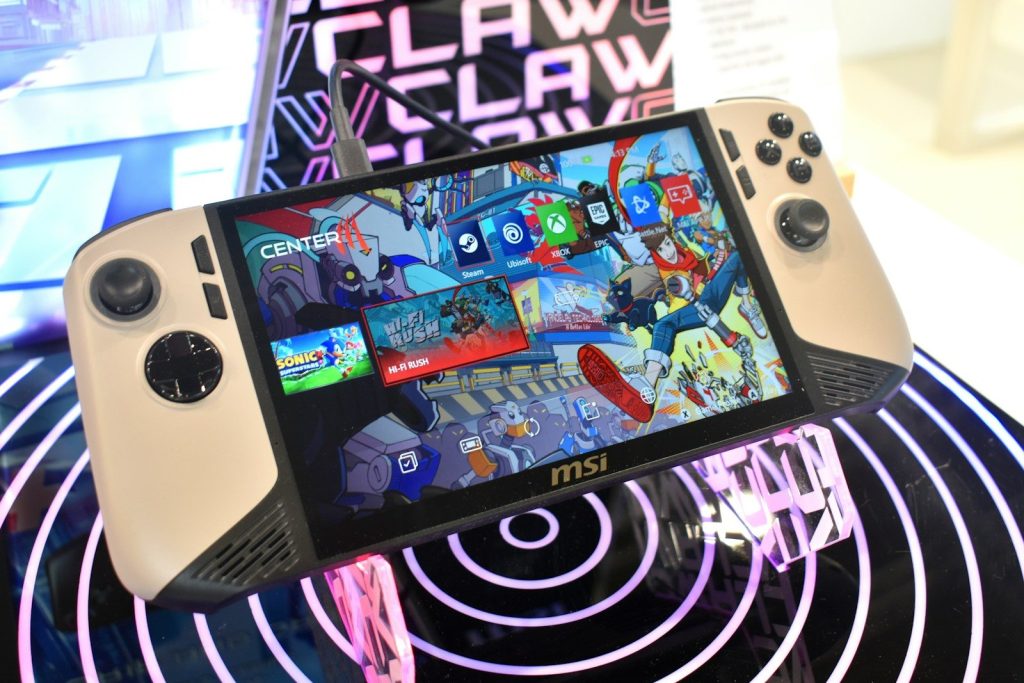
Windows handheld gaming PCs showed a clear problem. Windows is powerful, but it was not always built around small screens, controllers, batteries, and quick game launching.
Microsoft’s Xbox full screen experience aims to make handhelds feel more console-like. It is designed for controller-first navigation and easier access to games across libraries.
Background tasks can hurt feel
A powerful PC can still feel uneven if too many background tasks interrupt play. That is especially true on handhelds, where battery life and steady frame pacing matter more.
Microsoft said its full screen experience minimizes background activity and defers non-essential tasks. The goal is to help games feel steadier when every watt of power counts.
The Xbox app keeps evolving
Microsoft also wants the Xbox app to feel like a clearer home for PC gaming. PC Game Pass is built around downloading and playing a changing library of PC games through the Xbox app.
That matters because many players want less jumping between menus. A smoother app can make it easier to find games, install them, launch them, and return to what they were playing.
Leave a Reply